Video Audio Separator
AI audio separator: split a video's soundtrack into dialogue, music and effects. Replace the BGM, keep the speech, download each stem. Free on Recapo.ai.
Click to upload or drop an audio or video file
Supports MP4, MOV, MKV, WebM, MPEG, MPG, 3GP, 3GPP, MP3, WAV, AAC, M4A, FLAC, OGG
Up to 1 GB per file
Separated audio format
Dialogue, music, effects — why three tracks beat two
Most online separators only give you vocals vs. background. For video, that buries the music and the ambience together. A true dialogue / music / effects split keeps each layer independent, which is exactly what re-edits, dubbing and localization need.
- 01
Upload your video
Bring in an MP4, MOV, MKV or WebM from your device, or import it from a link.
- 02
Choose the split
Separate into dialogue, music and effects — or fall back to a simple vocals / instrumental split.
- 03
Download or keep editing
Preview each track, download single stems or a zip, or keep working in Recapo with new BGM or a voiceover.
Replace the BGM
drop in a new track while the dialogue stays untouched.
Clean dialogue
isolate the speech for subtitles, dubbing or a reaction edit.
Sound design
pull the effects and ambience to reuse under fresh footage.
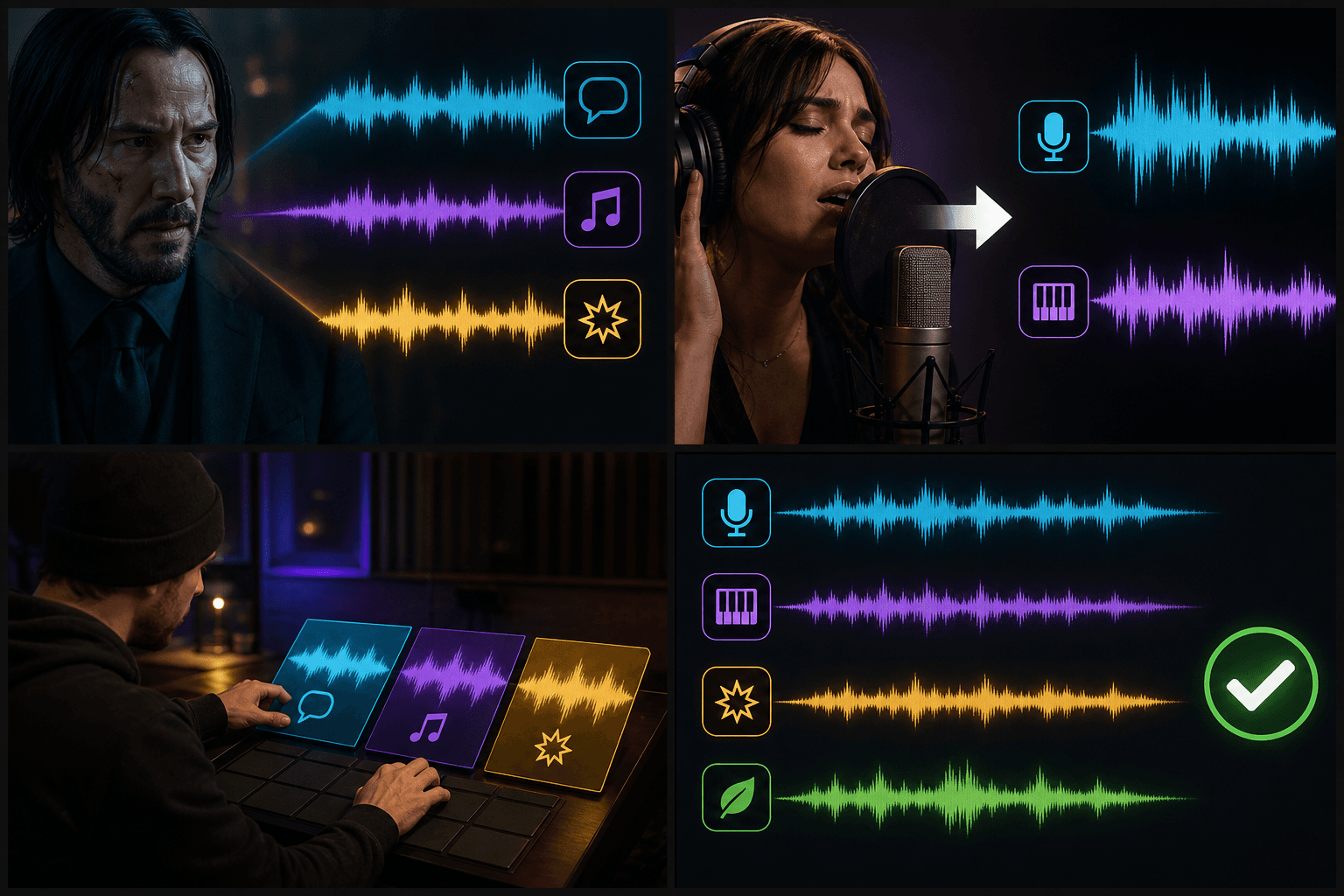
Separate audio, then finish the edit in Recapo
Separation is a starting point, not the end. In Recapo the tracks stay in your workspace, so you can generate new background music, add an AI voiceover, burn subtitles or cut the clip — without exporting to another app. Source separation has a physical ceiling, so expect smart isolation with faint residue rather than a perfect un-mix.
Built for these real workflows
Extract clear voice audio
Keep a separate background track
Prepare voiceovers and remixes
Continue with the next step
Frequently asked questions
What tracks do I get back?
For video, the recommended split returns three stems — dialogue, music and effects (ambience). You can also choose a two-track vocals / instrumental split when that is all you need.
Is an audio separator the same as extracting audio?
No. Extracting audio pulls the whole mixed soundtrack out of the video as one file. An audio separator goes further and splits that soundtrack into independent dialogue, music and effects tracks.
Can I replace the background music but keep the talking?
Yes — that is the main use case. Separate the dialogue from the music, drop in new BGM, and recombine, with the speech left intact.
How clean is the separation?
AI source separation cannot perfectly undo a mix, so each stem may carry faint residue or artifacts. It is strong enough for re-scoring, dubbing and reaction edits, but treat it as smart isolation, not a lossless split.
Start using Audio Separator
Provide the input and essential settings above. Your result stays in the current tool workflow.
Back to tool