AI Caption Generator for Video
Upload a video; our AI caption generator transcribes the speech and burns the captions onto the frame, giving you a ready-to-post MP4. Preview and download at Recapo.ai.
Click to upload or drop a video file
Supports MP4, MOV, MKV, WebM, MPEG, MPG, 3GP, 3GPP
Up to 2 GB per file
Source video up to 60 minutes
Very long videos may fail when extracted ASR audio exceeds 100MB — trim first if needed
Upload a video first to adjust settings and preview the result
From speech to a captioned video in one pass
The generator does the tedious part automatically: it detects the speech in your video, transcribes it into readable lines, times each one to the audio, and renders them onto the picture. You don't stitch anything together — you upload a video and get a captioned video back.
- 01
Upload your video
Add a local file straight from your device. The generator accepts MP4, MOV, MKV and WebM sources.
- 02
AI captions the video
Speech recognition transcribes the spoken dialogue line by line, then burns the captions onto the frame in sync with the audio. You set the recognition language, or let it auto-detect.
- 03
Preview and download
Watch the captioned video right on the page to check the result, then download the finished MP4 — ready to post to any platform.
Automatic transcription and timing
no manual spotting or typing.
Captions are burned onto the frame, so they show up the same on every device and player.
Language auto-detection, or set the recognition language yourself.
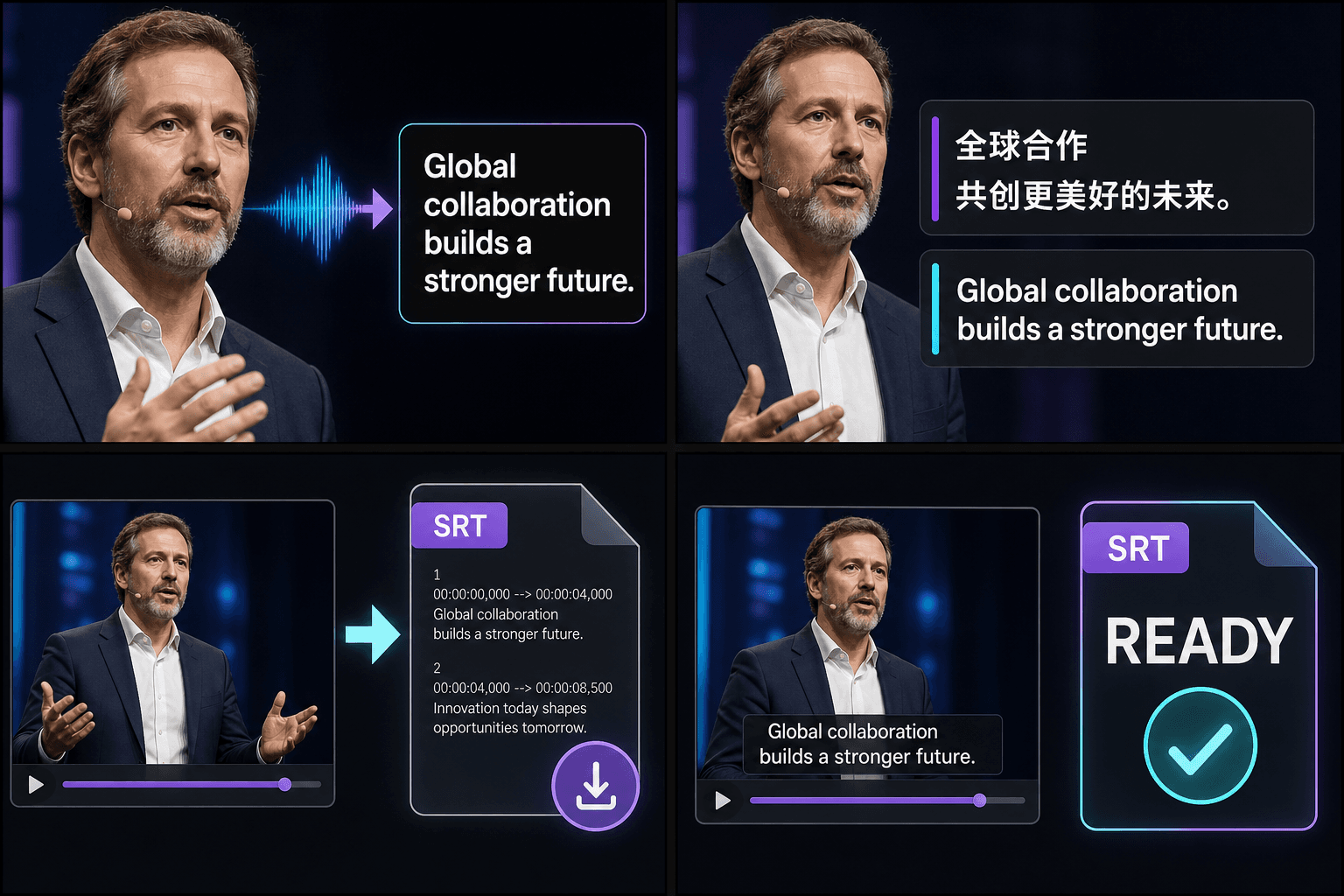
Captions baked into the video — ready to post anywhere
Burned-in captions work everywhere a video plays: feeds that autoplay muted, platforms that strip subtitle files, and players with no caption support at all. Because the words are part of the picture, viewers see them with zero setup and your captions look identical on every screen. The output is a standard MP4 you can upload as-is.
- Upload your video
- AI captions the video
- Preview and download
The starting point for every captioning job
This is the hub of Recapo's caption tools. Need the captions in another language? The subtitle translator transcribes, translates, and burns the result into your video. Want a different on-screen look, or a vertical crop for social? Each tool starts the same way — upload a video, get a finished video back.
Built for these real workflows
Turn video speech into captions
Publish bilingual captions
Download editable subtitle files
Frequently asked questions
Which languages can the caption generator recognize?
Recognition covers major languages including English and Chinese, with auto-detection by default. If a video mixes languages or detection guesses wrong, set the recognition language manually before you generate.
What do I get back — a subtitle file or a video?
A video. The AI transcribes the speech and burns the captions onto the picture, then gives you a finished MP4 with the captions baked in. You preview it on the page and download it directly — there's no separate subtitle file to handle.
Will the captions show up on every platform?
Yes. Because the captions are burned into the frame, they're part of the video itself, so they display the same way on YouTube, TikTok, Reels and any other player — including feeds that autoplay muted and platforms that ignore uploaded subtitle files.
Start using AI Caption Generator for Video
Provide the input and essential settings above. Your result stays in the current tool workflow.
Back to tool