AI Voice Cloning
Upload a 10–60s sample, let AI clone your voice and synthesize any script in your own timbre. Clone once, reuse forever — no studio needed. Free on Recapo.ai.
Click to upload or drop an audio or video file
Supports MP3, WAV, AAC, M4A, FLAC, OGG, MP4, MOV, MKV, WebM, MPEG, MPG, 3GP, 3GPP
Up to 2 GB per file
Processing continues in the background, even if you leave this page or switch languages.
Clone once, sound like you everywhere
Traditional narration means recording late into the night or settling for a generic synthetic voice. Voice cloning combines the best of both: the voice is yours, the output comes at AI speed.
- 01
Upload a voice sample
10–20 seconds works best (60s max): quiet room, clear speech, no background music. Common audio formats are supported — a video with clean speech works too.
- 02
Type the text to synthesize
Paste your script or any copy (up to 600 characters) and pick Chinese, English or auto-detect.
- 03
Preview and reuse the voice
Listen right on the page and download the MP3. Hit "Synthesize again with this voice" for new text — no sample re-upload.
A 10–60s sample is enough
automatic preprocessing means phone recordings work fine.
Cloned voices persist
synthesize new text anytime with one click, no re-upload.
Chinese and English synthesis, with auto language detection.
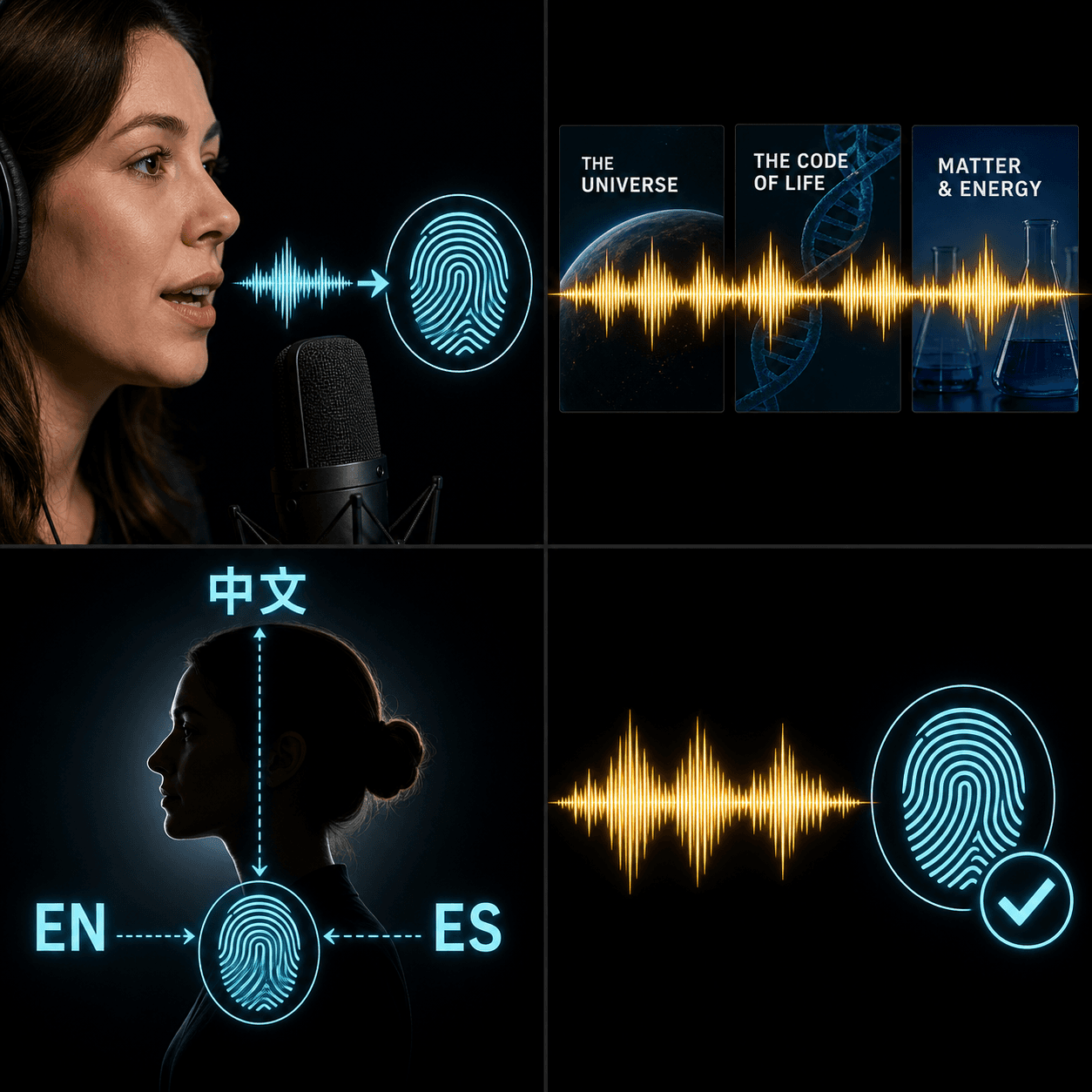
Who is it for?
Movie recap creators: generate a script, narrate it in your own cloned voice, add auto subtitles and burn them in — one voice, one studio, start to finish.
Talking-head channels at scale: clone the host's voice once and produce multiple videos in parallel with a consistent vocal identity. Travel, a sore throat or a midnight deadline never blocks an upload.
Built for these real workflows
Clone a voice from a short sample
Keep brand narration consistent
Preserve one voice across languages
Continue with the next step
Frequently asked questions
What are the sample requirements?
10–20 seconds of clear speech is ideal (60s max), recorded in a quiet room without background music. The system converts your sample to the required format automatically — a phone recording is fine.
How long does a cloned voice last?
Once created it stays available long-term, and the voice ID is shown in task details. Voices unused for over a year are cleaned up automatically.
Which languages are supported?
Chinese and English synthesis, plus auto-detect. The sample language doesn't limit synthesis — a Chinese sample can speak English.
Is my voice data safe?
Your sample is used only to create your own cloned voice, which is bound to your account — other users cannot reference it. Don't upload someone else's voice without their permission.
Start using AI Voice Cloning
Provide the input and essential settings above. Your result stays in the current tool workflow.
Back to tool