


AI Story Generator
Stable memory for long-running stories
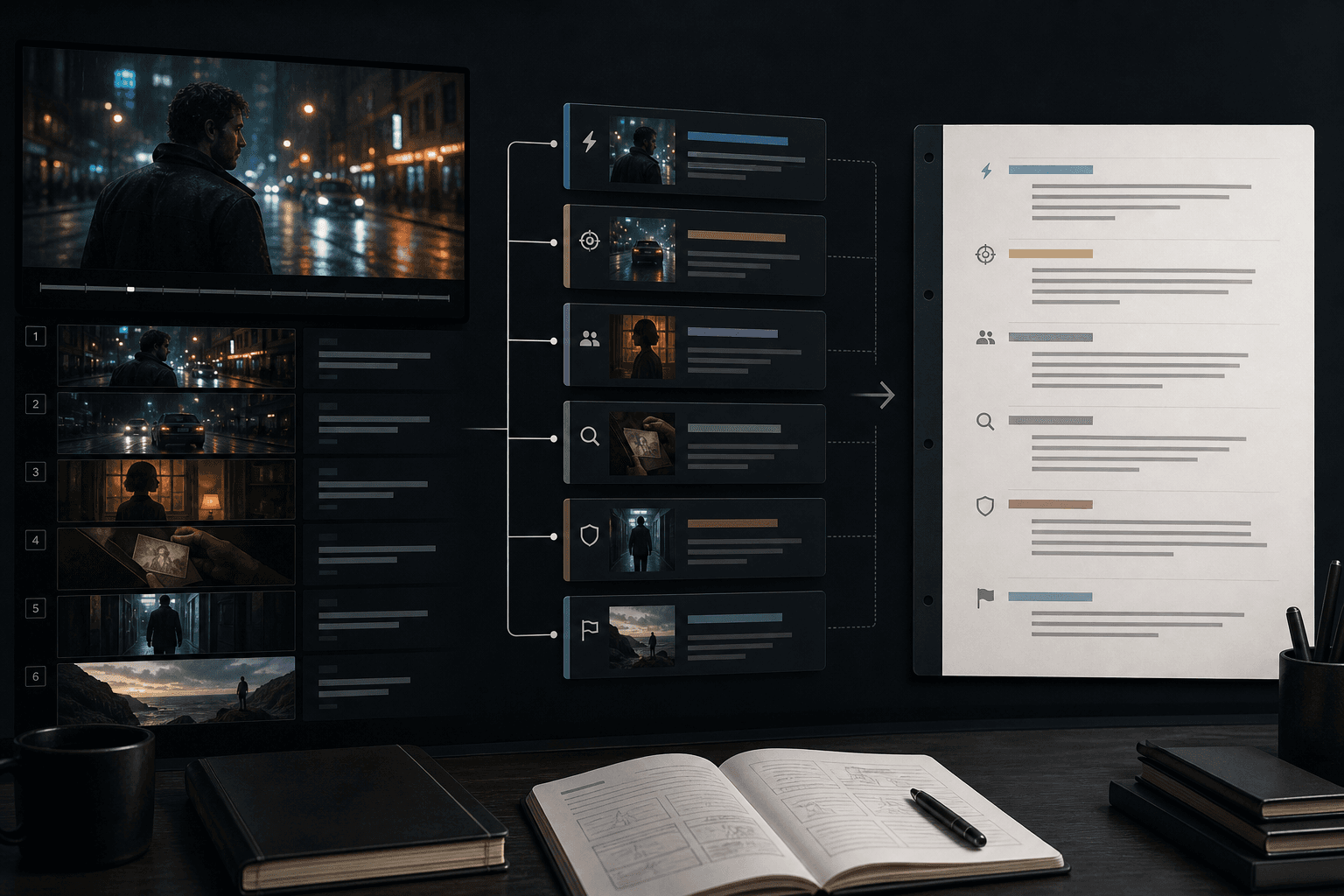
The workflow separates established facts from future plans and sends only the characters, places, hooks, and recent context needed for the current chapter.
- 01
Define the story promise
Set the protagonist’s desire, central resistance, irreversible stakes, target reader, and ending direction.
- 02
Build a rolling plan
Maintain a story bible and detail the next 3–8 chapters, with one core change per chapter.
- 03
Draft and review chapter by chapter
Advance one explicit unit and check continuity, language, market fit, rights, and policy risks.
Project brief and story bible
Rolling 3–8 chapter plan
Executable recovery point
Flexible adaptation across markets
Market adaptation can change language, rhythm, length targets, and cultural framing without overwriting character motives, story causality, or world rules.
- Define the story promise
- Build a rolling plan
- Draft and review chapter by chapter
Hard gates before soft scores
Rights, mechanical completeness, narrative continuity, language and market fit, and human-review risks are checked separately. A soft score never hides a hard failure.
Built for these real workflows
Start a serial from an idea
Create the brief, story bible, rolling chapter plan, and first-chapter contract.
Continue an existing project
Use the minimum relevant recent context to draft one reviewable chapter.
Localize fiction across markets
Preserve characters, causality, and hooks while adapting prose, dialogue register, and cultural explanation.
Continue with the next step
Frequently asked questions
Will it generate an entire novel at once?
No. It advances one reviewable unit at a time. A new project begins with the foundation and rolling plan; continuation produces one chapter.
Are platform word counts and recommendation rules guaranteed?
No. Platform rules change. Guidance without a currently verified official source is labeled as an assumption, never as an algorithmic guarantee.
Is localization a sentence-by-sentence translation?
No. Story facts remain stable while syntax, dialogue register, explanation density, and chapter rhythm adapt to the target language.
Are credits charged during testing?
No. Credit checks and charges are temporarily disabled for fiction creation during testing and will be restored after acceptance testing.
Start using AI Story Generator
Provide the input and essential settings above. Your result stays in the current tool workflow.
Start writing