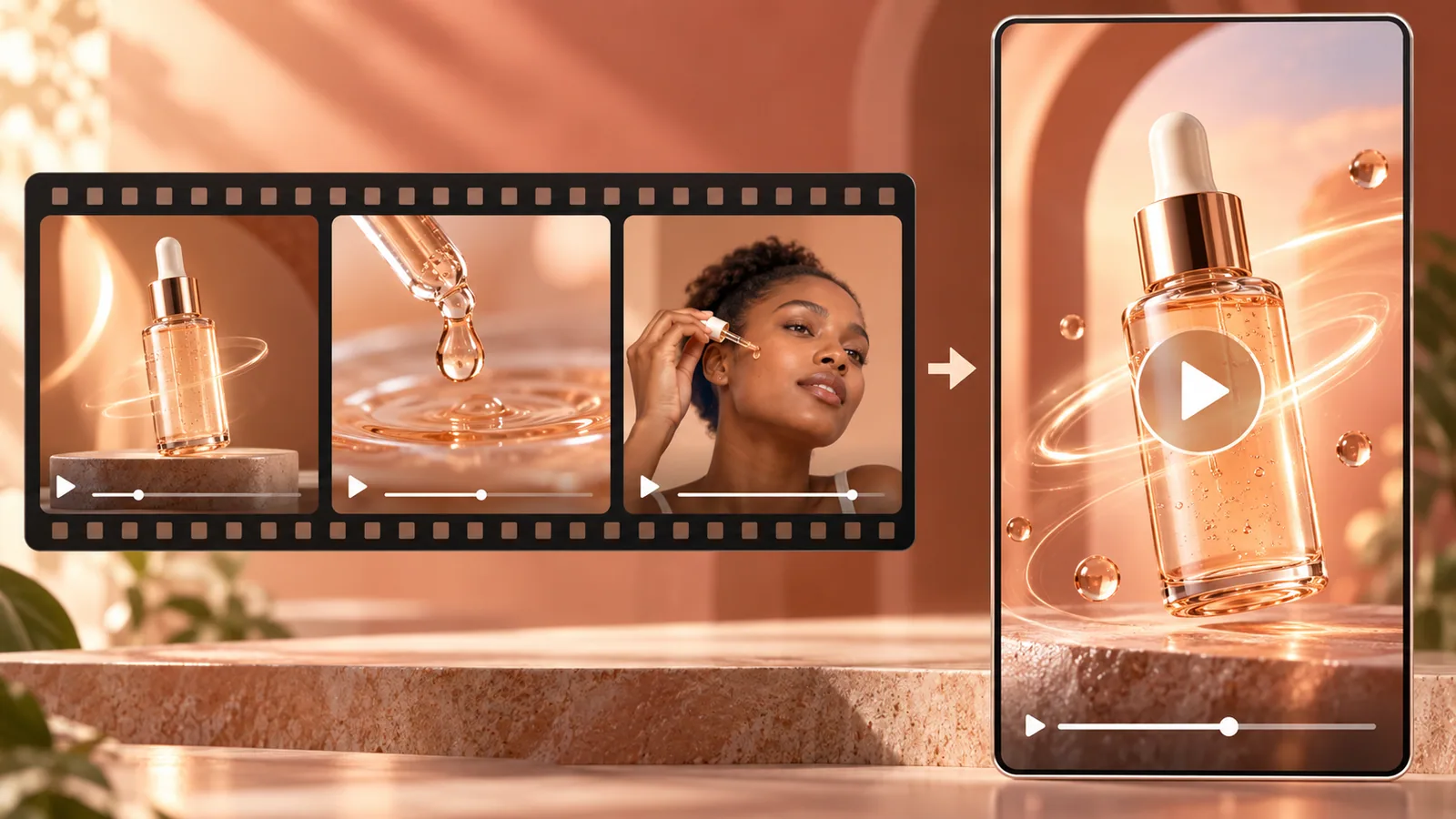




Semantic clipping
Extract complete ideas and valuable moments.
A useful clip keeps the context that makes a point understandable, even when someone has not watched the full conversation.
Find the important thought, then give it a useful beginning and end.
Share complete, memorable opinions.
Make one question and answer a standalone clip.
Emphasize conclusions and discussion-worthy moments.

Extract complete ideas and valuable moments.
Set clip count and per-clip duration.
Choose speaking language and pace.
Set framing, captions, and background music.
Upload a podcast, interview, or talking-head video.
Choose count, duration, language, and style.
Review clips and choose complete statements.
Talking-Head Clips focuses on complete spoken ideas; Shorts Maker looks for highlights across more types of long video.
Yes. Set the clip count and duration in the workspace.
Yes. Captions and framing are part of the output styling controls.
Import a talking-head video and create clips worth sharing.
Upload a video or paste a link