



A-Roll and B-Roll
Keep the main presentation and detail shots organized.
Let product shots show the details and narration explain the value. Arrange moments so viewers can see how the product is used.
Keep the product central and make one clear benefit visible.
Connect the look, function, and use of a product.
Combine real use and detail shots in a natural explanation.
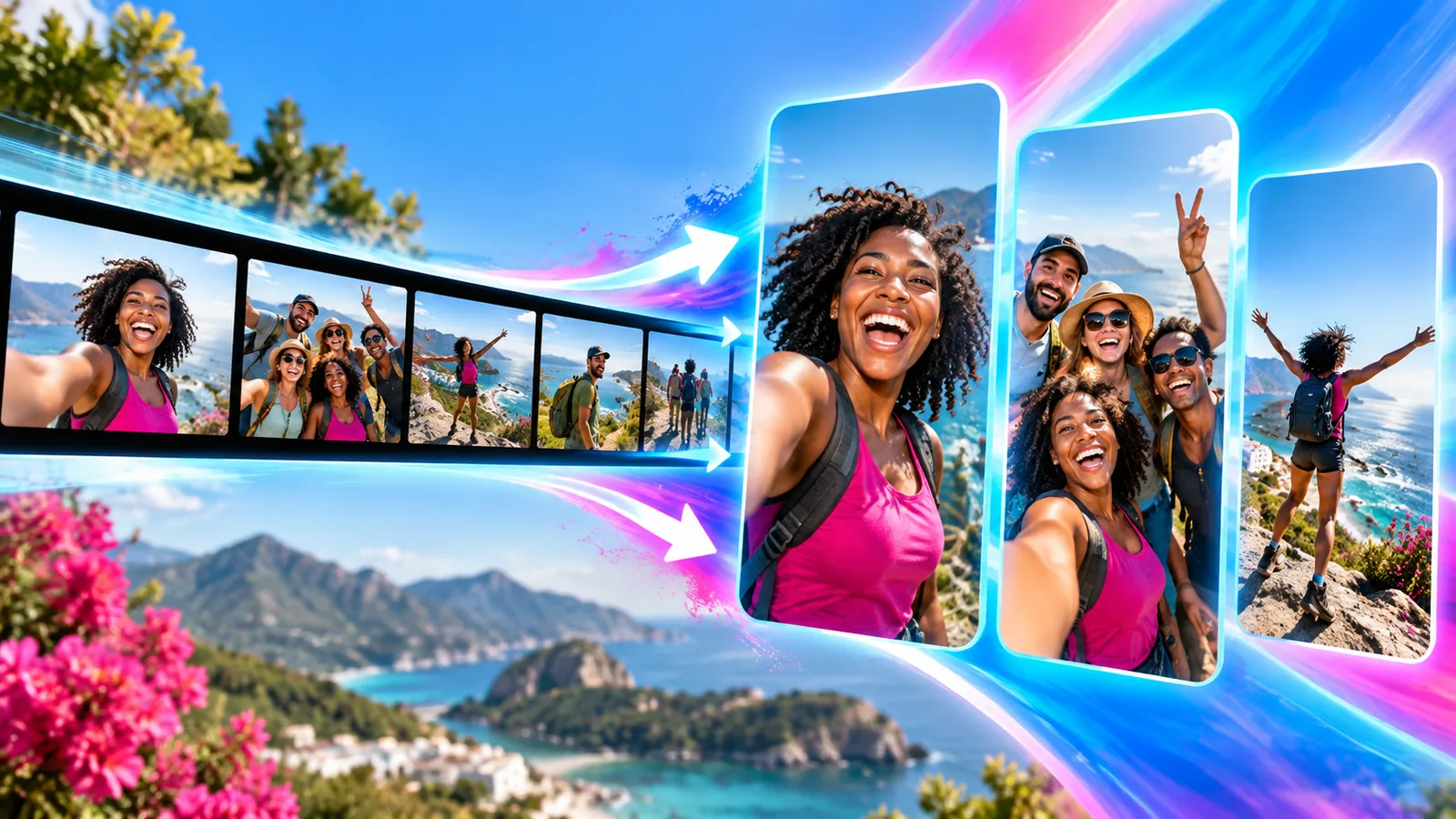
Organize multiple shots into a paced vertical video.
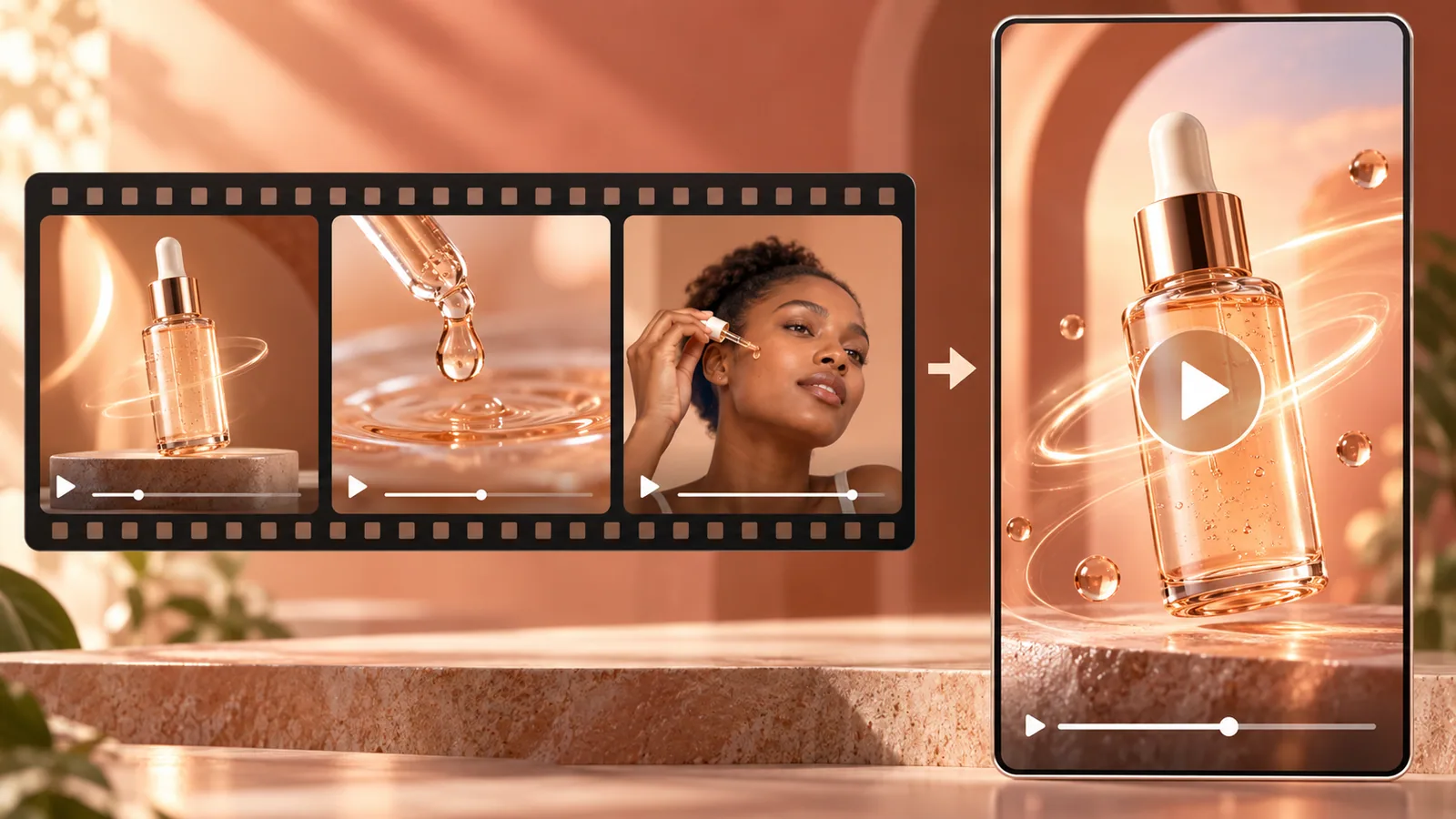
Keep the main presentation and detail shots organized.
Arrange shots and trim the range used from each one.
Set target duration, spoken language, and pace.
Set music, framing, and captions.
Import explanation, close-ups, and product-in-use clips.
Arrange shots, duration, and visual style.
Preview the result and check that the product story is clear.
Product shots, explanation footage, and detail clips are useful starting points; choose what fits your goal.
A-Roll is usually the main presentation; B-Roll adds detail shots of the product or setting.
Yes. The workspace has duration, ordering, trimming, and speaking-pace controls.
Start from the footage you have and build a focused promotional video.
Upload a video or paste a link