AI Video Summarizer
Summarize long videos with AI: plot summaries, chapter outlines with timestamps, and key quotes. Turn raw footage into commentary-ready notes on Recapo.ai.
Click to upload or drop a video file
Supports MP4, MOV, MKV, WebM, MPEG, MPG, 3GP, 3GPP
Up to 2 GB per file
Source video up to 60 minutes
Processing continues in the background, even if you leave this page or switch languages.
Three summary types for three jobs
A single wall-of-text summary is rarely what an editor needs. The summarizer splits its understanding into three outputs you can mix per project:
- 01
Add a source
Upload a video or audio file, import from a link, or drop in an SRT or plain transcript — the summarizer reads whichever you have.
- 02
Pick the summary type
Choose plot summary, chapter outline, or key quotes. Advanced options keep timestamps, detect scene changes, and pull out an opening hook.
- 03
Export the outline
Save the notes as a commentary outline, or hand them to the recap script generator and voiceover to keep building the video.
Plot summary
what actually happens, condensed into a few readable paragraphs.
Chapter outline
the structure of the video with timestamps, so you can jump straight to any beat.
Key quotes
lines worth quoting verbatim in your narration, captions, or description.
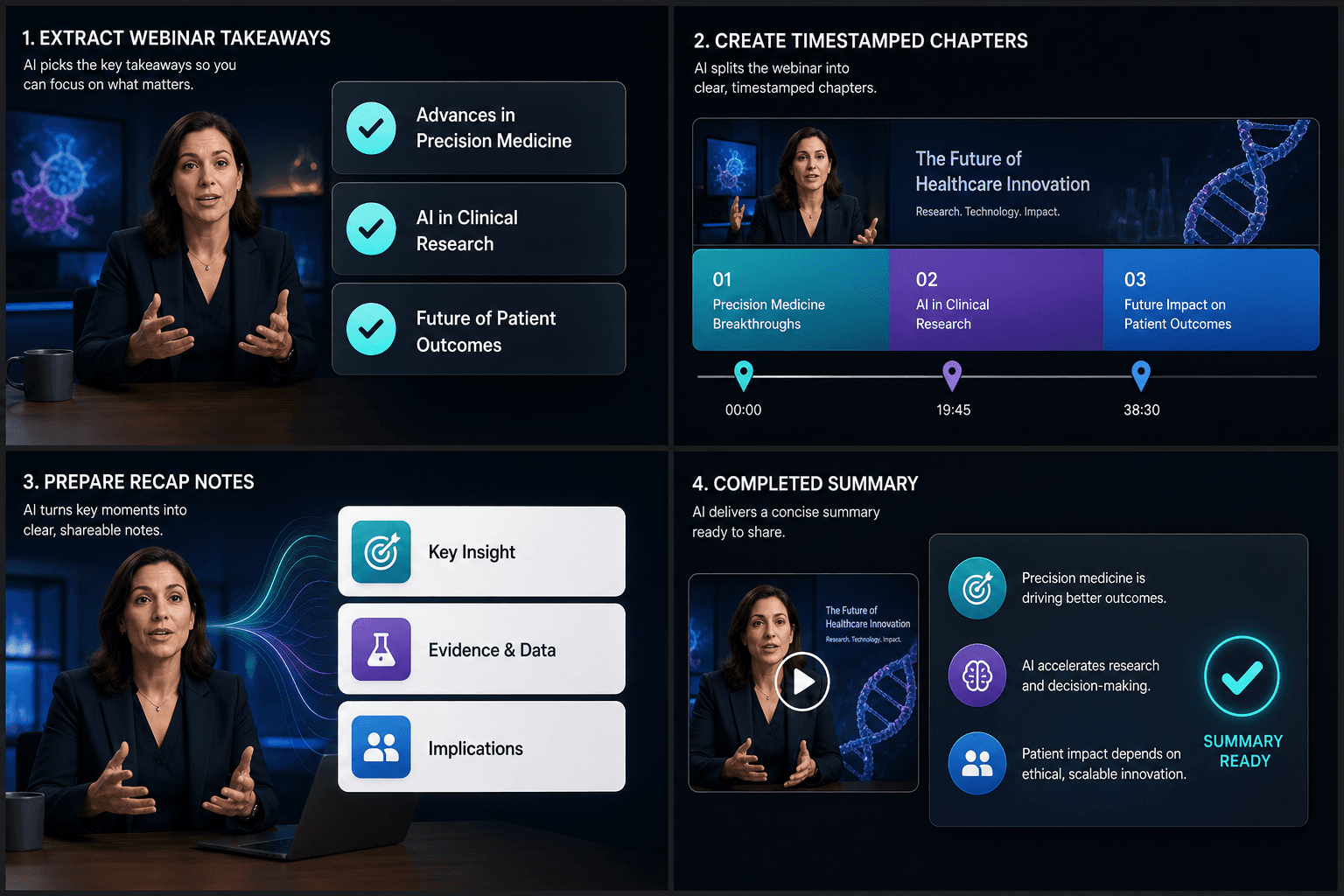
Notes, not finished scripts
Two writing styles shape the output: outline mode keeps everything terse and scannable for research and topic selection, while script-material mode phrases the notes so they drop into a narration draft with minimal rewriting. Either way, you stay the writer — the summarizer does the watching and the sorting.
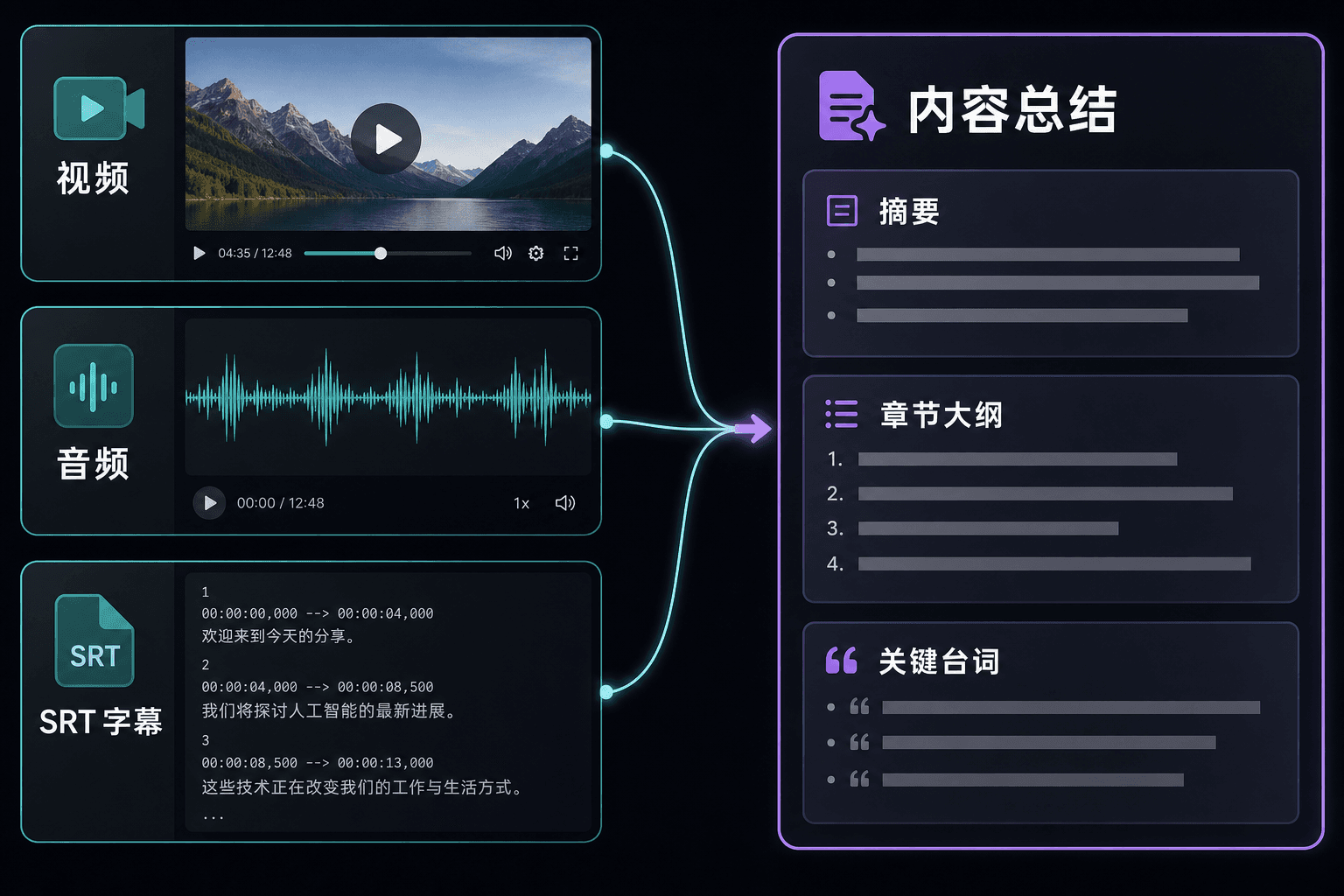
Summarize from video, audio, or subtitles
You do not always have the footage on hand. If all you have is an SRT file or a transcript, the summarizer works from the text alone and still produces the same summary, outline, and quote outputs — handy for podcasts, interviews, and episodes you have already transcribed elsewhere.
Built for these real workflows
Draft a Chinese recap script
Add an optional recap style
Download and review the Markdown
Continue with the next step
Frequently asked questions
Can I summarize something I only have subtitles for?
Yes. Upload an SRT file or paste a transcript and the summarizer works from the text directly — no video file required.
Do the summaries keep timestamps?
Turn on the keep-timestamps option and the chapter outline doubles as a navigation map: every chapter and key quote points back to its moment in the footage.
When should I use this instead of the movie recap script generator?
Use the summarizer when you are researching — choosing a topic, mapping structure, collecting quotes. Switch to the recap script generator when you want a finished, record-ready narration.
Start using Video Summarizer
Provide the input and essential settings above. Your result stays in the current tool workflow.
Back to tool