YouTube Shorts Maker
Cut video to true YouTube Shorts spec: 9:16 vertical, Shorts-length trim, phone-readable captions. Import a link, crop, caption, and export an upload-ready MP4.
Click to upload or drop a video
Live-preview and trim in your browser; cloud rendering continues after you leave the page
Up to 2 GB per file
What makes a video a YouTube Short
There is no separate Shorts upload flow. YouTube classifies by the file itself: vertical or square aspect ratio and a duration within the Shorts limit — 60 seconds classically, with YouTube now accepting vertical videos up to three minutes on the shelf. Miss the spec and your clip is filed as a regular video, invisible to the Shorts feed. This tool exists so you never miss the spec.
- 01
Import your YouTube source
Paste a link to an existing long video or upload local footage. The full video is transcribed so you can find moments by reading, not rewatching.
- 02
Cut to Shorts spec
Trim to a Shorts-friendly length, apply the 9:16 crop with adjustable framing, and style captions so they stay readable and clear of YouTube's UI.
- 03
Export upload-ready
Download the finished vertical MP4 — and if you need a title, continue into the YouTube title and description generators before you publish.
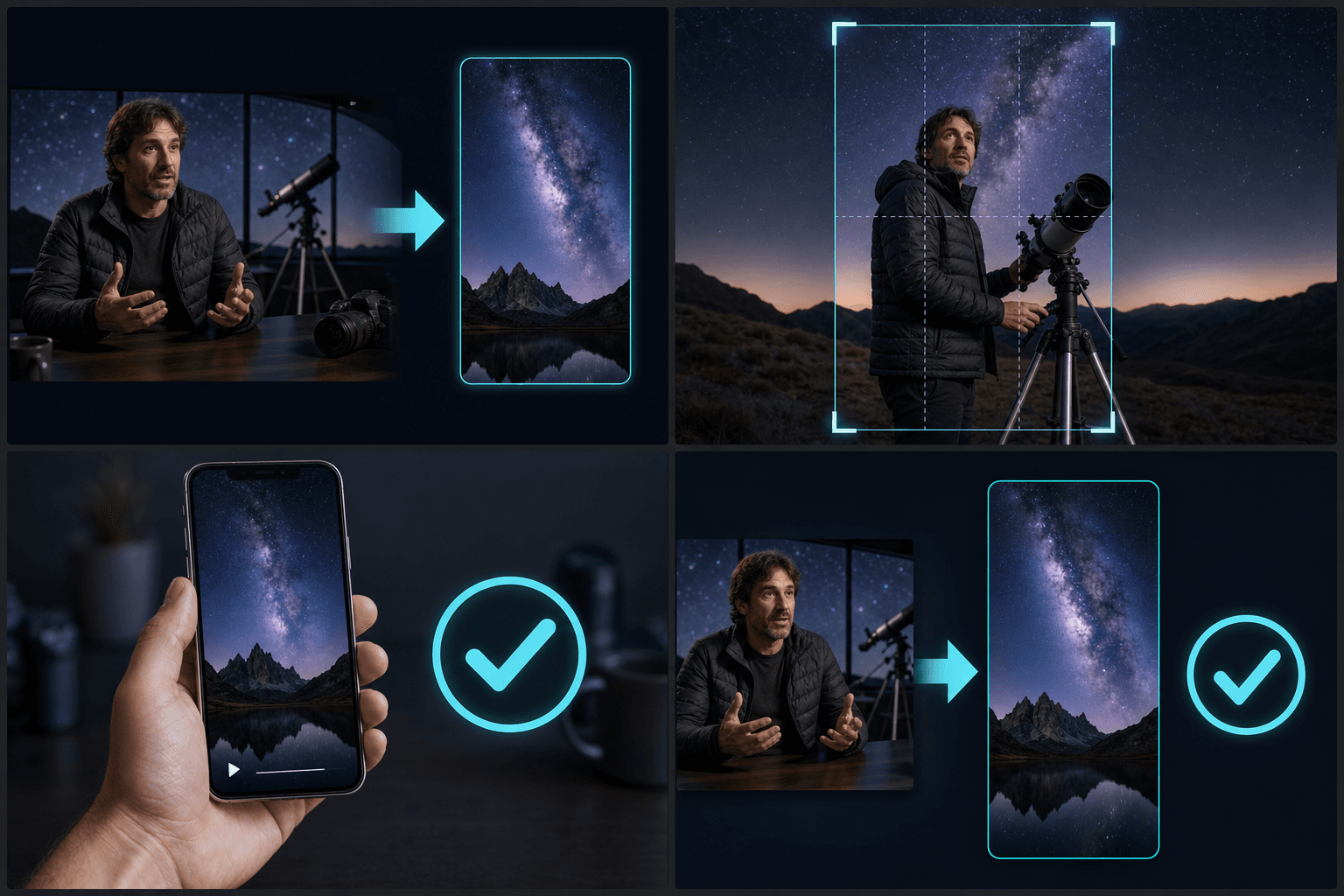
Editing for the Shorts feed, not just the format
Meeting the spec gets you on the shelf; surviving the swipe is an editing problem. Viewers bail within the first seconds, plenty of them watch muted, and YouTube's overlay UI covers parts of the frame.
- Open on the hook: trim so the strongest line or visual lands in the first seconds.
- Keep captions in the safe zone — the title, channel row, and buttons cover the bottom and right edge.
- Burn captions in for viewers watching without sound, or export a sidecar file.
Built for these real workflows
Manually select one podcast segment
Fit footage to a target ratio
Export one MP4 per task
Continue with the next step
Frequently asked questions
How long can a YouTube Short be?
The classic limit is 60 seconds, and YouTube now accepts vertical videos up to three minutes as Shorts. The trimmer shows your duration as you cut, so you can target whichever length fits your content.
Can I turn an existing long YouTube video into Shorts?
Yes — paste the link, and the video is imported and transcribed. Pick the moments worth reposting, crop them to 9:16, and export each as its own Short.
Will the same vertical export work for TikTok and Reels?
The 9:16 MP4 is reusable across platforms. If a platform needs different cover or caption placement, adjust those layers and re-export without recutting the clip.
How many Shorts can I get from one long video?
It depends on how many strong moments your recording holds. A longer recap usually yields several vertical clips, and each one is exported separately so you can post them on a schedule.
Does the Shorts Maker write titles or captions for me?
No. This tool handles the cutting and vertical reframing only. For on-screen captions, voiceover, or titles, pass the exported clip to the matching Recapo tool in the commentary workflow.
Start using YouTube Shorts Maker
Provide the input and essential settings above. Your result stays in the current tool workflow.
Back to tool