AI Voiceover Generator
Add an AI voiceover to your video: type the script or upload a subtitle file, pick a voice, get a voiced video in minutes. Voice only — no burned-in subtitles, original audio kept. Source under 3 min. Free on Recapo.ai.
Click to upload or drop a video file
Supports MP4, MOV, MKV, WebM, MPEG, MPG, 3GP, 3GPP
Up to 2 GB per file
Source video up to 3 minutes
Processing continues in the background, even if you leave this page or switch languages.
Voiceover only — the picture stays
Voiceover Maker is a voiceover tool, not a subtitle tool: it only adds a voice track, copying the picture as-is without burning any subtitles. The original audio is kept and only ducked while the voiceover speaks, so narration stays clear.
- 01
Upload the video
Pick the video to voice (≤3 min). The voiceover is only laid over the picture — no subtitles are burned in.
- 02
Provide the content
Type the script, or upload a script file (txt / md / docx); to keep it on the picture's beat, upload a timed subtitle file (SRT / VTT). Either one.
- 03
Pick a voice and generate
Choose a voice (with preview) and generate. Minutes later you get a video with AI voiceover; the original audio is kept and ducked while the voice speaks.
You control the content
type a script, upload a script file, or upload a subtitle file.
Subtitle file
lines up line by line to its timestamps.
Plain script
one continuous voiceover from the start.
Keep the voiceover on the picture
Upload a timed subtitle file (SRT/VTT) and each spoken line lands on its cue's time, so voice and picture stay in sync, with automatic pauses between lines. Without a subtitle file, a plain script plays as one continuous voiceover from the start.
- Subtitle file: aligned line by line to timestamps.
- Plain script: one continuous voiceover.
- The cut just gains a voice track — picture and original audio kept.
Built for these real workflows
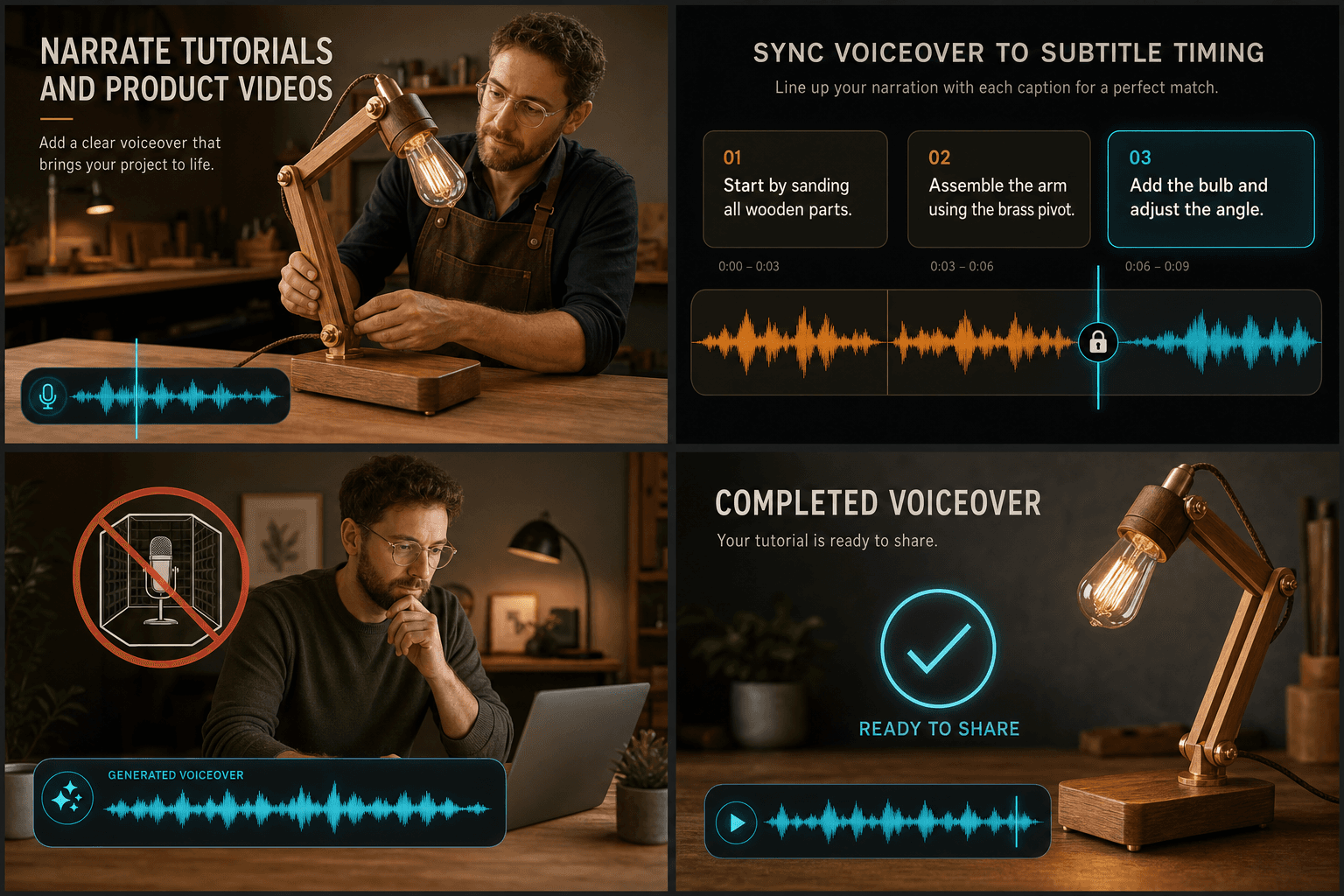
Narrate tutorials and product videos
Sync voiceover to subtitle timing
Create narration without a recording booth
Continue with the next step
Frequently asked questions
How do I provide the content?
Type the script, upload a script file (txt / md / docx), or upload a subtitle file (SRT / VTT) — pick one. The tool doesn't read on-screen text; you provide the content.
Does it burn subtitles in?
No. It's a voiceover tool — only a voice track is added; the picture stays as-is with no burned-in subtitles.
Is the original audio replaced?
No. The original audio is kept and only ducked while the voiceover speaks, so music and ambience remain.
Is there a length limit?
Source under 3 minutes: voiceover is synthesized line by line then composed with the video, which gets slower and costlier with length. Split longer videos first.
Can I choose the voice and how fast it reads?
Yes. You pick a voice and language and adjust the speaking pace before rendering, and you can preview a sample so the delivery matches your channel before committing to the full track.
What do I get back when it's done?
You get a finished result you can download and drop straight onto your editing timeline. This tool is still in active development, so available voices and export options are expanding.
Start using Voiceover Maker
Provide the input and essential settings above. Your result stays in the current tool workflow.
Back to tool