WebM to MP4 Converter
Convert WebM to MP4 online. Re-encode VP9 and VP8 screen recordings into H.264 MP4 that any editor and platform accepts — free to try on Recapo.ai.
Click to upload or drop a video file
Supports MP4, MOV, MKV, WebM, MPEG, MPG, 3GP, 3GPP
Up to 2 GB per file
Each video must be 180 minutes or shorter
Why WebM files fail outside the browser
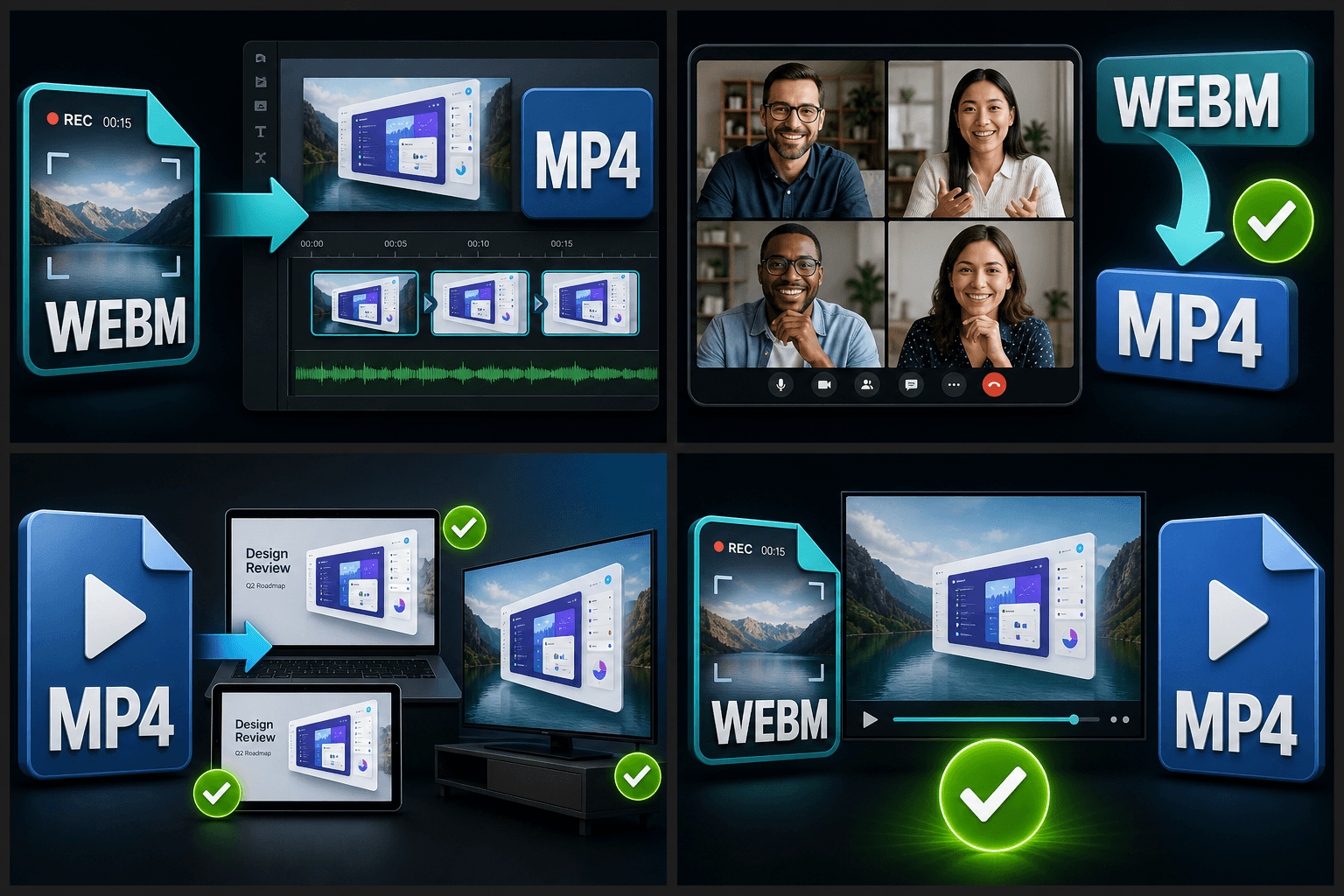
WebM was designed as an open, royalty-free format for web playback — VP8/VP9 video with Vorbis or Opus audio. Browsers love it; the rest of the toolchain often doesn't. Common dead ends include:
- 01
Import the WebM recording
Upload screen recordings or browser exports from your machine, or pull them in from a link.
- 02
Transcode VP9 to H.264
VP8/VP9 video is re-encoded into H.264 and wrapped in MP4, with the audio converted to an MP4-friendly codec automatically.
- 03
Caption, clip, publish
Download the MP4, or transcribe the recording with ASR, generate a summary, and cut highlight clips inside Recapo.
Desktop and mobile editors that won't import .webm, or import video without audio.
Phones and TVs whose hardware decoders only cover H.264/HEVC.
Platform upload checks and CMSs that whitelist MP4 only.
Turn screen recordings into searchable, publishable video
Conversion is usually step one for a screen recording, not the goal. Once your demo, walkthrough or meeting capture is a clean MP4, Recapo can transcribe the speech to editable text, export SRT/VTT subtitles, generate a summary of what was shown, and clip the highlight moments — turning a raw .webm dump into documentation and short-form content from the same source.
Built for these real workflows
Bring browser recordings into editors
Convert web meetings to MP4
Deliver WebM footage compatibly
Continue with the next step
Frequently asked questions
Why does WebM to MP4 take longer than my other conversions?
There is no remux shortcut here: VP8/VP9 must be fully decoded and re-encoded to H.264, frame by frame. Processing time scales with the recording's length and resolution, but it runs in the cloud so your machine stays free.
Will the audio from my browser recording survive the conversion?
Yes. WebM audio (Opus or Vorbis) is re-encoded to an MP4-compatible codec automatically, and sync with the video is preserved — important for narrated demos and meeting recordings.
Can I get subtitles for my screen recording after converting?
Yes. Run ASR captioning on the converted MP4, edit the transcript, then export SRT/VTT files or burn the subtitles directly into the video.
What does this converter actually change about my file?
It moves your video out of the WebM container and into an MP4 container, re-encoding the VP8 or VP9 video to H.264 and the Opus or Vorbis audio to AAC, so the file plays everywhere without errors.
Why convert WebM to MP4 instead of just keeping WebM?
WebM is great for the web, but many editors, phones, and social platforms either reject it or strip the audio. MP4 with H.264 is the safest format to import into a recap or commentary project.
Will converting reduce my video quality?
Transcoding from VP8 or VP9 to H.264 is a re-encode, so there is a small quality trade-off, but Recapo targets settings that keep the result visually close to the source. If you want a smaller file afterward, run it through the Video Compressor.
Start using WebM to MP4 Converter
Provide the input and essential settings above. Your result stays in the current tool workflow.
Back to tool