How to Write YouTube Titles & Descriptions That Rank
Write YouTube titles and descriptions that rank: keyword logic, title formulas, templates, chapters, and checklist.
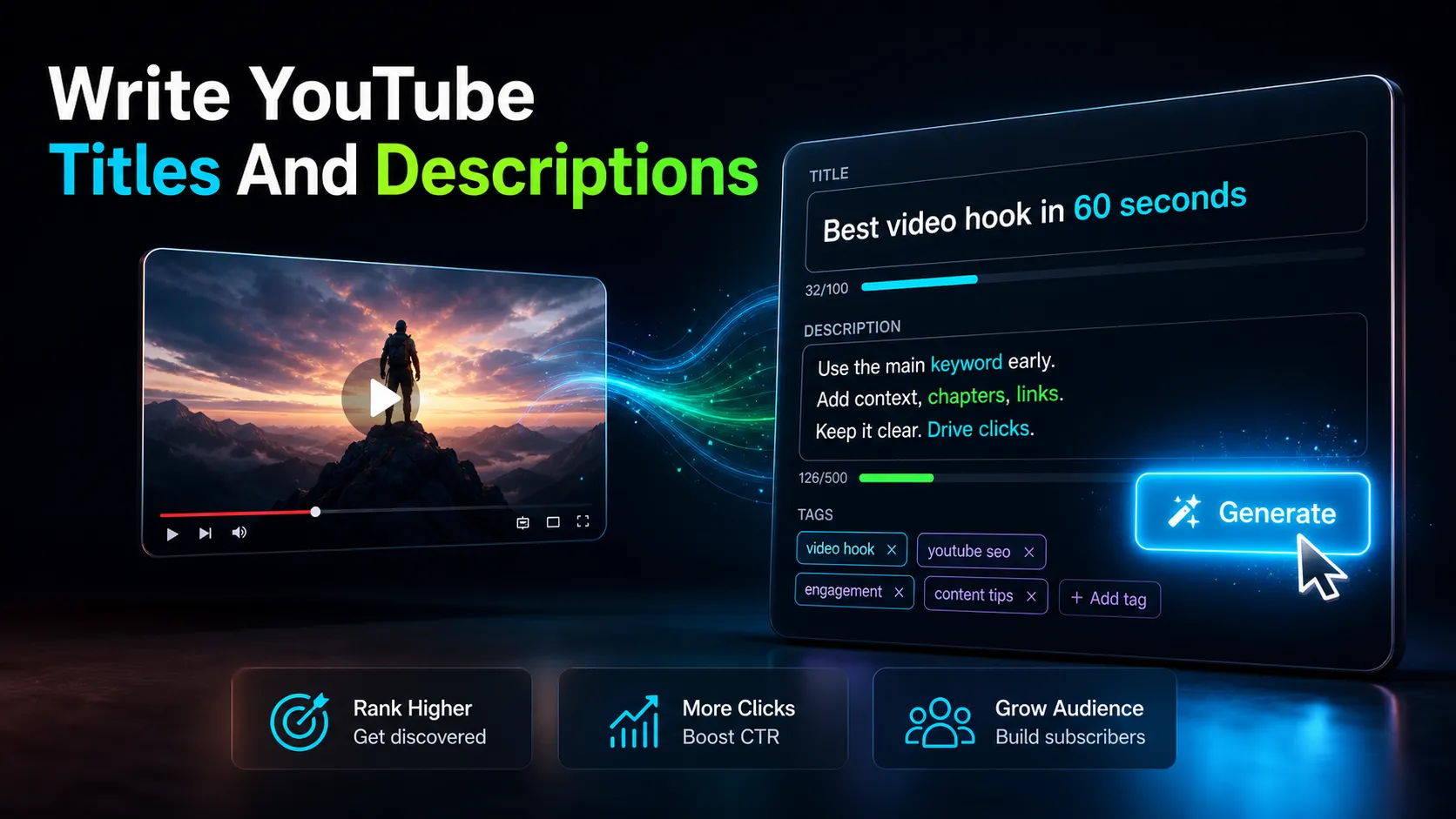
Learning how to write YouTube titles and descriptions is the difference between a video people find and one that quietly disappears in search. This guide covers both together in one workflow: the keyword and click logic behind a title, the line-by-line structure of a description that ranks, the exact character limits that decide what viewers actually see, and a checklist you can run before every upload. One thing to settle upfront — in 2026, keyword stuffing works against you. YouTube's ranking now reads meaning, not just matching strings, so a natural, specific title beats a bag of keywords every time.
Most guides treat titles and descriptions as separate problems. They are not. A title earns the click; a description tells YouTube's systems (and the viewer who clicked) what the video is really about. When they reinforce each other, you get more impressions and a higher click-through rate. When they contradict each other — a clickbait title with a thin description — you get the click and then the drop-off that quietly buries the video.
Key Takeaways
- Package the title, description, chapters, captions, and first seconds as one promise to the viewer.
- Use YouTube-native signals like chapters, captions, metadata, and viewer language to improve clarity.
- Use YouTube's current Help pages for policy or eligibility details, because requirements can change.
- Turn keyword research into a publishable title and description, not only a spreadsheet.
What Actually Ranks on YouTube in 2026
YouTube ranking is driven by a mix of relevance and viewer behavior. Relevance comes from your title, description, spoken words (the transcript), and chapters. Behavior comes from click-through rate, watch time, and how the video performs against similar ones. The 2026 shift is on the relevance side: the system now maps your video to topics and search intent semantically, so ten repetitions of the same phrase no longer help — and can look like spam.
What this means in practice:
- Write one clear primary keyword phrase into the title and the first line of the description, then stop chasing it.
- Let your spoken words carry topical depth. If you say the important terms out loud in the video, an accurate transcript reinforces relevance for you automatically.
- Descriptions are for context and navigation, not a keyword dump.
A quick note on transcripts: the words you actually say in the video are ranking signal. If you clip your videos in a browser workspace like Recapo, you can transcribe the audio and skim the transcript for the exact phrases viewers would search — then reflect those, naturally, in the title and description.
The Three Jobs of a YouTube Title
Every good title does exactly three things. Miss one and the title underperforms.
- Signal the topic (keyword). Include the phrase a viewer would type. This is your youtube description SEO starting point and it belongs near the front of the title.
- Give a reason to click (the hook). A topic alone is not a reason. Add the outcome, the tension, the number, or the specific promise.
- Fit the space (length). YouTube allows up to 100 characters, but titles often get cut off around 60 characters on many surfaces — and shorter on mobile. Front-load the meaning so nothing important lives past the cutoff.
Here is the same video titled three ways, from weak to strong:
| Version Title Problem / Strength |
| Weak | My video editing tips | No keyword, no reason to click |
| Better | Video editing tips for beginners | Has a keyword, but no hook |
| Strong | 7 Editing Habits That Doubled My Retention | Keyword-adjacent, concrete, front-loaded hook |
Title Formulas That Get Clicks
You do not need to reinvent a title from scratch every time. These are reliable structures — the classic youtube title formulas that get clicks — with the keyword slotted in near the front. Fill in the brackets with your own specifics.
| Formula Structure Example |
| Number + outcome | [Number] [Ways] to [Outcome] | 5 Ways to Turn One Video Into a Week of Shorts |
| How-to + relief | How to [Task] Without [Pain] | How to Add Subtitles Without Retyping a Word |
| Honest curiosity gap | Why [Specific, Surprising Claim] | Why Your Shorts Lose Half the Audience at 0:08 |
| Versus / comparison | [A] vs [B]: [The Real Question] | SRT vs VTT: Which Caption File Should You Use |
| Result + timeframe | [Result] in [Timeframe] | From a 40-Minute Podcast to 6 Clips in One Sitting |
Three rules keep these formulas honest and effective:
- Match the payoff. If the title promises "7 habits," the video delivers 7 habits. A curiosity gap you never close trains YouTube that your titles overpromise.
- Be specific over clever. "Doubled my retention" beats "amazing results." Numbers and concrete nouns outperform vague adjectives.
- Avoid ALL CAPS and emoji spam. One capitalized word for emphasis is fine; a wall of caps reads as low quality.
For a fast way to generate variations and stress-test them, a YouTube title generator can spin out ten angles on the same video in seconds — then you pick the one that keeps its promise.
How to Write a YouTube Description That Ranks
A description has a clear structure. Think of it in three zones: the visible hook, the body, and the navigation block. Only the first two or three lines show before the "...more" fold, so those lines do the heavy lifting.
Zone 1 — The visible lines (first ~140–160 characters). State what the video delivers and include your primary keyword naturally. This is what appears in search snippets and under the video, so make it a real sentence, not a keyword list.
Zone 2 — The body (2–4 sentences). Expand on the value: what the viewer will learn or get, and who it is for. This is where topical depth lives. Reference the specific things covered so YouTube can map the video to related searches.
Zone 3 — Navigation and links. Timestamps/chapters, links to related videos, one tool or resource link, and 2–3 relevant hashtags. Chapters (timestamps starting at 0:00) also unlock the chapter UI on the player.
Here is a reusable skeleton you can paste and adapt:
To build these fast, a YouTube description generator can draft the body and chapter labels from your transcript or summary, so you edit instead of stare at a blank box. If you already generated a summary or script for the video, that summary is the raw material for a strong Zone 2.
Character Counts and Truncation Rules
Truncation quietly decides whether your best words are ever seen. These are the practical limits to design around — actual cutoffs vary by device, surface, and layout, so treat the "visible" numbers as safe targets rather than hard lines.
| Element Hard limit Practical "visible" target What to do |
| Title | 100 characters | Meaning complete by ~60 chars | Front-load keyword + hook; keep the core readable on mobile (~40 chars) |
| Description (above fold) | — | First ~140–160 chars | Put the value sentence + primary keyword here |
| Full description | 5,000 characters | — | Timestamps, links, context below the fold |
| Hashtags shown above title | — | First 3 count | Choose 3 relevant tags; more get ignored |
The single most common mistake is writing a great title that says its important word at character 70 — past where most viewers stop reading. Read your title back and ask: if this got cut at 60 characters, would it still make sense and still make me want to click?
Make the Title, Description, and Thumbnail Work Together
Titles do not perform in isolation. The thumbnail and title are read as a pair in under a second, and the description confirms the promise for anyone who clicks. Treat them as one message with three parts.
- Don't repeat — extend. If the thumbnail already shows the word "SUBTITLES" in big text, the title should not just say "subtitles." Let the thumbnail carry the visual hook and the title carry the specific promise or number.
- Keep the promise consistent. Thumbnail says "6 clips," title says "6 clips," description opens with "6 clips." Consistency raises trust and click-through; contradiction raises the bounce.
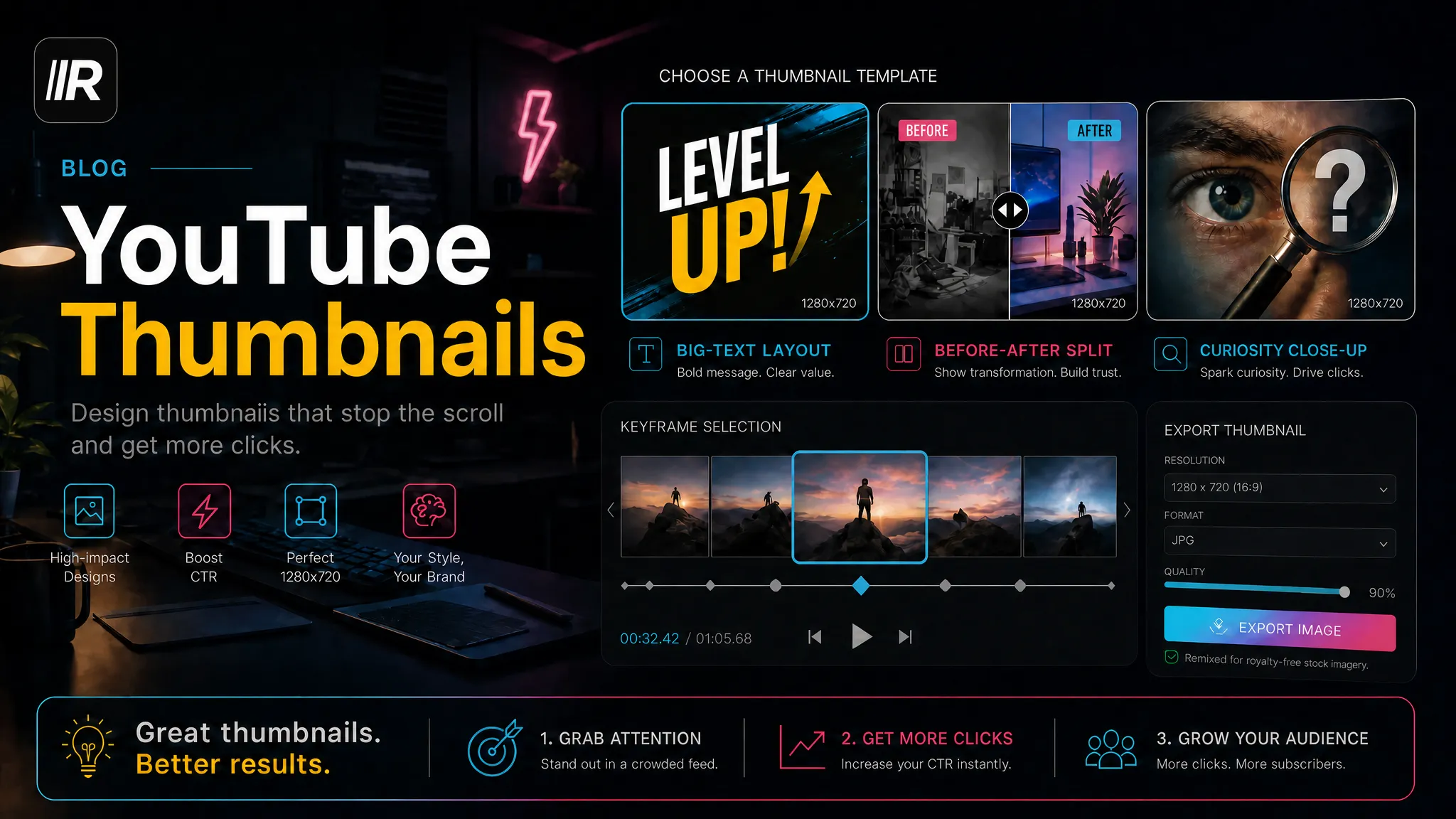
- Design the pair for the smallest screen. On mobile, the thumbnail is a thumbnail. If you are pairing your writing with strong visuals, our guide on YouTube thumbnails walks through the visual side so the two reinforce each other.
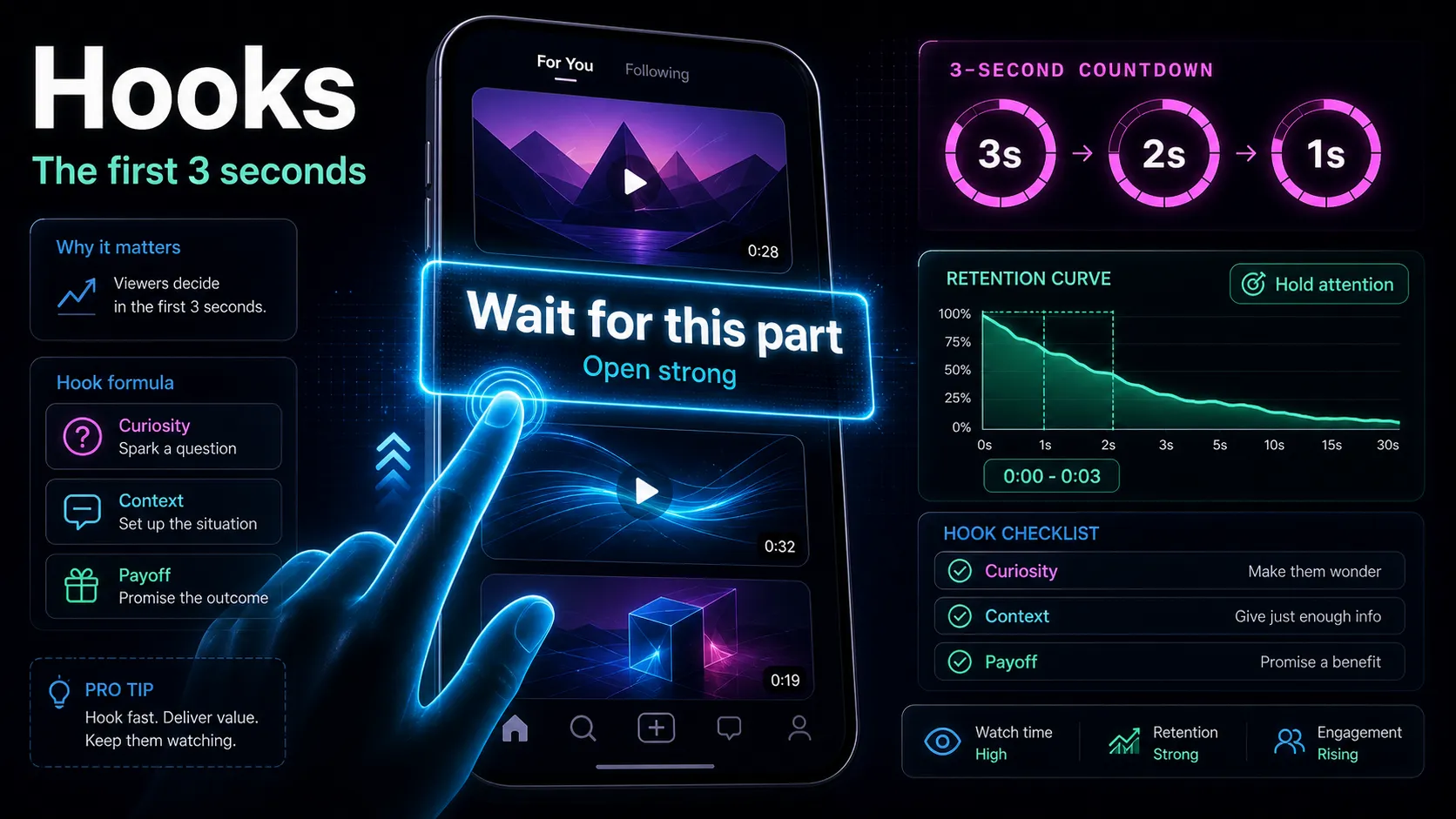
If you produce Shorts by cutting long videos into vertical clips, remember each clip needs its own title logic — the hook has to land in the first second because there is no thumbnail-then-click step. Our piece on video hooks pairs directly with title writing for short-form.
Bad Examples: What to Stop Doing
Seeing the anti-patterns makes the rules stick. Each of these is a real, common mistake with the fix beside it.
| Anti-pattern Why it fails Fix |
best video editing tips tricks tutorial 2026 free easy | Keyword stuffing; reads as spam; no hook | 7 Editing Habits That Cut My Render Time in Half |
You WON'T BELIEVE this!!! | Clickbait with no topic and no keyword | The Caption Trick I Wish I Knew a Year Ago |
| Empty description or one line | No context signal, no chapters, no links | Use the three-zone skeleton above |
| Title promise the video never keeps | Trains the system that you overpromise; hurts retention | Only promise what the first 30 seconds deliver |
| Same title as ten other videos on your channel | Cannibalizes your own search results | Differentiate by angle, number, or outcome |
The through-line: each of these either hides the topic, breaks the promise, or wastes the space where meaning should live.
The Pre-Publish Checklist
Run this on every upload. It takes two minutes and catches the mistakes above before they cost you impressions.
- Keyword in the title, near the front. Would a viewer actually type this phrase?
- A real reason to click beyond the topic — number, outcome, tension, or specificity.
- Meaning survives truncation at ~60 characters, and the core reads on mobile.
- First description line states the value and includes the primary keyword as a natural sentence.
- Body of 2–4 sentences covers the sub-topics and who it's for.
- Chapters starting at 0:00 if the video is longer than a few minutes.
- One resource/related link and 2–3 hashtags — no link dump, no hashtag spam.
- Title, thumbnail, and description all make the same promise.
- You can keep every promise in the first 30 seconds of the video.
FAQ
Should the title or the keyword come first? The keyword should sit near the front of the title, but not at the cost of readability. Lead with the keyword when it doubles as the hook (e.g., "How to Add Subtitles Without Retyping"). If the hook is stronger, open with the hook and fold the keyword in right after — as long as the important meaning still lands before the ~60-character cutoff.
How long should a YouTube description be? Long enough to give real context, not padded for length. A useful description usually runs a few hundred words: two to three visible lines that carry the value and keyword, a short body, chapters, and a small navigation block. YouTube allows up to 5,000 characters, but more text is not better — clarity and accurate context are what help.
Does keyword stuffing still work in 2026? No. YouTube's systems now interpret topics semantically, so repeating a phrase many times looks like spam and does not improve ranking. Use your primary keyword once in the title and once early in the description, then let the spoken words and honest context do the rest.
How do timestamps and chapters help ranking? Chapters (timestamps beginning at 0:00) can surface individual sections in search and support watch time — an indirect but real ranking benefit. They also make long videos easier to navigate, which reduces early drop-off.
Can I reuse the same title format for every video? You can reuse a formula, but not the exact title. Rotating through a few proven structures — number, how-to, comparison — keeps your titles familiar without cannibalizing your own search results. Change the specific promise, number, or outcome each time.
Start Writing Titles That Get Found
Good titles and descriptions are not luck — they are a repeatable process: a keyword the viewer would search, an honest reason to click, meaning that survives truncation, a description that gives context, and a promise all three elements keep. Run the checklist on your next upload and you will feel the difference in your click-through within a few videos. Recapo is a browser-based video workspace where you can clip long videos into shorts, transcribe and caption them, and draft titles and descriptions from the transcript — all before you export, with no install and files up to 6GB per task. Create a free account and turn your next upload into a title and description that actually rank.
References and official sources
- YouTube Help: Edit video settings
- YouTube Help: Add subtitles and captions
- YouTube Partner Program overview and eligibility