Best AI Clip Generators to Turn Long Videos Into Shorts (2026)
The best AI clip generators of 2026 compared by workflow criteria — clip accuracy, multilingual captions, pricing and who each tool suits.
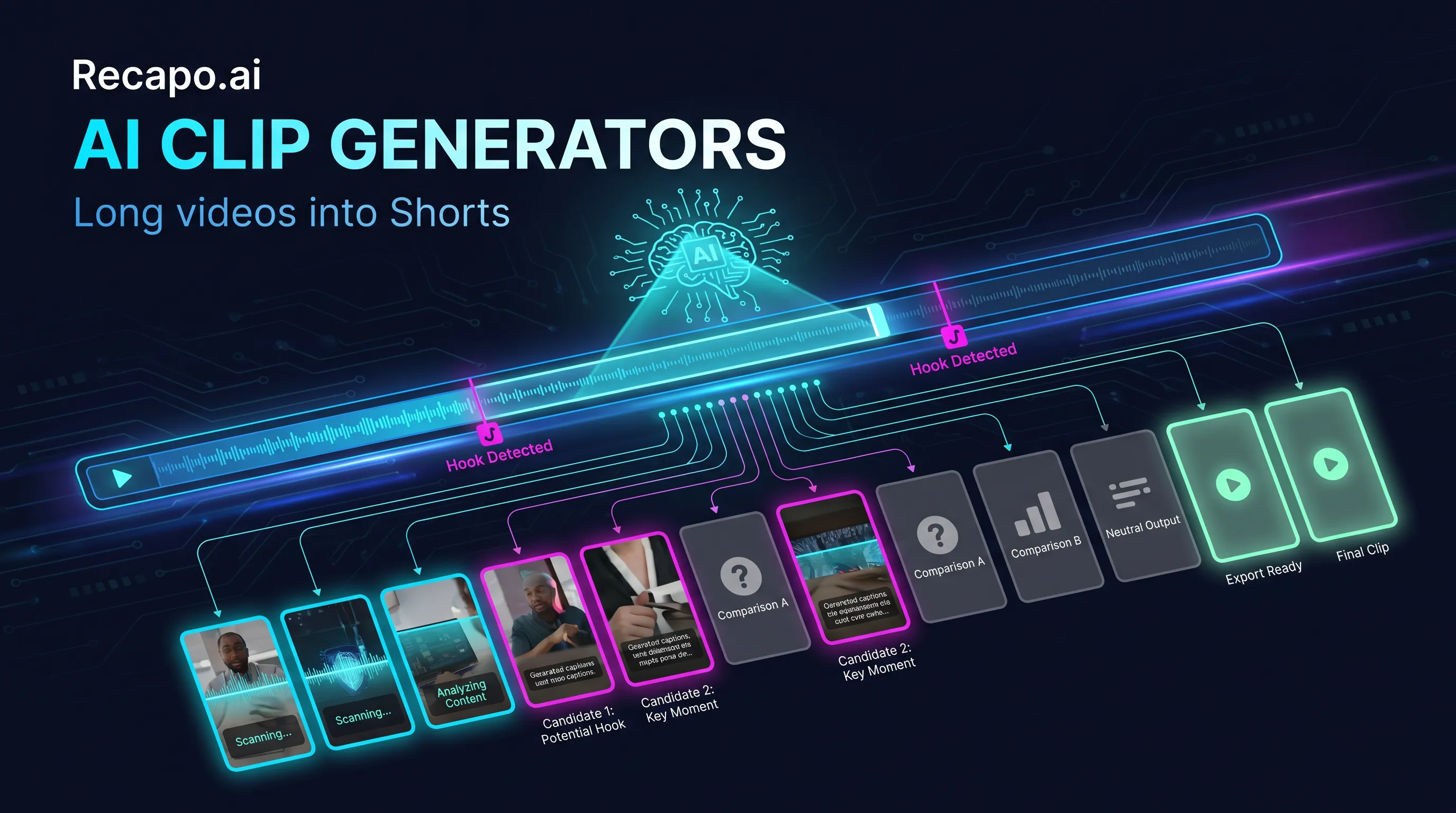
An AI clip generator takes one long video and proposes short, vertical, captioned clips for TikTok, YouTube Shorts, and Instagram Reels. The good ones turn hours of scrubbing into minutes of review; the wrong one for your content type just creates review work of a different kind. This guide covers how these tools actually work, the four dimensions that separate them, and where six popular options — OpusClip, Vizard, Klap, Descript, Veed, and Recapo — each fit.
What an AI clip generator actually does
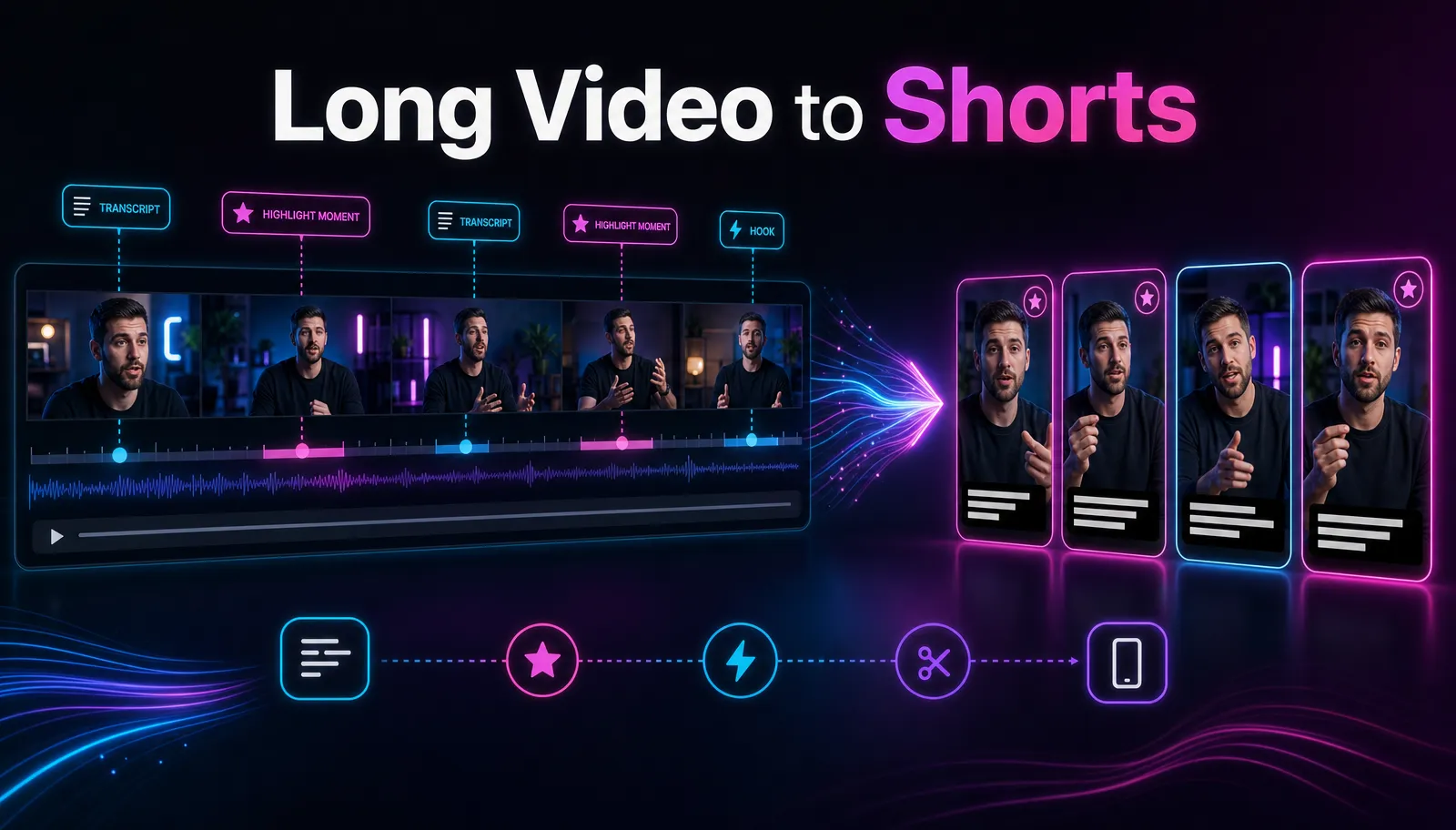
Under the hood, nearly every tool runs the same sequence: transcribe the video, segment the transcript, score segments on signals like hooks, questions, and self-contained arcs, then propose the top candidates with captions and a vertical crop.
Set two expectations before comparing anything:
It proposes; you curate. No tool reliably ships publish-ready clips unattended. The real win is triage — reviewing a ranked shortlist instead of scrubbing the full runtime — plus captions and reframing handled for you. An AI clip maker does the mechanical work; the judgment about what's worth posting stays with you.
Accuracy is content-dependent. Selection leans on the transcript, so talk-rich formats — podcasts, interviews, commentary — play to its strengths, while sparse-dialogue footage like gameplay or quiet vlogs produces weaker proposals. The same tool can be great for one channel and mediocre for another, which is why every recommendation below ends at the same place: test on your own footage.
The four dimensions that separate tools
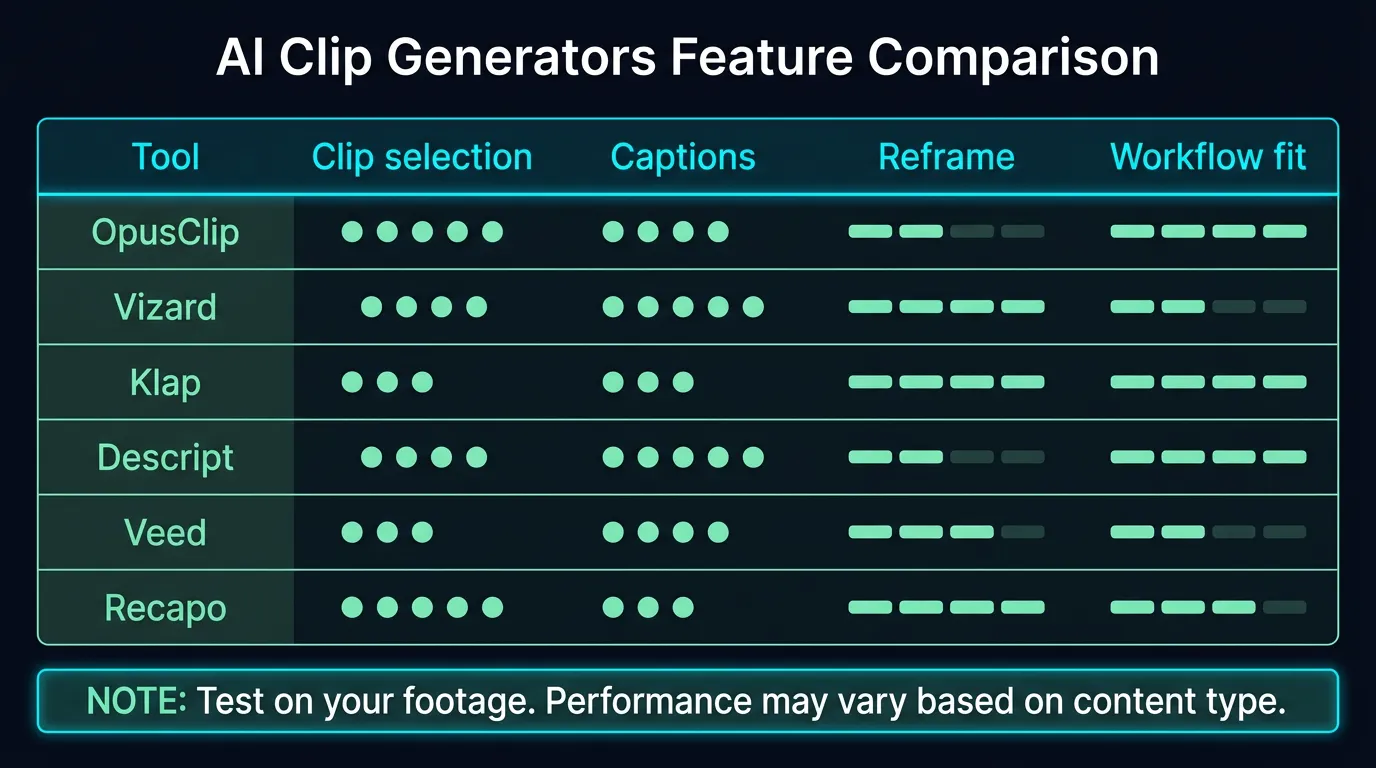
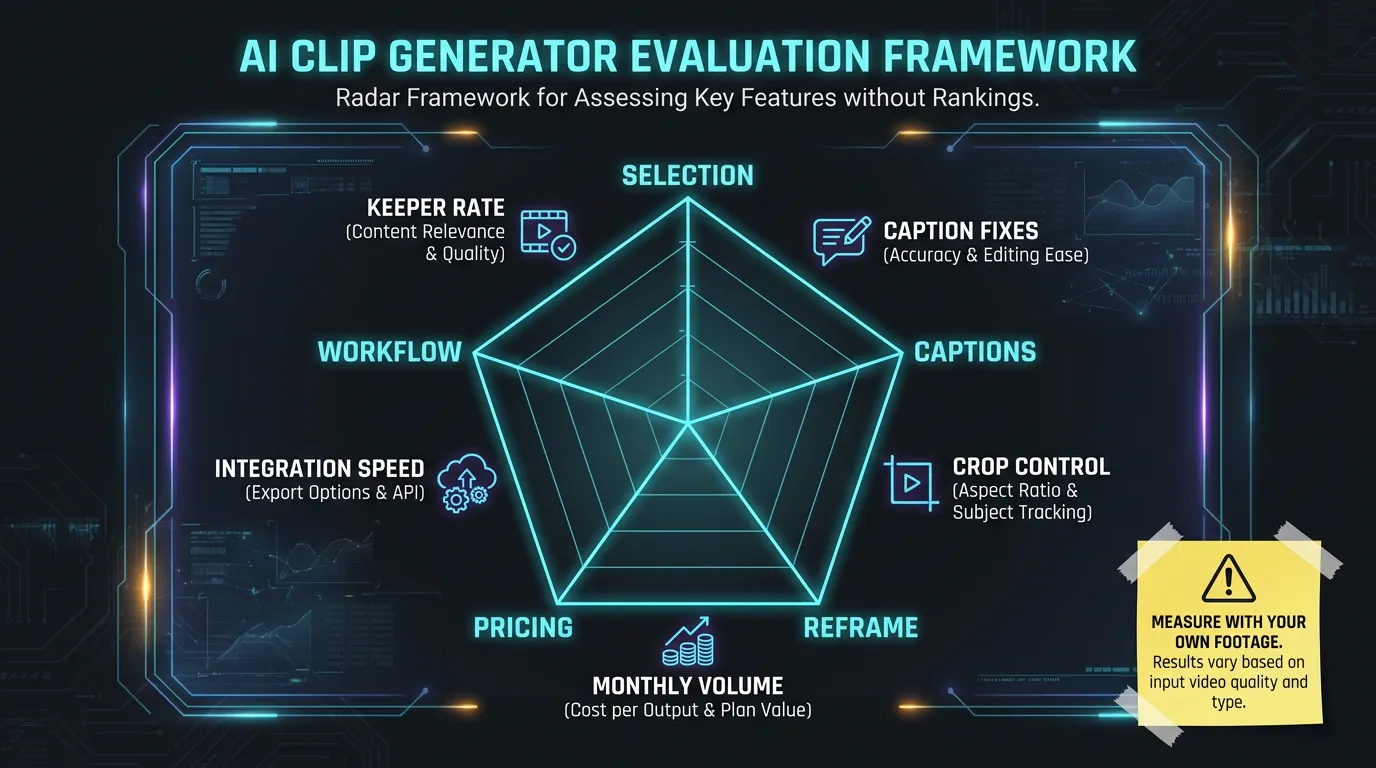
1. Selection accuracy on your content type
The ranking criterion. Measure it as keeper rate — the share of proposed clips you would actually publish — on a typical video of yours, not a demo file. Demo footage tends to be clean, single-speaker, and hook-dense, which flatters every tool; your real videos have crosstalk, tangents, and slow starts, and that's what the selection model has to survive.
2. Caption quality and languages
Captions are burned into nearly every short, so transcription accuracy on your accent and vocabulary matters, and so do styling control and coverage of the languages you publish in . A quick check: auto-caption one minute of your fastest talking and count the corrections — that number scales across every clip you'll ever export.
3. Reframing and export control
Speaker tracking in the 9:16 crop, manual override when auto-framing misses, and resolution or format options at export. A shorts generator is only as good as its worst export — confirm you can fix a bad crop without leaving the tool.
4. Price structure
Per-minute upload metering, per-export pricing, and flat monthly tiers behave very differently at two videos a month versus forty . Model your real monthly volume before comparing any prices.
Run a one-video bake-off before you pay
Published reviews can't test your footage, so run your own:
- Choose one typical long video — the format you actually publish weekly, not a highlight reel.
- Push the same file through each shortlisted tool's free tier or trial.
- Track four numbers: clips proposed, keepers, caption fixes per keeper, and time from upload to publishable export.
- Decide on keeper rate first. Styling, templates, and pricing are all adjustable later; selection accuracy isn't.
Keep the comparison honest: same file, same week, default settings everywhere. Tweaked settings measure your patience, not the product. And write the numbers down as you go — after the third tool, the proposal screens blur together.
For everything around the tool — hooks, titles, publishing cadence — see how to make YouTube Shorts from long videos.
The tools
Positioning below is stable. Anything metered — prices, quotas, file limits — changes fast, so those specifics carry verification tags, and your bake-off carries the decision.
OpusClip
OpusClip is the category's reference point: a dedicated auto-clipping tool best known for virality scoring, which ranks proposed clips by predicted short-form appeal . It does one job and does it seriously, which is exactly what many creators want. Already using it and weighing a move? We keep a separate roundup of OpusClip alternatives.
Fits: creators who want a specialist clipper and nothing else changed.
Vizard
Vizard is a dedicated clipper oriented toward podcasts, interviews, and webinars, with captions and social-format exports built in .
Fits: interview-format channels turning weekly episodes into clip batches.
Klap
Klap focuses on the YouTube-to-Shorts path — paste a video link, get vertical candidates — with minimal configuration . Little to configure is the point, and also the limitation when a crop or cut needs fixing .
Fits: YouTube-first creators who value speed over granular control.
Descript
Descript is a full editor built around text-based editing; clip generation is one feature inside it . Far more control than one-click tools, with a correspondingly real learning curve. The trade is clear: you're buying an editor, so evaluate it as one.
Fits: podcasters who already edit in Descript and don't want a second tool.
Veed
Veed is a broad browser-based video editor — captions, templates, recording — with clipping among many capabilities . Worth a look when subtitles, resizing, and small fixes across many videos make up the bulk of your week.
Fits: teams that need one general editor for many small jobs, clips included.
Recapo
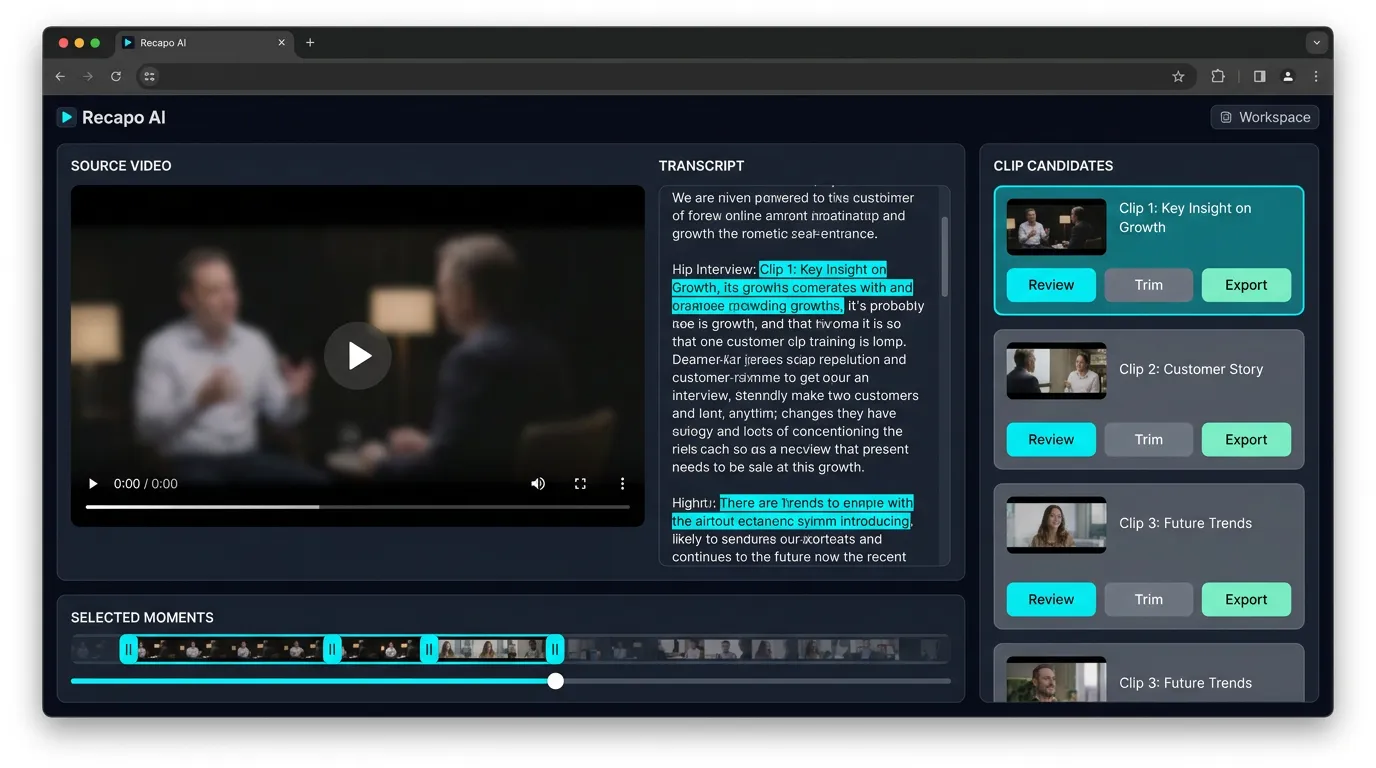
Recapo comes at clipping from a different direction. It's a browser-based AI video workspace where the AI clip generator is one stage in a pipeline that also covers transcription and subtitles, summaries and scripts, AI voiceover, vertical resizing, covers, and export. Upload MP4, MOV, or similar files up to 6GB per task, review the proposed segments, curate, and export vertical.
The honest fit: if clips are your only output, a specialist may serve you better — run the bake-off and let keeper rate decide. Recapo earns its slot when your weekly output also includes scripted recaps or voiceover, because the argument is fewer tools in the chain, not out-scoring specialists at their single event. For a direct match-up, see Recapo vs OpusClip. Plans are listed on the pricing page.
Fits: creators running a script-to-clip pipeline, or repurposing long footage into multiple formats.
Picks by scenario
Podcast repurposing
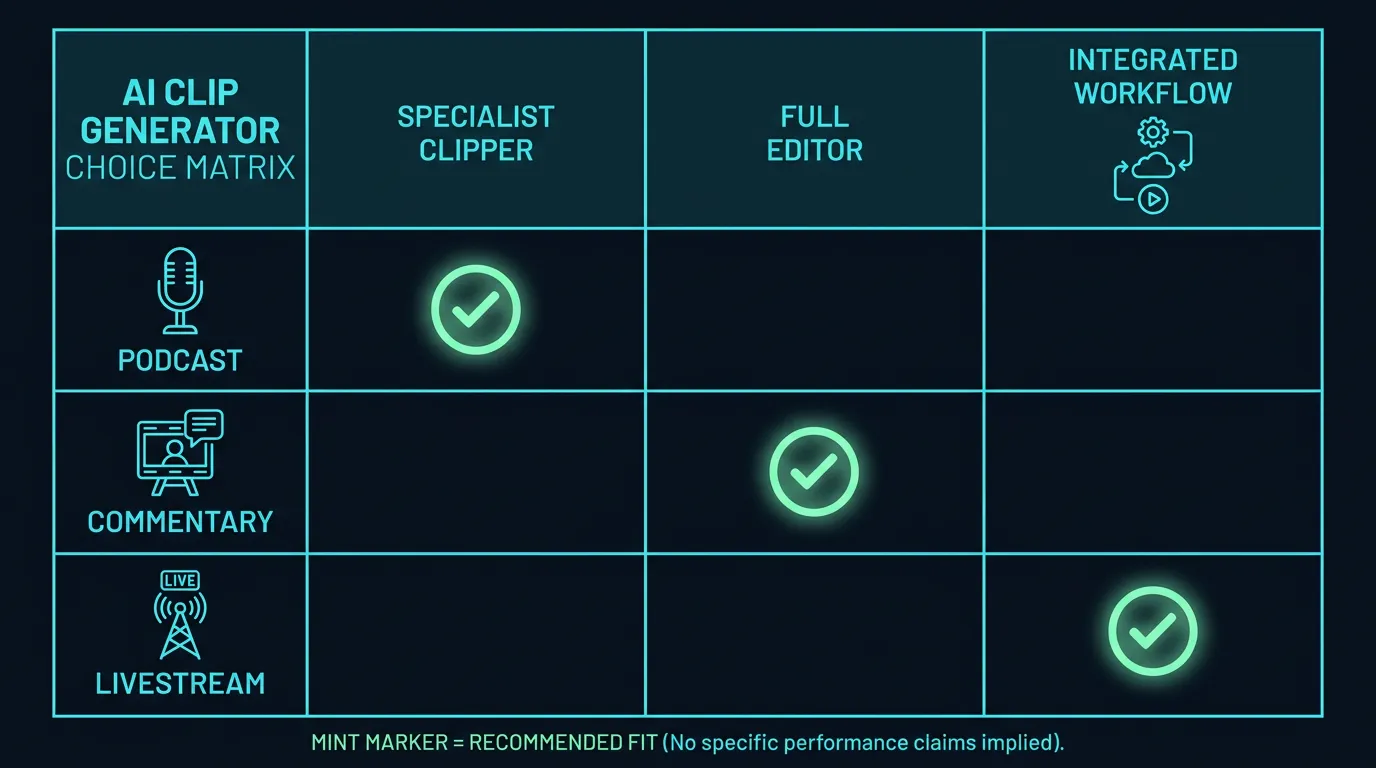
Talking-head, transcript-rich content is what these selection models handle best. Dedicated clippers (OpusClip, Vizard) are the natural starting shortlist; test both against one episode. If repurposing also means newsletter summaries or scripted recap videos, an integrated workspace saves a tool in the chain. Batch throughput matters here too: when you clip every weekly episode, review speed per clip compounds more than any single feature.
Movie and commentary channels
Mixed audio — source dialogue underneath your commentary — confuses transcript-based selection more than any other common format. Expect lower keeper rates here and test before paying. Editor-style tools (Descript, Veed) help when you need manual control to rescue near-miss clips; Recapo fits when your commentary workflow already starts from a script and voiceover.
Livestream highlights
Multi-hour VODs stress two limits first: per-file upload caps and processing quotas . Check both against a typical VOD before subscribing — for reference, Recapo accepts up to 6GB per task. Signal density is the other problem: a stream might hold three genuinely great moments across four hours, so a tool that proposes forty mediocre candidates costs you more review time than it saves. Weigh how fast each tool's review screen lets you reject, and whether you can jump straight to transcript search when you already know what was said.
Whatever the scenario, you'll spend your time on the proposal screen — the ranked list of candidates with editable captions. Judge tools there.
Red flags when choosing
Generic patterns worth checking on any tool — each takes minutes to verify:
- Watermark surprises. Some free tiers watermark exports, which you discover only after curating clips. Export one throwaway test clip before doing real work.
- Per-minute math. Plans metered on uploaded minutes punish long-VOD creators; a few streams can burn through a metered month quickly. Match the metering unit to your actual footage volume.
- Language asterisks. Multilingual support sometimes covers transcription but not caption styling or editing. Test your publishing language end to end.
- Exit friction. Check what happens to projects and exports if you cancel or downgrade — before uploading a backlog.
- Demo-reel benchmarks. Showcase results cut from polished keynote footage say little about messy real-world VODs. Judge only on your own upload.
FAQ
Do AI clip generators find "viral" moments?
They detect transcript-level signals that correlate with watchable clips: hooks, questions, punchlines, self-contained stories. Actual performance still depends on your title, cover, pacing, and audience. Treat scores as a sorting aid, not a promise.
What's a good keeper rate?
There's no universal benchmark, and any review quoting one didn't test your content. Run the same video through two or three tools; the strongest result becomes your baseline, and every future tool is judged above or below it.
Are AI clip generators free?
Most offer free tiers or trials limited by minutes, exports, or watermarks, and terms change frequently . Use free tiers to test; choose paid plans against your real monthly volume.
Can one export serve TikTok, Shorts, and Reels?
Usually, yes. All three platforms take 9:16 vertical video, so a clean captioned export covers them. Length limits, caption conventions, and covers are publish-time tweaks, not reasons to run three exports.
How is Recapo different from a dedicated clip generator?
Scope. Dedicated tools do clipping and stop. Recapo is a workspace where clipping connects to transcription, scripts, voiceover, resizing, and export. If clips are your only output, either shape works — test both. If clips are one of several outputs, integration is the argument.
Want Recapo in your bake-off? Create an account, upload one long video — MP4 or MOV, up to 6GB per task — and count the keepers yourself. That number will tell you more than any buying guide, including this one.
Which AI clip generator produces the most usable clips?
No published review can name one generator that produces the most usable clips for every channel. Use the article's one-video bake-off: run the same representative source through shortlisted tools, record proposed clips and keepers, and choose by keeper rate first. Also track caption corrections and time to a publishable export before comparing price. Learn more
Which AI clip generator has the most accurate captions?
Caption accuracy changes with language, accent, crosstalk, music, and specialist vocabulary, so there is no universal winner. Auto-caption the same difficult minute in each tool and count required corrections. Then compare subtitle editing, styling, burn-in, and export options. Repeat the test in every language your channel publishes. Learn more
Which AI clip generator is best at preserving context?
The best context-preserving tool is the one that produces self-contained clips from your actual format. Test the same source and reject any candidate that starts mid-thought, omits the setup, or loses the conclusion. Transcript-rich interviews are easier than sparse-dialogue footage, and every automated ranking still needs manual review before publication. Learn more