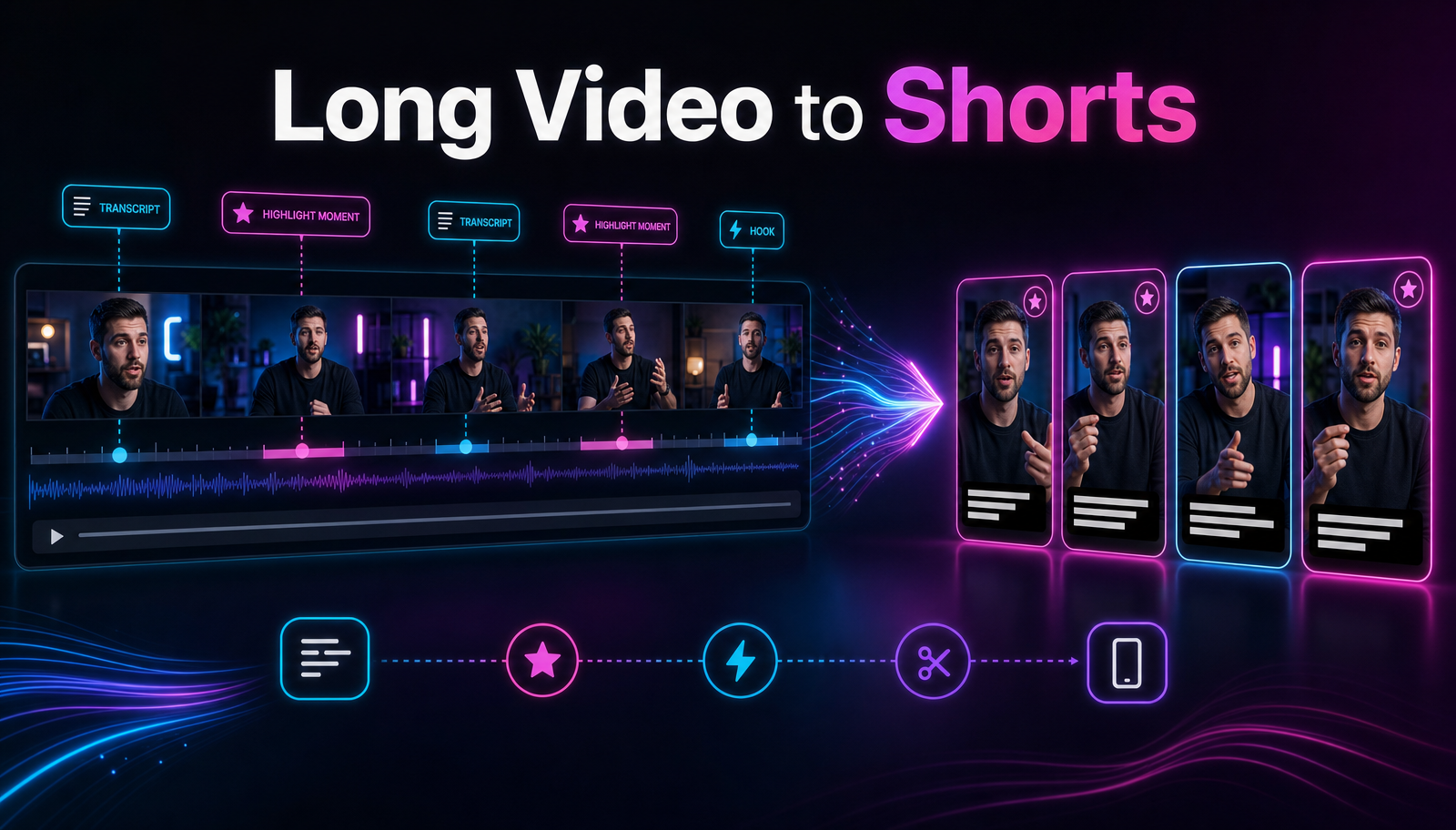
7 OpusClip Alternatives for Auto-Clipping (2026)
If OpusClip's pricing, quotas, or single-purpose workflow no longer fit the way you publish, you have solid alternatives. This guide compares seven of them — Vizard, Klap, Quso, Choppity, Descript, Veed, and Recapo — against the five criteria that actually change your output, and gives you a one-video method to test any of them yourself. The right pick depends on your content type, not on anyone's feature page.
Should you switch at all?
Honest starting point: OpusClip is a strong, dedicated auto-clipping tool. The whole product is built around one job — finding short-form moments in long videos — and its virality-scoring approach to ranking candidate clips is a genuine strength. If it fits your volume and budget, staying with it is a legitimate choice.
Creators typically start shopping for three reasons:
- Pricing shape. Your posting volume and the plan tiers stop lining up — you pay for capacity you don't use, or keep hitting caps you do 【核实:OpusClip 当前套餐结构】.
- Workflow shape. Clipping is one step in a longer pipeline. If you also need scripts, voiceover, or subtitles in more than one language, stitching several tools together can cost more time than auto-clipping saves.
- A specific gap. A language, an export requirement, or a content type your current tool handles poorly.
If one of those is you, read on.
The five criteria that decide it
Feature lists won't settle this. These five things will.
1. Clip-selection accuracy on your content type
Every tool here picks segments from a transcript, then ranks them. That works differently on a two-person podcast than on a commentary track or a four-hour livestream VOD. A tool that nails interviews can whiff on gameplay. The only metric that matters is your keeper rate: out of ten proposed clips, how many would you actually publish?
2. Caption quality and languages
Captions get burned into most shorts you post to TikTok, YouTube Shorts, or Instagram Reels, so transcription errors become on-screen errors. Judge accuracy on your accent and vocabulary, styling control, and coverage of every language you publish in — support varies widely between tools and changes often 【核实:各工具字幕语言清单】.
3. Vertical reframing quality
Converting 16:9 to 9:16 is where automation visibly succeeds or fails. Does the tool track the active speaker, handle two people on screen, and avoid slicing through faces or on-screen text? You can only judge this by looking at real output.
4. Free plan usefulness
Most tools here offer a free tier or trial, but upload minutes, watermarks, and export caps differ — and change frequently 【核实:七款工具当前免费额度与水印政策】. Treat free tiers as testing budget, not production capacity.
5. Export quality and limits
Resolution caps, monthly export quotas, and watermark rules on paid tiers 【核实:各工具导出规格与配额】. Boring details, until a 720p ceiling or a spent quota blocks a scheduled post.
Test them yourself: the one-video method
No review — this one included — can tell you your keeper rate. Run this instead:
- Pick one representative 20-minute video from your channel. A typical one, not your best.
- Run the same file through each candidate's free tier.
- Record three numbers per tool: keeper clips out of total proposed, caption corrections per keeper, and minutes from upload to a publishable vertical export.
- Cut any tool with a weak keeper rate immediately. Selection accuracy doesn't improve on a paid plan; caption styling does.
The whole exercise takes an afternoon and produces better data than any comparison article. If you're still designing the pipeline around the tool, the guide on how to make YouTube Shorts from long videos covers those steps.
The seven alternatives
1. Vizard
Vizard is a dedicated auto-clipping tool oriented toward talk-heavy content — podcasts, interviews, webinars — with captions and social-ready exports built in 【核实:功能细节】. A free tier exists, with monthly limits 【核实:额度与水印】.
Best for: podcast and interview publishers who want a focused, dedicated clipper.
2. Klap
Klap is a dedicated clipper aimed squarely at turning long YouTube videos into Shorts, TikToks, and Reels, with a paste-a-link workflow that keeps setup near zero 【核实:导入方式与套餐】.
Best for: YouTube-first creators who want the shortest path from link to vertical clips.
3. Quso
Quso (formerly vidyo.ai 【核实:品牌沿革】) positions itself wider than pure clipping: clips, captions, and social scheduling in one product 【核实:排期功能范围】.
Best for: solo creators who want clipping and publishing under one roof.
4. Choppity
Choppity is a clipping tool with a text-first angle: you refine clips by editing the transcript rather than scrubbing a timeline 【核实:功能细节与套餐】. It's less widely known than the others here, so lean harder on your own test before committing.
Best for: creators who think in transcripts and want fast, text-driven trims.
5. Descript
Descript is an editor first — a full audio and video editing suite built around text-based editing, with clip generation as one feature inside the larger product 【核实:clip 功能范围】. More control than any one-click clipper, and more learning curve.
Best for: podcasters who already edit every episode and want clips from the same project.
6. Veed
Veed is a browser-based general video editor — captions, templates, recording, and a broad toolkit — with clipping capabilities inside it 【核实:clip 功能与导出限制】. A reasonable pick when clipping is a feature you need rather than the whole job.
Best for: teams that want one general-purpose online editor for many small video tasks.
7. Recapo
Disclosure: Recapo is our product. Weigh this section accordingly, and hold it to the same one-video test as everything above.
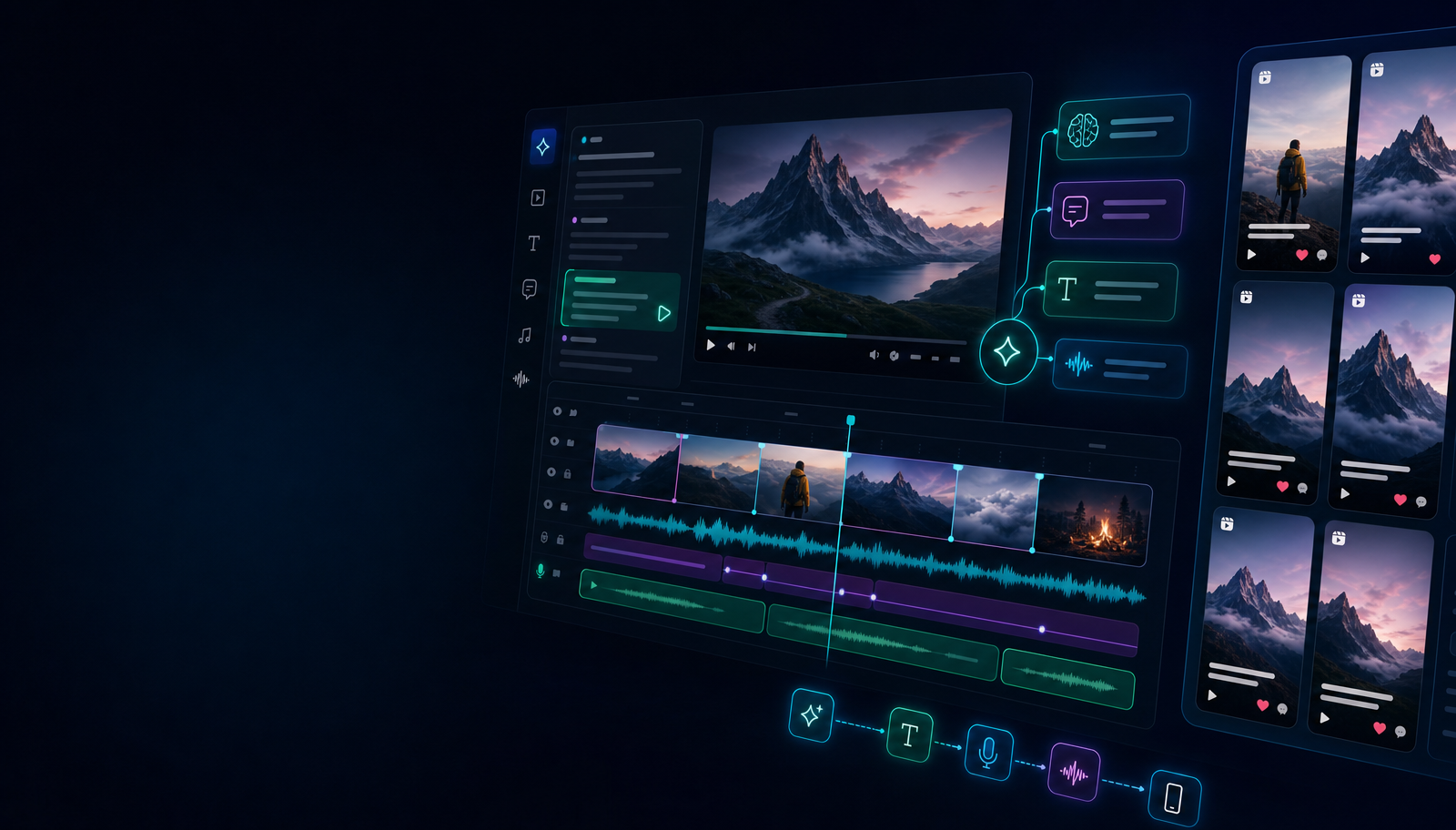
Recapo is not a dedicated clipping specialist. It's a browser-based AI video workspace where clipping sits alongside the rest of a short-form pipeline: transcription and subtitles, summaries and scripts, AI voiceover, vertical resizing, covers, and export. You upload a long video — MP4, MOV, and similar formats, up to 6GB per task — and the AI clip generator proposes candidate segments with subtitles for you to curate, reframe, and export. The same workspace covers the broader long-video-to-short conversion workflow when you're working through a backlog.
The honest trade-off: a specialist may be more polished at ranking moments. Recapo's case is fewer tools in the chain when your output includes scripts, voiceover, or recap-style videos — not just cut-downs. For a feature-by-feature look, see the Recapo vs OpusClip comparison. Current plans are listed on the pricing page.
Best for: creators whose pipeline includes scripting, voiceover, or multi-format output beyond clips.
Dedicated clipper, integrated workspace, or editor?
A short decision tree beats another feature grid:
- Clipping is the only job. Nothing else in your workflow needs to change → pick a dedicated clipper (OpusClip, Vizard, Klap, Quso, Choppity) by keeper rate on your content type.
- Clips are one output of several. You also write scripts, add voiceover, or produce recap videos → an integrated workspace like Recapo removes tool-switching. Verify its clipping clears your accuracy bar first.
- You deep-edit everything anyway. You spend hours in an editor per episode regardless → Descript or Veed, so clips come out of the project you already have open.
Unsure what "AI editing" even covers beyond clipping? AI video editing explained breaks the categories down.
Comparison table
Positioning is stable; empirical cells depend on your content and on current plans, so fill them from your own test.
| Tool | Type | Clip accuracy (your test) | Captions & languages | Vertical reframing | Free plan & export limits |
|---|---|---|---|---|---|
| Vizard | Dedicated clipper | 【核实:实测待补】 | 【核实:实测待补】 | 【核实:实测待补】 | 【核实:实测待补】 |
| Klap | Dedicated clipper | 【核实:实测待补】 | 【核实:实测待补】 | 【核实:实测待补】 | 【核实:实测待补】 |
| Quso | Clipper + scheduling 【核实】 | 【核实:实测待补】 | 【核实:实测待补】 | 【核实:实测待补】 | 【核实:实测待补】 |
| Choppity | Transcript-first clipper 【核实】 | 【核实:实测待补】 | 【核实:实测待补】 | 【核实:实测待补】 | 【核实:实测待补】 |
| Descript | Editor with clipping | 【核实:实测待补】 | 【核实:实测待补】 | 【核实:实测待补】 | 【核实:实测待补】 |
| Veed | General editor with clipping | 【核实:实测待补】 | 【核实:实测待补】 | 【核实:实测待补】 | 【核实:实测待补】 |
| Recapo | Integrated AI workspace | 【核实:实测待补】 | 【核实:实测待补】 | 【核实:实测待补】 | 【核实:实测待补】 |
Yes, Recapo's row too. Run the method above and the table fills itself in an afternoon.
FAQ
Is OpusClip worth replacing at all?
Often, no. It's a strong dedicated clipper; if the pricing and workflow fit, switching buys you a learning curve and little else. Switch when your pipeline outgrows single-purpose clipping, or when the plan shape stops matching your volume.
Which alternative has the most useful free plan?
Free tiers change too often for a static answer to stay true 【核实:发布前核对各家免费额度】. Treat each one as a test budget: run the one-video method and let keeper rate decide, not minute counts.
Can one tool cover TikTok, YouTube Shorts, and Instagram Reels?
Yes. All three take 9:16 vertical video, so one clean export usually serves all of them. Platform differences — length caps, caption conventions, covers — are publish-time decisions, not clipping-tool decisions.
Do these tools work for non-English content?
All claim some level of multilingual support; depth varies between transcription, caption styling, and UI 【核实:各工具语言支持范围】. Testing with your actual language and accent settles it faster than any spec sheet.
What if my source videos are very long or large?
Long VODs hit per-file limits first, so check upload caps before subscribing 【核实:各工具单文件上限】. For reference, Recapo accepts files up to 6GB per task.
Run the test with Recapo as one of your candidates: create an account, upload one long video, and count how many of the proposed clips you'd genuinely publish. If clipping plus subtitles, scripts, and voiceover in a single browser workspace matches how you work, one afternoon will show it.