AI Video Editing: How It Works and What It Can Actually Do (2026)
Learn how AI video editing works in 2026 — auto clipping, captions, voiceover and resizing — what it still can't do, and how to choose the right tool.
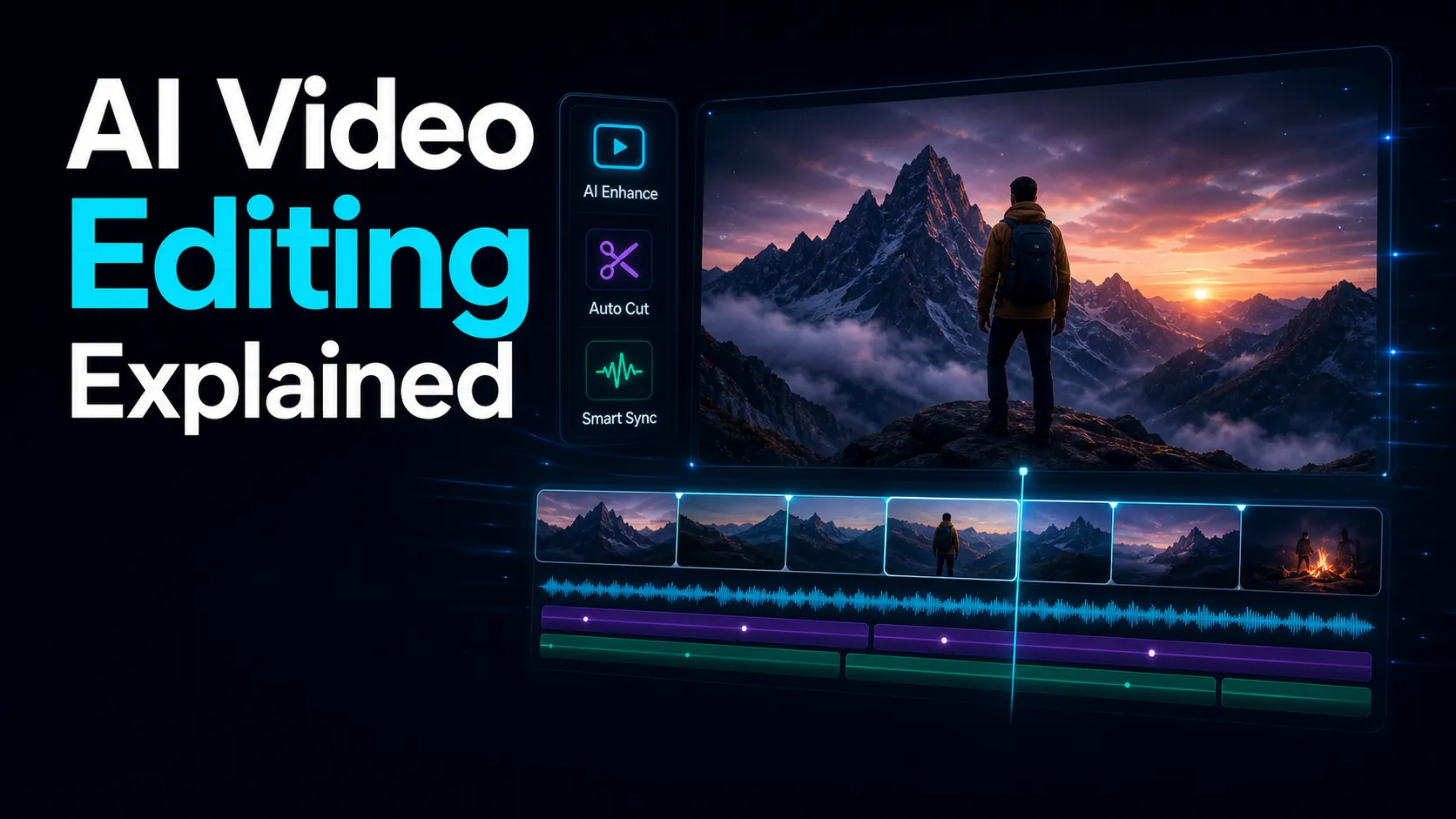
Every video tool launched in the last two years seems to have "AI" somewhere on the homepage. Some of it is real, some of it is a thin wrapper around a transcription API, and from the outside it's genuinely hard to tell which is which. This guide explains what AI video editing actually does in 2026, how it works under the hood, where it still falls short, and how to pick a tool without getting burned by marketing copy.
What "AI video editing" actually means
AI video editing is the use of machine-learning models to handle the mechanical parts of post-production: transcribing speech, finding the moments worth keeping, generating captions and scripts, producing voiceover, and reformatting footage for different platforms. The editor doesn't disappear from this picture — the judgment calls stay human. What changes is that the hours of scrubbing, typing and reframing get compressed into minutes.
A useful way to think about it: traditional editing software gives you a timeline and waits. An AI editing workspace reads your footage first, then hands you a draft — a transcript, a set of suggested clips, a subtitle track — that you correct and shape instead of building from zero.
[图 inline-02:能力地图信息图]
What it can do today
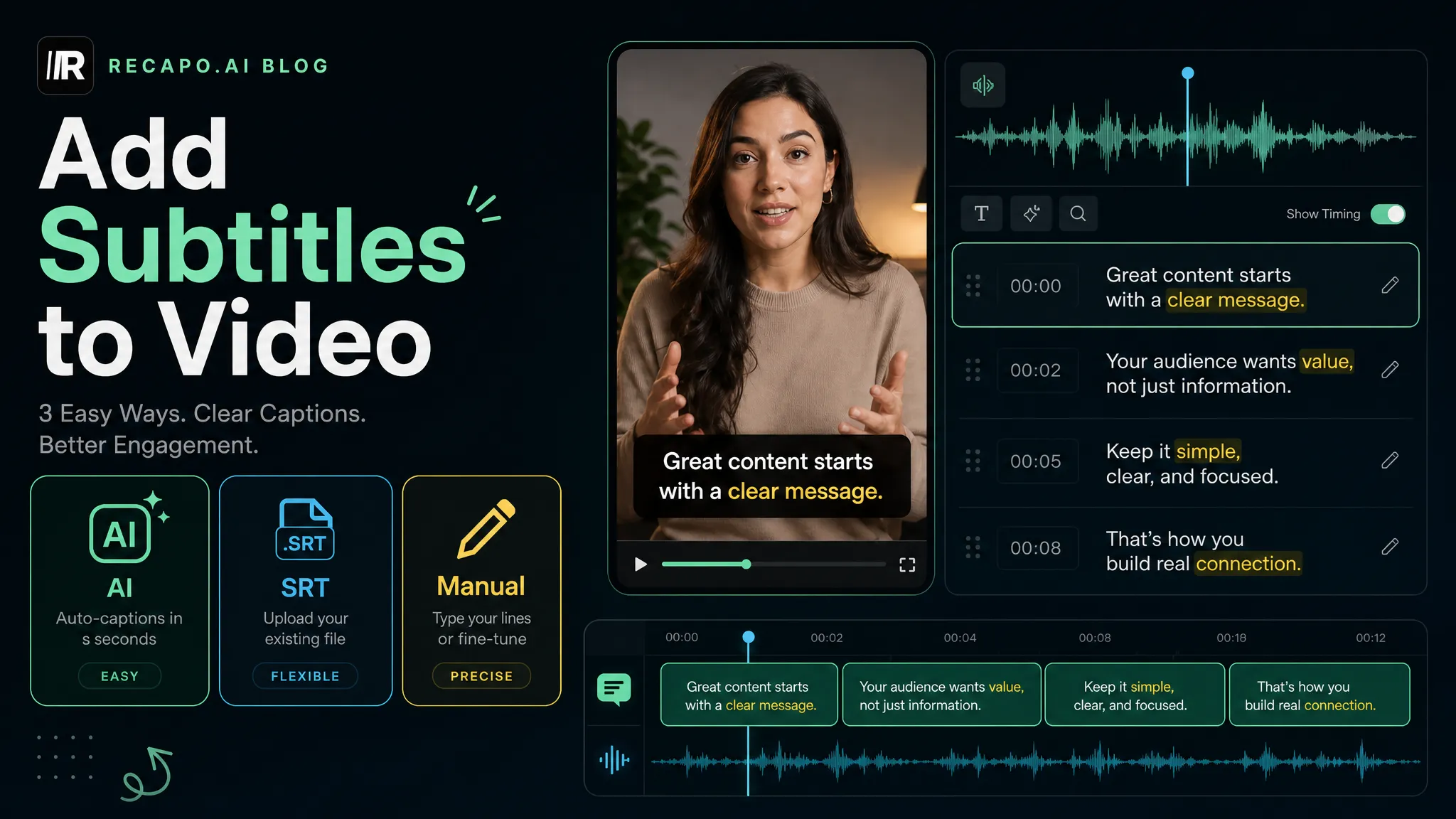
1. Transcribe and caption automatically. Speech-to-text is the most mature piece of the stack. Modern models handle accents, crosstalk and reasonable background noise well enough that you fix words, not sentences. Captions come out time-aligned and ready to style — see how this works in an auto caption tool. Accuracy still drops on niche jargon and proper names, which is why a proofing pass matters (more on that below).
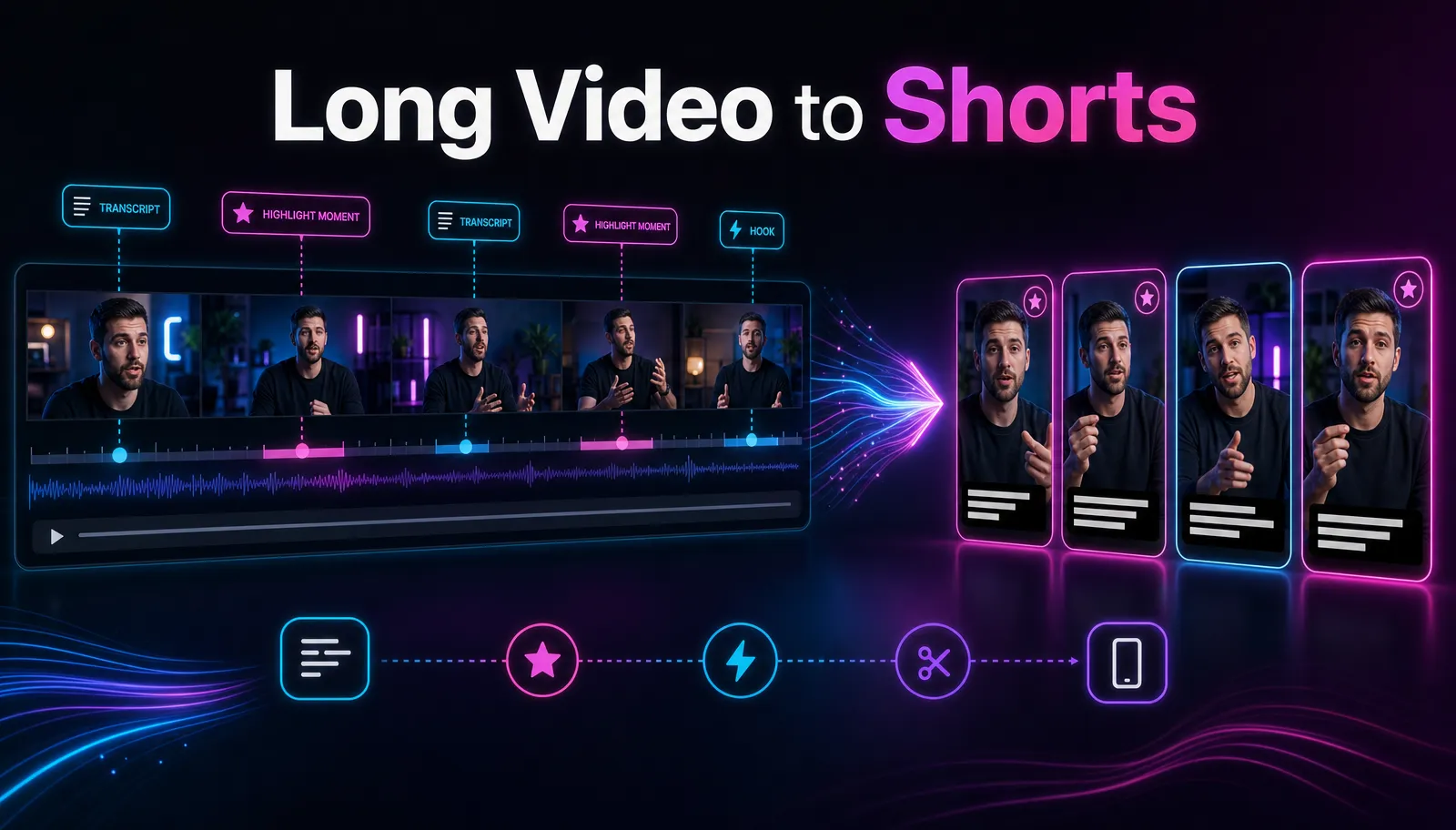
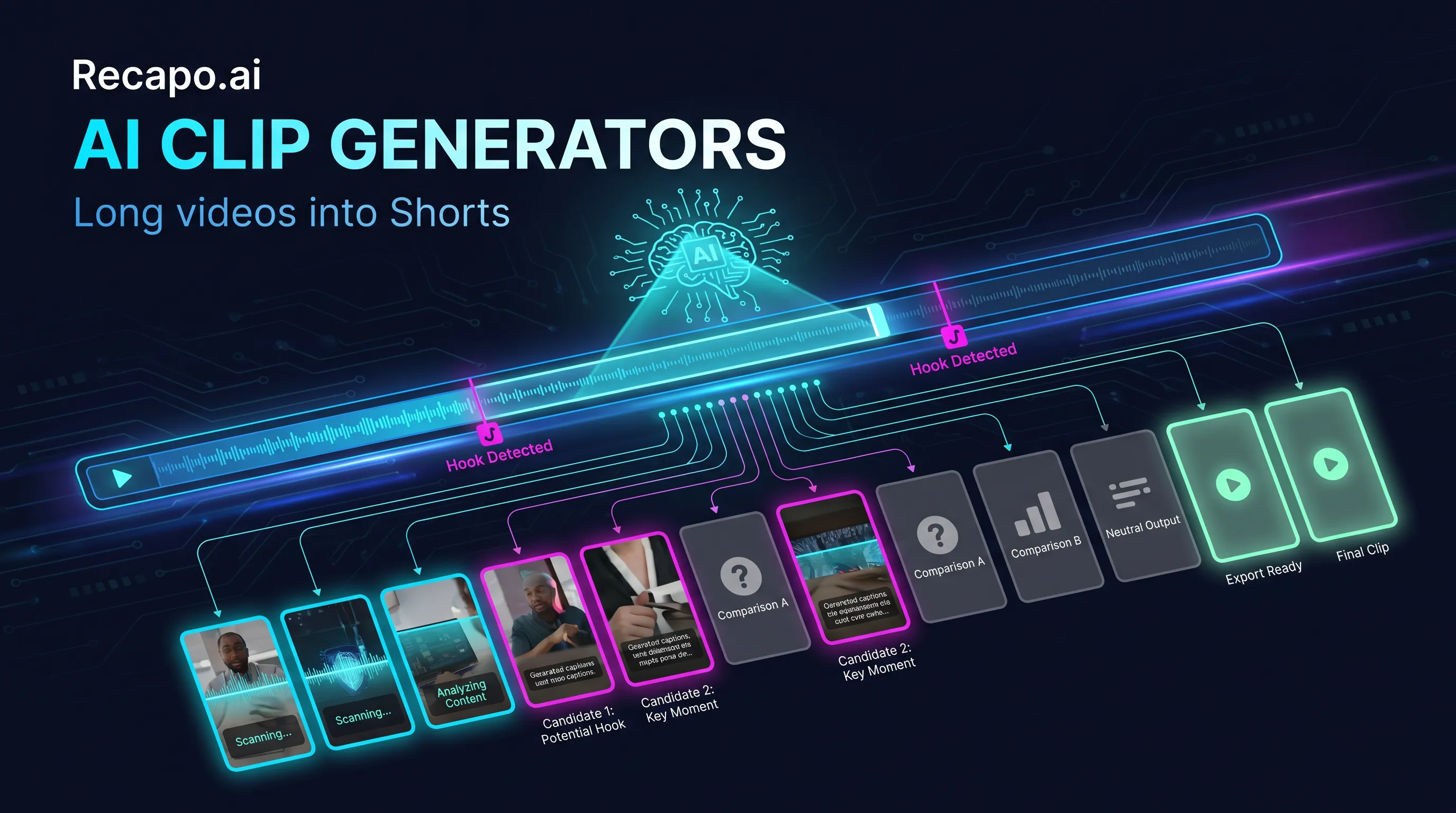
2. Find the clips worth keeping. This is the capability that changed creator workflows the most. Instead of scrubbing a 90-minute recording for usable moments, a clip generator works from the transcript and scene structure to propose segments that stand alone: a complete thought, a spike in energy, a question-and-answer pair. You approve, trim and reject — curation instead of excavation.
3. Summarize and draft scripts. Because the model has the transcript, it can compress a long video into a summary, pull out chapter points, or draft narration for a recap. Drafts are drafts: they get facts right more often than tone, and they need a human pass to sound like you.
4. Generate voiceover. Text-to-speech has crossed the threshold where listeners stop noticing on short-form content. A voiceover tool turns a corrected script into narration in one step, which is the backbone of faceless-channel and recap workflows.
5. Reformat for every platform. Horizontal to vertical, 16:9 to 9:16, safe-zone-aware cropping that keeps the speaker in frame — mechanical work that used to eat afternoons and now runs as a batch job.
6. Package for publishing. Covers from keyframes, titles and descriptions drafted from the transcript, export presets per platform. Individually small, together they're the difference between "edited" and "published."
An AI video editor bundles these into one workspace; plenty of single-purpose tools do one of them well. Which shape you want depends on your workflow — covered in the last section.
How it works under the hood
Most AI editing pipelines, whatever the branding, run four stages:
[图 inline-01:AI 剪辑全流程图]
Ingest. The video is decoded, the audio is transcribed with timestamps, and the footage is segmented into scenes using visual cues (cuts, motion, faces) plus audio cues (speaker changes, silence, music).
Understand. The system builds a structural map: who is speaking when, which segments form complete thoughts, where the topic shifts, where the emotional peaks sit. This is pattern recognition over the transcript and signal data — the model doesn't "watch" the film the way you do, which explains both its speed and its blind spots.
Generate. Against that map, the system produces what you asked for: caption files, suggested clips with in/out points, a summary, a narration draft, a synthetic voice track.
Assemble. Selected pieces get rendered: subtitles burned or attached, aspect ratios converted, audio levels normalized, exports queued per platform.
The practical takeaway from knowing this: anything that lives in the transcript (words, topics, structure) is where AI is strong. Anything that lives outside it (visual comedy, tension built through pacing, a look someone gives) is where it needs your eyes.
What AI still can't do
Honesty section, because this is where tools get oversold:
- Taste. AI finds a complete thought; it can't reliably tell which of eight complete thoughts your audience will actually share. Creators who publish AI-selected clips unreviewed get a feed full of "fine."
- Your voice. Script drafts trend toward competent-generic. The fix is cheap — rewrite the first and last lines, inject your opinion — but it's a human fix.
- Narrative surgery. Restructuring a story, intercutting timelines, building a running joke: that's editing as authorship, and it's not on the roadmap of any tool we've tested.
- Craft finishing. Color grading with intent, sound design, motion graphics — adjacent AI tools exist, but the editing workspaces don't do this well yet.
- Legal judgment. No model will tell you whether your use of source footage is licensed or fair. That stays your call (and if it matters commercially, a lawyer's).
The 80/20 that emerges: let AI do the mechanical 80% — transcribing, first-pass selection, captioning, reformatting — and spend your recovered hours on the 20% that makes the video yours.
[图 inline-04:AI vs 手动对比表]
AI or manual? A quick decision guide
| Situation | Better fit |
|---|---|
| Turning podcasts, streams or lectures into clips | AI first, human curation after |
| Captioning at volume, multiple languages | AI, with a proofing pass |
| Recap and commentary formats with narration | AI pipeline end-to-end, human script polish |
| A brand film, a wedding edit, a comedy sketch | Manual, AI only for transcription |
| One-off social post from a phone clip | Either — whatever's already open |
What adopting it actually looks like
The mistake most teams make is trying to move their whole workflow at once. The low-risk version takes an afternoon:
- Pick one long video you've already published — a webinar, a podcast episode, a stream VOD. Known material means you can judge the AI's choices against your own.
- Run it through the full pipeline: transcript, suggested clips, captions, one vertical export. Don't fix anything yet — you're measuring the raw output, not producing.
- Count two things. How many of the suggested clips would you actually have picked yourself? And how many caption errors did the four categories (names, numbers, timing, safe zone) surface? Those two numbers tell you what the tool saves you on your content, which is the only benchmark that matters.
- Then produce for real: fix the transcript once (corrections propagate into captions, summary and script), curate the clips, rewrite the hooks in your voice, publish.
If step 3 disappoints on your footage — heavy accents, chaotic audio, visual-first content — you've spent an afternoon learning that, which beats discovering it three weeks into a subscription.
How to choose a tool (and where Recapo fits)
Five things worth checking before you pay for anything:
- Accuracy on your footage. Test with your actual content — accented speech, your jargon, your audio conditions. Demo videos are always clean.
- Caption quality and languages. Word-level timing, styling control, and the languages your audience actually uses.
- Output control. Aspect ratios, safe zones, export presets — the boring capabilities that decide whether the tool fits your publishing routine.
- Workflow depth. A single-feature tool is fine if the rest of your pipeline exists elsewhere. If it doesn't, count the copy-export-reimport steps you're signing up for.
- Price transparency. Understand the free tier's limits and what usage actually costs at your volume before you build a routine on it.
Where this site's tool sits, stated plainly: Recapo.ai is an AI video editor workspace for creators who need to turn source footage into captions, summaries, scripts, voiceovers, clips, covers, and publish-ready Shorts. It's built for the recap, commentary and long-to-short workflows described above, and it runs in the browser. If you're comparing it against a dedicated clipping tool, the honest breakdown is in our Recapo vs OpusClip comparison — including the cases where the other tool is the better pick.
[图 inline-03:产品界面标注截图]
FAQ
Is AI video editing good enough to replace an editor? For mechanical work — transcription, captioning, first-pass clip selection, reformatting — yes, and it has been for a while. For judgment — story, taste, brand voice — no. The realistic outcome is an editor (or a solo creator) shipping several times more output, not an editor replaced.
Will platforms penalize AI-edited videos? Platforms penalize low-effort content, not tools. YouTube's 2025 inauthentic-content policy update targets mass-produced, unmodified AI output; footage you shot, edited with AI assistance, and shaped with your own commentary is normal production workflow. The line to stay behind: add human creative input, don't publish raw generator output at scale.
How accurate are auto-generated captions? On clear speech, expect to correct occasional proper nouns and punctuation rather than whole sentences. Accuracy drops with heavy accents, crosstalk and technical vocabulary — budget a proofing pass; our subtitle guide covers a four-step check that catches most errors quickly.
Can AI really turn one long video into many short clips automatically? It can propose them automatically; the ones worth publishing still go through your yes/no. Creators running this pipeline typically publish a handful of strong clips per long video after rejecting the rest — the win is that reviewing eight suggestions takes minutes, not the afternoon that finding them manually did.
Do I need editing skills to use an AI video editor? Less than you'd think. The core skills shift from software operation (keyframes, tracks, codecs) to editorial judgment: is this clip actually interesting, is this caption readable, does this hook land. If you can answer those, the tooling handles the rest.
Ready to see the workflow on your own footage? Create a free account and run one long video through it — transcript to clips to captions — before you change anything about how you work today.