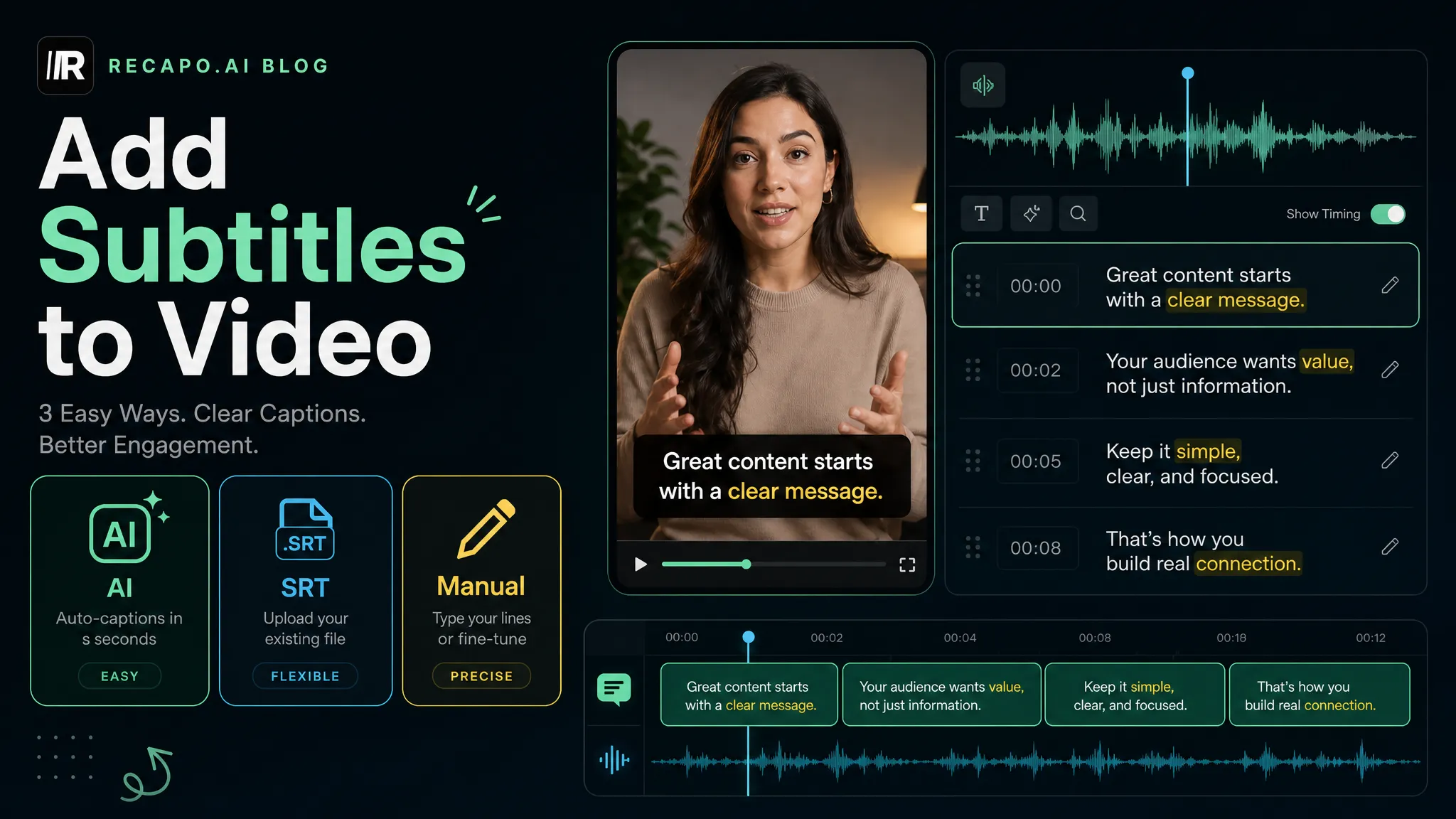
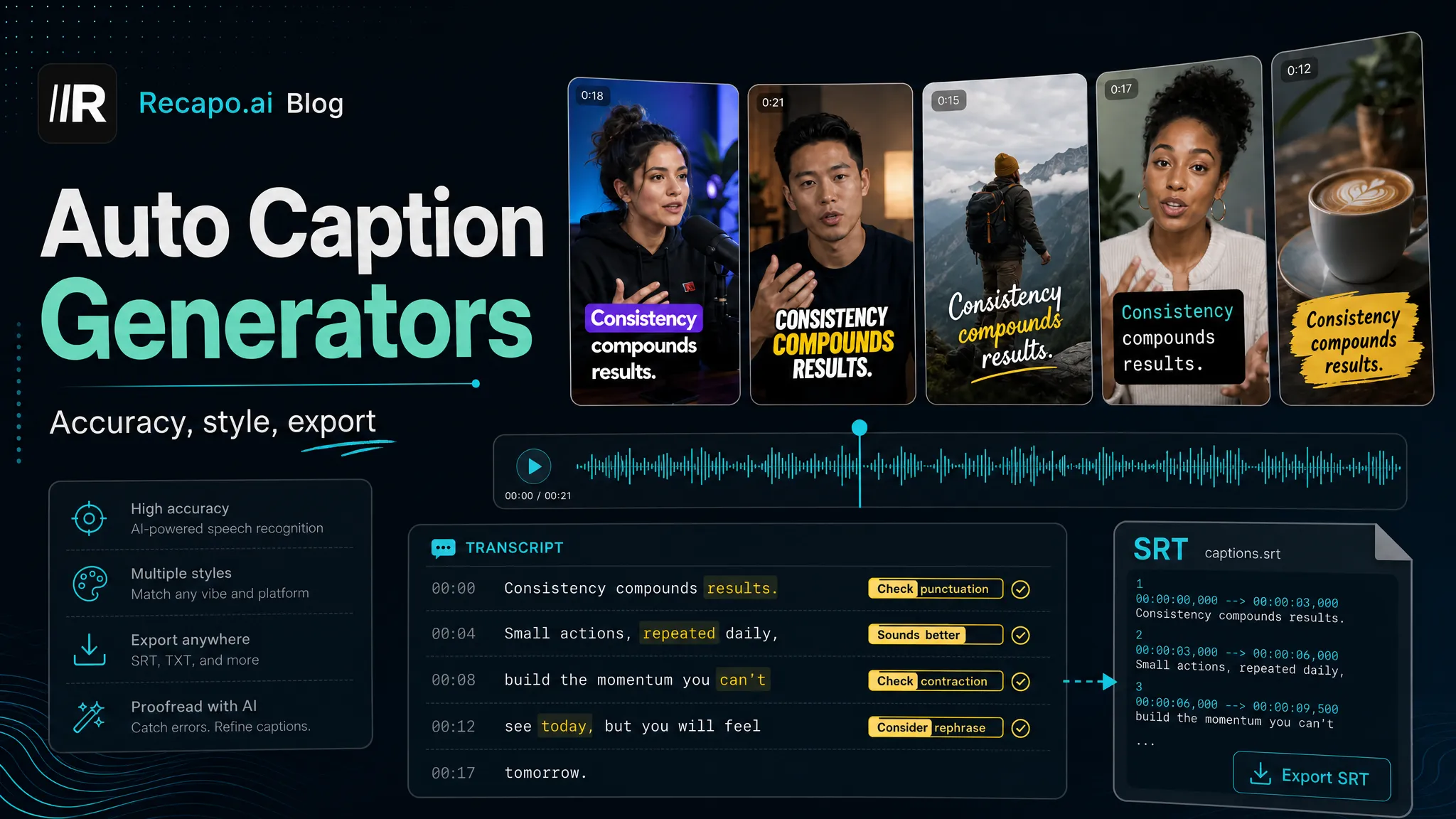
How to Translate Subtitles: One Video, Many Languages
Translate subtitles into multiple languages the right way: proofread once, batch-translate SRT files, keep line limits, and publish everywhere.
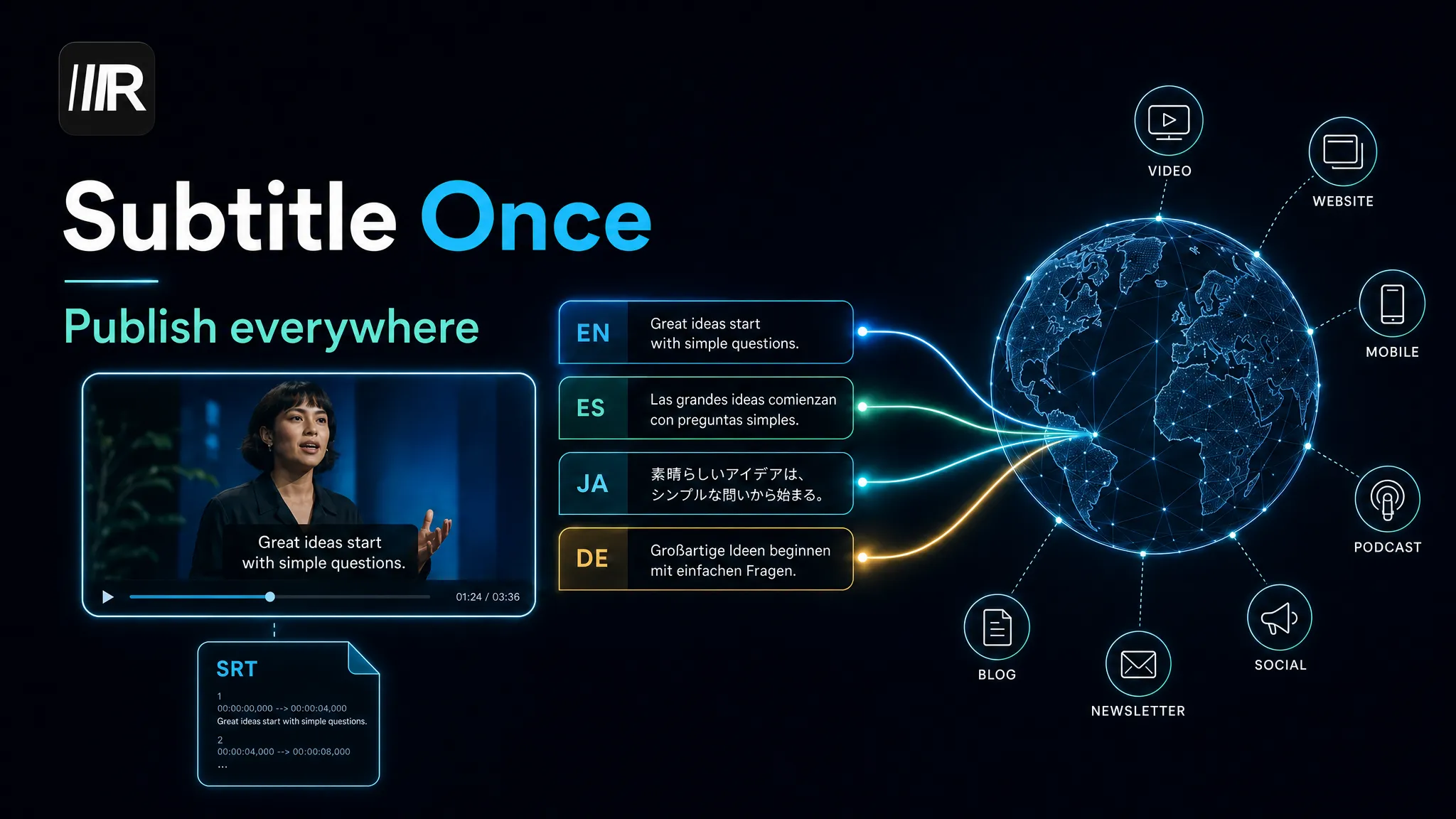
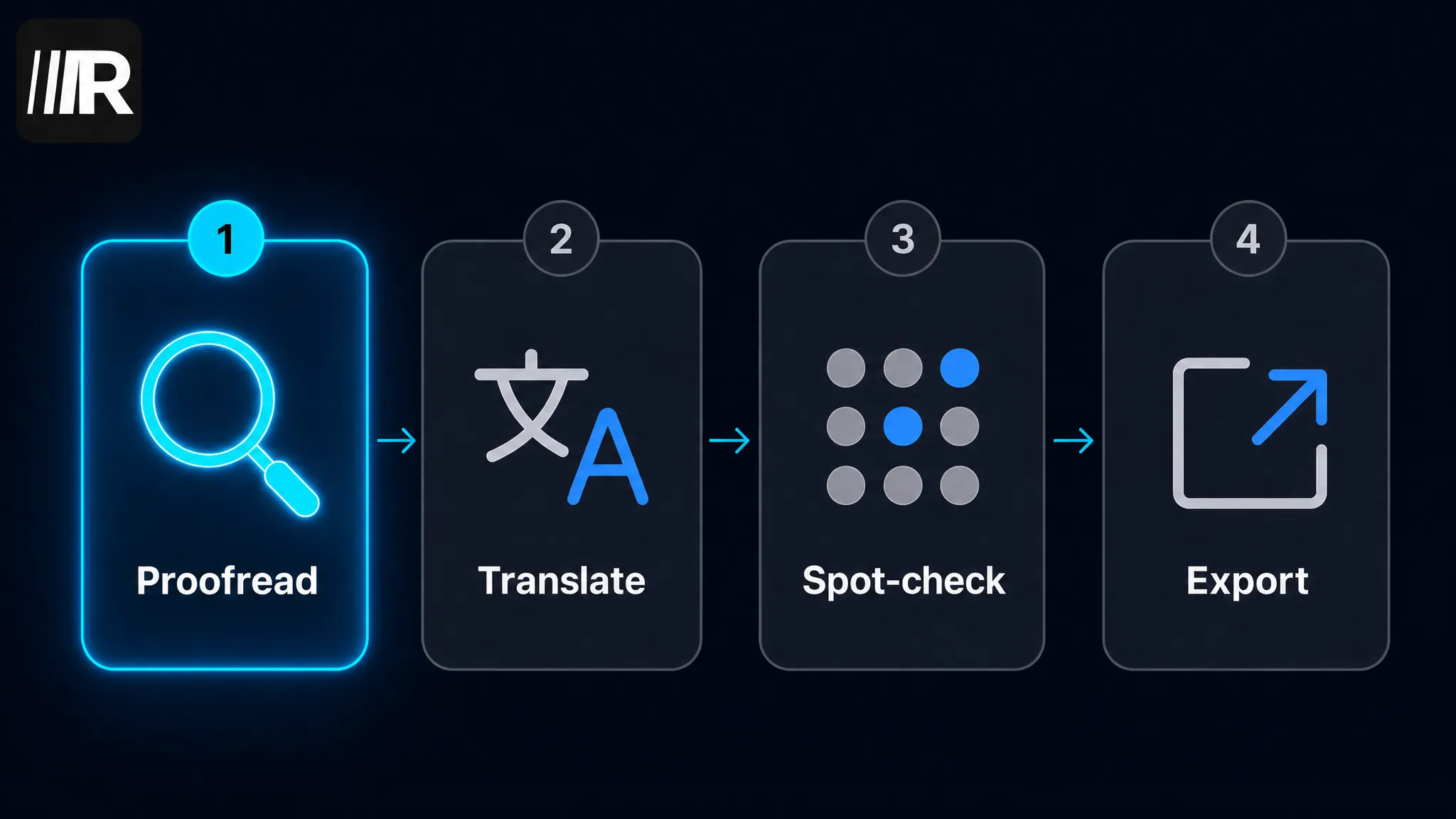
Translating subtitles the right way means working from one proofread master file: generate subtitles in the source language, fix every error there, batch-translate that SRT into each target language, spot-check the results, and export what each platform needs. You translate the file, not the video — and you proofread before translating, because a source error multiplies into every language. Here's the full workflow, plus the line-length and export details that trip most people up.
Why translate subtitles at all?
Because it's the cheapest reach expansion available to a creator. The video is already scripted, shot, and edited — translation adds a text layer, not a production cycle. For the cost of careful text work, the same video becomes watchable in Spanish, Portuguese, German, or Japanese.
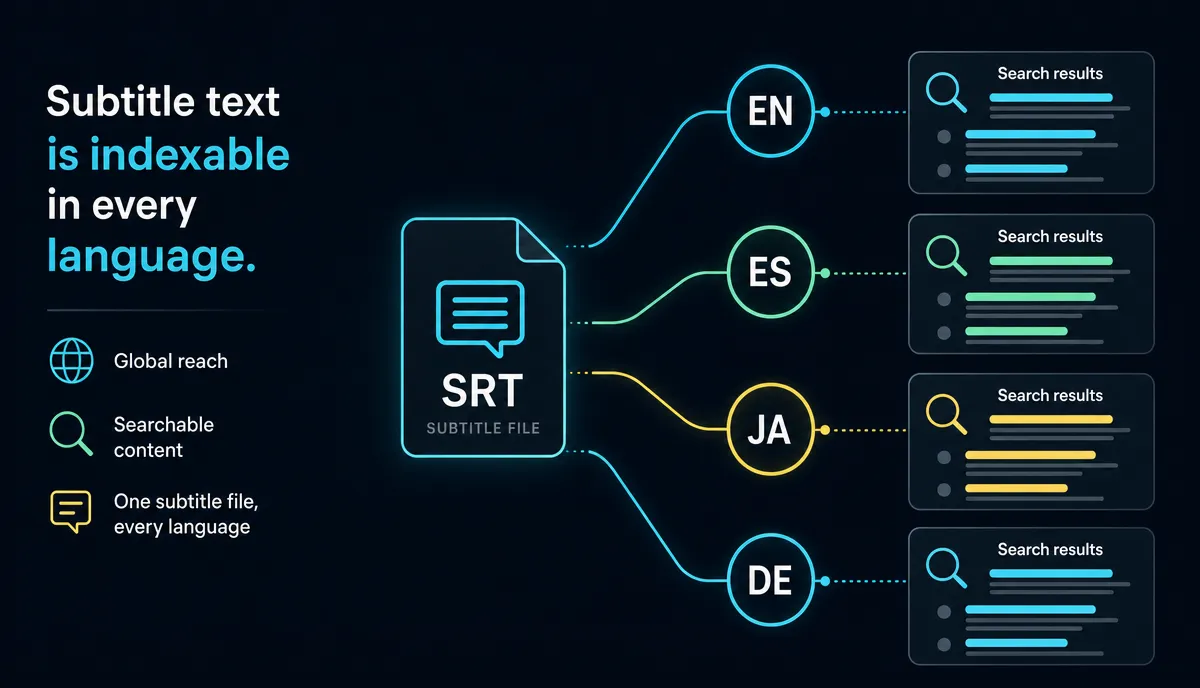
There's a discovery bonus on top. Platforms index caption text, so a Spanish subtitle track gives search a Spanish document to match against Spanish queries. Your English-only version simply doesn't exist for those searches.
Same video, new audiences, one text file per language. Very little else in a creator workflow has that ratio of effort to reach.
Proofread the source file first — the rule everything hangs on
One error upstream becomes an error in every language. Misspell a name in the English SRT and it's misspelled in every translation — or worse, machine translation treats the unknown word as something else entirely and "fixes" it into nonsense. A misheard number gets faithfully translated wrong everywhere it goes.
So spend your careful human attention on the source file, in the language you can actually judge. Fix names, numbers, homophones, and any punctuation that changes meaning. Downstream, you'll only spot-check.
If this step is new to you, start with how to add subtitles to a video — the rest of this article assumes you can produce a clean source file.
The workflow: proofread once, translate many
Step 1: Generate and lock the source SRT
Run the video through an AI subtitle generator and correct the output against the audio. Beyond spelling, lock two things at this stage:
When the file is clean, freeze it. It's now the master.
Step 2: Batch-translate the SRT
Translate the file, not the video. An SRT is just numbered blocks of timecode plus text, so a translation pass rewrites only the text lines — numbering and timing stay untouched, and every language version stays in sync by construction.
Batch all target languages in one pass from the same master revision. Translate one language now and another next month from a slightly edited file, and you've created versions that silently disagree.
Step 3: Spot-check each language
You can't proofread a language you don't read. You can still spot-check it in a few minutes:
If a language drives real revenue for you, pay a native reviewer for the hook and the call-to-action lines. That's a handful of lines, not the whole file.
Keep lines at 35–42 characters
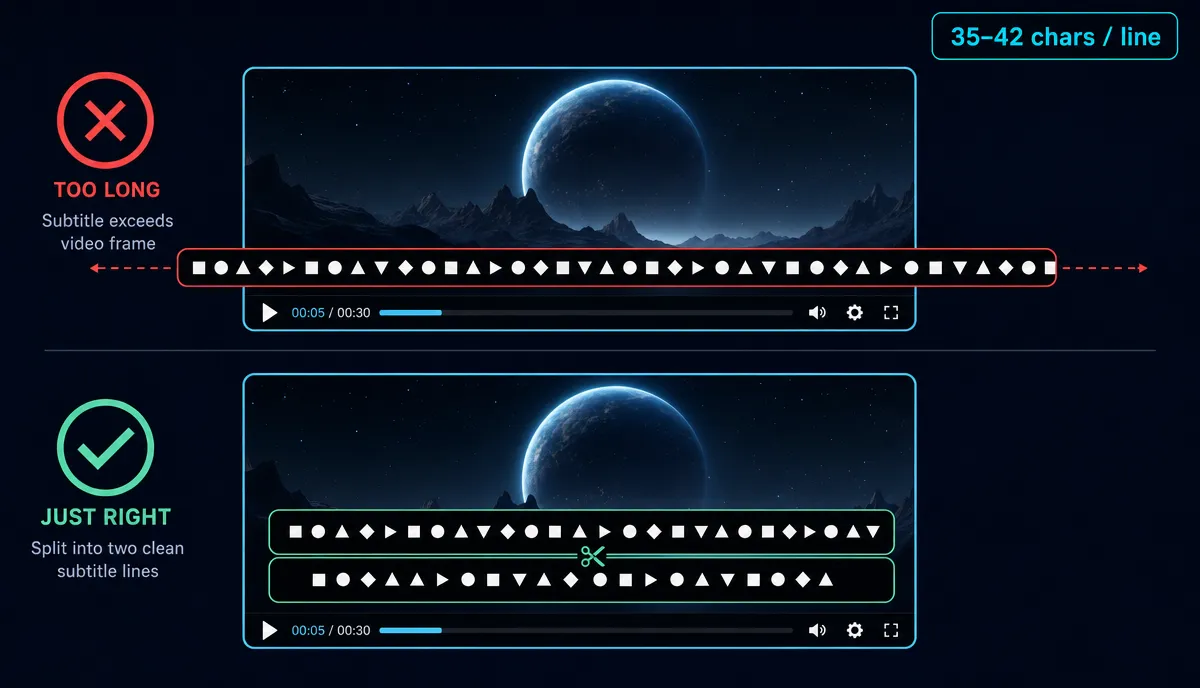 Keep each subtitle line between 35 and 42 characters, and break at phrase boundaries — after a clause, never between words that belong together. Viewers read in phrase-sized chunks; a bad break forces a re-read, and short-form video leaves no time for re-reads.
Translation changes line lengths, so re-check this per language:
Run the whole loop in one place
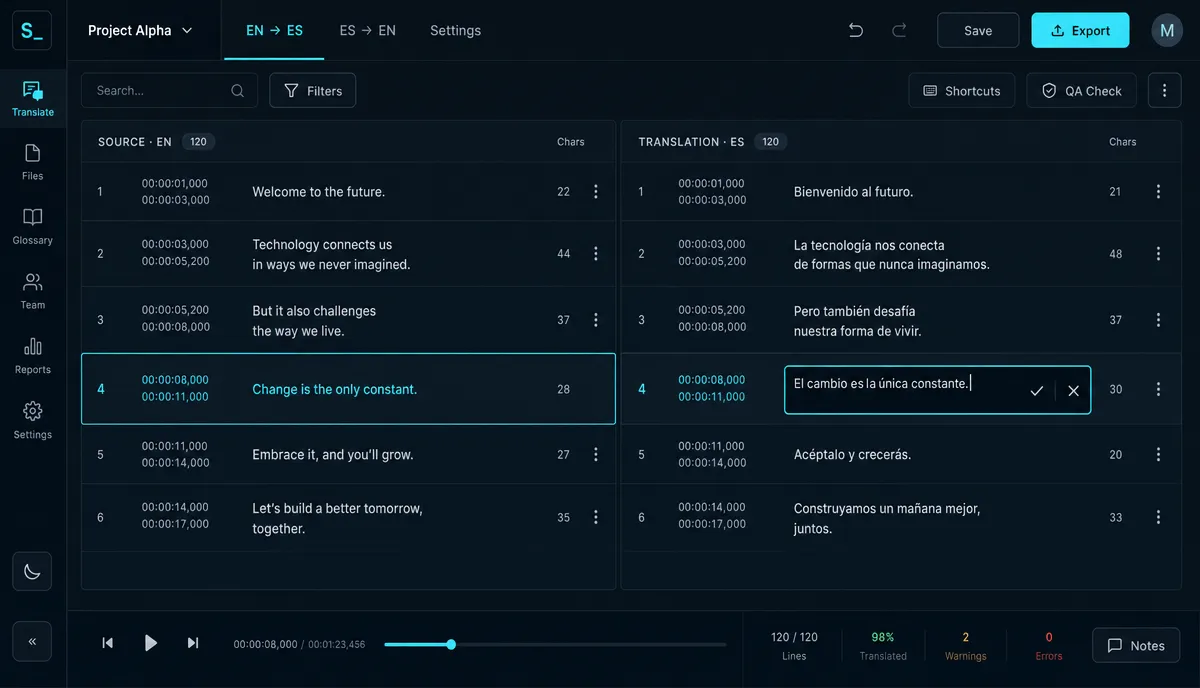 You can chain separate tools — transcribe here, translate there, convert somewhere else. It works, but every hop between tools is a chance to desync a file or lose a correction.
Recapo runs the loop in the browser: upload the video (MP4, MOV, and other common formats, up to 6GB per task), generate and proofread the source subtitles, translate them into your target languages, and export each language as a subtitle file or a burned-in render. The value isn't any single step — it's that the master and all its translations live in one project instead of a folder of near-duplicate files.
Export what each platform expects
YouTube: upload one SRT per language as separate caption tracks on the same video. Viewers pick their language, and each track becomes indexable text. If your files are sitting in another subtitle format, run them through a subtitle to SRT converter first. Embedding the video on your own site? Most web players want WebVTT — an SRT to VTT converter handles that in seconds.
TikTok, Instagram Reels, YouTube Shorts: vertical feeds don't give viewers a language picker the way YouTube caption tracks do, so burn subtitles into the video and publish one version per language. Treat each version as its own post — write the post caption and hashtags in that language too, not in English.
Keep the master SRT — it compounds
 Store the proofread source SRT with the project files. It keeps paying:
The video was the expensive part. The master file is how you keep collecting on it.
FAQ
Which languages should I translate subtitles into first?
Check your analytics before guessing. Countries already showing up in your audience data are proven demand — start with two or three of those languages, watch whether retention and comments improve, then expand from there.
Is machine translation good enough for subtitles?
For most creator content, yes — provided the source file was human-proofread and each language gets a spot check on names, numbers, the hook, and idioms. For client work, ads, or anything with legal weight, pay for a full human review.
Should I dub instead of translating subtitles?
Subtitles are the cheap, fast layer, so ship them first. Dubbing — or an AI voiceover in the target language — serves viewers who won't read, but it costs more per language. A sane sequence: subtitle broadly, then dub only the languages that prove demand.
Do translated subtitles actually help discovery?
Caption text is indexable text. A subtitle track in a given language gives that language's searches something to match, which an untranslated video doesn't have. It won't rescue weak content, but it widens the surface good content can be found on.
Ready to make one upload travel? Create a Recapo account and run this workflow in your browser: upload a video up to 6GB per task, generate and proofread subtitles, translate them into every language your audience speaks, and export SRT files or burned-in versions for each platform you publish on.