Best Auto Caption Generators for Short-Form Video (2026)
Auto caption generators compared for short-form video: accuracy criteria, styles, multilingual support and export options — pick the right one.
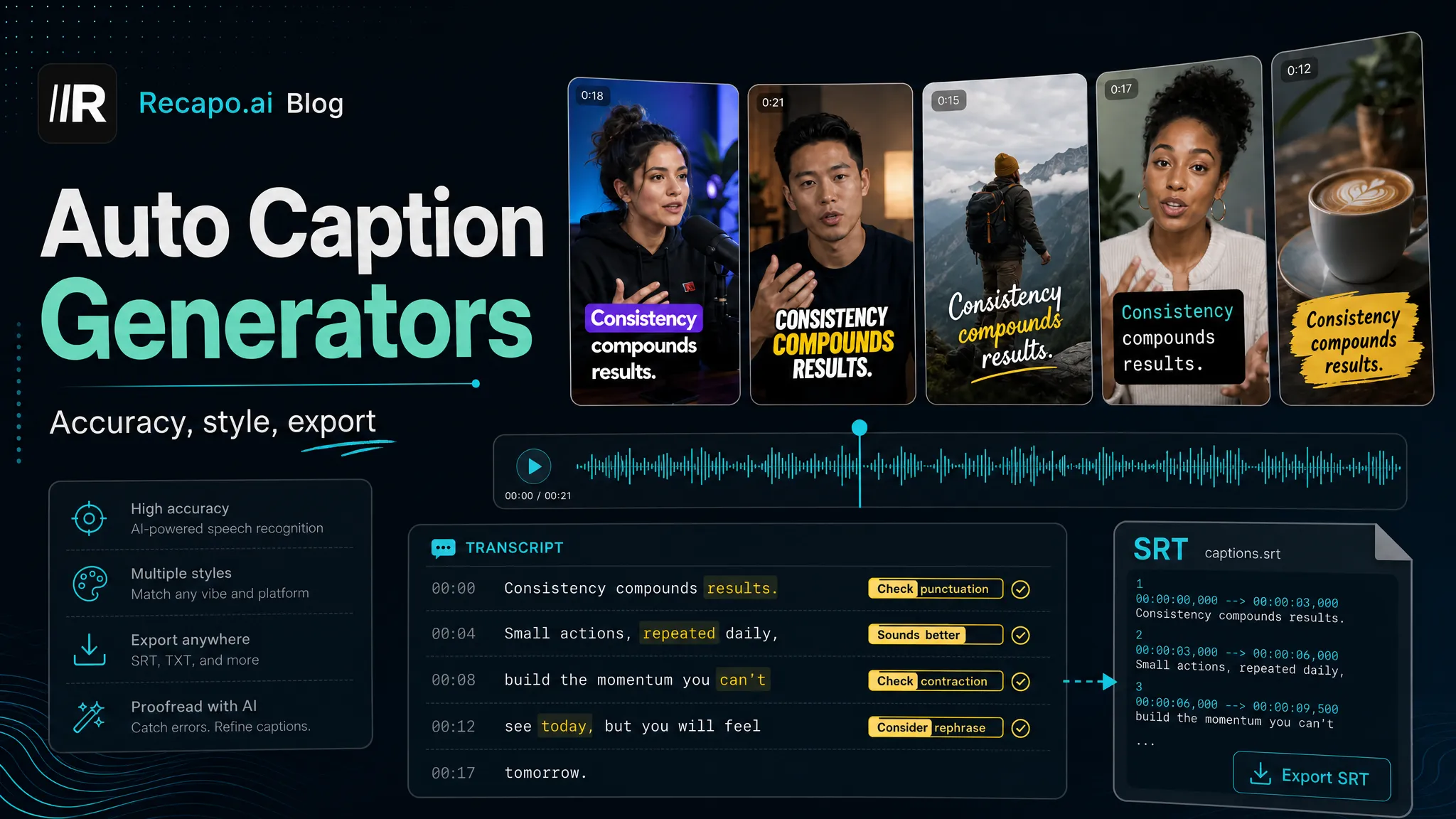
The best auto caption generator for you depends on five things: accuracy on your specific audio, word-level timing, style control, multilingual support, and export options — and no single tool leads on all five for every creator. This guide gives you those criteria, a 15-minute test you can run on your own footage, and straight positioning notes on CapCut, Veed, Descript, Kapwing, and Recapo. Accuracy numbers are deliberately absent: the only one that matters is the one you measure on your own audio.
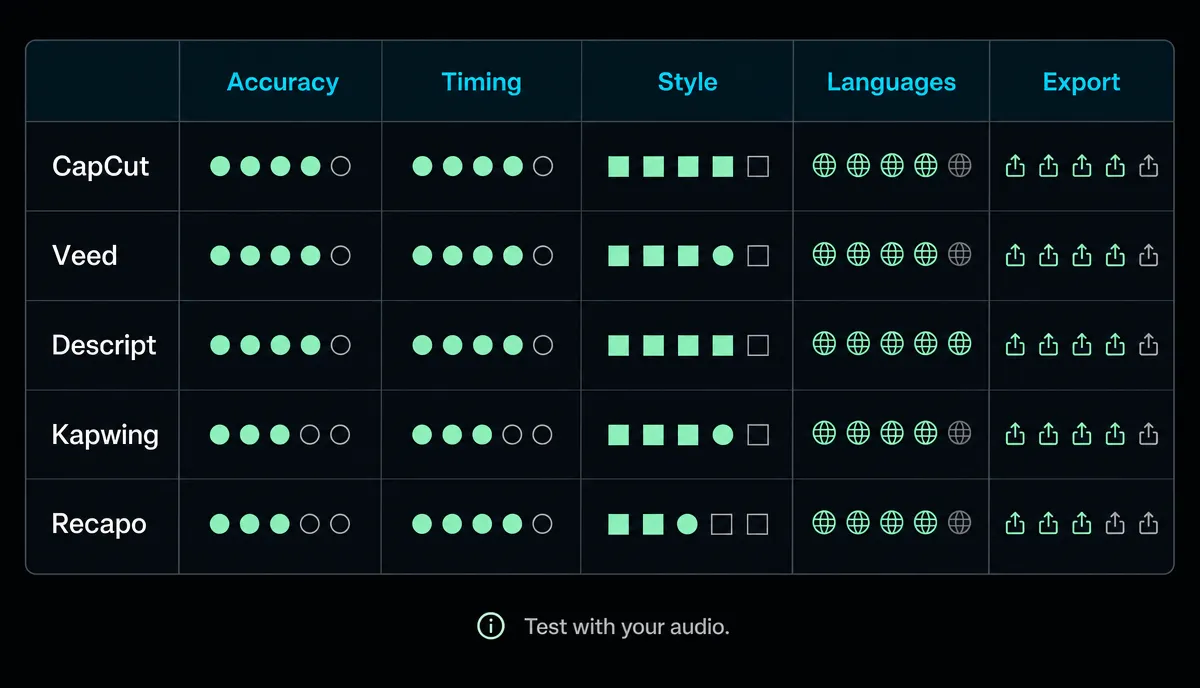
The five dimensions that actually matter
1. Accuracy on your audio
Every caption tool looks accurate on clean studio speech. The gaps show up on real footage: accents, niche vocabulary, brand names, music under speech, two people talking at once. A published accuracy percentage was measured on someone else's audio — the number that predicts your editing time is corrections-per-minute on your own clips, and you can measure it in fifteen minutes (method below).
2. Word-level timing
Short-form captions usually show a few words at a time, often highlighting the word being spoken. That requires word timestamps, not line timestamps. Line-level timing is fine for a YouTube subtitle track but looks laggy and chunky as animated vertical captions. Also check what happens after you edit text — if every correction forces manual retiming, the tool is charging you a hidden tax.
3. Style control
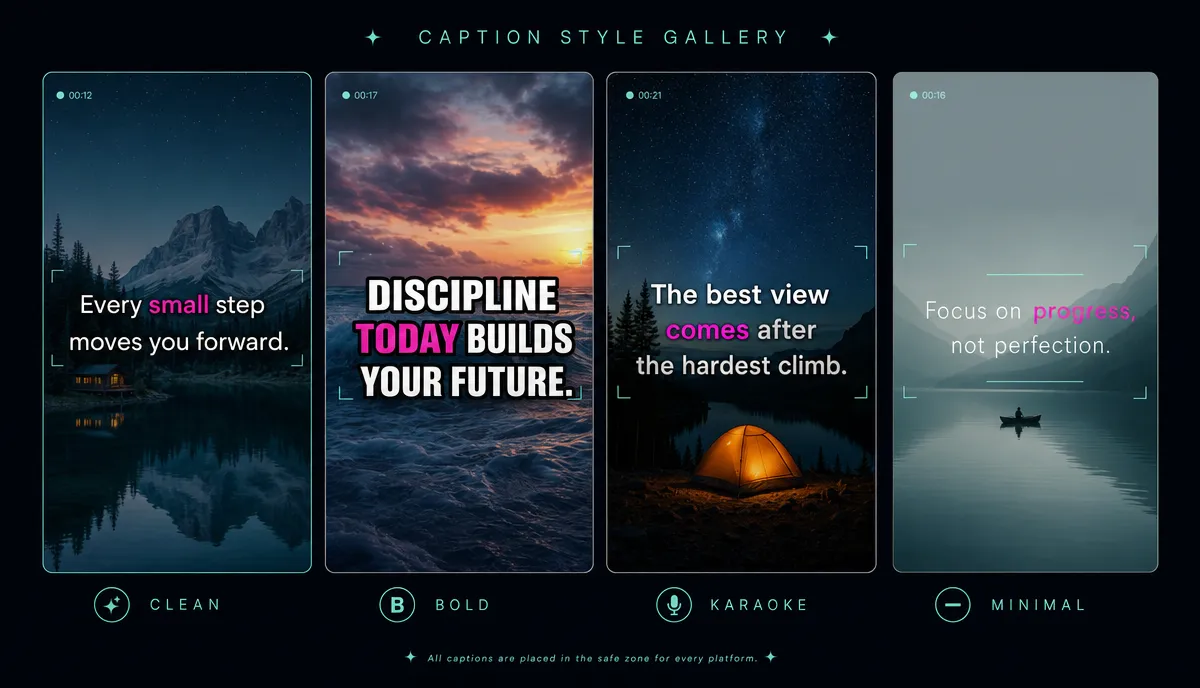
Font, size, position, stroke and shadow, highlight color — and whether all of it saves as a preset instead of being rebuilt per video. Position matters more than people think: captions have to sit inside platform safe zones or the UI covers them. A dedicated subtitle style editor turns styling into a set-once decision.
4. Multilingual support
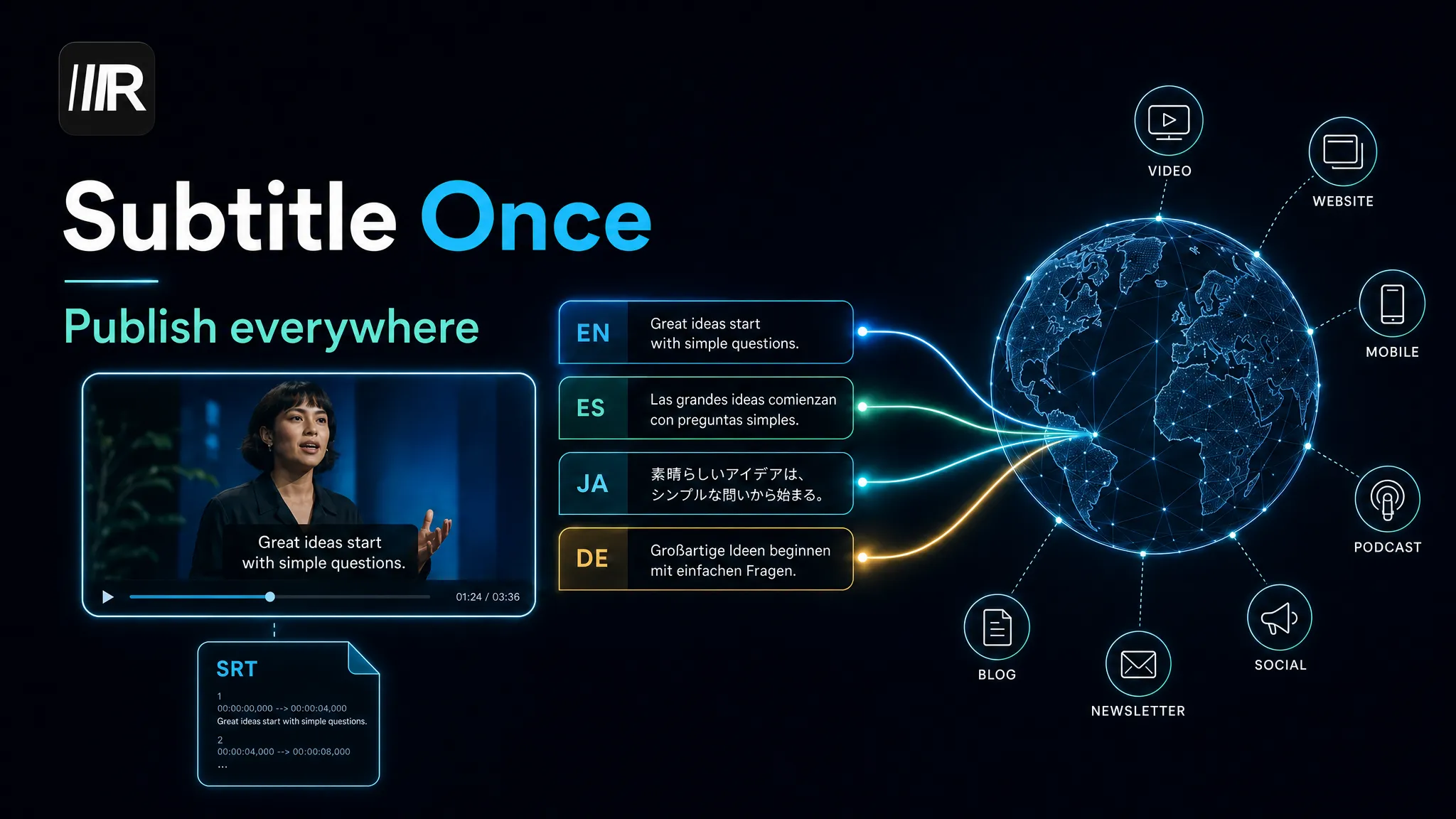
If you publish in more than one language, captioning and translation should be one flow — generate, translate, export — not an export-and-reimport round trip between tools. An AI subtitle generator with translation in the same flow keeps timing intact across languages. The full workflow is in how to translate subtitles into multiple languages.
5. Export: SRT out, burn-in, or both
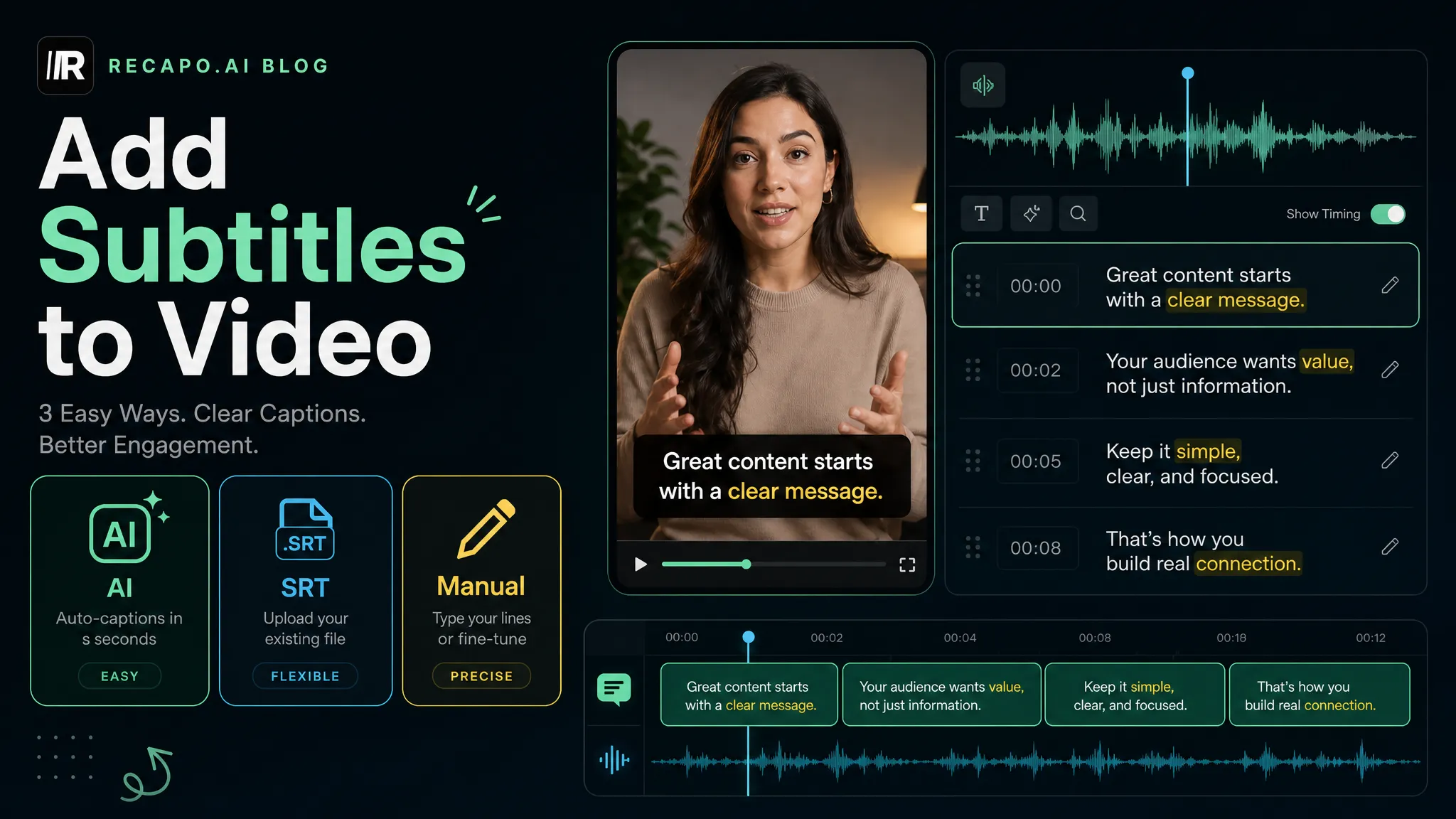
You'll eventually want both: SRT files for YouTube caption tracks and your archive, burned-in captions for TikTok, Reels, and Shorts. A tool that only burns in traps your captions as pixels; a tool that only exports files leaves you hunting for a renderer. If the distinction is fuzzy, how to add subtitles to a video covers the basics.
Test any caption tool yourself in 15 minutes
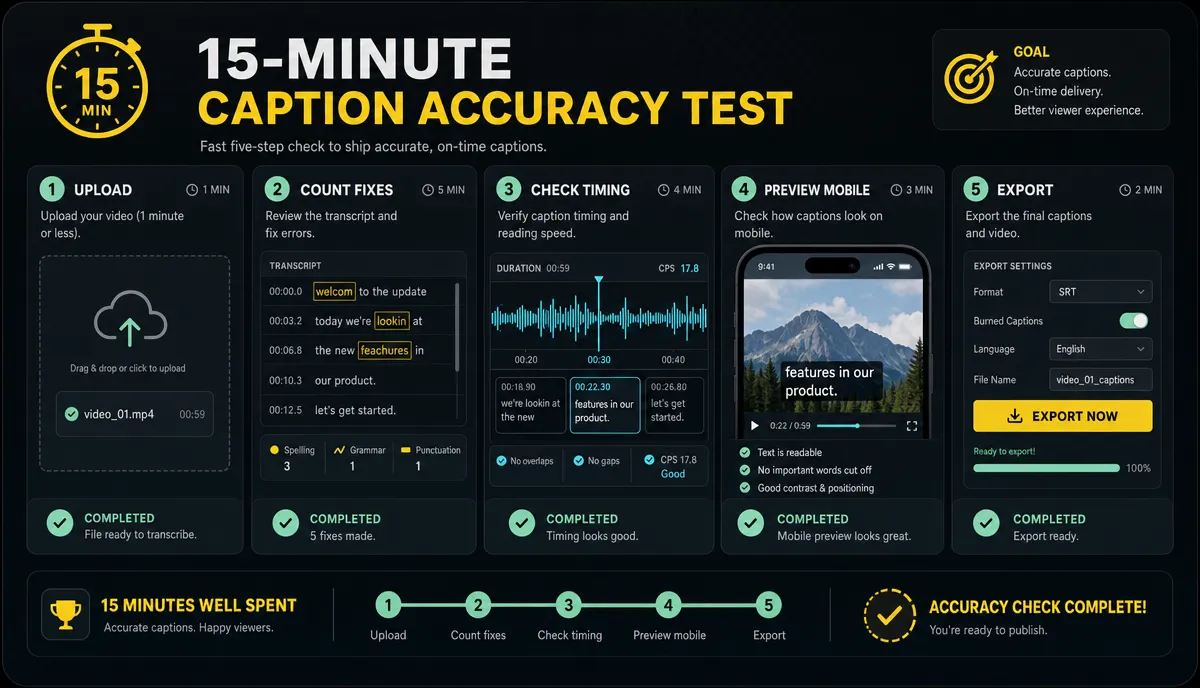
This article prints no accuracy results on purpose — nobody's test clip sounds like your channel. Run your own instead:
- Pick one 60–90 second clip from your own content that contains at least one name, one number, and one messy moment (crosstalk, music under speech, or fast delivery).
- Run the identical clip through every tool on your shortlist, default settings.
- Count corrections — every word you'd have to fix before publishing. Write the number down per tool.
- Check timing on your fastest-spoken sentence: does the highlight land on the word or trail behind it?
- Restyle the captions to your look, count the steps it takes, and check whether the style saves as a preset.
Same clip, same counting rule — now the tools are directly comparable, on the audio you actually produce. Redo the test whenever your shortlist changes; it stays a fifteen-minute job.
Tool-by-tool notes
These notes stay at positioning level on purpose. Prices, quotas, watermarks, and feature details change often — always verify against the vendor's current pages before you commit.
CapCut
The default editor for many TikTok-native creators: template-heavy, vertical-first, with auto captions built into a full editing suite across mobile and desktop. Its caption templates track short-form trends closely, which makes it a fast route to a current-looking style. Check the current free-tier scope, watermark policy, caption language coverage, and web availability on CapCut's official pages before you commit a workflow to it. If your editing already lives in CapCut, its captions are the path of least resistance.
Veed
A browser-based video editor where subtitles have long been a headline feature: auto captions, styling, and subtitle translation inside a general-purpose web editor, positioned as creator- and team-friendly. Check Veed's current plan limits, watermark policy, subtitle translation languages, and SRT/VTT export support before choosing a paid workflow. A fit when you want captions plus light editing in one web tool.
Descript
Transcript-first editing: it transcribes your media and you edit the video by editing the text. That model shines for podcasts and talking-head content, and captions fall naturally out of a transcript you've already corrected. Check Descript's current caption style options, transcription quotas, and export formats before you standardize on it. Strongest when your source material is long spoken content you're repurposing.
Kapwing
A browser-based editor aimed at fast turnaround and team collaboration, with subtitling among its core tools. Check Kapwing's current auto-caption translation, styling options, free limits, and watermark policy before you publish at scale. A fit for teams standardizing on one shared web workspace.
Recapo
Recapo treats captions as one step in a repurposing pipeline rather than the end product. In one browser workspace you upload a video (MP4, MOV, and other common formats, up to 6GB per task), generate captions with the auto captions tool, then select clips, resize to vertical, add AI voiceover, and export with covers — no carrying files between tools. Captions can be translated in the same flow, and styles are editable. If captions are all you need, the standalone video caption generator covers that case; the integration matters when captioning sits in the middle of your workflow rather than at the end.
Burned-in captions or an SRT file?
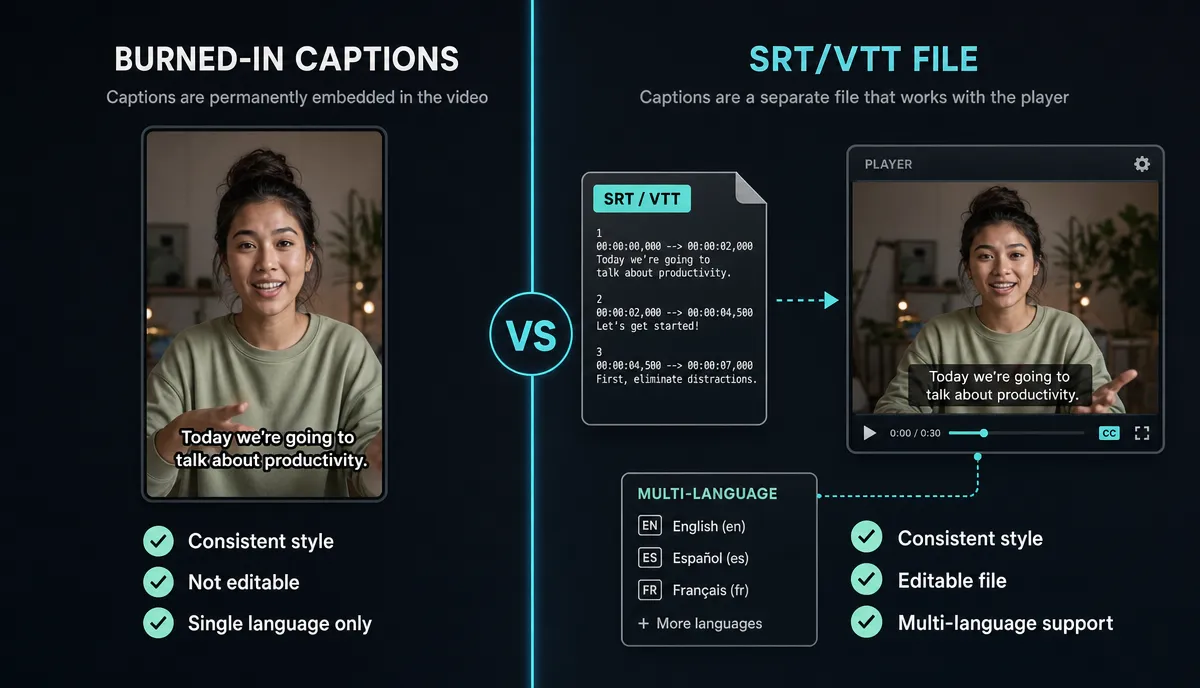
For YouTube long-form, upload SRT caption tracks: viewers can toggle them, you can add languages later without re-rendering, and the text is indexable. For TikTok, Reels, and Shorts, burn captions in: vertical feeds are often watched without sound, and burned-in styling stays exactly as you designed it. Either way, keep the SRT file as your source of truth — pixels can't be edited later, files can.
Which tool for which creator
Vertical-first clipper (long videos into Shorts, TikTok, Reels): weight style presets and burn-in speed heaviest. CapCut fits if you already edit there; Recapo fits if captioning should sit inside the clip-selection workflow instead of after it.
Multilingual channel: weight translation-in-flow and per-language export. Veed and Recapo both position translation inside the caption editor — check current language lists, then run the 15-minute test with a non-English clip, because quality varies by language pair more than any spec sheet shows.
Podcast repurposer: weight transcript editing and long-file handling. Descript's transcript-first model is built around exactly this; test it with a full episode, not a highlight. If you also need vertical resize and covers downstream, an integrated workspace saves the extra hop.
Common caption style mistakes
- Too much text per screen. One or two short lines; viewers should finish reading before the line changes.
- Ignoring safe zones. Bottom-center captions collide with platform UI on TikTok and Reels — keep them in the lower-middle area and preview on a phone.
- No contrast layer. White text over bright footage disappears; add a stroke, shadow, or background box.
- Karaoke highlight on everything. Word-by-word emphasis works when it's occasional; constant highlighting is visual noise.
- Styling before proofreading. Fix the text first — restyling and retiming after edits is rework.
FAQ
What's the most accurate auto caption generator?
There's no universal answer — accuracy depends on your accent, microphone, vocabulary, and how many people speak at once. Run the same 60–90 second clip of your own content through each candidate and count corrections. That number predicts your editing time; a marketing percentage doesn't.
Are auto captions good enough to publish without editing?
Treat them as a strong first draft. Names, numbers, brand terms, and punctuation are where every tool slips. At minimum, proofread the hook and any line containing a number before you publish.
Should captions be burned in or uploaded as an SRT file?
SRT tracks for YouTube long-form: toggleable, multi-language, indexable. Burned-in for TikTok, Reels, and Shorts, where styled captions are part of the content itself. Keep the SRT file either way so future edits stay cheap.
Do auto caption generators work in languages other than English?
Most transcribe several spoken languages, and many also translate captions into further languages. Coverage and quality vary widely by language pair, so spot-check names, numbers, and the opening lines in every target language before publishing.
If captioning is one step in a longer loop — transcribe, clip, caption, translate, resize, publish — Recapo runs that loop in a single browser tab, with uploads up to 6GB per task. Create a Recapo account and put your next upload through it end to end.