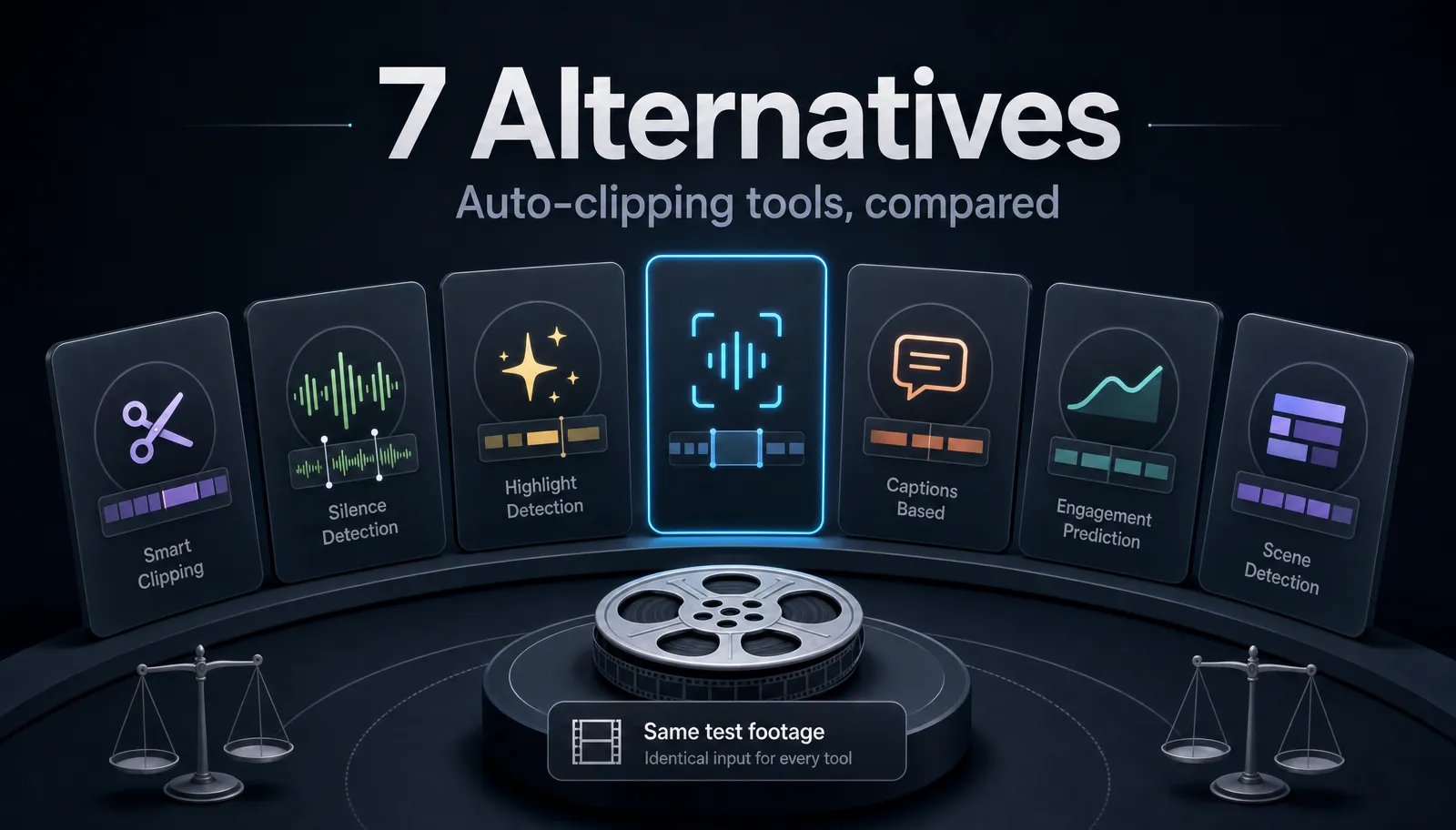
Pictory Alternatives for Script-to-Video (2026)
Compare Pictory alternatives in 2026 for script-to-video and real-footage repurposing, with a 30-minute self-test.
If you searched for Pictory alternatives, you already know roughly what you want: a tool that turns a script, a blog post, or a long recording into a finished short — without the parts of Pictory that slow you down. This guide is written for creators publishing on YouTube, TikTok, YouTube Shorts, and Instagram Reels who repurpose real long-form footage, not just stock-assembled slideshows. Below is an honest framework for evaluating any Pictory AI alternative, the recurring failure modes that push people to switch, a use-case-by-use-case breakdown, and a 30-minute self-test so you can pick a fit instead of the loudest ad.
The short version: Pictory is genuinely good at one job — turning text into a stock-footage montage. If that is your job, you may not need to switch. If you shoot or record your own footage and want it cut into shorts, that is a different job, and the best tool for it is usually not the best tool for blog-to-video assembly.
Key Takeaways
- Choose tools by workflow fit, not by a static feature checklist or a competitor-owned ranking.
- Pricing, free tiers, credits, watermarks, and export limits change often; use each vendor's current official pages as the source of truth.
- Run the same-footage test on every candidate so the comparison reflects real creator work.
- Position Recapo honestly: strong for browser-based repurposing, captions, voiceover, reframing, and export, not every video job.
Why creators start looking for Pictory alternatives
Script-to-video tools built around a stock library share a common shape, and three frustrations come up most often once creators move past their first few projects.
| Frustration | Why it happens structurally | What to look for instead |
|---|---|---|
| Visuals that don't match the meaning | Template tools match keywords in your script to clips in a stock library. Keyword-matched footage is often literally correct but contextually wrong. | A tool that edits your footage, so the visuals are always relevant by definition. |
| The editor feels heavy on longer projects | Timeline editors that render previews in the browser can get sluggish as a project grows. | A workspace that stays responsive when you scrub a 20-minute source. |
| Hitting a wall mid-project | Credit-based and minute-metered plans can stop you partway through a video. | Clarity on how usage is counted before you commit a real project. |
None of these makes Pictory a bad tool — they are trade-offs of the stock-assembly model. The question is whether that model matches what you actually publish. If your channel is built on real footage — interviews, gameplay, tutorials, podcast recordings, or long-form talking-head videos — the mismatch is the whole reason you're reading this.
What Pictory is actually built for
Pictory's home turf is script/article-to-video: paste a blog post or a written script, and it drafts a video by pulling stock clips and adding captions and a synthetic voice. For marketers turning written content into social posts, that pipeline is fast and reasonable.
Where it stops fitting is repurposing. If you already have a 25-minute video, you don't want a new montage assembled from a stock library — you want that video cut down, captioned, reframed vertical, and exported. Those are two different products wearing similar marketing. Naming the job you actually have is the single most useful step in choosing among Pictory competitors, so start there before you compare a single feature.
The dimensions that matter when comparing Pictory competitors
Ads compare feature checklists. Practitioners compare a smaller set of things that actually decide whether a tool survives contact with a real workload.
| Dimension | The question to ask | Why it matters |
|---|---|---|
| Source of visuals | Does it use my footage or a stock library? | Determines whether visuals are relevant by default. |
| Input format | Does it take MP4, MOV, and large files? | Real recordings are big; format friction kills speed. |
| Caption quality | How accurate are auto-captions on messy, accented, or fast speech? | Captions are the single biggest driver of watch time on muted feeds. |
| Long-to-short logic | Can it find the strong moments in a long video, not just chop evenly? | This is the core repurposing task. |
| Vertical reframing | Does it keep the subject in frame when going 16:9 → 9:16? | Bad reframing cuts off faces and ruins otherwise good clips. |
| Editor stability | Does it stay responsive on a 20-minute source? | Sluggish editors quietly cost you hours. |
| Where it runs | Browser or a desktop install? | Browser tools let you work from any machine with no setup. |
Keep this list to seven rows on purpose. A tool that scores well here will serve you across dozens of videos; a tool that wins a feature-count comparison but loses on captions and reframing will frustrate you by the third project.
Pictory alternatives, sorted by what you're actually making
Instead of ranking tools against each other, match the category to your job. Here are the common categories at a stable positioning level — evaluate specific tools yourself with the self-test below.
- You have a written script or blog and want a stock montage. This is the template / text-to-video category (tools known for text-to-video from templates, and tools known for blog/article-to-video). This is Pictory's own category, so an alternative here is a lateral move — worth it only if a specific failure mode is blocking you.
- You have real long footage and want shorts. This is the long-to-short clipping category (tools known for auto-clipping long videos into shorts) paired with a strong auto-caption tool. This is the repurposing job most creators actually have.
- You want a faceless narrated video. Combine a script/summary step with a synthetic voice — the text-to-speech-video category. Good for recaps, explainers, and listicles where no on-camera presenter is needed.
- You want fine, word-level control. This is the transcript-based editing category (tools known for editing video by editing the transcript). Strong when you're cutting filler words and tightening a talking-head cut.
- You want a browser caption/trim workspace. This is the browser-based caption-editor category. Good for quick subtitle passes and light trims.
- You want an on-camera avatar or generative b-roll. These are the generative-AI-video and AI-avatar categories (tools known for generative AI video and for synthetic presenters). Powerful, but a different creative direction from repurposing real footage.
Notice the pattern: the right Pictory alternative depends entirely on whether your raw material is text or footage. If it's footage, most of the tools people list as "Pictory alternatives" are solving the wrong problem for you.
How to test any Pictory AI alternative in 30 minutes
Don't trust a comparison table — including this one — over your own eyes. Run this test with the same asset through every candidate and score them side by side. It's the only way to see how a Pictory AI alternative handles your content.
- Pick one real asset. Choose a 15–20 minute video you actually recorded (accents, background noise, and all) plus one 800-word script. Real inputs expose weaknesses that demo footage hides.
- Run the identical asset through each tool. Same file, same script, same target platform. No cherry-picking.
- Produce one vertical short from each. Cut to roughly 30–45 seconds, add captions, reframe to 9:16, and export.
- Score each tool 1–5 on the dimensions below.
- Multiply by the weights and compare totals.
| What to measure | How to score it | Weight |
|---|---|---|
| Visual relevance | Do the visuals actually match what's being said? | ×3 |
| Caption accuracy | Count errors in the first 30 seconds; fewer is better. | ×3 |
| Vertical reframing | Is the subject still centered and uncut? | ×2 |
| Editor responsiveness | Does scrubbing lag on the long source? | ×2 |
| Time to first usable short | How many minutes from upload to export? | ×2 |
| Exports before a wall | Did you hit a credit or length limit? | ×1 |
Add the weighted scores. The winner is almost never the tool with the longest feature list — it's the one that got you a clean, captioned, correctly-framed short from real footage fastest. Keep the test file; reuse it every time a new tool launches so your comparison stays apples-to-apples.
A repurposing workflow that starts with your real footage
If your job is turning long recordings into shorts, here's a concrete pipeline built around your own footage. Recapo runs in the browser with no install, accepts MP4, MOV, and other common formats, and handles up to 6GB per task — so your raw recordings go in directly.
- Upload your long recording. Drop in the full 20–40 minute file. Because the visuals come from your footage, relevance is never in question.
- Get a transcript and a working script. Transcribe the recording, then condense it into a summary or a tighter script with the video summarizer. This replaces the "paste a blog post" step — except the source is your own video. If you're new to this, the guide on how to summarize a long video walks through where to cut.
- Turn the long video into clips. Let the long-to-short step surface strong moments, then trim to your target length. This is the core repurposing move a stock-assembly tool can't do with footage it didn't record.
- Add a voiceover if you're going faceless. For narrated recaps or explainers, generate an AI voiceover with text-to-speech video instead of a stock synthetic read stapled onto stock clips.
- Build a fully faceless version when there's no presenter. For listicles and channels with no on-camera host, assemble a narrated short with the faceless AI video generator. See how to make faceless videos for structure ideas.
- Caption, reframe vertical, add a cover, and export. Auto-caption the clip, reframe 16:9 → 9:16 so the subject stays centered, generate a cover, and export ready for YouTube Shorts, TikTok, or Reels.
The difference from a template tool is structural: every visual in the finished short is footage you own, so there's no keyword-to-stock mismatch to fight.
FAQ
What is the best free Pictory alternative? "Free" is the wrong first filter. Most tools — including free options — cap usage somewhere: minutes, exports, or resolution. The smarter move is to run the 30-minute self-test above on any tool advertising a free tier, count how many usable exports you actually get before hitting a wall, and judge cost against real output. A "pictory alternatives free" search that ignores output quality usually costs you more time than it saves. Recapo's plans and any free allowance live on the pricing page.
I only turn blog posts into videos — do I even need a Pictory alternative? Maybe not. If your job is genuinely text-to-stock-montage and none of the three failure modes above are blocking you, switching is a lateral move. Look for a Pictory AI alternative when you start repurposing real footage, when the stock visuals stop matching your message, or when credit limits interrupt real projects.
Can any of these tools cut a long video into shorts automatically? Yes — but that's a different category from Pictory's stock assembly. You want long-to-short clipping tools that read your footage and surface strong moments, then let you trim. That's the repurposing workflow above, and it's a separate strength from template-based text-to-video.
Do I need to install anything? No. Browser-based tools, Recapo included, run without an install, so you can work from any machine. That also sidesteps the "unstable desktop app" complaint some Pictory competitors and older desktop suites carry.
What file formats and sizes should an alternative accept? For repurposing, it should take real recordings: MP4, MOV, and other common formats, at large sizes. Recapo accepts those formats and up to 6GB per task, which covers most long recordings without pre-compression.
Pictory earns its place for one specific job — text into a stock montage. But if your channel runs on real footage and you want it cut, captioned, reframed vertical, and exported, that's a different job with a different best tool. Run the 30-minute self-test on your own worst-case video, then start free and build one repurposing workflow end to end at Recapo to see how your real footage holds up.
References and official sources
- YouTube recommended upload encoding settings
- YouTube Help: Add subtitles and captions
- YouTube Help: Edit video settings