CapCut Alternatives for Auto-Clipping and Captions (2026)
Scenario-based CapCut alternatives: batch clipping, commentary workflows and web-based editors compared, with honest migration advice.
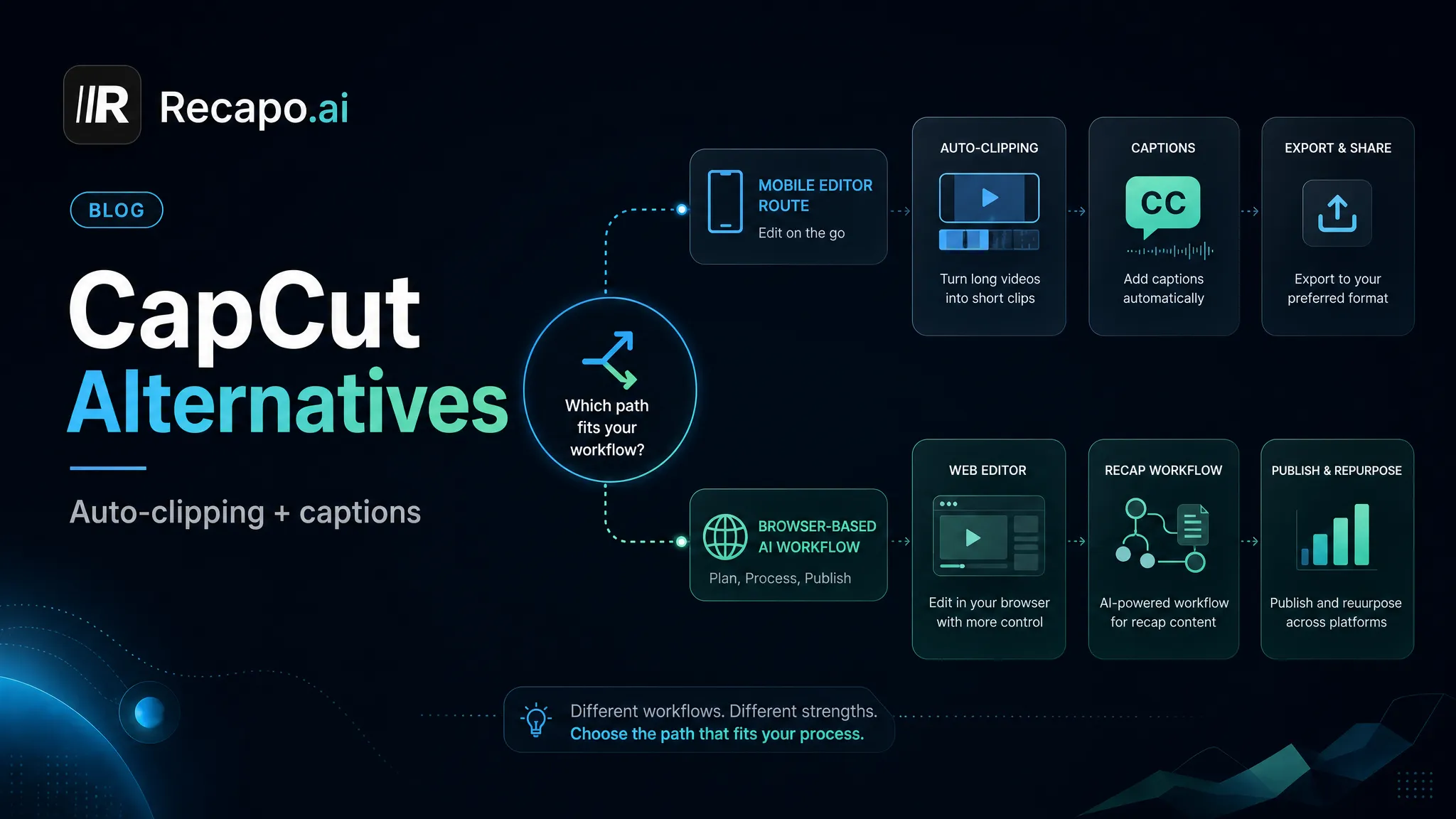
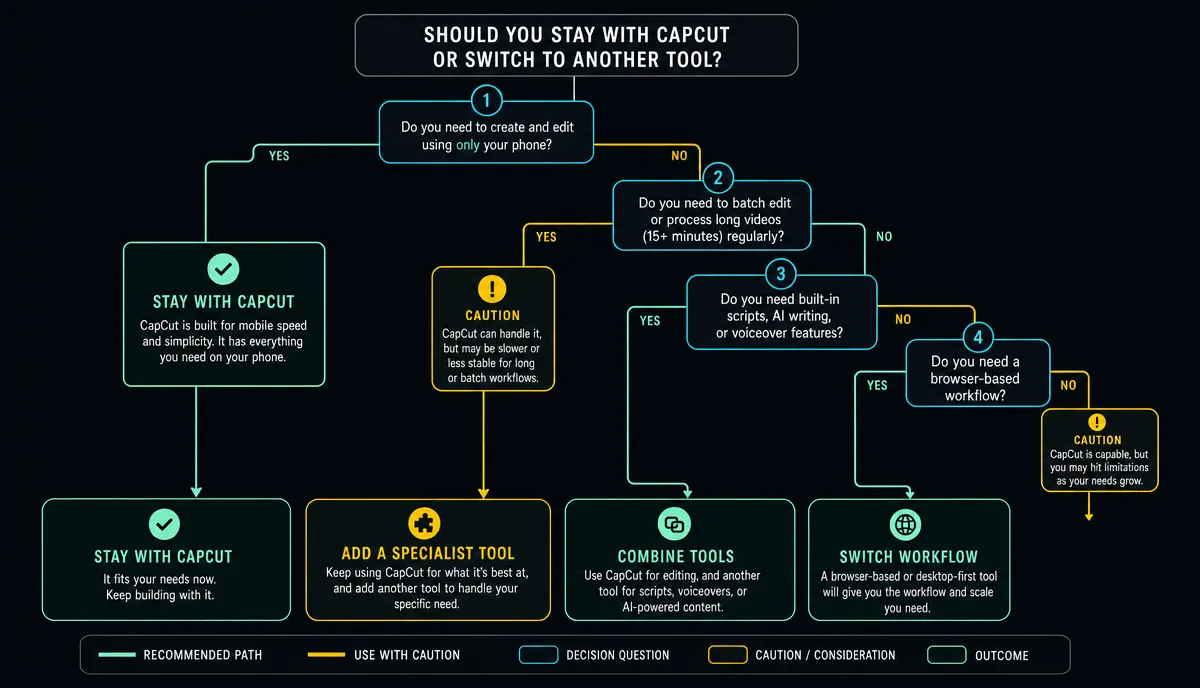
Most people searching for CapCut alternatives aren't actually unhappy with CapCut (called Jianying in its China version). They've hit a scenario it wasn't built for: batch-turning long videos into shorts, running a movie-recap production line, or editing in the browser across devices. Looked at by scenario, the realistic options are the international version of CapCut, OpusClip, Veed, Descript, and Recapo. This post walks through what each one is for and who it suits, then closes with a migration-cost checklist. The conclusion up front: most people need a combination, not a replacement.
Credit Where It's Due: What CapCut Does Well
CapCut's strengths are real: a template and asset ecosystem that keeps pace with trends, a mature mobile experience, and a full set of fine-editing tools — shoot on your phone, edit on your phone, publish from your phone.
If you put out one or two videos a week and do most of your polishing on mobile, it is the convenient tool, and there's no point switching for the sake of switching. The real problems show up in batch work and pipelines.
When It's Actually Worth Switching
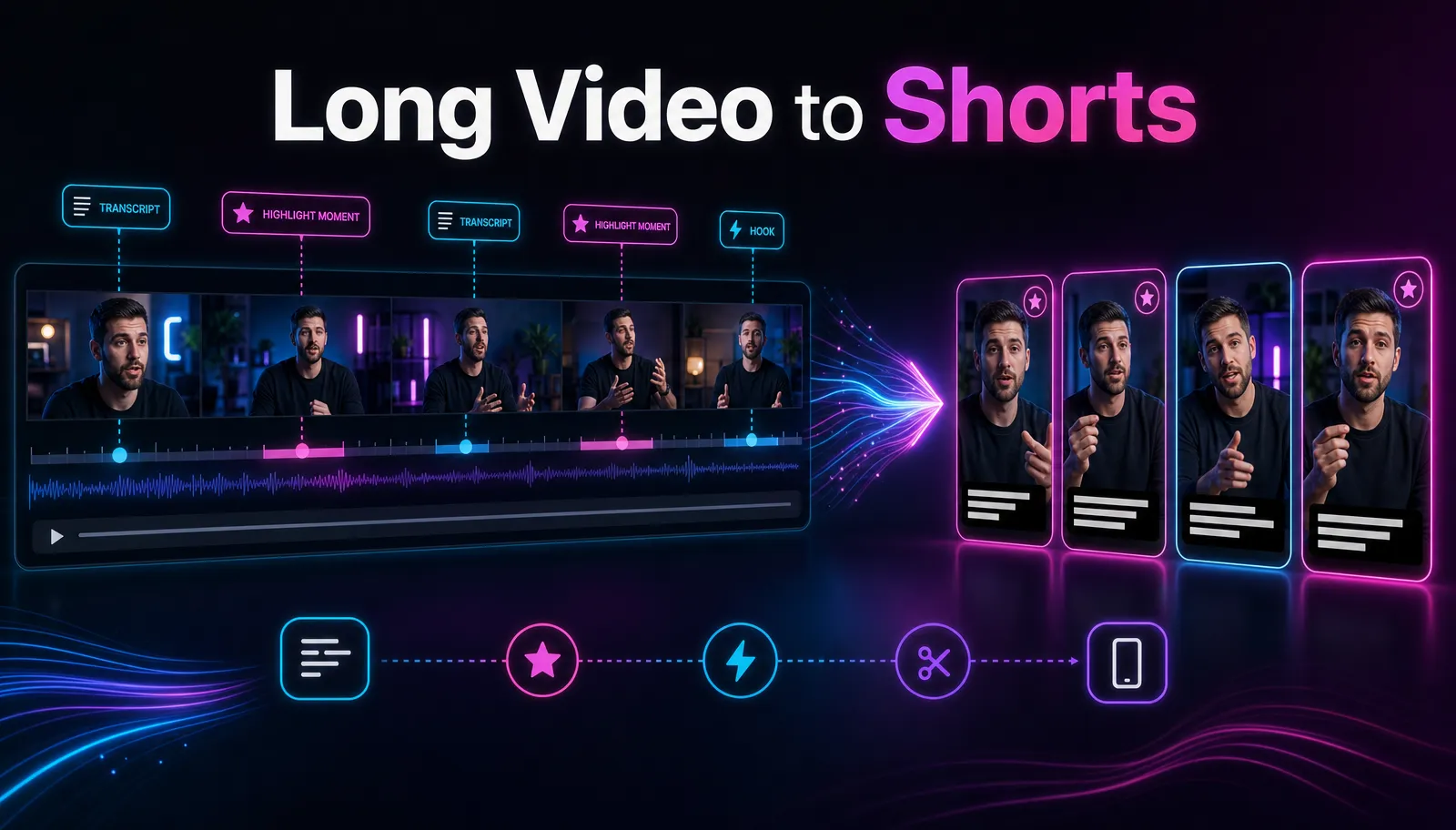
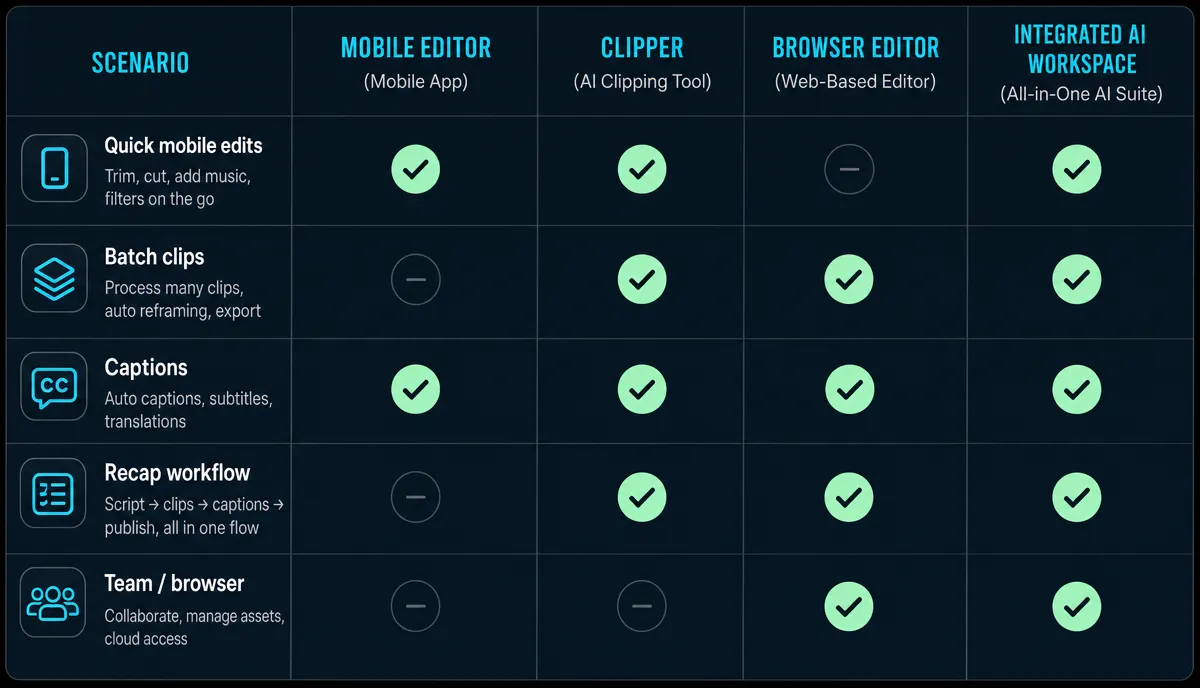
Batch long-to-short. One 30-minute recording needs to become a dozen vertical clips for YouTube Shorts and TikTok. Dragging the timeline by hand for every clip doesn't scale — you need AI to shortlist the candidate segments first.
A movie-recap production line. Scene breakdown, scriptwriting, voiceover and captions are four separate steps. Scattered across several tools, you spend your time shuttling files between them, and output speed gets dragged down by the tool-switching.
Web-based, cross-device work. Teams publishing internationally work on a mix of machines and don't want to install software and move project files around — open a browser and pick up where you left off.
The two-version headache. Some creators working across markets mention feature availability can differ by region, account, and product version, on top of maintaining separate accounts for each — so they move the batch steps to a web-based tool instead.
Five Tools, Matched to Scenarios
CapCut (international version): If all you want is to keep your China-version workflow while publishing abroad, try this first. The editing logic matches the China version, so the learning curve is minimal; for the exact feature differences from the China version, sign up and check your must-have features one by one. Suited to mobile-first solo creators who already know the app.
OpusClip: Focused on auto-clipping long videos — a good fit for batch-cutting long talking footage like podcasts and stream recordings. Scripting and voiceover still need other tools alongside it. For people whose one core need is clipping.
Veed: A web-based quick editor with caption editing as its headline scenario. A fit for lightweight jobs like adding subtitles and simple trims.
Descript: The reference point for text-based editing — delete a sentence from the transcript and the matching footage goes with it. Comfortable for English talking-head content and podcasts. For Chinese-language footage, test transcription quality on your own material first.
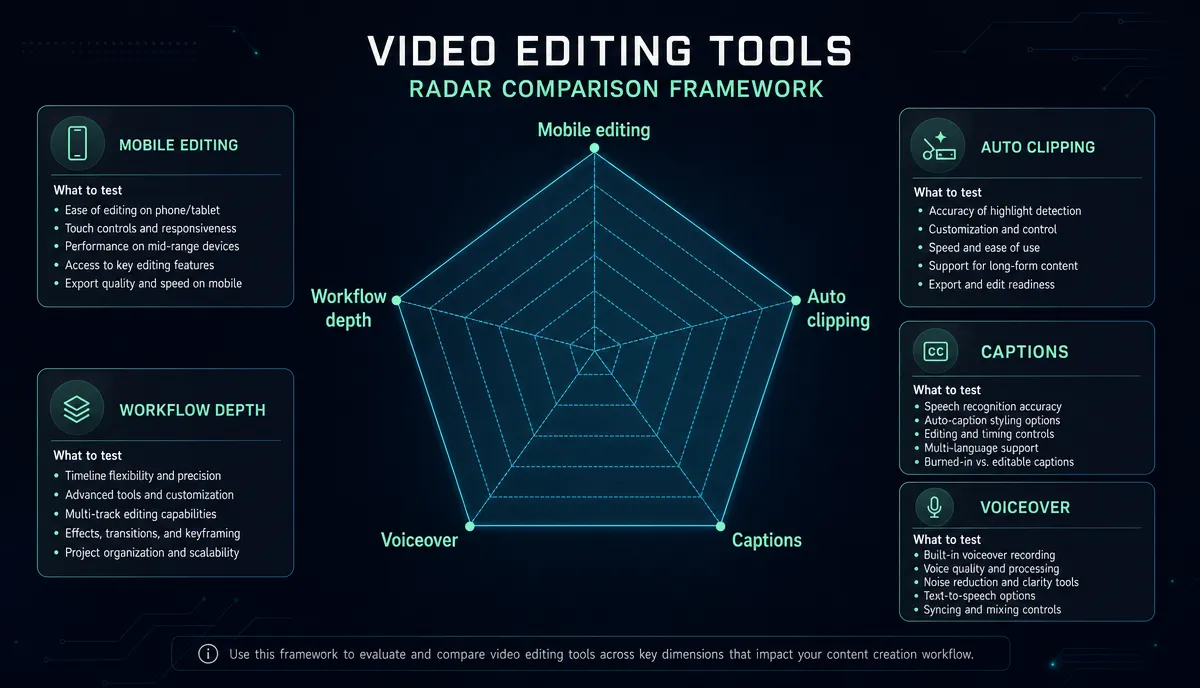
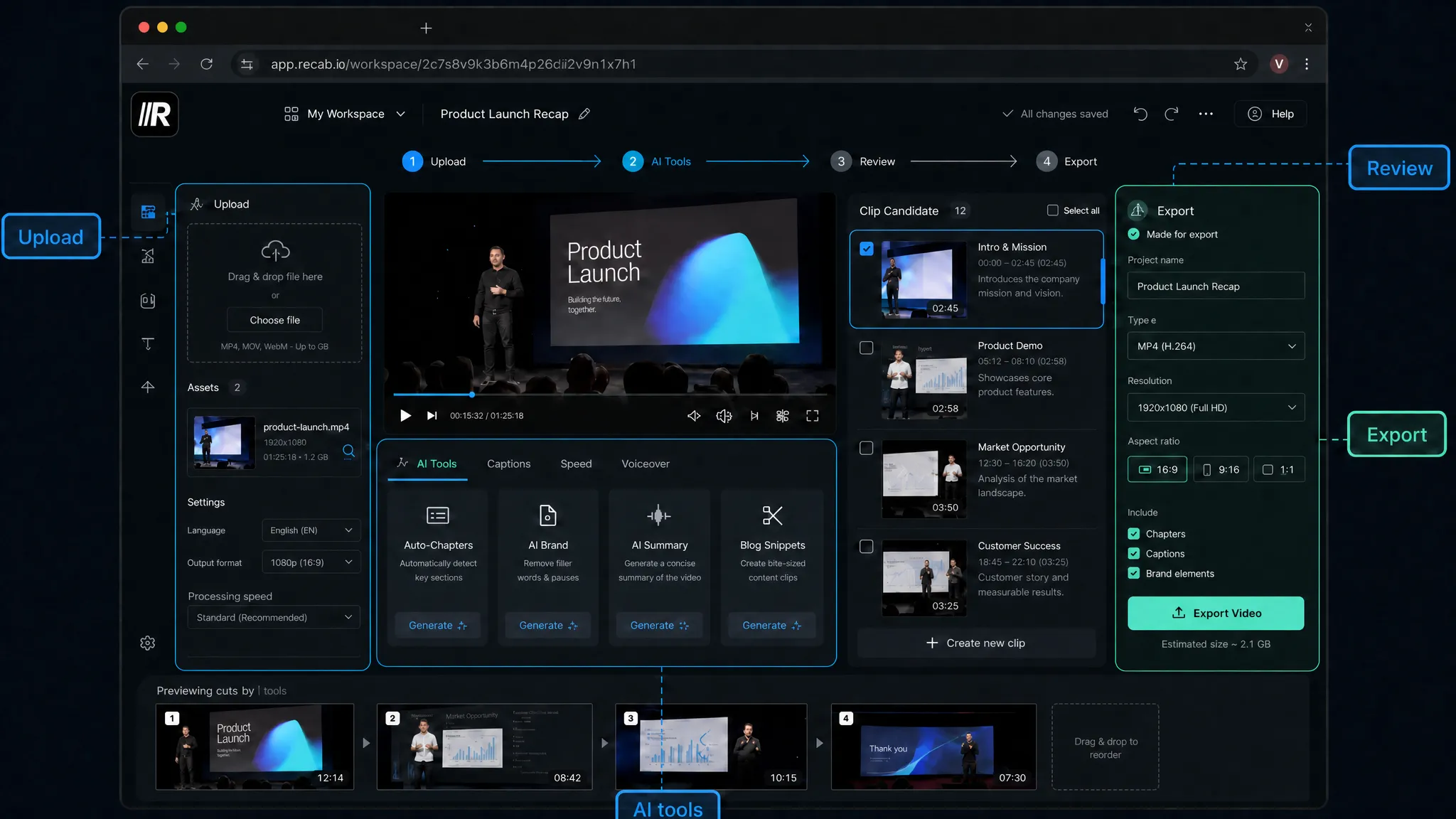
Recapo: A web-based editing workbench that puts the clipping line and the recap line in one place: AI clipping shortlists candidate segments from long footage, auto captions handles transcription and subtitles, and summary scripts, AI voiceover, vertical resizing and cover export run end to end in the all-in-one workspace — no file shuttling. It supports MP4, MOV and other common formats, up to 6GB per task; see the pricing page for plans. For creators doing recaps and batch long-to-short who want the whole flow to run in a browser.
Before You Switch: Three Migration Questions
What happens to your asset library? Cloud assets and saved templates mostly won't come with you. Export your high-frequency assets to local files first, take stock of how many you genuinely can't live without, then set the scope of the move.
What about team habits? One person switching tools is a learning cost; a team switching is a process cost. Let one content line trial-run the new tool for two weeks, judge by videos shipped, then decide whether to expand.
What stays in CapCut? Effects, stickers and fine polish are things CapCut does well — don't force-migrate them. Make a "keep vs move" list, broken down by step, not by tool.
The Bottom Line: Combine, Don't Replace
The realistic play is a division of labor: keep polishing and packaging in CapCut, and hand the repetitive work — batch long-to-short, the recap pipeline — to a web-based workbench. Each side does what it's good at.
For a feature-by-feature comparison, read Recapo vs CapCut; if you're still choosing your overall stack, pair this post with AI Video Editing, Explained and How to Make YouTube Shorts from Long Videos.
FAQ
Does finding a CapCut alternative mean dropping CapCut entirely? No. Most creators end up combining: batch clipping, captions and voiceover run through a web-based tool, while fine editing and final packaging stay in CapCut. Splitting the work by step is steadier than an all-or-nothing switch.
Do web-based editors need a powerful computer? Usually less than desktop software: transcoding and AI processing run server-side, so all your machine needs is a smooth browser. The step to watch is uploading — with large footage, bandwidth decides the experience.
What formats and file sizes does Recapo support? MP4, MOV and other common formats, up to 6GB per task. For anything bigger, compress or split the footage before uploading.
How do I quickly judge whether a tool is worth switching to? Take the same representative 20-minute video and run it through each candidate (use the free trial where there is one), then count two numbers: how many clips are publishable without edits, and how many caption fixes were needed. Once the numbers are on the table, the call isn't hard.
Going from clip-by-clip manual editing to a batch pipeline takes exactly one video to verify. Sign up for Recapo, upload one long video, run clipping plus captions on it, and then decide which steps are worth moving over.