How to Write Hooks That Stop the Scroll
Write short-form video hooks that stop the scroll. Build the visual + text + first-line hook stack from your own footage, with real examples and templates.
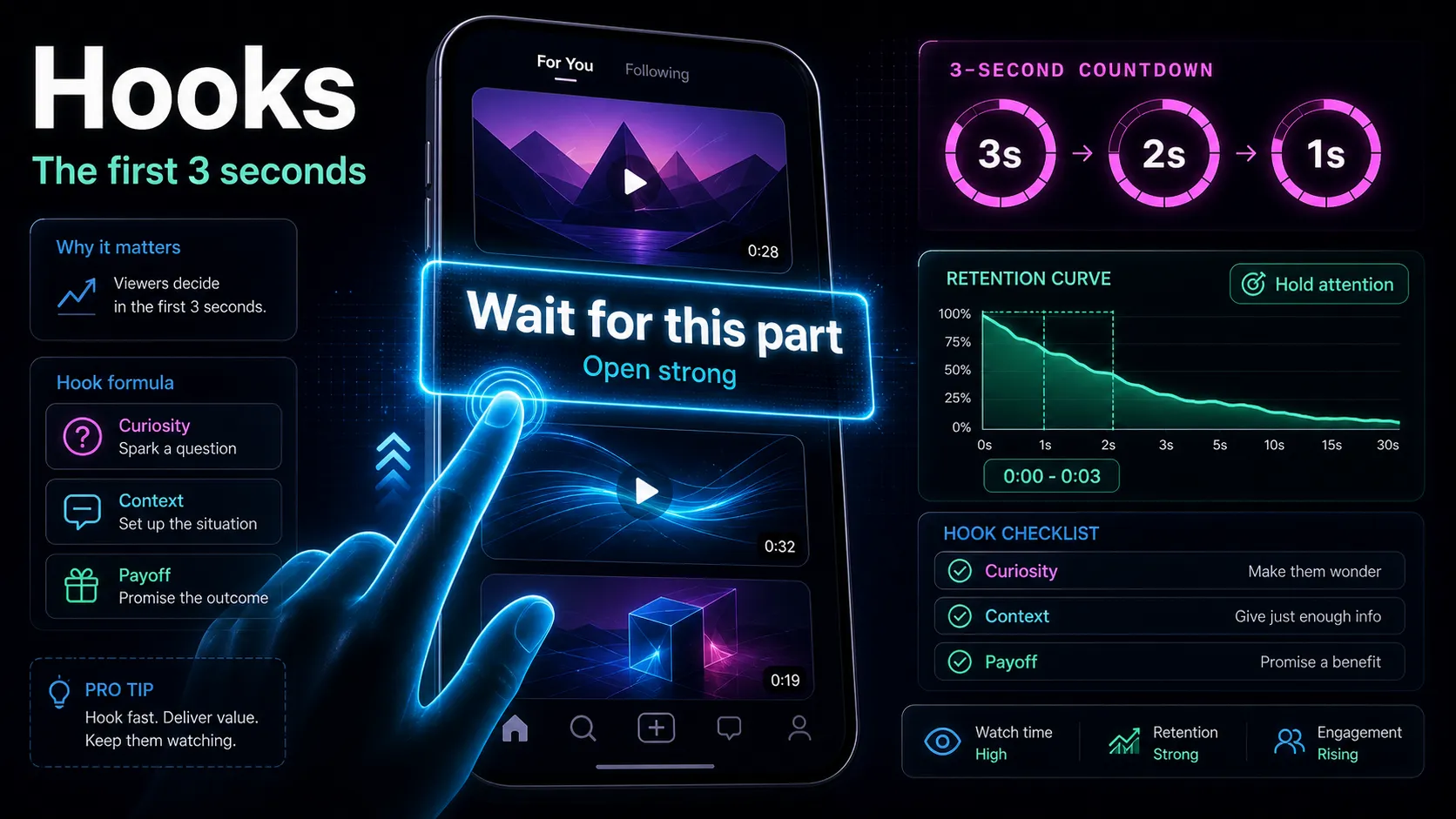
A short-form video hook is the first one to three seconds that decides whether a viewer keeps watching or flicks to the next clip. To write short-form video hooks that stop the scroll, you stack three elements in that opening — a visual change, a text overlay, and a spoken first line — and you lift them from the strongest moment already sitting inside your long-form footage. This guide skips the "101 templates" arms race and shows you how to actually build a hook, match hook types to your content, and rewrite weak openers into ones people finish. Everything below uses examples written from scratch so you can adapt the pattern, not copy a script.
Key Takeaways
Why the first three seconds decide everything
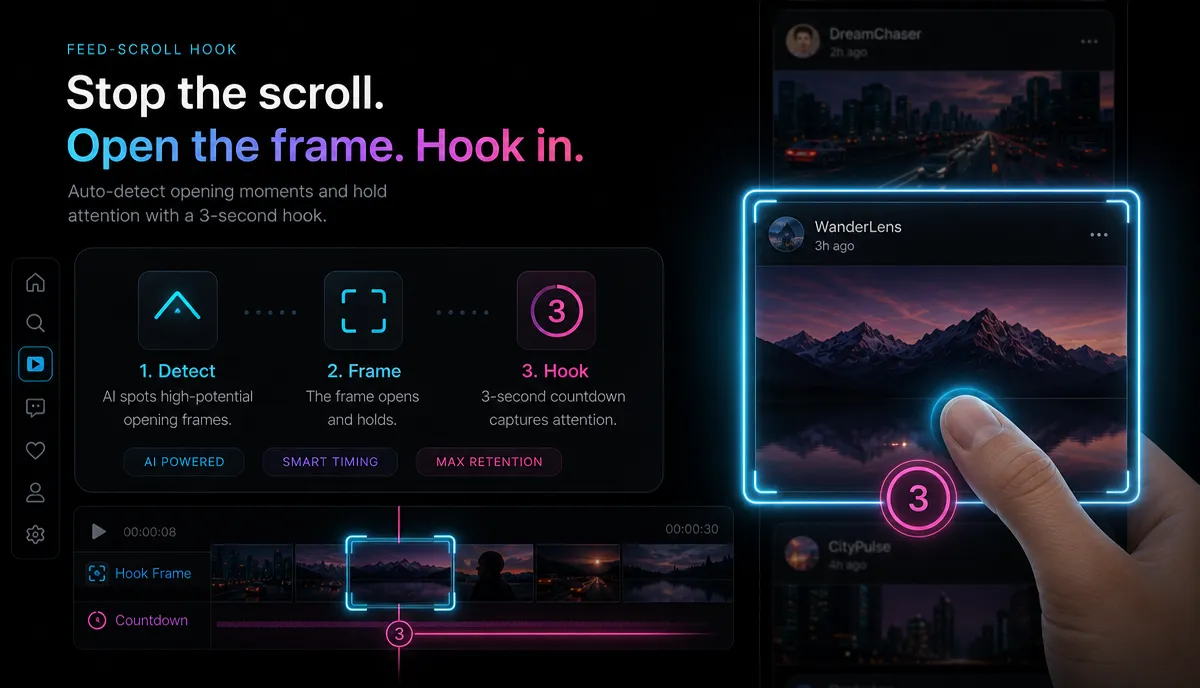
On YouTube Shorts, TikTok, and Instagram Reels, the feed auto-plays your video into a thumb that is already moving. You are not competing for a click; you are competing against the next swipe, which is one flick away and costs the viewer nothing. That changes the job of your opening. A title can be clever and slow; a hook cannot. It has to deliver a reason to stay before the viewer's thumb finishes the gesture it already started.
Two things follow from this. First, retention is front-loaded: the biggest drop on almost every short-form retention graph happens in the first few seconds, so a marginal gain there compounds across the whole video and feeds the algorithm's watch-time signal. Second, the hook is not one line — it is a stack. Sound-off viewers read the text; sound-on viewers hear the first line; everyone sees the frame. If any one layer is boring, the other two have to carry it. Build all three deliberately and you stop leaking viewers in the exact window where you lose the most.
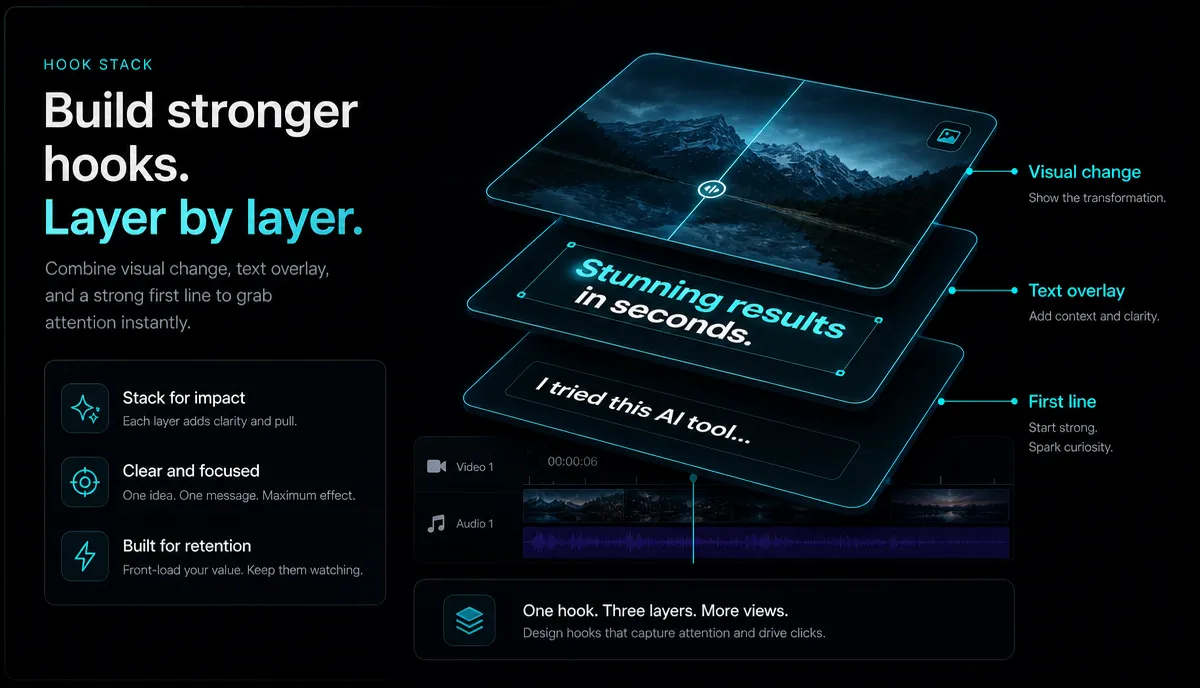
The hook stack: three layers working at once
Think of every hook as three layers firing in the same second. Miss one and you are hoping the others save you.
| Layer | What it is | Its job | Common mistake |
|---|---|---|---|
| Visual change | The first frame and the motion in it | Interrupt the scroll with movement, a face, or an unexpected image | Opening on a static logo, slate, or slow fade |
| Text overlay | 3–7 words burned on screen | Give sound-off viewers a reason in writing | A full sentence nobody can read in one second |
| First line | The first thing you say | Reward sound-on viewers and set up the payoff | "Hey guys, so today I wanted to talk about…" |
The layers should agree, not repeat. If your text overlay says "This edit took 4 hours," your first line should not also say "this edit took four hours" — it should advance: "…and I almost deleted it at hour three." The frame, meanwhile, shows the edit mid-motion, not you sitting down to introduce yourself. When the three layers point at the same promise from three angles, the opening feels dense and the viewer's brain files it as "worth it."
Five hook types, matched to what you actually make
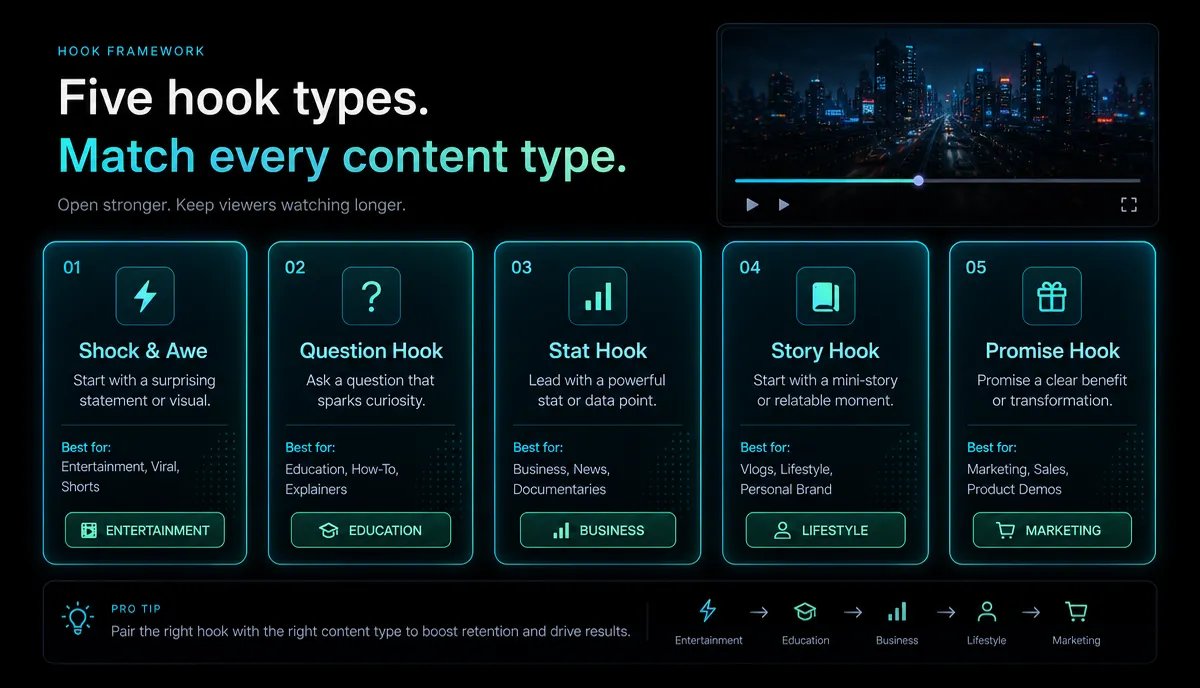
Templates fail because they are handed to you detached from your footage. Instead, pick a hook type that fits your content type, then write the line in your own words. Here are five that carry most short-form, each with an example written from scratch.
| Hook type | Best for | Self-written example (first line) | Matching text overlay |
|---|---|---|---|
| The stakes | Tutorials, transformations | "I had one shot to fix this clip and no backup." | "No undo. One take." |
| The contradiction | Opinion, myth-busting | "Longer videos do not get more watch time — here's what does." | "Length ≠ watch time" |
| The open loop | Story, recap, reaction | "The edit was fine until minute nine changed everything." | "Wait for minute 9" |
| The direct promise | How-to, listicles | "Three caption tricks that keep people watching past the intro." | "3 caption tricks" |
| The in-media-res | Vlogs, behind-the-scenes | "…so that is when the whole timeline crashed." | "It crashed. Watch." |
Notice none of these open with a greeting or a setup. The stakes hook works because a viewer cannot look away from something that might break. The contradiction hook works because a claim that argues with common sense demands a resolution. The open loop plants a question and refuses to answer it yet. The direct promise trades curiosity for clarity — great when your audience is searching for a fix. And in-media-res drops the viewer into motion so there is nothing to skip past. Match the type to the emotion your content actually earns; a calm process video faking "you won't BELIEVE this" just trains viewers to distrust your openings.
Pull your hook from footage you already have
The best hook is usually a moment that already exists further into your video — you just have to move it to the front. This is where turning long footage into shorts pays off, because your long-form recording is a mine of candidate hooks.
- Watch your long video for the spike. Find the moment where something changes — a reveal, a mistake, the funniest line, the sharpest claim. That clip is your hook candidate, not your intro.
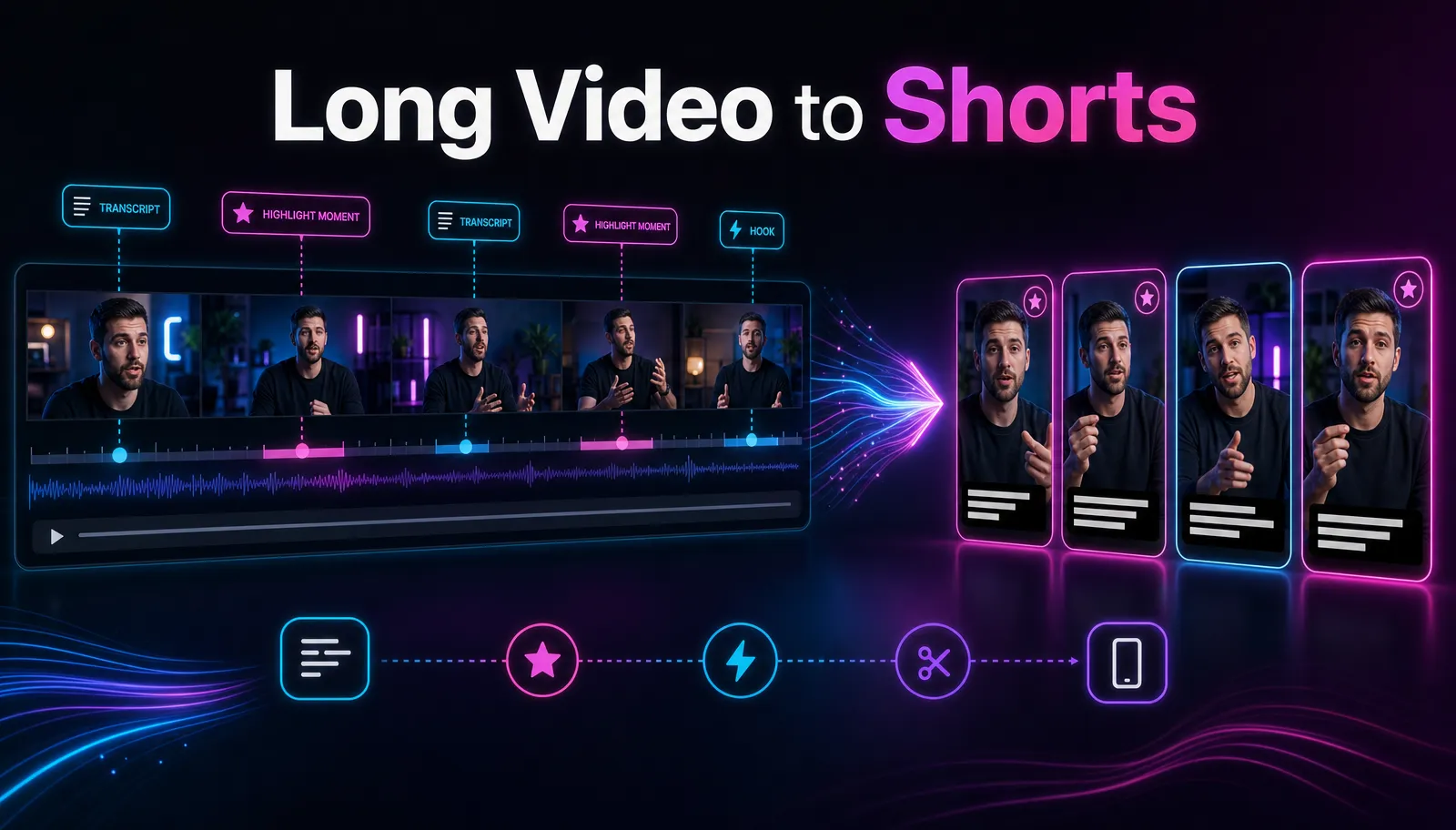
- Cut a vertical short around it. Lead with that moment, then fill in context after. A browser tool like Recapo's AI clip generator can turn a long video into short clips and reframe them vertical, so the strong moment lands in frame first. (See how to make YouTube Shorts from long videos for the full cut-down workflow.)
- Transcribe to find lines worth stealing. Auto-captions surface your own best sentences as text you can lift straight into a first line or overlay.
- Write three hook versions, not one. Draft a stakes version, a contradiction version, and an open-loop version of the same clip. If you're stuck, a hook generator can spin your topic into starting lines you then rewrite in your own voice.
- Match your clip length to the platform. A hook that lands at three seconds still fails if the clip overstays; check the best clip length for Shorts, Reels, and TikTok before you export.
Because Recapo runs in the browser with no install and accepts MP4, MOV, and other common formats up to 6GB per task, you can drop in a full recording and work the whole cut-down without moving files between apps.
Before and after: rewriting a weak first line
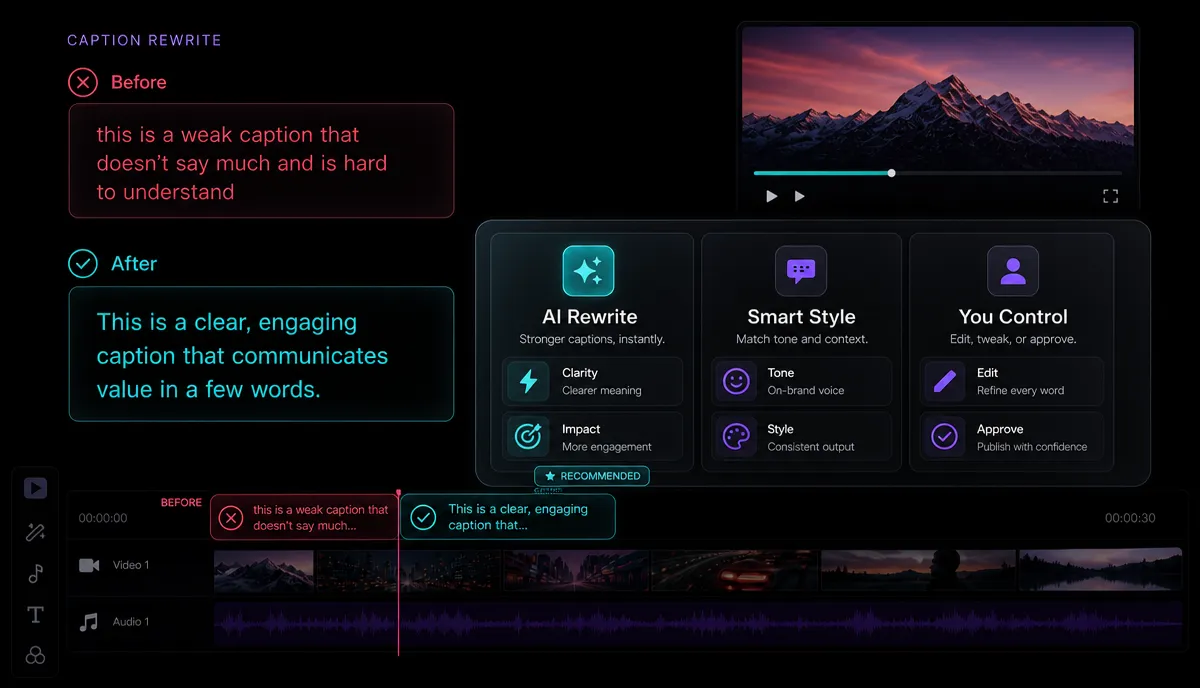
Most weak hooks are not wrong — they are just slow. They spend the critical second on throat-clearing. Rewriting is mostly deletion: cut the greeting, cut the setup, start on the point. Here are self-written before/after pairs.
| Weak opener | Why it leaks | Rewritten hook |
|---|---|---|
| "Hey everyone, welcome back to the channel." | Zero information, pure ritual | "This is the caption mistake costing you views." |
| "In this video I'm going to show you how to edit." | Announces instead of delivering | "Edit this clip with me — start to finish, no cuts." |
| "So I've been using this tool for a while now…" | Buries the payoff behind autobiography | "This tool turned my hour-long stream into six shorts." |
| "Today I want to talk about video hooks." | Names the topic without a reason to care | "Your first line is why people leave. Fix it in one edit." |
The test for any rewrite: read only the first line and the overlay, muted, and ask whether a stranger would keep watching. If the answer needs your second sentence to make sense, the hook is not finished. Post two versions if you can and compare the audience retention graph in your analytics — the one with the flatter first-few-seconds drop is your winner, and now you know why.
Hooks that quietly kill retention
Some openings feel fine while filming and bleed viewers on playback. Watch for these:
An AI-assisted hook rewrite workflow
You do not need AI to write a good hook, but it speeds up the boring parts: drafting variants, cutting to the strong moment, and turning captions into overlay text. Here is a workflow that keeps you in control.
- Cut the clip around your spike using an AI clip generator so the strongest moment is already the first frame.
- Generate raw hook options. Feed your topic into a hook generator and pull three starting lines. Treat them as clay, not final copy — rewrite each in your own voice using the five hook types above.
- Turn your transcript into overlay text. Transcribe the clip, then lift a real sentence you said into a 3–7 word overlay. Your own words beat generic ones.
- Add a voiceover only if it helps. If your first line is stronger spoken than on camera, an AI voiceover can deliver a clean opening while the visual carries the motion.
- Write the title last, aligned to the hook. Once the hook is set, match your packaging with a YouTube title generator and the guidance in how to write YouTube titles and descriptions, so the promise on the thumbnail matches the promise in second one.
- Export and A/B the opener. Cover and export the vertical, post two hook versions when you can, and let the retention graph decide.
Used this way, AI removes the friction — drafting, cutting, captioning — while you keep the judgment about which promise your content can honestly keep.
FAQ
How long should a short-form video hook be? Aim for the first one to three seconds. That is the window where the largest retention drop happens on Shorts, Reels, and TikTok, so your visual change, overlay, and first line all need to land inside it. Everything after is context, not hook.
Do I need to say the hook out loud, or is on-screen text enough? Both, because your audience is split. Sound-off viewers read the overlay; sound-on viewers hear your first line. Write them to agree without repeating each other, and never rely on only one layer to carry the opening.
Where do the best video hook examples come from? Usually from your own footage. The strongest moment — a reveal, a mistake, a sharp claim — is often already buried a minute into your long video. Move it to the front. That beats any generic template because it is specific and true to your content.
Are viral video hook templates worth using? As a starting point, yes; as a finished script, no. A template gives you a shape, but audiences learn to tune out copied phrasing. Use the five hook types as scaffolding, then rewrite every line in your own words so the promise matches what you actually deliver.
What is the fastest way to test if a hook works? Post two versions of the same clip with different openers and compare the audience retention graph in your analytics. The version with the flatter drop in the first few seconds is your winner — and it tells you which hook type your audience responds to.
Start writing hooks that hold
Great hooks are not luck or a longer template list — they are a repeatable stack of visual, text, and first line, pulled from footage you already have. Draft three versions, cut to your strongest moment, and let your retention graph teach you what your audience stays for. When you are ready to build the whole flow in one place — clip, caption, reframe, voiceover, and export in the browser — create a free Recapo account and turn your next long video into shorts that stop the scroll. Pricing details live on the pricing page whenever you want to do more.