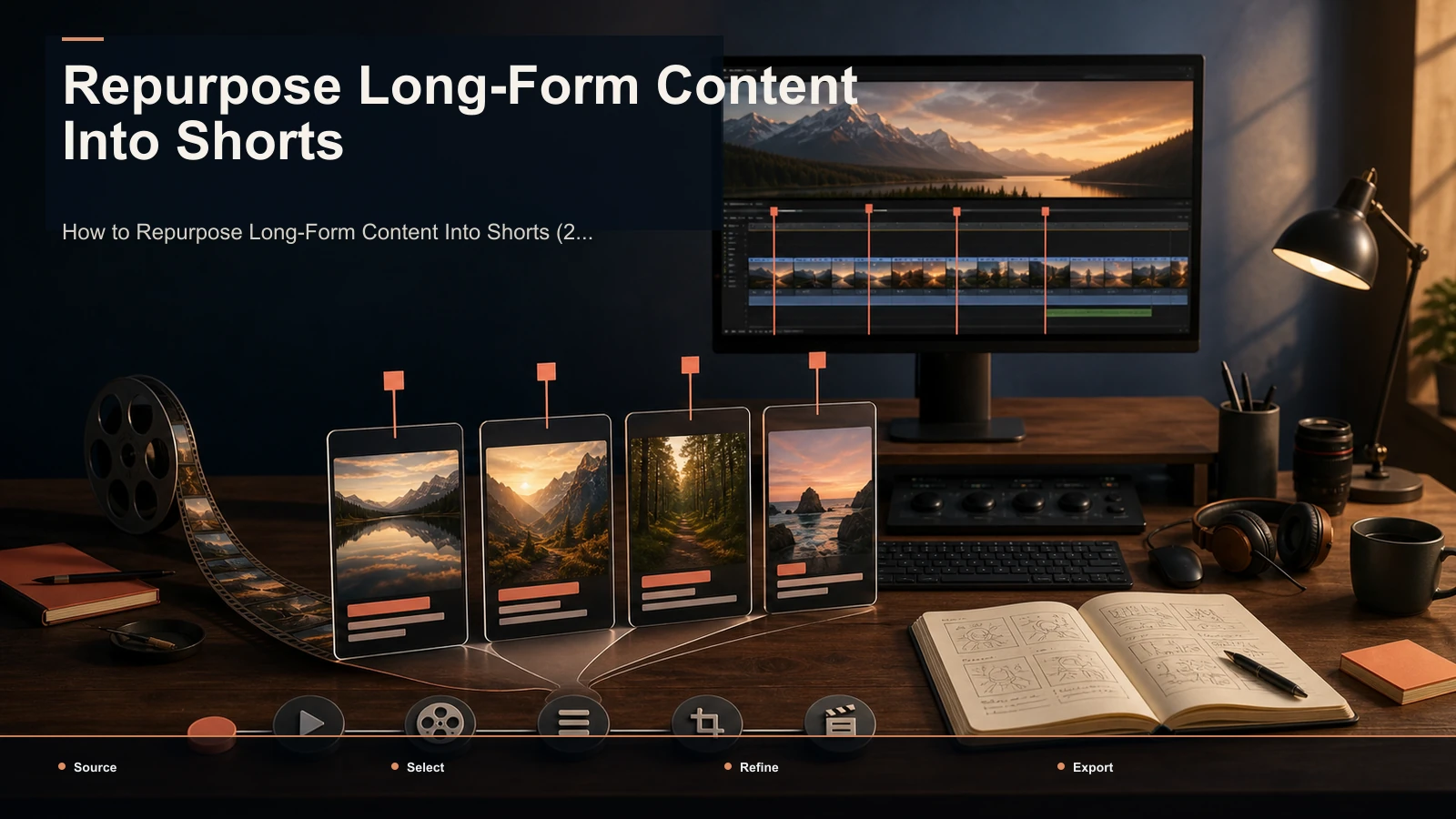
Content Repurposing Strategy: A Measured Clip Workflow
Build a measured content repurposing workflow: map candidate moments, review keeper yield, correct captions, reframe, publish, and compare results.
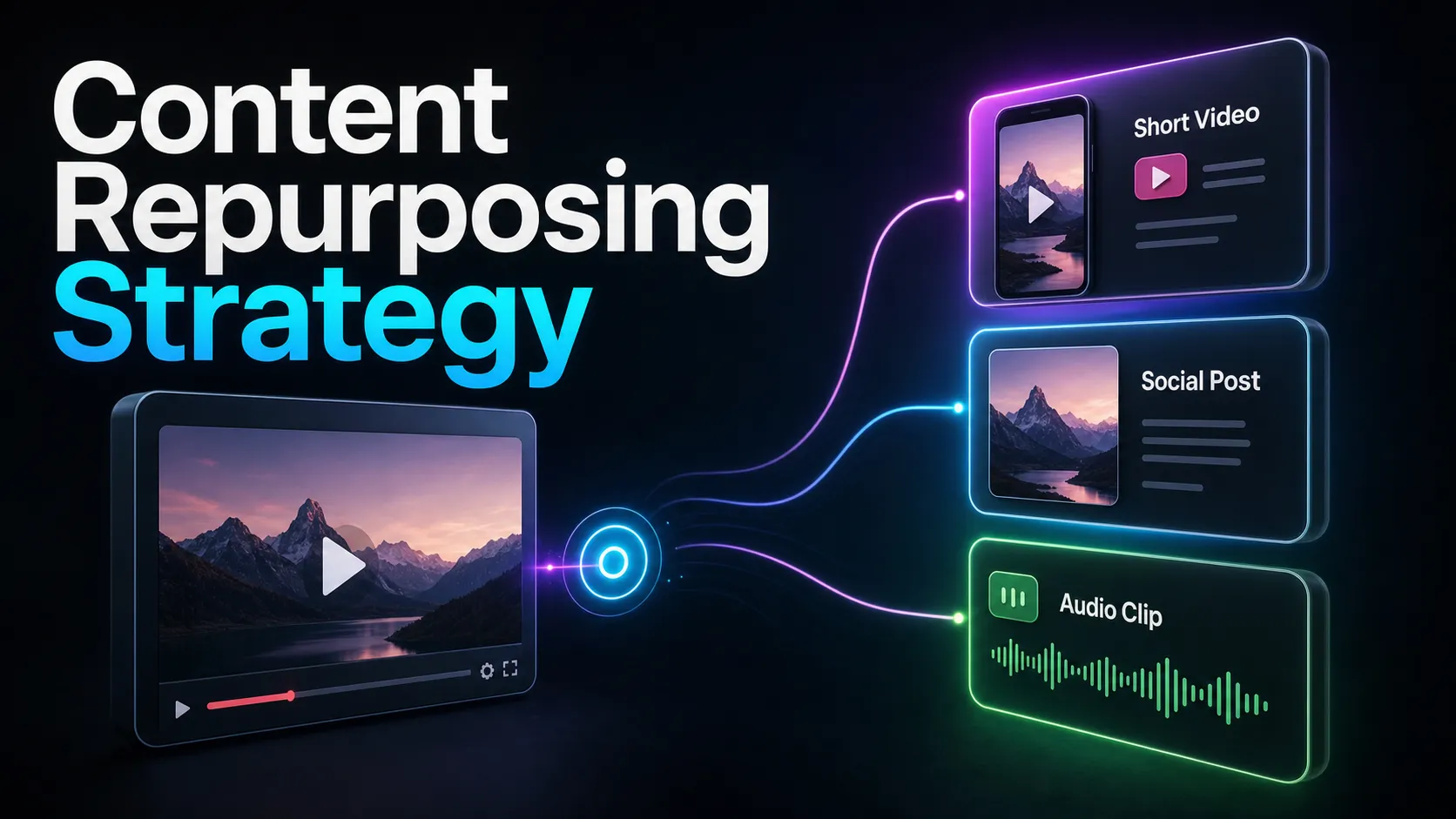
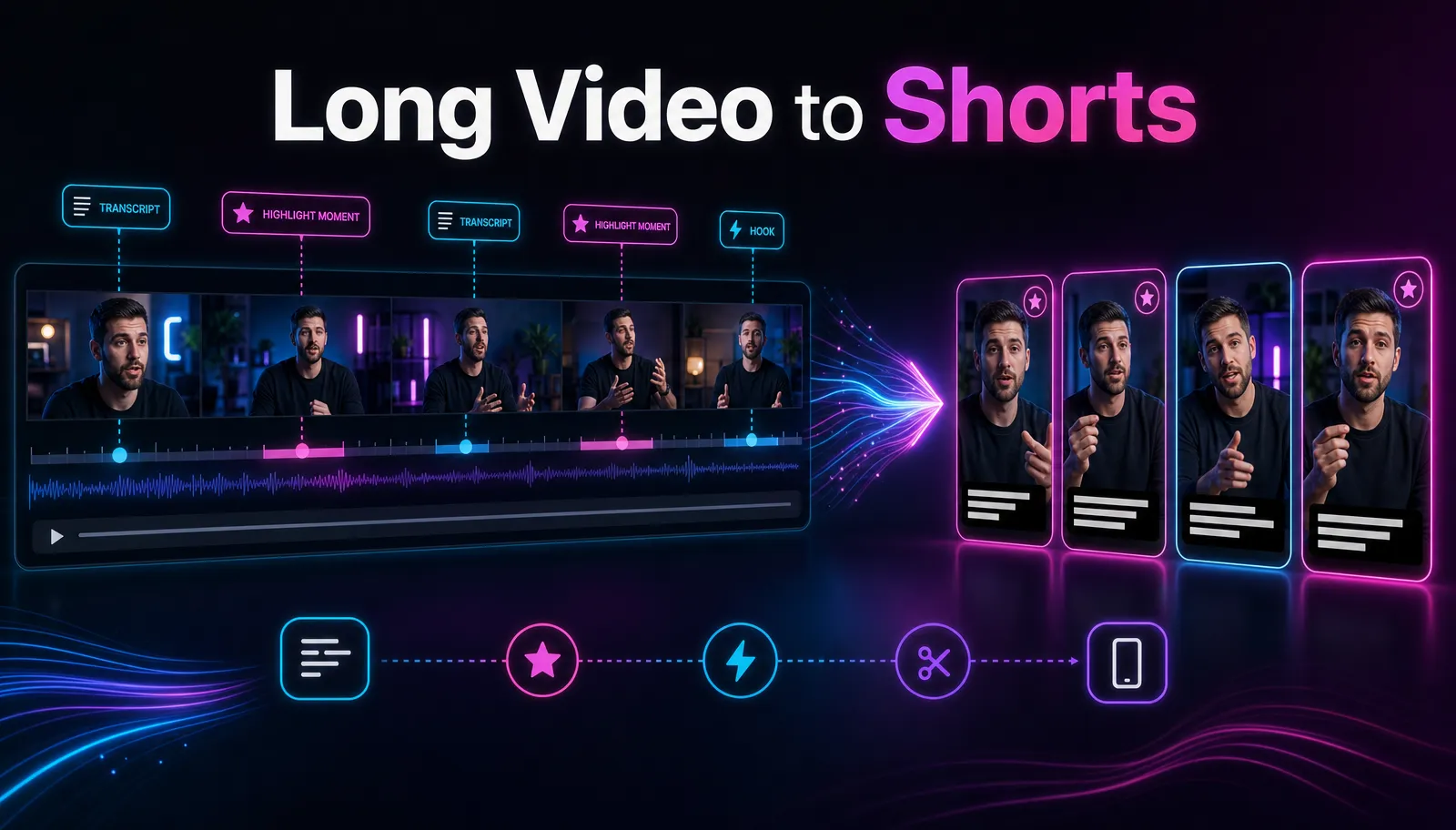
A content repurposing strategy is a repeatable system for turning one long video — a podcast, tutorial, or livestream — into a reviewed batch of short clips for TikTok, YouTube Shorts, and Instagram Reels. Most creators treat it as an afterthought: film something long, then scramble to carve out a clip whenever they remember. This guide replaces that scramble with a concrete, recurring pipeline — anchor video → map the strategic moments → clip → caption → reframe to 9:16 → schedule — plus a measured keeper-rate and time-per-approved-clip framework for planning the schedule. Run consistently, the workflow gives you a reviewed queue whose cadence follows the source's measured keeper yield. Below is the exact workflow, the tools that power each stage, and how to reframe the same clip for each platform without re-editing from scratch.
The content repurposing strategy, in one pipeline
The reason repurposing feels like a grind is that people skip straight to clipping. They open a long video, scrub around, cut a moment that seems good, and repeat until they're tired. A real content repurposing strategy inverts that order: you map the whole video first, decide which moments are worth pulling, and only then run the mechanical stages. Map-before-clip is the single habit that separates a sustainable pipeline from a one-off scramble.
Here's the full pipeline every repeatable workflow runs, whether you're a solo creator or a small team:
| Stage | What you're doing | Where the time goes |
|---|---|---|
| 1. Anchor | Choose one long video worth mining | Minutes — you already have it |
| 2. Map | Mark the self-contained moments | The strategic step; 10–20 min |
| 3. Clip | Cut the marked moments into shorts | Mostly automated |
| 4. Caption | Burn in captions, fix names and jargon | Fast, then a short proofread |
| 5. Reframe | Crop to 9:16, re-hook per platform | A quick per-platform pass |
| 6. Schedule | Queue the clips across the week | Batch it once |
The pattern to notice: the AI-heavy stages — clip, caption, reframe — are the fast ones. The human stages — mapping, and the final proofread — are where quality is won or lost. Any tool can cut a clip; only you know which thirty seconds of your two-hour stream actually deserve a post.
Step 1: Choose an anchor video worth mining
Not every long video repurposes well. The strongest anchor is dialogue-rich and structured — a podcast episode, an interview, a tutorial, a talking-head explainer, or a livestream with clear segments. Sparse-dialogue footage like b-roll montages or ambient vlogs gives a clipping engine little to grab, because stages 2 through 4 all lean on the transcript.
Pick anchors by this quick test:
- Density. Is someone talking, with ideas that stand on their own? Dense speech means more keeper clips.
- Structure. Are there natural chapters — a question, a story, a demo, a takeaway? Structure makes moments easy to find.
- Shelf life. Will a clip from this still make sense in three weeks? Evergreen anchors let you schedule far ahead.
- One is enough. One representative anchor is enough to measure candidate quality and keeper yield before setting the schedule. You're not hunting for more footage — you're extracting more from the footage you already have.
Once you've chosen, upload it to a long video to short video AI, which transcribes the whole recording. That transcript is what makes the next step — mapping — possible, and it's why dialogue-rich anchors always beat pretty-but-quiet ones.
Step 2: Map the strategic moments before you clip
This is the step that turns "repurpose more" into an actual strategy. Before cutting anything, skim the transcript and mark the moments that can stand on their own. You're not editing yet — you're building a shortlist.
Look for these moment types, because they're the ones that survive as standalone clips:
| Moment type | What it sounds like | Why it clips well |
|---|---|---|
| Hot take | A strong, specific opinion stated plainly | Sparks agreement or debate in the comments |
| How-to tip | A self-contained step or trick | Saves the viewer time; earns saves and shares |
| Story | A short anecdote with a clear payoff | The arc holds attention to the last second |
| Surprising fact | A counterintuitive number or claim | The "wait, what?" that stops the scroll |
| Crisp Q&A | A tight answer to a real question | Already self-contained; needs almost no trimming |
For any anchor, mark candidate moments first and record how many survive editorial, rights, caption, and framing review. Marking first — rather than clipping as you go — stops you from over-investing in a moment that turns out flat, and it hands you a menu to schedule from later. Measure how long this mapping pass takes and whether it reduces wasted editing.
Step 3: Clip, caption, reframe — and a realistic clips-per-hour benchmark
Now the mechanical stages, where the tools carry the load. With your moments marked, run them through three fast passes:
- Clip. Feed the marked segments — or the whole anchor — to an AI clip generator that ranks and cuts candidate shorts. The engine proposes; you accept, trim, or reject. Treat its shortlist as a sorted menu, not a verdict.
- Caption. Burn in captions with auto-captions — some short-form viewers watch on mute, so captions improve accessibility and comprehension. Then proofread: fix names, jargon, and any misheard words. That 90-second pass is what keeps a clip from looking careless.
- Reframe. Crop each clip to 9:16 vertical with the speaker held in frame. This is also where you rewrite the opening line per platform, which the next section covers.
A realistic benchmark — treat these as planning numbers, not promises, and measure your own after one session:
- The AI stages (transcribe, propose, auto-caption) run in minutes, not hours. That is not the bottleneck.
- Your review and curation is the bottleneck. Measure review, trimming, caption correction, and cover time per approved clip on a representative batch.
- Use measured time per approved clip to estimate realistic hourly capacity; do not assume a universal clip rate.
- The source may yield no approved clips or several. Use measured keeper yield to set a schedule instead of promising a week of daily posts.
For the deeper mechanics of pulling shorts out of one long recording, our guide on how to repurpose long-form content into shorts walks the same pipeline in more detail.
Reframe and re-hook for each platform
One clean 9:16 export technically plays on all three platforms — but "plays" and "performs" aren't the same thing. TikTok, YouTube Shorts, and Instagram Reels each layer their own interface over your video and reward slightly different openings. Reframing per platform is a two-minute tweak that meaningfully changes reach.
| TikTok | YouTube Shorts | Instagram Reels | |
|---|---|---|---|
| Caption safe zone | Middle band; clear of the right-side buttons and bottom caption row | Middle band; clear of the title and bottom progress UI | Middle band; clear of the bottom bar and right-side actions |
| Opening line | Native and curiosity-first | Topic-forward and searchable | Trend-aware and visually led |
| Best lever | Fast cuts and a spoken hook | A keyword-rich on-screen title | Clean framing and a strong first frame |
| What to change | Rewrite the first caption line | Add a searchable title; front-load the payoff | Tune the first frame and pacing |
Two rules survive every platform:
- Lead with the payoff, not the setup. The opening is an early variable to test. Put the strongest line — the hot take, the result, the surprising number — at the very front, then explain.
- Keep captions out of the UI overlay. Every platform covers the bottom and right edge of the frame with buttons and text. Position your burned-in captions in the middle band so they're never hidden.
Length is the other lever, and it's platform-sensitive enough to deserve its own treatment — read best clip length for Shorts, Reels, and TikTok before you lock in a house style.
Step 4: Batch, review, and set the schedule
The habit that makes repurposing sustainable is batching — do like tasks together, not clip by clip. Clip everything in one pass, caption everything in the next, reframe in a third, then schedule the whole week at once. Context-switching between creative and mechanical work is where hours quietly disappear.
A simple weekly schedule from one anchor might look like this:
| Day | Clip | Lead-line focus | Primary platform |
|---|---|---|---|
| Mon | Strongest hot take | The opinion, stated in the first 2 seconds | TikTok |
| Tue | Best how-to tip | "Here's how to…" up front | YouTube Shorts |
| Wed | Story clip | The payoff teased first | Instagram Reels |
| Thu | Surprising-fact clip | The number in the first frame | TikTok |
| Fri | Crisp Q&A | The question itself as the hook | YouTube Shorts |
| Sat | Repost Monday's winner, re-hooked | A new opening line for a new feed | Instagram Reels |
| Sun | Rest and plan the next anchor | — | — |
Notice the last active row: reposting your strongest clip with a fresh opening line on a second platform is free reach, not cheating. A moment that lands on TikTok usually lands on Shorts and Reels too, just with a different first sentence. Schedule ahead so a slow week never breaks your cadence — the whole reason to build a repurposing pipeline is that publishing stops depending on you having time that day.
Where Recapo fits
Recapo is built for exactly this pipeline. It's a browser-based AI video workspace — no install — where every stage above lives in one place: upload your anchor (MP4, MOV, or another common format, up to 6GB total per task), let it transcribe, turn the long video into short clips, burn in captions, resize to 9:16 vertical, design a cover, and export. Because clipping, captioning, and reframing all happen in the same workspace, you're not exporting between four apps just to finish one reviewed batch.
The practical fit: if your only output is clips and nothing else, a focused single-purpose clipper may serve you just as well — run your own anchor through a couple of options and compare keeper rates. Recapo earns its place when the same anchor also needs a summary, a script, an AI voiceover, or a redesigned cover, because then the value is running the whole repurposing workflow without stitching tools together. Pricing lives on the pricing page; a quick way to decide if it fits your week is to push one real anchor through it.
FAQ
What is a content repurposing strategy?
It's a repeatable system for turning one piece of long-form content — usually a video or podcast — into many shorter posts across platforms. Instead of creating something new every day, you extract the approved clips available in one anchor video: map the strong moments, clip them, caption and reframe to 9:16, and schedule them out.
How many clips can I get from one long video?
A dialogue-rich source can produce a variable number of candidates; record the approved set after review instead of using a universal range. The number depends on how densely packed the talking is — a tight interview produces more standalone moments than a rambling vlog. Map first so you're choosing the strongest moments, not just the first ones you find.
How do I repurpose video content without it looking lazy?
The tell of lazy repurposing is a raw horizontal clip with auto-captions no one proofread. Avoid it with three quick passes: reframe to true 9:16 so faces aren't tiny, proofread captions to fix names and jargon, and rewrite the opening line to lead with the payoff. Those three minutes per clip are the difference between "reposted" and "made for this feed."
Do I need different exports for TikTok, Shorts, and Reels?
Not different exports — all three use 9:16 vertical, so one master clip works. What you change per platform is lighter: the opening caption line, a keyword-rich title for Shorts, and keeping burned-in captions clear of each platform's on-screen buttons. Reframe the hook, reuse the video.
What should I automate, and what should stay manual?
Automate the mechanical stages — transcription, clip proposals, and auto-captions all run in minutes. Keep two things manual: mapping which moments are worth clipping, and the final caption proofread. Those are judgment calls a model can't make for your specific audience, and they're where clip quality is actually decided.
Building a recurring repurposing pipeline instead of scrambling for a clip each day? Create a free account, upload one anchor video — MP4 or MOV, up to 6GB total per task — and run the full pipeline in one place: transcribe, clip, caption, reframe to 9:16, and export a reviewed batch. Map it once, then schedule only the approved clips.
References and official sources
- YouTube Help: Create a Short
- YouTube: Getting your videos discovered
- YouTube Help: Add subtitles and captions
- Recapo.ai: Product overview and current upload limits
- Recapo.ai: AI Video Editor