Best Free Video Editors With No Watermark
Hunting for the best free video editor no watermark? Learn the four watermark models, run a 60-second export test.
By the Recapo.ai Editorial Team · Fact-checked July 10, 2026
"Free" and "no watermark" are separate product terms, and both can change by plan, asset, template, export setting, or date. Instead of treating a list as permanent, this guide defines the common policy shapes and gives you a 60-second export test. Check every finalist's current official terms before committing a real project.
Disclosure and method: Recapo.ai publishes this guide and may appear among the tools discussed. We checked official product pages on July 10, 2026. This edition is a desk-research comparison, not a standardized hands-on benchmark. We compare stated workflow fit rather than unverified performance scores and recommend testing the same source file in each finalist. Features, limits, and pricing can change.
Why "free + no watermark" requires two checks
Ask three separate questions: can you edit without paying, can you export without a visible mark, and does the free plan support the resolution, duration, assets, codecs, or export count you need? A tool can satisfy one condition and not another.
Use the free plan on a throwaway project with the same kind of media and feature you expect to use. Export the file, inspect every corner and the end frame, check resolution and codec, and review the current plan page. Record the date because these terms are dynamic.
The four watermark models you'll actually meet
Almost every editor's watermark behavior falls into one of four patterns. None of these is tied to a specific brand — policies shift, and last year's screenshot isn't a receipt — so treat this as a map of what to look for, then verify on the tool itself.
| Watermark-free, always | No overlay on any export, free or paid | A test export has clean corners every time | Free, but watermarked | Basic editing is free; exports carry a logo until you pay | Your test export shows a badge or "made with" mark | Watermark on specific assets | Only premium templates, stock, or effects stamp the video | The mark appears only after you add certain elements | Watermark-free but capped elsewhere | Clean export, but limited resolution, length, or export count | The corners are clean; the pricing page holds the catch |
That last row is the sneaky one. A "no watermark" badge on a landing page can still sit next to a low resolution cap or a short export limit. Watermark-free is necessary but not sufficient — you have to check what else the free tier fences off.
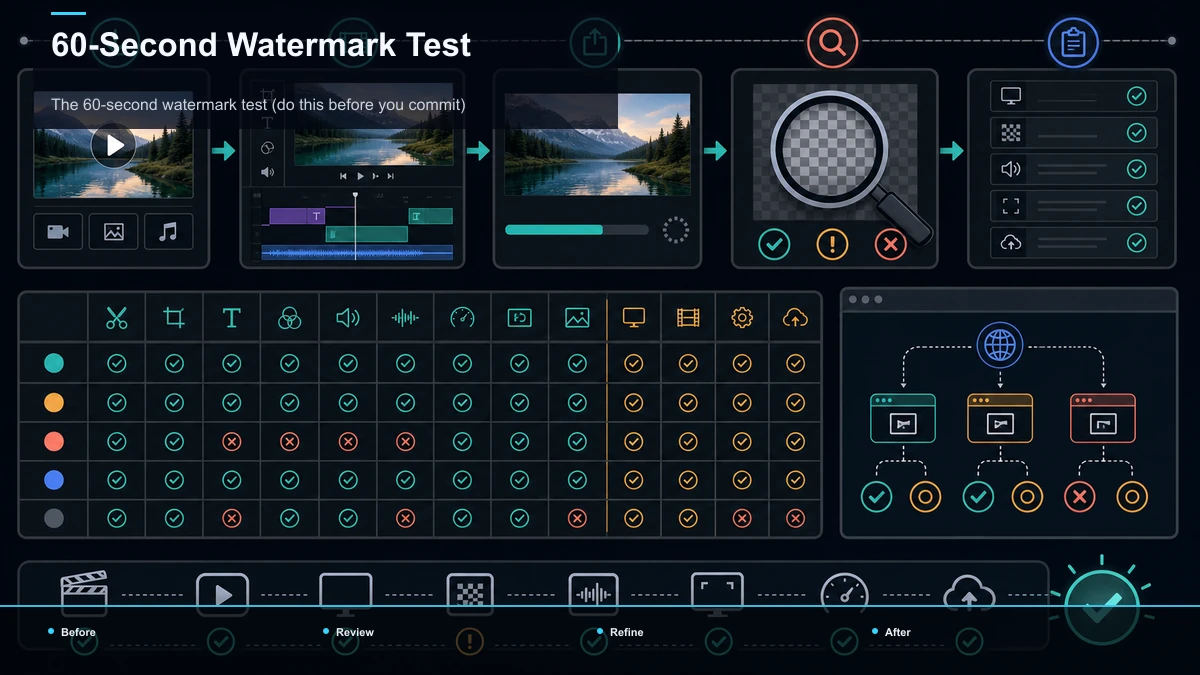
The 60-second watermark test (do this before you commit)
Never trust a "no watermark" claim from marketing copy. Verify it yourself with a real export. This works on any tool, browser-based or desktop, and it takes about a minute.
- Import a short clip. Ten seconds of anything you have on hand is plenty.
- Do one real edit. Trim it, add a line of text, maybe a caption — enough to mimic your actual work.
- Export at the settings you'd really use. Don't test at a preview quality you'd never publish.
- Open the finished file and inspect all four corners. Watermarks love the bottom-right, but check every edge and the very first and last frames.
- Check the pricing page for the fine print. While the export renders, read the free-tier row: resolution cap, export length, monthly export count, and whether the feature you just used is actually free.
If the corners are clean and the free-tier fine print doesn't cap the thing you care about, you've found a genuinely usable free editor. If either fails, you know before you've built a workflow around it — which is the whole point of testing first.
Two families of free editors — and their honest trade-off
Nearly every option in the search results belongs to one of two families, and they optimize for opposite things.
| Install | Download and install | Nothing — runs in a tab | Learning curve | Steeper, more manual control | Gentler, guided | Typical watermark stance | Often clean by default | Varies widely — test it | Best at | Deep, offline, frame-level editing | Fast repurposing, captions, sharing | The catch | Time to learn; local horsepower needed | Free-tier caps you must verify |
Desktop freeware — think of the professional-grade and open-source desktop apps like DaVinci Resolve, Shotcut, OpenShot, Kdenlive, VSDC, or Apple's iMovie on Mac. These are positioned as full editors that run locally, and they're a strong fit if you want deep control and don't mind a learning curve. Verify each one's current terms yourself rather than assuming — that's what the 60-second test is for.
Browser-based free tools — think of the online editors like Clipchamp, Canva, CapCut for web, ScreenPal, Media.io, Clipfly, VEED, and Kapwing. They're positioned around speed and convenience: no install, quick captions, easy sharing. Their free tiers differ the most on watermarks and caps, so this family is exactly where the export test earns its keep. If you're weighing a specific one of these, a focused breakdown like CapCut alternatives or best AI video editors for YouTube can help you frame the comparison without me inventing numbers that change.
Read that as a map of intent, not a leaderboard. The "right" family depends on how you work, not on which logo shows up highest in a listicle.
Free-tier gotchas that hide behind the watermark
Clean corners are only half the battle. Here's the checklist to run against any free video editor without watermark before you build on it. I'm deliberately not quoting numbers for any tool — they move too fast to trust — so treat each item as a question to answer on the tool's own pricing page.
The reason this matters: a tool can be watermark-free and still be the wrong pick if it caps exports at a resolution your platform downranks, or locks captions behind a paywall. "No watermark video editing software" is the entry ticket, not the finish line. Answer these six questions and you'll never be blindsided by a limit mid-project.
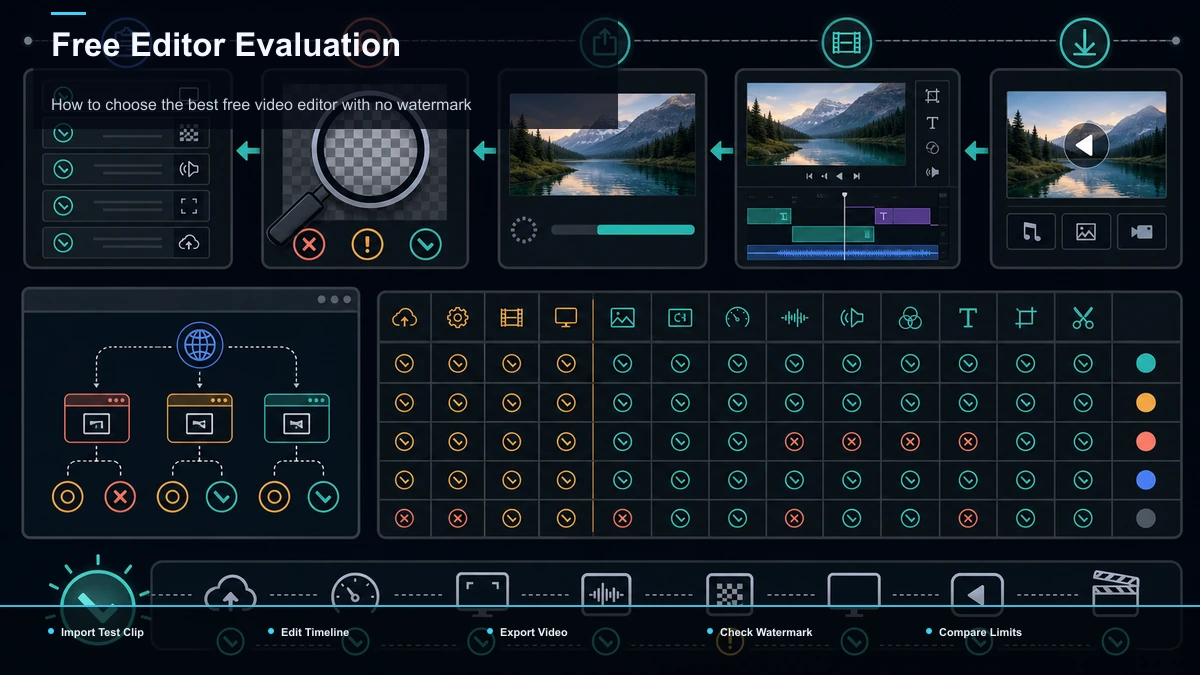
How to choose the best free video editor with no watermark
Rather than trusting a ranking, score your own situation. For each row, pick the side you lean toward, then see where your checkmarks cluster.
| Do you need offline, frame-level control? | Yes | Not really | How often do you edit? | Occasionally, high-craft | Frequently, on a schedule | Do you mind installing and learning software? | No | Yes, I want instant | Do you need captions and vertical reframing built in? | I'll handle it manually | Yes, want it ready | Are you repurposing long videos into many shorts? | Rarely | Often | Is minimizing app-switching a priority? | No | Yes |
Mostly left, a watermark-free desktop editor will likely serve you well and cost nothing — bookmark this and go install one. Mostly right, you want a browser tool, and your real risk isn't the watermark, it's the free-tier caps and the number of separate apps one finished video ends up touching. That second group is where the honest conversation about outgrowing free tools begins.
When free is enough — and the sliver who outgrow it
Let me be genuinely useful here, even if it costs a signup: for a lot of people, a free editor is all you'll ever need. If you post occasionally, edit on one platform, and mostly do trims and text, a watermark-free desktop app or a generous browser free tier is the right answer. Take the 60-second test, pick a tool, and get back to creating.
But a smaller group quietly outgrows the free-forever setup, and usually without noticing the moment it happens. You've outgrown it when:
If that's you, the bottleneck stopped being the watermark a while ago. It became the round-trips. For a deeper look at that specific problem, how to repurpose long-form content into shorts walks through where the hours actually go.
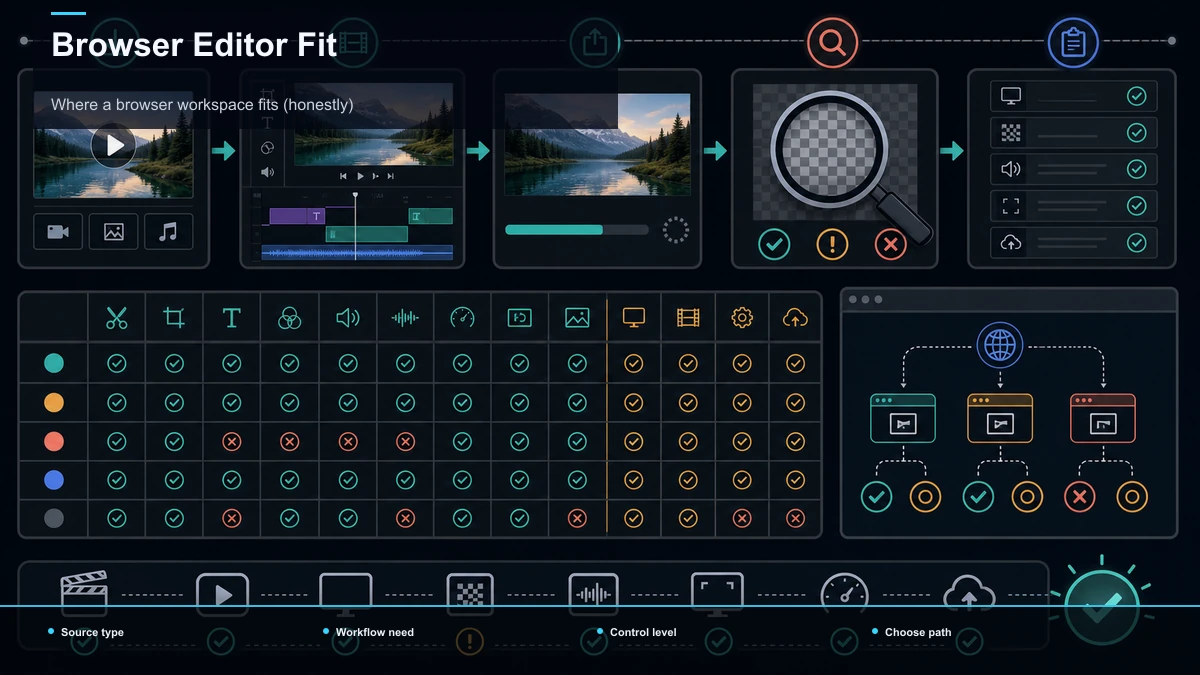
Where a browser workspace fits (honestly)
If you're in that outgrowing-it group, the fix isn't a flashier free editor — it's keeping the steps that used to live in four apps inside one tab. That's the niche a browser-based workspace like Recapo is built for. Recapo isn't pitched as the cheapest free download or a replacement for a deep desktop suite; it's a browser workspace where clipping a long video into shorts, generating captions, reframing to vertical, adding voiceover, and exporting all sit next to each other, so you stop paying the export-import-re-sync tax on every video.
In practice that means Recapo's AI video editor and auto captions live in the same place you clip and export, instead of being scattered across tools you have to shuttle files between. Whether the free tier and watermark policy fit your needs is a question only you can answer — check what's included on the pricing page and run the same 60-second export test you'd run on anything else. If you just need one free clip a month, a desktop freeware app is honestly the simpler call, and you should take it. This is for the creator whose real problem is volume and round-trips, not a corner logo. If captions are your main sticking point, best auto caption generators compares that piece specifically.
FAQ
What is the best free video editor with no watermark? There's no single winner, because "free" and "no watermark" are separate promises and both change often. The reliable move isn't memorizing a ranking — it's running the 60-second export test on any tool: import a short clip, do one real edit, export at real settings, and inspect all four corners plus the pricing page's free-tier fine print. That tells you the truth faster than any listicle.
Do free video editors always add a watermark? No. Many watermark-free options exist, especially among desktop freeware. But policies vary by tool and by free tier, and some tools add a watermark only when you use premium templates or assets. Always verify with a real export rather than trusting the label, because a "no watermark" claim in marketing copy isn't a guarantee for the specific feature you used.
Is a watermark-free tool always the right choice? Not necessarily. A tool can have clean exports and still cap your resolution, clip length, or number of exports, or lock captions behind a paywall. Watermark-free is the entry ticket, not the finish line. Check the free-tier fine print for the limit that actually matters to your work before you commit.
When should I stop using a free editor? When the round-trips outweigh the savings. If one finished video touches three or four separate tools, you keep re-exporting to re-import, and you're repurposing long videos into shorts on a schedule, the friction — not the watermark — has become the real cost. That's the point where consolidating steps into one workspace usually pays for itself.
Can I use free-editor exports for monetized videos? Usually yes for your own footage, but check two things: that the export is genuinely watermark-free at your resolution, and that any built-in stock, music, or templates are licensed for commercial use on your platform. Licensing terms differ by tool and change over time, so read the current terms on the provider's page.
Ready to stop paying the round-trip tax?
If a free editor covers your needs, keep it — run the 60-second test, pick a watermark-free tool, and get back to creating. But if your real problem is that one video now touches four apps and you're repurposing long footage into shorts week after week, the fix is consolidating the steps, not hunting for a flashier free download. Try Recapo's AI video editor and auto captions in your browser, run one real long-video-to-shorts job through the full edit → caption → reframe → export loop, and count how many separate tools your next video actually has to touch. Create a free account and see whether keeping it all in one tab is worth it for your workflow.
References and official sources