Best Wisecut Alternatives in 2026 (Auto-Edit Long Videos)
Compare Wisecut alternatives for automatic cleanup, long-to-short clipping, or script-led video. Includes a same-recording workflow test.
By the Recapo.ai Editorial Team · Fact-checked July 10, 2026
Wisecut is publicly positioned around automatic editing tasks such as silence removal, captions, music, and reframing. A Wisecut alternative search can hide three different jobs: cleaning one long recording, extracting many standalone shorts, or generating video from a script. This guide separates those jobs using official product positioning and a same-source test instead of assuming a universal control problem.
Disclosure and method: Recapo.ai publishes this guide and may appear among the tools discussed. We checked official product pages on July 10, 2026. This edition is a desk-research comparison, not a standardized hands-on benchmark. We compare stated workflow fit rather than unverified performance scores and recommend testing the same source file in each finalist. Features, limits, and pricing can change.
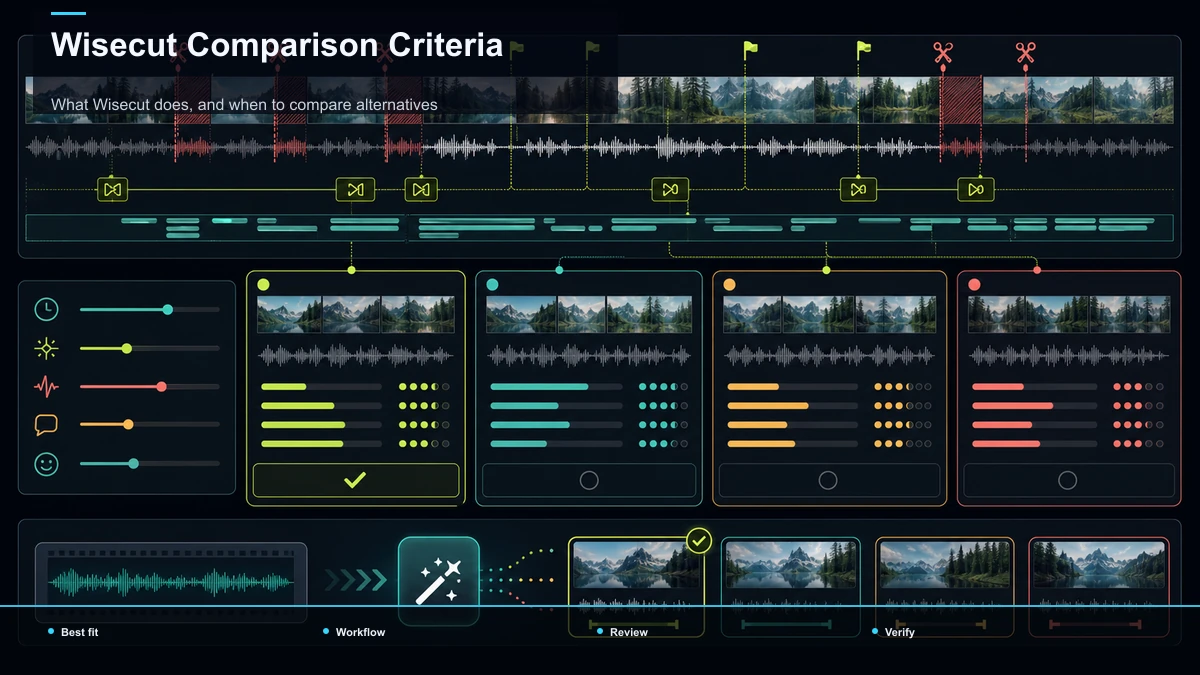
What Wisecut does, and when to compare alternatives
Wisecut's public positioning emphasizes automated cleanup and editing for recorded video. That can match a creator whose main goal is tightening one talking-head recording. A different tool shape may fit when the required output is several independent clips, a script-led video, or a workflow with more manual review at each stage.
Confirm current features, languages, plans, and export rules on the official page. Then test the same recording for silence decisions, caption corrections, clip boundaries, reframing, review time, and final export. Let the result identify the workflow fit.
Three jobs hiding inside "Wisecut alternatives"
Here's the reframe that makes this search easy. The tools that show up when you look for Wisecut competitors do one of three jobs, and they're not substitutes for each other:
- Automatic single-video cleanup. Take one long recording and tighten it — remove silence and filler, smooth the pacing, output one cleaner long video. Wisecut's home turf.
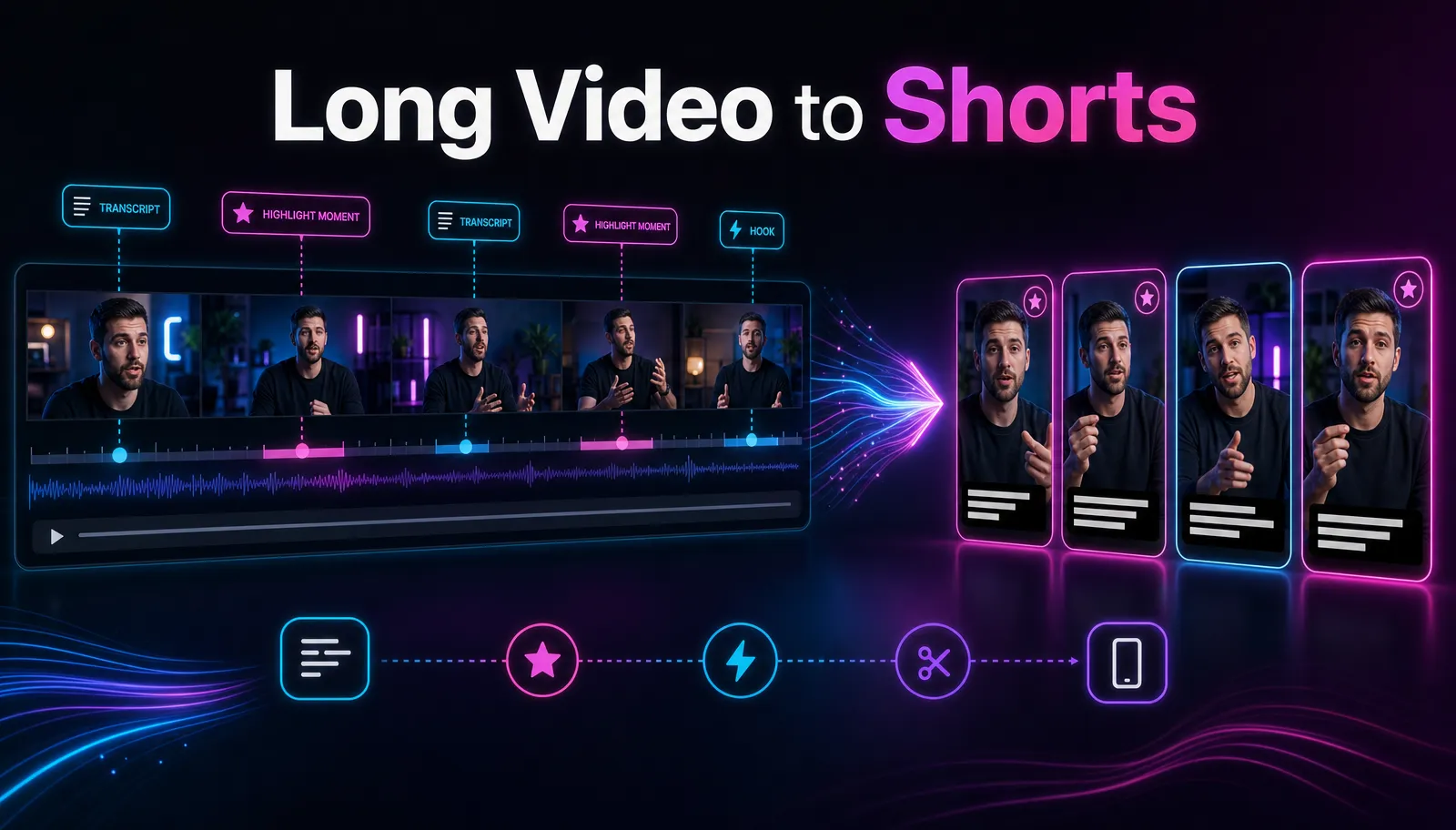
- Long-to-short clipping. Take one long recording and pull multiple standalone shorts out of it, captioned and reframed to vertical. The "more clipping control" job most switchers actually want.
- Script-to-video generation. Build a video from a written script plus stock or an avatar — you're creating footage, not editing your own.
The third job (Pictory or Synthesia get named here) is a different product — if you came to Wisecut to edit real footage, generators aren't your answer. For most people the real decision is between jobs one and two.
Wisecut alternatives for automatic cleanup
If what you liked was the automatic tidy-up of a single long video, these are the tools people mean. I'm describing each only at its stable, public positioning — no prices, quotas, watermark rules, or feature checklists, because those change and you'd verify them anyway. Treat it as a map of what each is known for, then test the ones that fit.
| Descript | Known for editing video and audio by editing the transcript, including removing filler words | You think in words, not timelines | Gling | Known for auto-cutting raw talking-head footage — silences and bad takes | You record long and want a hands-off first pass | TimeBolt | Known for automatically cutting silence and dead air across a timeline | Your priority is speed on pause removal |
These sit closest to Wisecut's core job: they clean up one video rather than manufacture many. If a tighter single video is all you need, one of these is your lane, and the 20-minute self-test below will tell you which.
Wisecut alternatives for more clipping control
This is where most switchers actually land. If you liked Wisecut's automation but your goal is turning one long recording into a batch of standalone shorts — captioned, vertical, and with a say over where each clip begins and ends — you want a long-to-short clipping tool, not a single-video cleaner. These are the names that come up at the positioning level:
| OpusClip | Known for auto-finding highlight moments in long videos and turning them into shorts | You want the tool to suggest clips for you | Vizard | Known for cutting long recordings into captioned social clips | You repurpose webinars, interviews, and talks | Munch | Known for extracting short clips from long-form content | You want trend-aware clip suggestions | Klap | Known for turning long videos into short, captioned verticals | You want a fast long-to-short pass |
Notice the difference from the cleanup table: these produce several pieces from one input, which is exactly the control people mean when they say Wisecut didn't go far enough. For a deeper walkthrough, our guide on making YouTube Shorts from long videos covers the full long-to-short workflow, and repurposing long-form content into shorts maps how to get many clips out of one recording.
Where Recapo fits — honestly
Here's the honest boundary: if your single most-wanted feature is frame-level pause and filler trimming inside one continuous take, a dedicated silence-removal editor from the cleanup table is the tighter fit. Recapo isn't built to be a pause-detector for one long edit, and pretending otherwise would waste your time.
What Recapo is built for is the clipping side — the "more control over turning long footage into shorts" job that sends many people looking for a Wisecut alternative in the first place. It runs in a browser tab with nothing to install, and bundles the repetitive steps in one place: transcribe and caption, summarize a long video into a script, cut short clips, add an AI voiceover, reframe to vertical, design a cover, and export. It accepts MP4, MOV, and other common formats at up to 6GB total per task, and pricing lives on the pricing page.
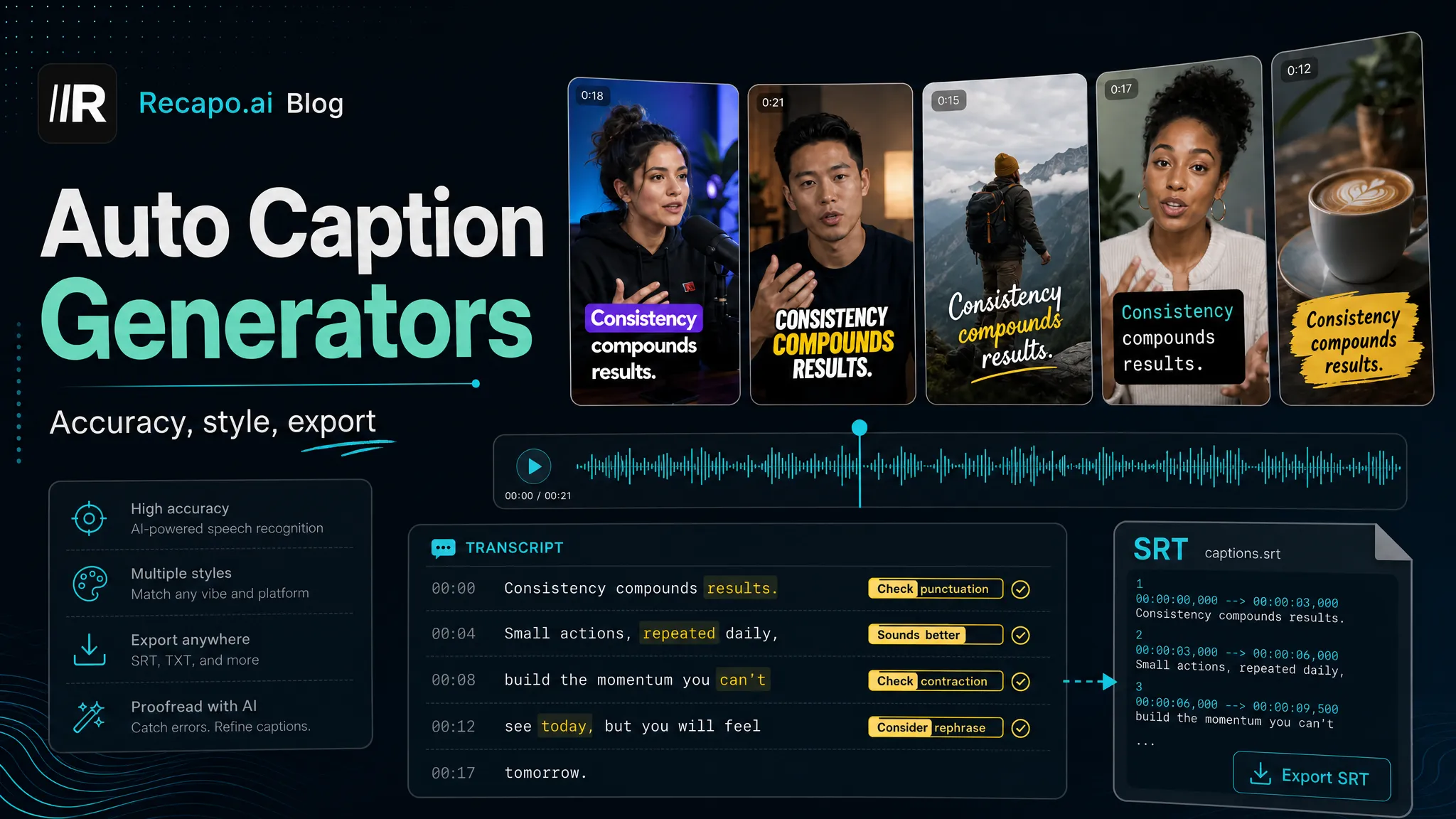
The mechanism differs from silence detection. Rather than scanning a take for pauses, the long-video-to-short-video tool summarizes the recording and keeps only the moments worth publishing — so the cleanup happens by selecting strong segments, not by trimming dead air word by word. That's the better match when you want several shorts rather than one tightened long video. From there, auto-captions add synced subtitles you can style for TikTok, Shorts, and Reels, and the AI video editor handles vertical reframing, the cover, and export — all in the same tab. Want captions clean enough to post without a manual pass? Our roundup of auto-caption generators explains what "accurate enough" really means.
How to test any Wisecut alternative in 20 minutes
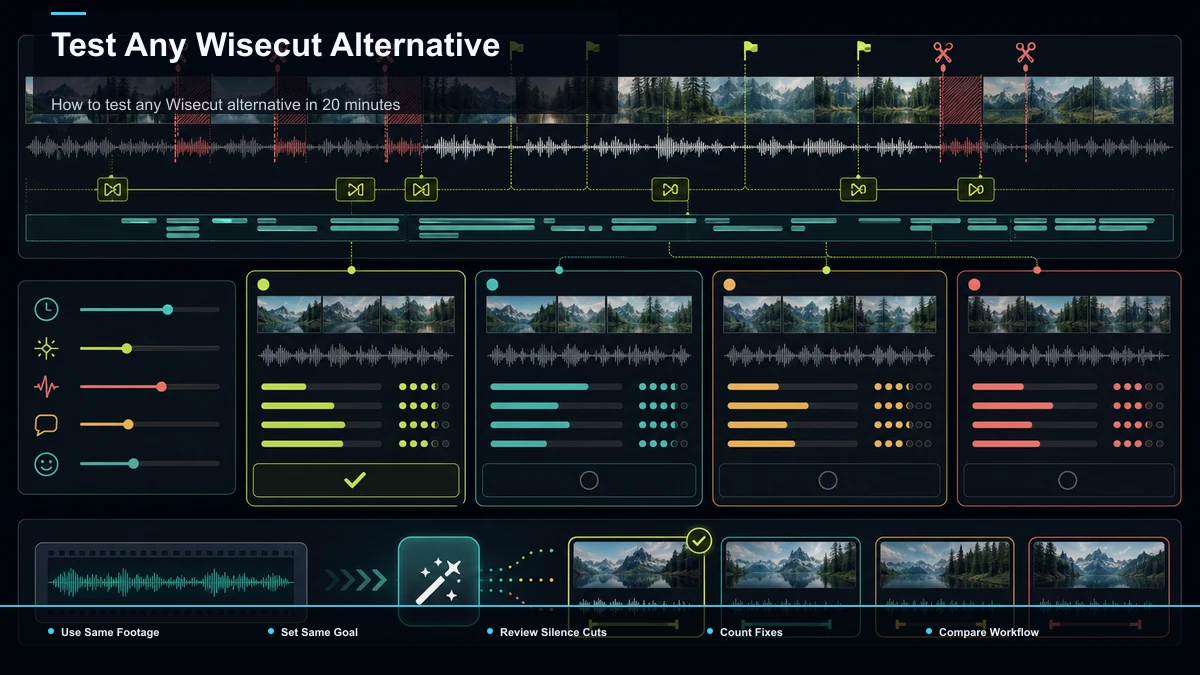
The most useful thing you can do is stop reading feature lists and test with your own material. Marketing pages won't tell you whether the auto-cuts land where you'd cut, whether captions are clean for your accent, or whether the clips hold attention — a short test will, and it works for any tool above.
- Pick one real, representative input. Use an actual 8–15 minute recording with natural speech, some pauses, and a little background noise — not a clean demo file. The messy input is the point.
- Do the same job in each tool. For overseas short-form that's usually: produce two or three 30–45 second clips with accurate captions, reframed to vertical, and export them.
- Measure four things and write them down:
| Cut quality | Watch the auto-cuts — did the tool keep the moments you'd keep, or trim a beat you wanted? | Caption accuracy | Read the transcript against the audio and count real errors; don't eyeball it | Clip control | Can you nudge where a clip starts and ends, or are you stuck with what it chose? | Format and export | Export at the entry level and inspect the actual file — this settles quality, watermark, and format questions directly |
- Compare the finished files side by side, not the editing screens. Your audience sees the output, not the interface.
- Kill anything that fails step 2. If you can't finish two representative clips in 20 minutes, it isn't your tool — no matter how good the landing page looks.
I won't quote a competitor's price, quota, watermark, or export limit anywhere here, because those change and you'd verify them anyway. The test above tells you the truth for your workflow today.
A long-to-short workflow, start to finish
Here's the long-to-short loop end to end, entirely in the browser, so you can see what "more clipping control" buys you versus a single-video cleanup — the weekly workflow for a lot of repurposing channels.
- Upload your long recording. Drop in an MP4 or MOV — a full episode, stream VOD, interview, or screen capture, up to 6GB total per task.
- Summarize it into a script. Turn the transcript into a tight outline that flags the moments worth keeping, so you're clipping around substance, not scrubbing blindly.
- Cut the shorts. Pull the strongest 20–60 second moments into standalone verticals, adjusting where each clip starts and ends.
- Caption each clip. Auto-caption the speech and style the subtitles for the platform you're posting to.
- Reframe, cover, and export. Resize each clip to 9:16 so it fills the frame, design a cover, and export a clean file ready to post.
Because it runs in a tab, you can do all of this from any machine — Windows, Mac, or a borrowed laptop — with nothing to install.
Which Wisecut alternative fits you?
Match the job to the category and the decision gets simple.
| Tighten one long video (remove silence/filler) | A cleanup editor (Descript, Gling, TimeBolt) | Pull many captioned shorts from one recording | A long-to-short clipping tool (OpusClip, Vizard, Munch, Klap, Recapo) | Build a video from a script and stock | A script-to-video generator (Pictory, Synthesia) | Want captions clean enough to post as-is | Test caption accuracy on your own audio first | Want a say over where each clip cuts | A clipping tool with editable in/out points |
The honest summary: there's no single best Wisecut alternative, only a best fit for the job you're doing. If a tighter single video is all you need, a cleanup editor is your answer. If you liked the automation but wanted more control over turning long footage into a batch of shorts, the clipping path — including Recapo — is where that control lives.
FAQ
What's the best free Wisecut alternative? It depends on the job — cleanup editors, clipping tools, and script-to-video generators each tend to have an entry tier. But "free" and "no watermark" are separate questions that change often, so don't trust any article's claim. Run a test export at the entry level and inspect the actual file; that's the only way to know what a given free tier gives you today for your use.
Is there a Wisecut alternative that turns one long video into multiple shorts? Yes, and for many switchers it's the real reason they left. Wisecut's core job is cleaning up a single video; a long-to-short clipping tool instead pulls several standalone shorts from one recording, captions them, and reframes them to vertical. If "more clipping control" was your complaint, that's the category to test.
Do these Wisecut competitors remove silences automatically? The cleanup-focused tools are positioned around exactly that — automatic silence and dead-air trimming inside one continuous take. Clipping tools work differently: they select strong segments and build shorts around them, so tightening happens at the segment level rather than by detecting every pause. Which you want depends on whether your output is one cleaner video or several clips.
Which Wisecut alternatives run in the browser? Many do — a number of cleanup editors, clipping tools, and repurposing editors run in a tab with nothing to install. If avoiding installs is part of why you're switching, filter for browser-based tools and confirm it on the tool's own site.
How accurate are the auto-captions on a Wisecut alternative? It varies by accent, audio quality, and language, and no article can promise a number for your footage. Run a real recording — natural speech, some noise — through the tool, then read the transcript against the audio and count actual errors. That tells you whether you can post captions as-is or need a quick manual pass.
Put a real long video through the clipping path
A quick way to decide whether the long-to-short route fits you is to run one real recording through it. Upload a long video, summarize it into a script, cut two or three captioned vertical shorts, reframe, and export — then compare those clips against what a single-video cleanup would have given you. Create a free Recapo account and run the 20-minute test on your own footage. If you liked Wisecut's automation but wanted more control over turning long recordings into shorts, you'll feel the difference on the first batch — and if a tighter single video was all you needed, you'll know that too.
References and official sources