
AI Narration for Movie Recaps: A Practical Guide
Test AI narration for movie recaps by voice consistency, comprehension at several speeds, pronunciation, caption accuracy, source rights, and export time.

By the Recapo.ai Editorial Team · Fact-checked July 10, 2026
Narration carries a recap's pace, mood, names, and timeline, so it deserves the same review as the edit. Synthetic voices can be usable for this format, but results vary by model, language, settings, script, and listening device; the presence of AI narration does not establish quality, originality, or audience response.
This guide gives you a recap-specific test method: compare voice consistency, comprehension at several speeds, proper-noun pronunciation, caption accuracy, and export time on a representative passage. It also explains when YouTube's synthetic-content disclosure guidance may be relevant and why AI narration does not prevent Content ID matching. This is production guidance, not legal advice.
Information note: This is general information, not legal advice. Copyright outcomes depend on the facts and jurisdiction; primary sources were checked on July 10, 2026.
Official source map: For AI narration in movie recaps, the disclosure, fair-use, and Content ID points below are tied to YouTube's altered or synthetic content disclosure guidance, YouTube's fair-use guidance, Content ID documentation.
Why recap narration is its own craft
Generic voiceover delivers a message once and moves on. Recap narration has to carry an entire plot — setup, tension, twist, payoff — often for several unbroken minutes, episode after episode. That difference changes every technical decision you make. A viewer isn't just absorbing a fact; they're tracking characters, following a timeline, and waiting for a reveal. If the narration rushes, they lose the thread. If the AI mangles a character's name, immersion breaks. If your voice sounds different this week than last, the channel feels less like a channel.
Here's the split, side by side:
| Generic voiceover | Recap narration | |
|---|---|---|
| Job | Deliver one message | Carry a full story, episode after episode |
| Voice | Can change per project | Documented voice choice, re-tested after updates |
| Pace | Brisk, uniform | Varies with story beats |
| Proper nouns | Varies by script | Often more names and titles to review |
| Length | Varies by project | May require sustained narration |
Everything below serves that right-hand column. Movie recap voiceover is less about sounding impressive on one line and more about being consistent, clear, and correctly paced across a whole narrated story — and across a whole catalog of them.
Define a channel voice and review it consistently
A documented voice baseline can make review more consistent, but changing a voice is not inherently unprofessional. Language, character, format, accessibility needs, licensing, and model updates may justify a different choice. Test the voice against the actual script and audience rather than committing by category alone.
Record a short voice specification for each approved use:
- Voice and provider. Record the selected model, language, version when available, and applicable usage terms.
- Baseline rate. Your default words-per-minute before you adjust for beats (more on that next).
- Tone and energy. Describe the intended presentation, then check whether the output matches it without unwanted artifacts.
- Opening and closing treatment. Note any recurring pattern, while leaving room to adapt it to the story and format.
This record makes later outputs comparable and reduces untracked changes. To build a shortlist, use the evaluation criteria in AI voices for recap narration, then audition the candidates on the same passage before approval.
Test narration pace for comprehension
There is no universal words-per-minute setting for a recap. A measured range such as 140–160 words per minute can be a starting test for some English narration, not a rule. Language, sentence complexity, names, emotion, music, and the intended audience all change what remains understandable.
Generate the same representative passage at two or three speeds. Review it on a phone speaker and headphones, then check whether names, plot turns, and pauses remain clear without sounding stretched. Record the chosen voice, speed, pronunciation notes, and test passage so later episodes can be compared against the same baseline.
Write the script so the AI reads it right
Script structure and pronunciation controls can materially affect synthetic narration, but behavior varies across engines and languages. Use punctuation as a test input, not a universal command set, and approve the rendered audio by listening.
Use punctuation as a pacing test. Many engines respond to punctuation, but the size and type of pause are not standardized:
- Commas and periods may create different pauses; compare them in a short render.
- Sentence length can affect clarity, so split a sentence when the output becomes difficult to follow.
- Ellipses and dashes are interpreted differently across tools; do not rely on them without listening.
- Paragraph breaks may help organize the script even when the engine does not change its delivery.
Pronunciation has to be proofed, not hoped for. Recaps are full of character names, foreign film titles, actor names, and places — exactly where AI voices trip. Build a tiny pronunciation cheat sheet for each script and fix problems before you render, not after:
- List the proper nouns that need review, including characters, places, titles, and contributors.
- Render a short test and compare it with an authoritative pronunciation source when one is available.
- Use pronunciation controls or phonetic spelling as supported by the engine. Approve the result by listening because one spelling will not work consistently across tools or languages.
Pacing and pronunciation review can improve clarity, but they do not guarantee a natural or suitable result. For structure, hooks, and spoiler handling, pair this process with how to write a movie recap script.
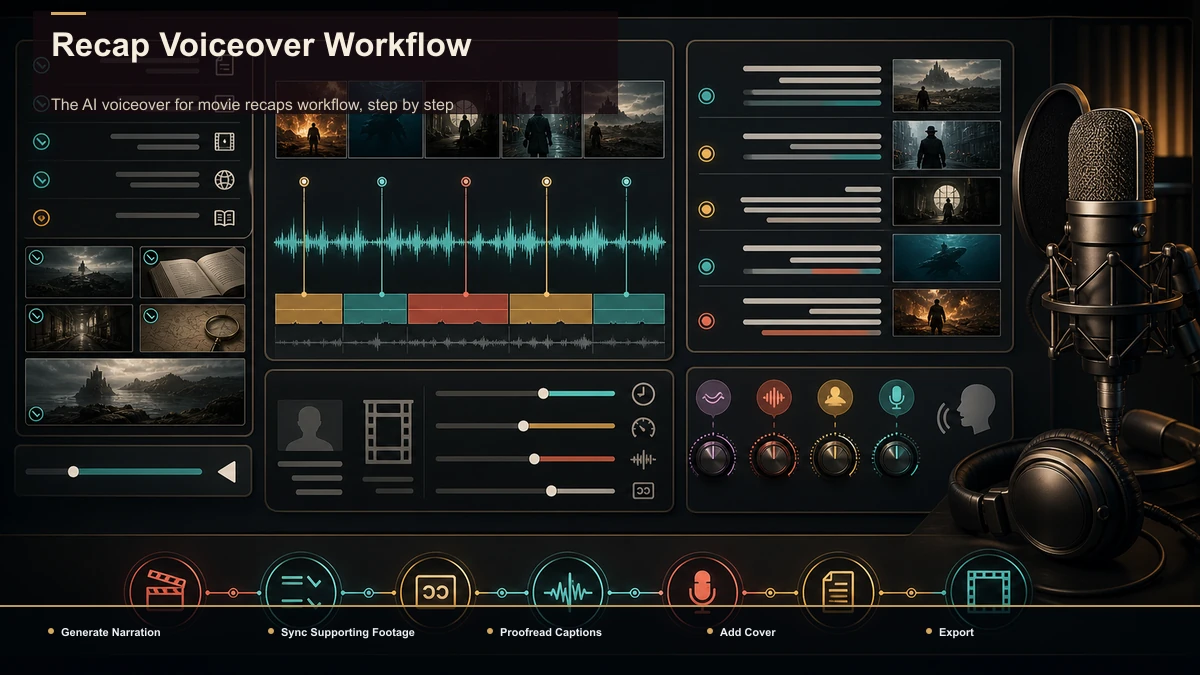
The AI voiceover for movie recaps workflow, step by step
This sequence turns an approved script into a narration draft and reviewed export. It can run in a browser-based workspace such as Recapo, but the review steps apply to any toolkit. Confirm current input formats, the stated 6GB total task limit, export options, and target-platform acceptance before production.
- Finalize the script with pronunciation notes baked in. Phonetic respellings, punctuation for pacing, and your target word count all live in the script before you generate a single second of audio.
- Generate the narration. Run the finalized script through a voiceover maker, using your locked channel voice and your baseline rate. This gives you a clean narration track to lay under footage.
- Or build the narrated video in one pass. If you'd rather skip the separate audio step, a text-to-speech video tool turns the script straight into a voiced video you then dress with visuals — handy for faceless channels working at volume.
- Sync narration to your footage. Line the read up with the clips and stills so the reveal lands on the reveal, not two seconds early. Adjust pacing on any segment that feels rushed against the visuals.
- Add and proofread captions. Generate a draft from the voice track, then review names, timing, line breaks, contrast, and placement for accessibility and comprehension.
- Add a cover and export. Choose a representative title frame and create the files required by each target placement; do not assume one export is accepted or framed identically everywhere.
The judgment calls — which voice, what pace, how to say a name — stay yours. The tools remove the manual grind so you can repeat the process on a schedule instead of rebuilding it from scratch each week.
Separate narration choices from source-rights review
YouTube Content ID can compare both audio and video in an upload with reference files supplied by participating rights holders. A match may generate a claim whose policy is to monetize, block, or track. A copyright strike is a separate process that follows a valid legal removal request.
Original narration can add editorial expression, but it does not grant rights to film footage, dialogue, music, artwork, or other source assets, and it does not prevent fingerprint matching. Use only the material needed for a documented editorial purpose, keep permissions and source records, and review the actual notice before deciding how to respond.
Fair use and similar exceptions are fact-specific and jurisdiction-specific. No narration style, clip duration, or editing ratio guarantees an outcome. This is general information, not legal advice; obtain qualified advice when a commercial project depends on an uncertain use.
A self-test for any recap voiceover tool
The AI voice market is crowded, and the specs on a landing page won't tell you which tool is right for recap narration. Some are known for large voice libraries, others are browser-based video editors with voice built in, others still are marketplaces of human voice talent. Don't pick from the pitch — test each on the part that actually matters for recaps. Take one real script, with its actual names and beats, and measure four things:
- Voice consistency. Generate the same lines twice on different days. Does the voice sound identical, so a month of episodes matches?
- Pronunciation control. Can you fix a mangled name with phonetic respelling, and does it hold? This is where recap tools separate from ad tools.
- Pace control. Can you compare several speeds on the same passage and preserve clear names, plot turns, and pauses?
- Time to a finished, captioned export. From script to a voiced, captioned, exported clip — how many minutes and manual fixes?
Fifteen minutes of that test tells you more than any feature chart. Recapo is a browser-based fit for this exact chain — script to voiceover to captions to export, no install — but let the test decide, not the marketing.
FAQ
What's the best pace for AI narration in a movie recap? There is no universal best rate. Test the same representative passage at several speeds, then choose the version that keeps names, plot turns, emotion, and pauses understandable on the devices your audience uses. Record the selected setting as a channel baseline and retest when the language or format changes.
How do I make an AI voice pronounce character and film names correctly? List every proper noun, render a short test, and use the engine's pronunciation controls where available. A phonetic spelling can help, but it is engine- and language-specific, so approve it by listening rather than treating one spelling as universal. Keep the approved version in a channel glossary.
Should I use the same AI voice for every recap video? Not necessarily. A consistent voice can reduce review work and support a recognizable presentation, but clarity and fit matter more than forcing one model across every language or format. Document the chosen voice, pace, tone, and pronunciation settings, then re-test after a model or product update.
Is AI voiceover good enough for a movie recap channel? It can be, but the answer depends on the specific voice, language, script, and quality threshold. Test a representative passage on phone speakers and headphones, compare it with a human-read baseline when possible, and review pacing, pronunciation, artifacts, emotional fit, and caption accuracy before choosing it.
Will AI narration protect my recap from Content ID claims? No. Content ID can match audio and video, and original narration does not prevent a match or decide fair use. Review the source rights, use only material needed for the editorial purpose, and distinguish a Content ID claim from a copyright strike. Read the actual notice before responding; this is not legal advice.
Build your recap narration workflow today
Test the voice, pace, pronunciation, captions, and export on a representative script, then record correction time and approval rate. Create a free Recapo account to run a narration, caption, and export test in one browser workflow. Decide whether to adopt it from the actual quality, rights requirements, and production data.


