Best Time to Post YouTube Shorts: Test Your Audience
Find the best time to post YouTube Shorts from your own Audience analytics, then test repeatable windows across comparable batches of clips.
By the Recapo.ai Editorial Team · Fact-checked July 10, 2026
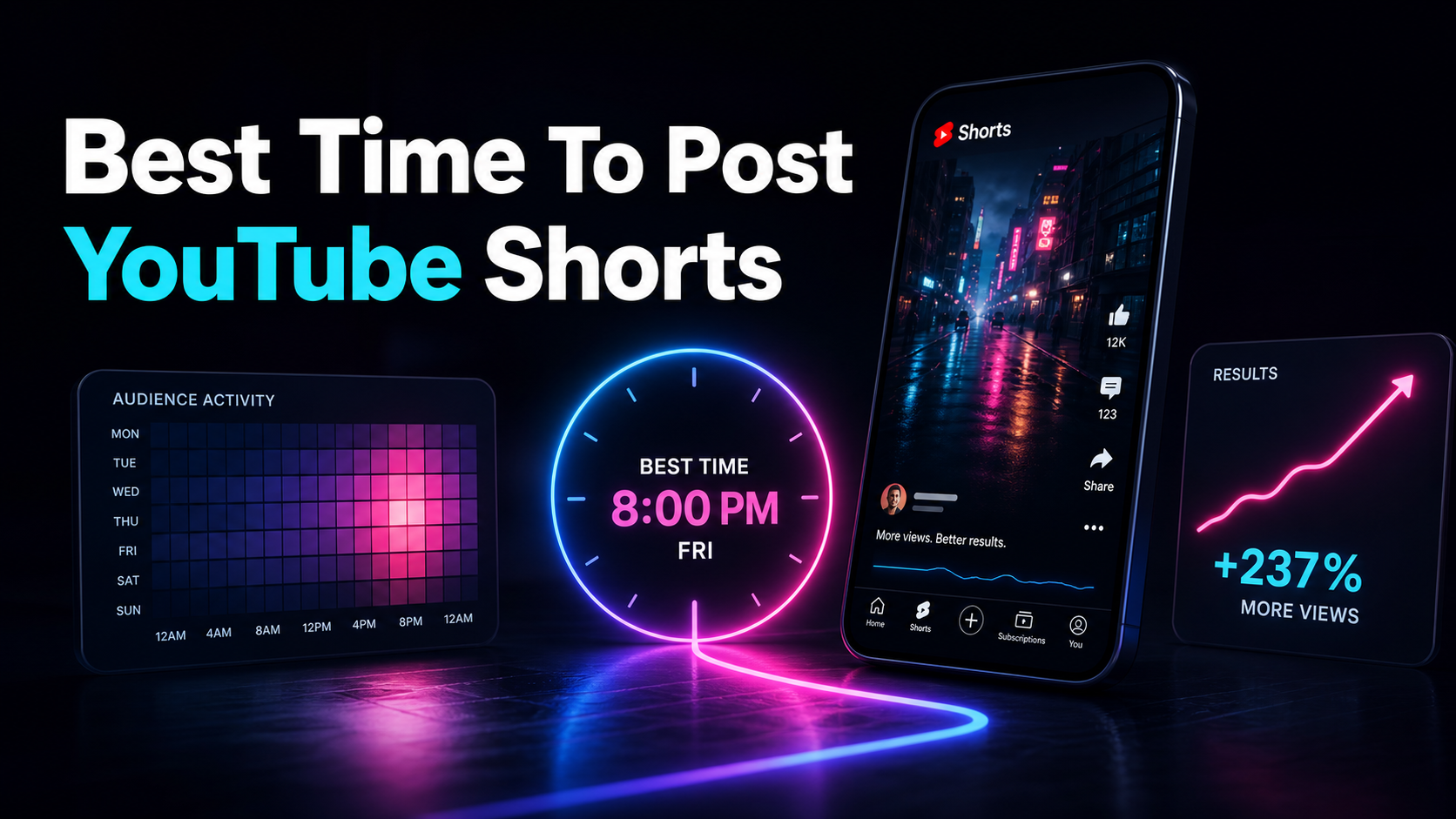
There is no universal best time to post YouTube Shorts. The useful answer comes from your channel's Audience analytics and a controlled test of repeatable posting windows. Generic studies mix accounts, regions, niches, and methods, so they can suggest hypotheses but cannot establish the best hour for your audience.
This guide shows how to choose two starting windows, compare similar batches over the same measurement horizon, and build a schedule your production process can support. Timing can be tested; it cannot guarantee distribution.
Fact-check note: Platform rules and product limits were checked against official sources on July 10, 2026. They can change, so verify the linked source before acting on a threshold or specification.
Official source map: For testing when to post Shorts, the discovery and Analytics points below are tied to YouTube discovery guidance, YouTube Analytics documentation, Shorts Analytics documentation.
Key takeaways
Start with your own audience data
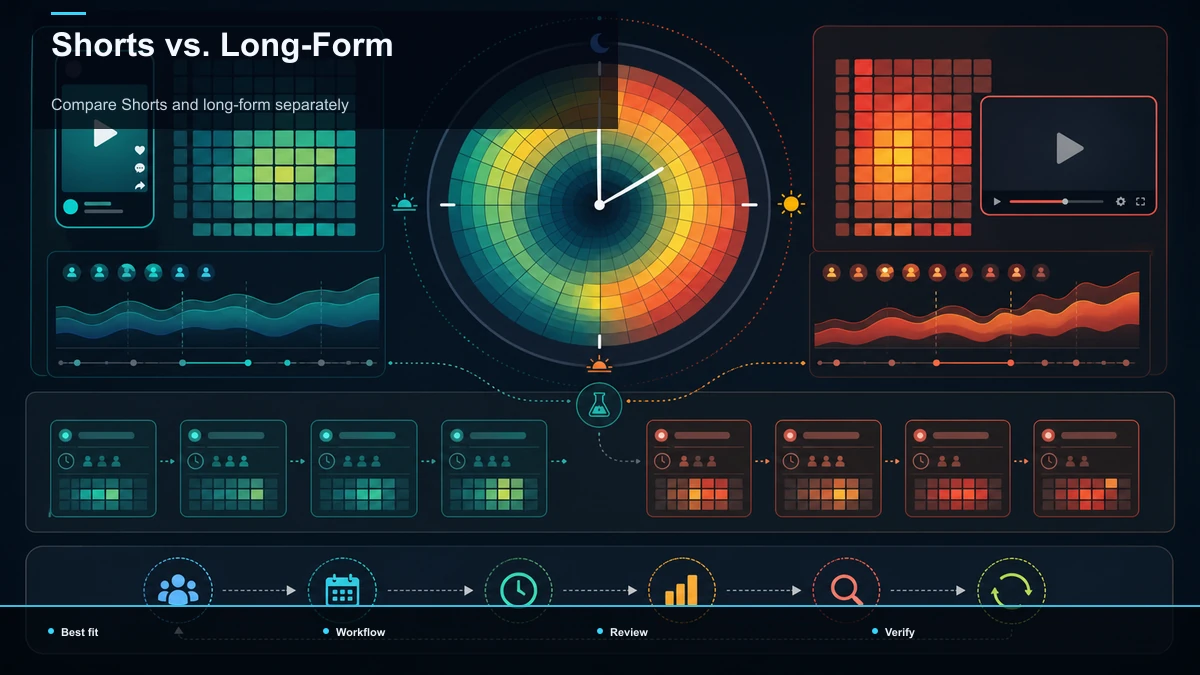
Open YouTube Studio, go to Analytics, and review the Audience tab. If the "When your viewers are on YouTube" report appears, use its active bands as candidate windows. The report describes when your viewers are on YouTube; it does not promise that publishing at the darkest band will increase views.
If the chart is unavailable or sparse, use known audience geography, prior upload data, and an operationally sustainable schedule to choose a baseline. Avoid presenting a third-party average as a platform rule.
Run a two-window posting test
Choose two windows that you can repeat for at least several comparable uploads. Keep the topic class, format, production quality, and publishing cadence as similar as practical. Record the publication time, audience time zone, clip length, topic, and any major creative differences.
Compare each Short at the same age, such as after 24 hours and again after seven days. Use the metrics available in your own Studio, and interpret differences cautiously. A small batch can identify a useful operating window; it cannot isolate timing from every other variable or prove a universal rule.
Compare Shorts and long-form separately
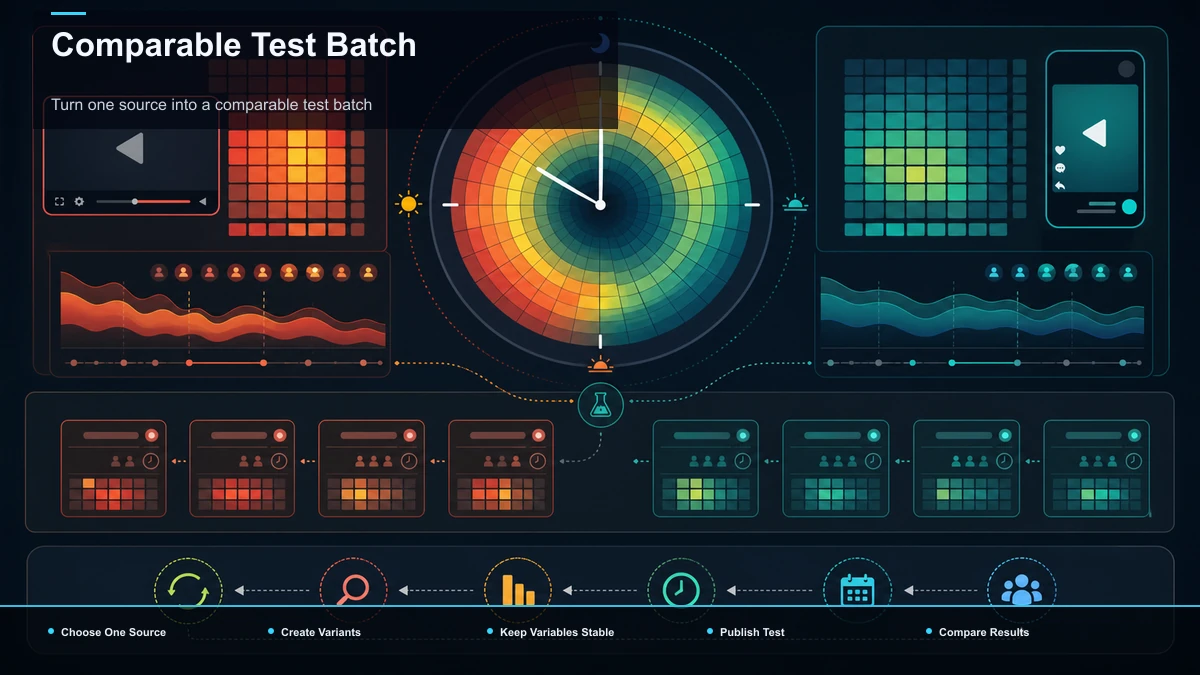
Do not merge Shorts and long-form into one timing table. They have different viewing contexts and can reach audiences through different surfaces. Build separate tests and compare each format against its own historical baseline.
If a channel publishes both, use one calendar with separate rows for format, audience, test window, and measurement horizon. This keeps a strong long-form result from being mistaken for evidence about Shorts, or vice versa.
What timing can and cannot tell you
A timing test can show whether one repeatable window has performed better for your recent, comparable uploads. It cannot guarantee the result of the next Short, explain a content-quality difference, or reveal a fixed algorithm threshold.
Change one major variable at a time when possible, keep a decision log, and revisit the test when the audience geography or publishing format changes. If two windows perform similarly, choose the one your team can sustain.
Find test windows in YouTube Studio
- Open YouTube Studio and select Analytics, then Audience. Report availability depends on the channel and available data.
- Review viewer activity and geography. Use visible active bands as candidates, and note the time zone shown in your reporting context.
- Choose two repeatable windows. Pick windows you can use across a comparable batch, not a different time for every upload.
- Log each upload. Record the window, topic, duration, hook type, and meaningful production changes.
- Compare at the same age. Review results after consistent intervals rather than comparing a new Short with an older one.
- Keep or retest. Retain the more practical window only when the batch supports it; otherwise gather more observations.
The chart is evidence about audience activity, not a command to publish a fixed number of minutes before a band. Let your own repeated results decide whether a lead time is useful.
Build a YouTube Shorts schedule you can maintain
| 1. Set a baseline | Choose one or two weekly windows | Audience time zone and rationale | 2. Prepare a batch | Use comparable topics or source types | Topic, source, duration, hook | 3. Review quality | Correct captions, framing, rights, and claims | Changes made before approval | 4. Publish consistently | Keep the selected windows long enough to observe a pattern | Actual publication time | 5. Evaluate | Compare at the same age and against the channel baseline | Metrics, caveats, next decision |
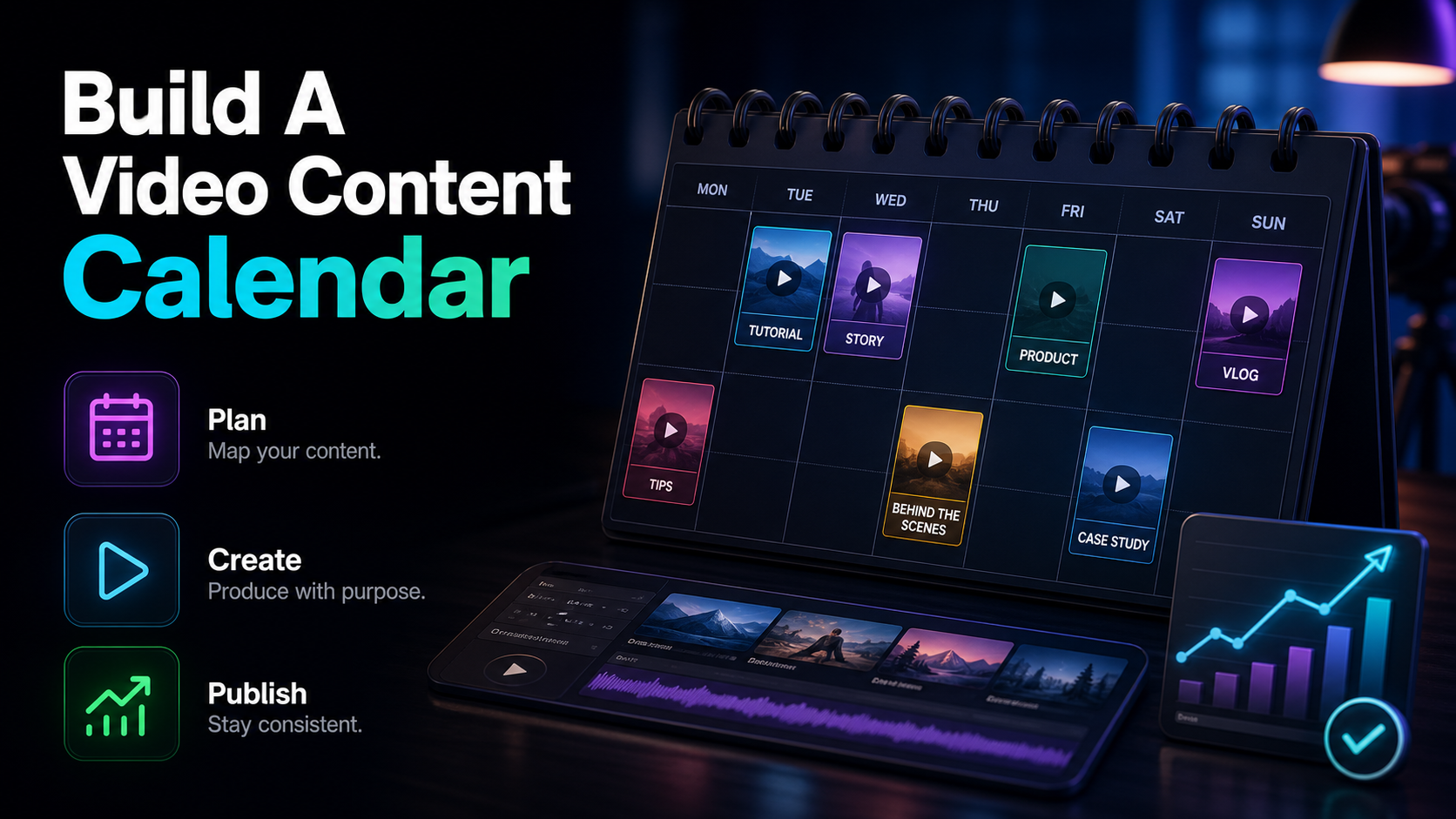
The schedule should fit the number of approved Shorts you can produce without lowering editorial review. Batch production can reduce repeated setup work, but do not promise a fixed number of clips from every source; record actual keeper yield instead.
FAQ
What is the best time to post YouTube Shorts? There is no universal hour. Start with your channel's Audience report when available, then test two repeatable windows on comparable uploads.
Does posting time matter? It can be a useful operating variable, but one upload cannot isolate its effect. Compare batches at the same age and keep topic and creative differences in view.
What if my channel has too little data for the viewer-activity report? Choose two practical windows from known audience geography and your existing upload history. Run the test until you have enough observations to make an operational decision.
Should Shorts and long-form use the same schedule? Test them separately. Format, viewer intent, and distribution surfaces differ, so evidence from one format should not be treated as proof for the other.
How often should I retest? Retest when audience geography, format, cadence, or channel size changes materially, or when the previous windows stop producing a stable pattern.
Turn one source into a comparable test batch
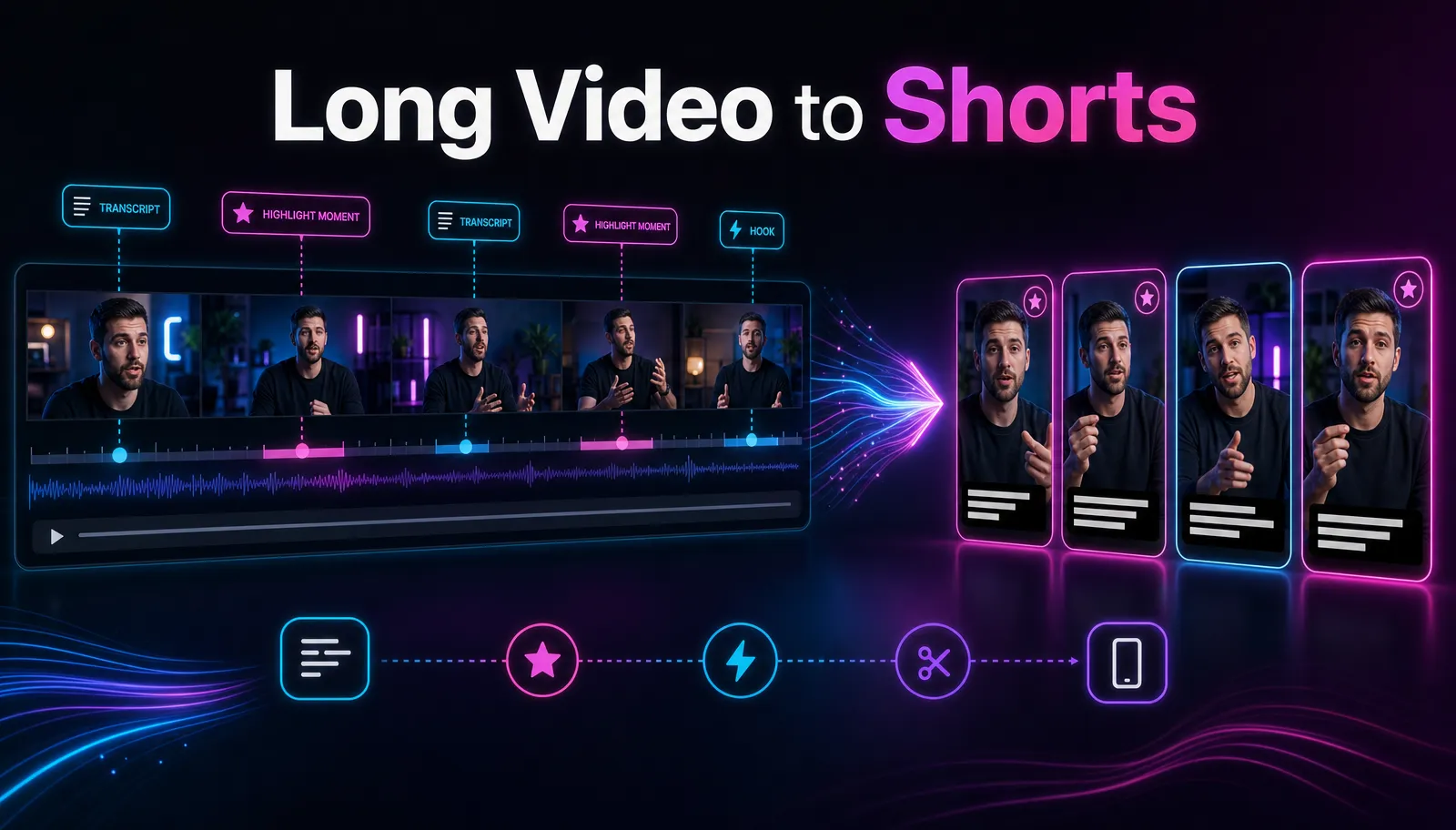
Use a single source to create several genuinely different Shorts, then hold the review standard constant. Create a free Recapo account to prepare vertical framing and accurate captions in one browser workflow, publish the approved clips in your selected windows, and compare the results in YouTube Studio. Processing and rendering run in the cloud; no editing tool can guarantee reach or recommendation.
References and official sources