Descript Alternatives for Editing by Transcript (2026)
Looking for Descript alternatives in 2026? Compare transcript-based editors for video and short-form, run a same-footage test, and pick the right fit.
If you're hunting for Descript alternatives in 2026, it's usually for one of two reasons: the shift to credit-and-media-minute pricing made your monthly bill hard to predict, or Descript's podcast-first workflow doesn't match how you actually work — cutting long videos into short clips for YouTube, TikTok, Shorts, and Reels. This guide compares your real options for editing by transcript from a video creator's point of view. Instead of feature checklists you'd have to re-verify next quarter, you get a stable positioning map, a same-footage test you can run yourself, and picks based on what you publish. The goal is to help you choose once and not regret it.
Key Takeaways
- Choose tools by workflow fit, not by a static feature checklist or a competitor-owned ranking.
- Pricing, free tiers, credits, watermarks, and export limits change often; use each vendor's current official pages as the source of truth.
- Run the same-footage test on every candidate so the comparison reflects real creator work.
- Position Recapo honestly: strong for browser-based repurposing, captions, voiceover, reframing, and export, not every video job.
What "editing by transcript" actually means
Editing by transcript flips the usual video workflow. Instead of scrubbing a waveform and nudging clips on a timeline, the tool transcribes your footage first and shows you the spoken words as editable text. Delete a sentence in the transcript, and the matching video and audio are cut with it. Move a paragraph, and the footage follows.
For talking-head videos, interviews, tutorials, and podcasts-turned-video, this is genuinely faster than a traditional timeline. You can strip filler words, tighten a rambling answer, and remove a bad take by reading rather than listening. It also makes captions almost free, because the transcript that drives your edit is the same text that becomes your subtitles.
The catch: the entire paradigm rests on accurate speech-to-text. If the transcript is sloppy, you spend your saved time fixing misheard words. So when you evaluate any Descript alternative, transcript quality is the foundation — everything else is built on top of it.
Why video creators are looking for Descript alternatives in 2026
Search for "best descript alternatives 2026" and you'll find dozens of listicles, many published by competing tools. Underneath the noise, three real motivations keep coming up.
1. Metered pricing changed the math. Descript moved toward a model where your cost scales with how much media you process and how many AI actions you run. For a light user that's fine. For a creator who transcribes hours of footage a week and runs AI actions on every clip, costs can climb in a way that's hard to forecast. That unpredictability, more than any single price, is what pushes people to look elsewhere.
2. The workflow leans podcast, not short-form. Much of Descript's gravity is around long-form audio and podcast video. If your day is turning a 40-minute recording into ten vertical clips for TikTok and Reels, a lot of that surface area isn't for you.
3. Short-form needs that transcript editing alone doesn't cover. Clippers need long-to-short generation, vertical reframing, punchy burned-in captions, and fast export — not just the ability to delete a sentence by text. A good Descript alternative for video editing should handle the whole path from raw upload to a posted short.
None of this makes Descript a bad tool. It just means "the right tool" depends on whether you're editing spoken words for a podcast or manufacturing clips for a feed.
How to evaluate a Descript alternative
Before comparing names, get clear on the dimensions that actually decide the outcome for a video creator. Score each candidate the same way, using tests you can run on your own footage.
| Dimension | Why it matters for video creators | How to test it |
|---|---|---|
| Transcript accuracy | It's the foundation of edit-by-text; errors cost you your time savings | Upload 5 minutes of your real audio, count the words you had to correct |
| Edit-by-text speed | The whole reason you're here | Time how long it takes to remove filler and three bad takes |
| Long-to-short clipping | Short-form creators live or die by this | Feed a 20-minute video, see how usable the suggested clips are |
| Caption quality & styling | Feeds are watched on mute; captions carry the video | Check timing, line length, and how much styling control you get |
| Vertical / reframe | 9:16 is non-negotiable for Shorts, Reels, TikTok | Reframe a 16:9 talking-head, judge whether the subject stays centered |
| Voiceover / dubbing | Faceless and localized formats depend on it | Generate one voiceover line, listen for naturalness |
| Export & format support | A tool that chokes on your files is a non-starter | Try your real formats and file sizes end to end |
| Cost at your volume | Sticker price lies; your usage decides the bill | Multiply your monthly minutes and AI actions against each pricing page |
| Browser vs install | Determines whether you can work on any machine | Note whether it needs a download or runs in a tab |
The last two rows are where switchers get surprised. A tool can look cheap on the pricing page and still be expensive at your volume, so always run your own numbers rather than trusting a headline.
The main types of Descript alternatives: a positioning map
Rather than rank tools that change every quarter, it helps to see the landscape as a few stable archetypes. Almost every option you'll read about falls into one of these, and each is described at the level that stays true over time.
| Archetype | Known for | Best when you | Example |
|---|---|---|---|
| Transcript-based editor | Editing video by editing the text | Cut talking-head or podcast video by reading | Descript itself |
| Browser caption/video editor | Captions and light edits in a tab | Add subtitles and trim without installing anything | Veed |
| Desktop editing suite | Full timeline control, with a text-edit panel | Need frame-level control and heavy timeline work | Adobe Premiere Pro |
| Auto-clipping tool | Turning long videos into short clips | Repurpose one recording into many shorts | OpusClip |
| Transcription / subtitle service | Accurate transcripts and translations | Care most about subtitle accuracy and localization | Happy Scribe |
| Browser AI editing workspace | Transcribe, clip, caption, reframe, export in one place | Want the whole short-form path in the browser | Recapo |
Read this map by your use case, not by brand loyalty. If you mostly localize, a subtitle-first service beats a clipper. If you live in a timeline, a desktop suite beats a browser tool. If you're a Descript alternative for video editing where the job is long-to-short, an auto-clipping tool or a browser workspace will serve you better than a pure transcript editor. The point of the archetypes is that you can slot any new 2026 launch into one of them and evaluate it in seconds.
Run a same-footage self-test in 30 minutes
The only comparison that matters is on your footage, with your voice, in your formats. Here's a protocol that removes guesswork. Use the same source video for every tool so results are comparable.
- Pick one representative clip. Choose a 10–20 minute recording that's typical of what you publish — same accent, same background noise, same pacing.
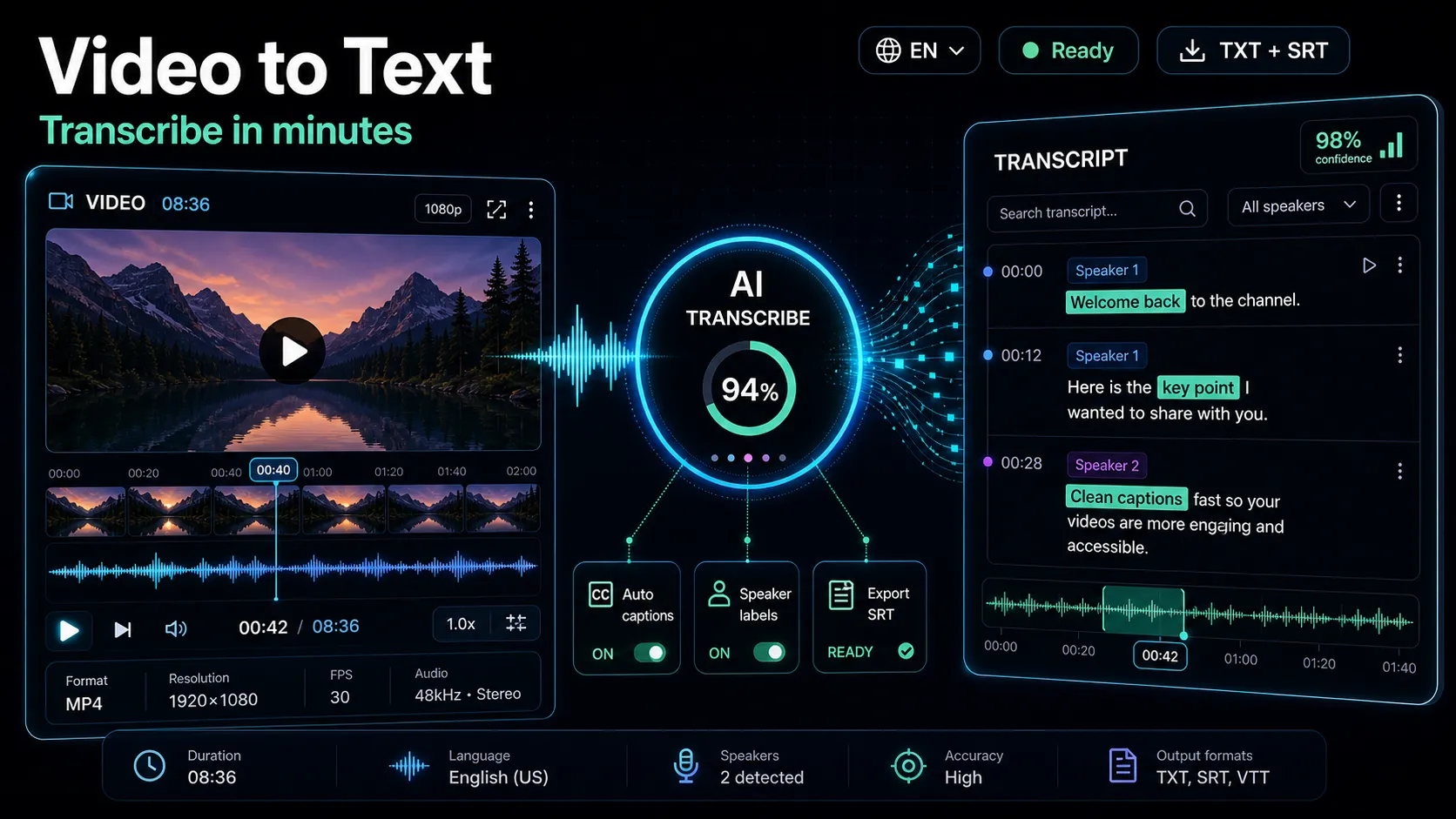
- Transcribe first and score accuracy. Run it through each tool's speech-to-text and count the words you had to fix. In Recapo you can start from speech-to-text and read the transcript before committing to any edit. If you want a refresher on getting clean transcripts, see how to transcribe a video.
- Do one real edit by text. Remove filler words and delete two bad takes purely by editing the transcript. Time it. This is the core promise of every Descript alternative, so measure it directly.
- Cut a short. Turn the long recording into at least one vertical clip. In Recapo the editing happens in the AI video editor; note how much manual cleanup each tool needs after its automatic suggestion.
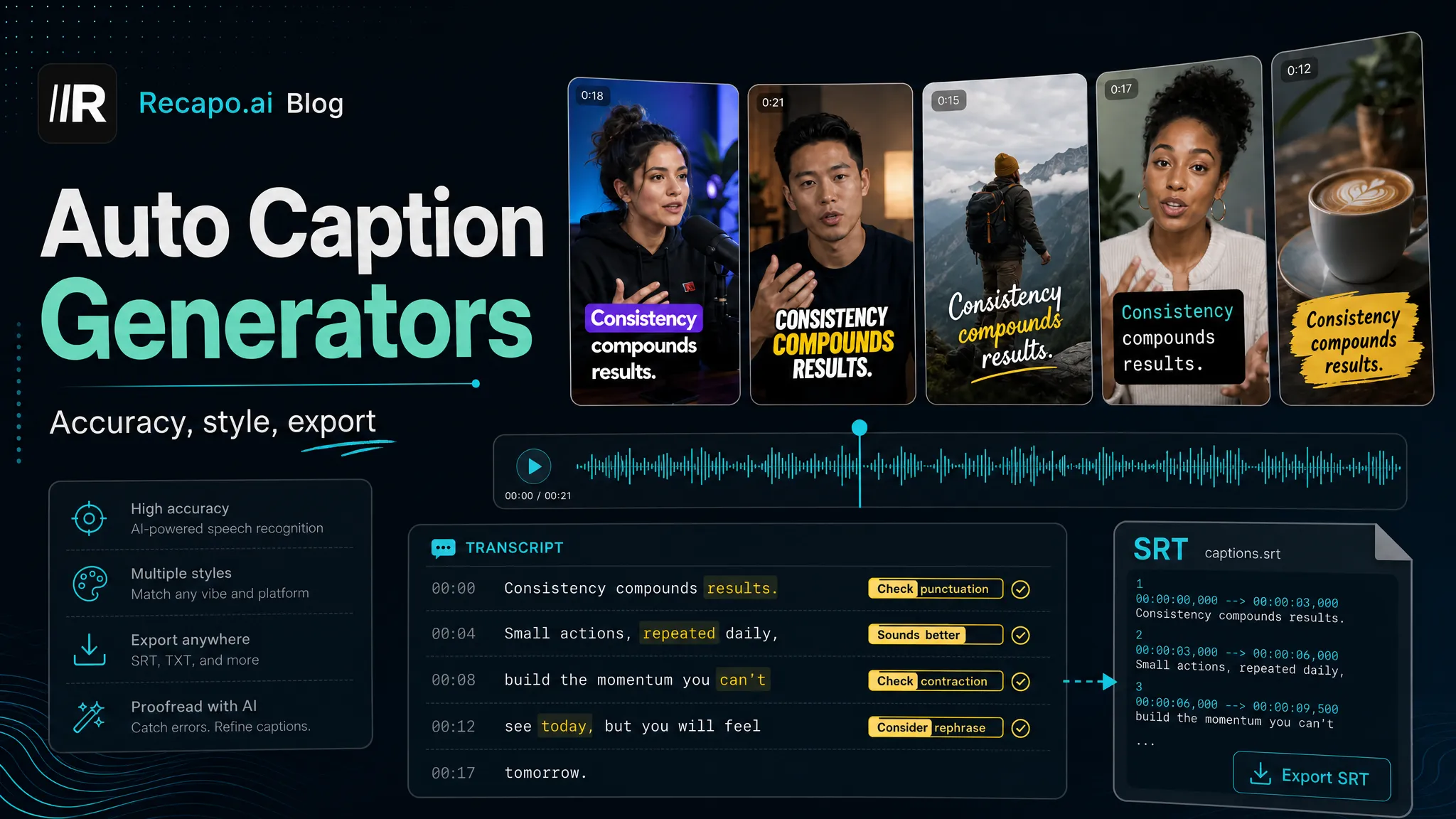
- Add and style captions. Burn in subtitles and check timing and readability. Recapo's auto-captions pull from the same transcript, so the words match your edit. Judge line length and how the captions look on a phone screen.
- Export and inspect. Push a real export at your typical resolution and file size, then watch it on a phone the way your audience will.
Finally, run the cost worksheet so pricing surprises don't ambush you later:
| Line | Fill in your number |
|---|---|
| Minutes of footage you transcribe per month | ___ |
| AI actions per video (clips, captions, voiceover, reframe) | ___ |
| Videos published per month | ___ |
| Metered/credit charges triggered at that volume | ___ |
| Flat-rate plan that covers that volume | ___ |
Take those five numbers to each tool's pricing page and compare like for like. A metered tool that's cheap for occasional use can cost more than a flat plan once you're publishing weekly — which is exactly the surprise that started your search for Descript alternatives.
Editing by transcript in Recapo, step by step
Recapo is a browser-based AI video workspace, so there's nothing to install — you work in a tab on any machine. It accepts MP4, MOV, and other common formats, with up to 6GB per task, which covers most long recordings creators bring over from a podcast or webinar. Here's how the transcript-first path runs end to end.
- Upload your recording. Drop in the raw long video. No download, no render farm — the workspace opens in the browser.
- Transcribe. Speech-to-text turns the footage into an editable transcript that becomes the backbone of your edit.
- Edit by reading. Trim filler, cut weak takes, and tighten answers by working with the text and the timeline together in the AI video editor.
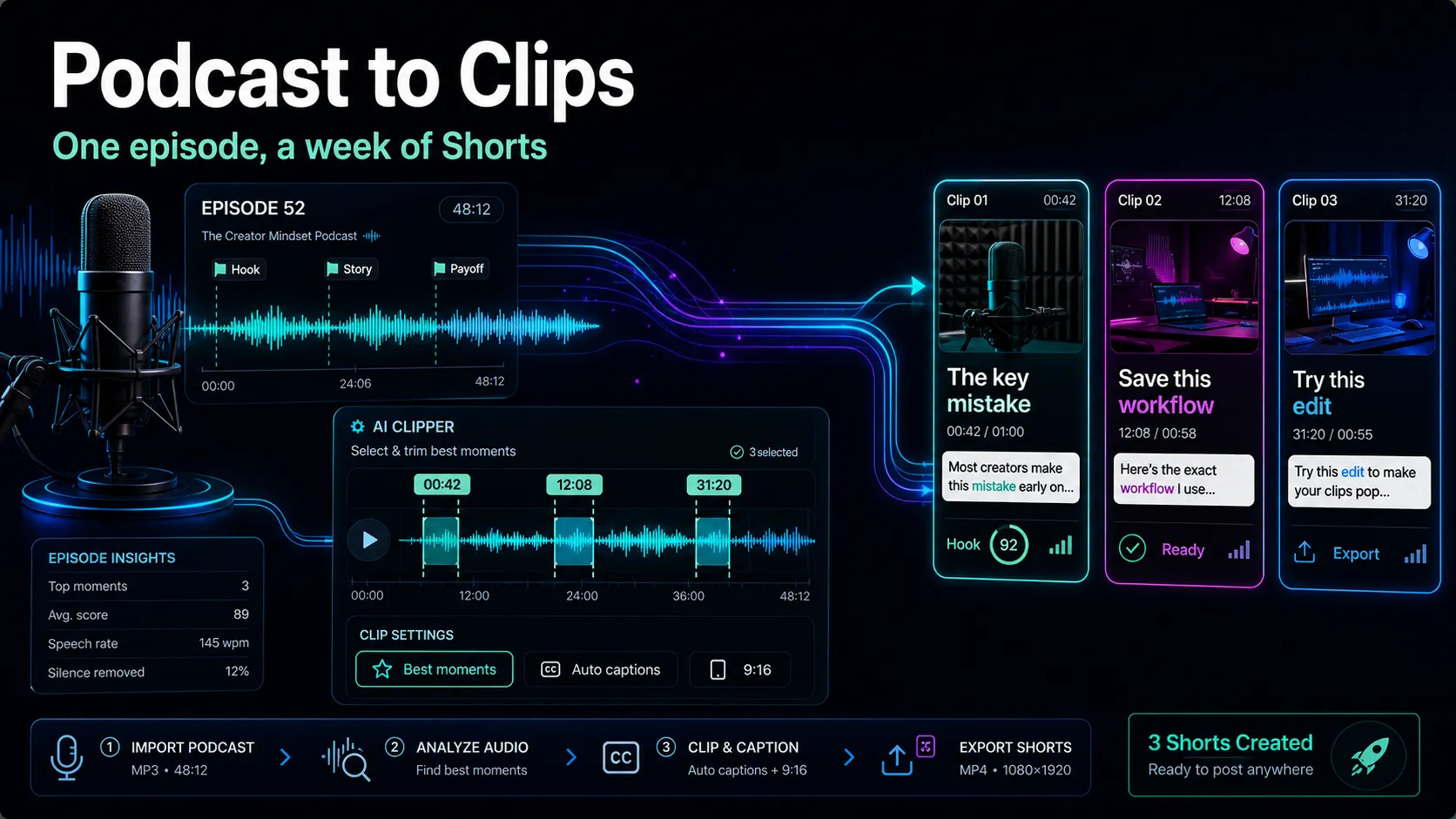
- Turn long into short. Pull the strongest moments into standalone clips for YouTube Shorts, TikTok, and Reels. If your source is a podcast, how to turn a podcast into clips walks through the repurposing mindset.
- Caption and reframe. Add auto-captions that match your edited transcript, then reframe to vertical 9:16 so the subject stays in the safe zone on mobile.
- Voiceover if you need it. For faceless or localized cuts, generate an AI voiceover instead of re-recording.
- Cover and export. Set a cover, export, and post.
Being honest about fit: Recapo is built for the transcribe-clip-caption-reframe-export path, not for frame-by-frame color grading or complex multi-track compositing. If your work lives in a professional timeline, a desktop suite is the better home, and Recapo can handle the short-form repurposing around it. Pricing lives on the pricing page so you can run it against your cost worksheet above.
Which Descript alternative fits your workflow?
There's no single winner — there's a winner for your job. Match your creator type to where you should look.
| If you are a… | You need | Where to look |
|---|---|---|
| Podcaster repurposing to video | Long-to-short plus clean captions | Auto-clipping tool or a browser workspace |
| Talking-head YouTuber | Fast edit-by-text and reframe | Transcript-based editor or browser workspace |
| Short-form clipper (TikTok/Reels/Shorts) | Clip generation, vertical, burned-in captions | Browser workspace or auto-clipping tool |
| Subtitle / localization creator | Accurate transcripts and translations | Transcription/subtitle service |
| Heavy timeline editor | Frame-level control, multi-track | Desktop editing suite |
If you sit across two rows — say you edit talking-head video and cut it into shorts — a browser workspace that does transcribe, clip, caption, and reframe in one place saves you from stitching two tools together. That is the practical middle ground most creators land on after testing.
FAQ
What is the best free Descript alternative? "Free" is slippery, because free tiers change often and usually cap the exact things video creators need most — export quality, length, or watermarks. Rather than trust a listicle, run the same-footage self-test above on any tool advertising a free plan and note where the free tier actually stops for your workload. That tells you the real cost of "free" for your use case far better than a headline. Recapo's pricing, including what's available to start, lives on its pricing page.
Can I really edit video by transcript in the browser? Yes. Browser-based workspaces transcribe your footage and let you cut it by editing the text, with no install. That's the core of the transcript-first approach, and it runs in a tab on any machine you're signed in to.
Is Descript only for podcasts? No — it handles video too. But its gravity leans toward long-form audio and podcast video, which is precisely why short-form creators go looking for a Descript alternative for video editing that's built around clips, captions, and vertical reframing instead.
How do I move my project off Descript? Export your source video and, if the tool allows, your transcript or subtitle file. Then re-import the source into your new tool and re-transcribe — a fresh transcript is usually cleaner than a converted one. Keep your original recordings; they're the only asset you can't regenerate.
Which Descript alternative is best for short-form clips? For turning long recordings into vertical shorts, look at auto-clipping tools and browser AI workspaces rather than pure transcript editors. Test them on one real 20-minute video and judge how usable the suggested clips are before committing — the quality gap between tools shows up fastest there.
Start editing by transcript today
The fastest way to know whether a tool fits is to run your own footage through it. Recapo lets you transcribe, edit by text, cut long videos into shorts, caption, reframe, and export — all in the browser, with nothing to install. Create your free account and put your next recording through the same-footage test above. Your bill, and your editing time, will tell you everything the listicles can't.
References and official sources
- YouTube recommended upload encoding settings
- YouTube Help: Add subtitles and captions
- YouTube Help: Edit video settings