How Long Should a Movie Recap Video Be?
Choose a movie recap length from story scope, platform format, narration pace, and viewer intent, then calculate a practical script word budget.

By the Recapo.ai Editorial Team · Fact-checked July 10, 2026
There is no universal ideal length for a movie recap. The useful runtime is the shortest version that establishes the chosen story scope, supplies necessary context, delivers the promised analysis or summary, and remains within the current limits of the publishing surface.
This guide turns scope into a script budget, then uses channel retention and audience response to refine future runtimes. Any minute range is a planning experiment, not a platform ranking or monetization rule.
Information note: This is general information, not legal advice. Copyright outcomes depend on the facts and jurisdiction; primary sources were checked on July 10, 2026.
Official source map: For choosing a movie recap length, the Analytics, RPM, and Content ID points below are tied to YouTube Analytics documentation, YouTube's RPM definition, Content ID documentation.
Key Takeaways
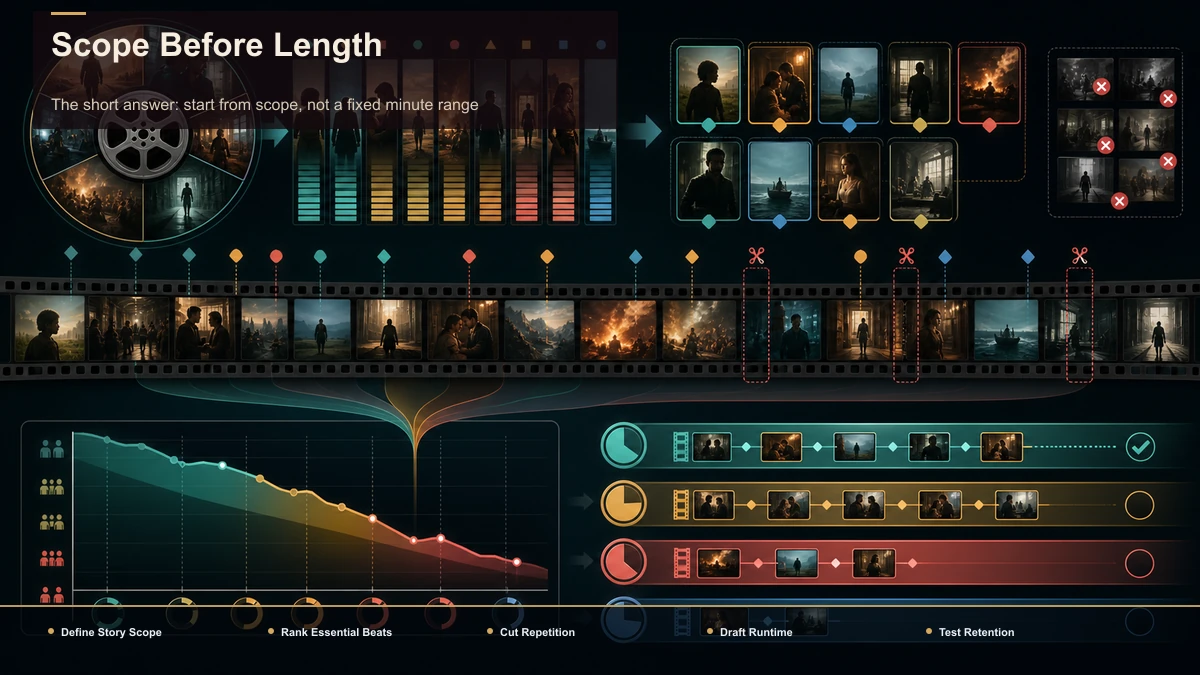
The short answer: start from scope, not a fixed minute range
A one-scene analysis may need seconds or several minutes. A full-plot recap may need longer, depending on the number of characters, threads, quotations, and the amount of original analysis. Write the outline, remove material that does not serve the viewer promise, and time a representative narration pass.
If both a shorter and longer cut remain complete, test them on comparable topics. The channel's own retention and audience response provide better evidence than a generic 5–8 or 8–15 minute claim.
Plan runtime by publishing surface
| YouTube long-form | One arc, full plot, review, or comparison | Current upload rules, chapters, retention, audience response | YouTube Shorts | One complete moment or argument | Current Shorts definition and duration limit, engaged views, retention | TikTok or Reels | One complete moment or argument | Current duration and format support, interface overlays, account analytics |
Platform maximums define what can be uploaded, not what performs best. Check the current help page and account interface before production, then compare similar videos at the same age.
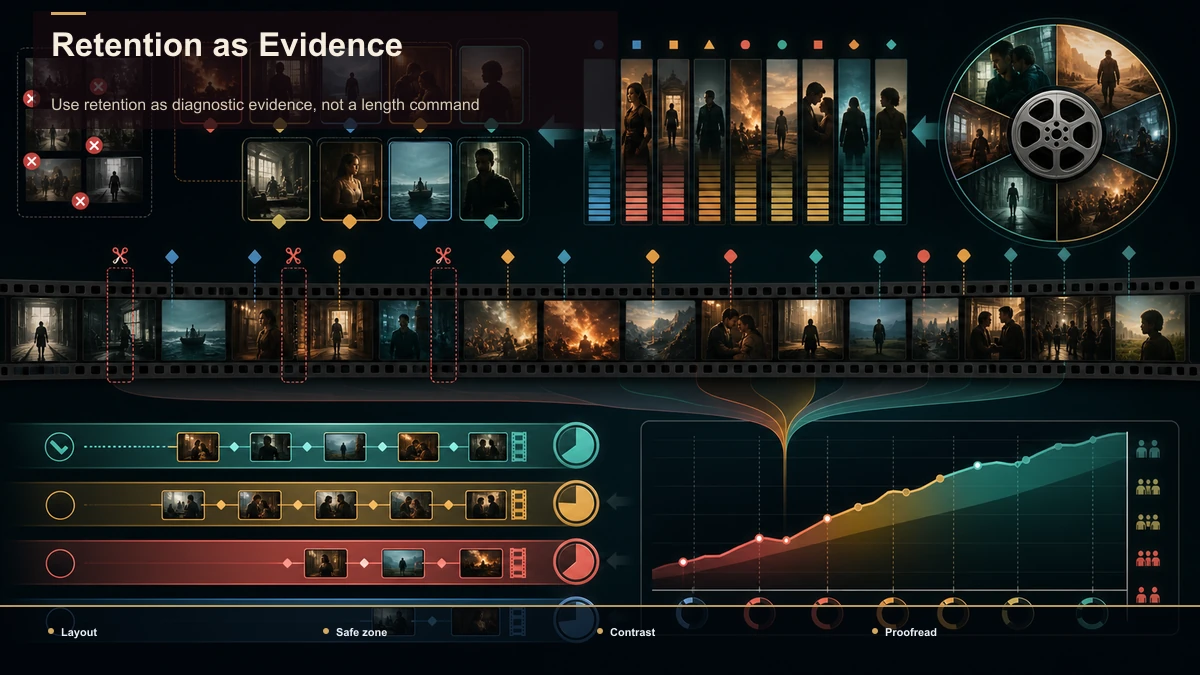
Use retention as diagnostic evidence, not a length command
Retention can show where viewers leave or rewatch, but it does not publish an ideal runtime. Review the curve with traffic source, topic, format, and qualitative response. A short clip may show a high completion percentage while delivering less information; a longer recap may serve the intent even with a lower percentage.
Use repeated patterns to revise future outlines. Remove sections that consistently add no value, and preserve context that the audience needs even when it makes the video longer.
From runtime to word count: the words-per-minute calculator
This is the part most length guides skip. A runtime target is only useful if you can turn it into a script. Narration for recaps runs at roughly 130 to 160 words per minute for a clear, easy-to-follow pace — call it 150 as a default. That single rule lets you convert any target length into a word count before you write a line:
Here's the conversion for common recap lengths at a 150 wpm default:
| 30 sec | ~75 words | Micro teaser | 60 sec | ~150 words | Vertical recap (Shorts/TikTok/Reels) | 3 min | ~450 words | Short recap or trailer-style cut | 5 min | ~750 words | Mid-length recap | 8 min | ~1,200 words | Standard YouTube recap | 12 min | ~1,800 words | Full-plot recap | 15 min | ~2,700 words | In-depth recap |
Two adjustments make this accurate in practice. First, if you narrate faster or slower, swap 150 for your real pace — record 30 seconds of your normal delivery, count the words, and multiply by two. Second, recaps aren't wall-to-wall narration: you leave gaps for footage, music beats, and reveals, so subtract 10–20% from the word count to leave breathing room. An 8-minute recap is closer to 1,000–1,100 written words than a flat 1,200.
Worked example, both ends of the range:
Now your length target isn't a vague timer — it's a word budget you can write against and trim to.
Match length to the approved story outline
List the viewer promise, required characters, turning points, evidence, and original commentary. Estimate the script, record a sample at the intended delivery, and cut repetition before removing necessary context. A dense multi-thread story may need more time than a single-arc analysis, but neither category has a mandatory runtime.
Create short-form companions only when a moment can stand alone. Do not assume every long recap produces a fixed number of Shorts or that a shorter cut automatically drives viewers to the long version.
Length does not decide copyright or Content ID
YouTube Content ID can compare uploaded audio and video with reference files supplied by participating rights holders. A match may apply a monetize, block, or track policy regardless of clip or total runtime. A copyright strike is a separate legal removal process.
No duration is automatically permitted, and shorter use does not automatically establish fair use. Copyright exceptions depend on the actual material, purpose, amount and substantiality, market effect, jurisdiction, and other facts. Keep source and permission records and obtain qualified advice when needed; this is general information, not legal advice.
Hitting your target length without padding
Once you've picked a length and converted it to a word count, the job is to build to that number without bloating. Here's a browser-based loop. It runs in a workspace like Recapo without a desktop install; processing and rendering happen in the cloud:
- Set the runtime, then the word budget. Use the calculator above: pick your platform's range, choose a number inside it that your story can fill, and multiply by ~150 (minus 10–20%) to get your script length.
- Condense the plot to a timed skeleton. Feed a long source or your notes into a video summarizer to pull the key beats, then write your narration to the word count — this keeps you from over-covering and blowing past your target.
- Record or generate narration, then assemble. Time the read against your target; if you're 20% over, cut the weakest beat rather than speeding up the delivery.
- Spin off the vertical teaser. Take the finished long recap and use a long-video-to-short-video tool to pull a 30–60 second cut for Shorts, TikTok, and Reels — one hook, ending on a question that points back to the full video.
- Caption and export. Add captions for muted viewing and export at the aspect ratio each platform wants.
Don't pick tools on feature lists — run one test instead. Take a real recap, build it to your calculated word count, and check two things: did the finished runtime land within 10% of your target, and how many round-trips did it take to produce both the long version and the vertical cut? Let the result decide, not the marketing.
FAQ
How long should a full movie recap be? Long enough to deliver the defined scope without repetition. Time the approved script and compare similar videos; there is no universal 8–15 minute rule.
How long should a recap Short be? Use the shortest complete version that fits the current platform definition and limit. Test alternative cuts rather than assuming 15–30 or 30–60 seconds is ideal.
Does a longer video earn more? Not automatically. Eligibility, actual views, RPM, ad serving, audience, claims, and revenue mix all matter. Use channel Analytics, not runtime alone.
Does a shorter clip avoid Content ID or become fair use? No. Content ID can match short audio or video, and legal exceptions are fact-specific.
Build one outline and measure the finished runtime
Define the promise, create the script budget, record a representative pace, and remove repetition while preserving necessary context. Create a free Recapo account to test scripting, voiceover, clipping, captions, framing, and export in one browser workflow. Use the finished runtime and channel response as evidence for the next video, not as a universal rule.
References and official sources