How to Make a Highlight Reel From a Long Video
Learn how to make a highlight reel from a long video: pick your best moments with AI, then compile, pace, and caption them into one polished reel for YouTube.
By the Recapo.ai Editorial Team · Fact-checked July 10, 2026
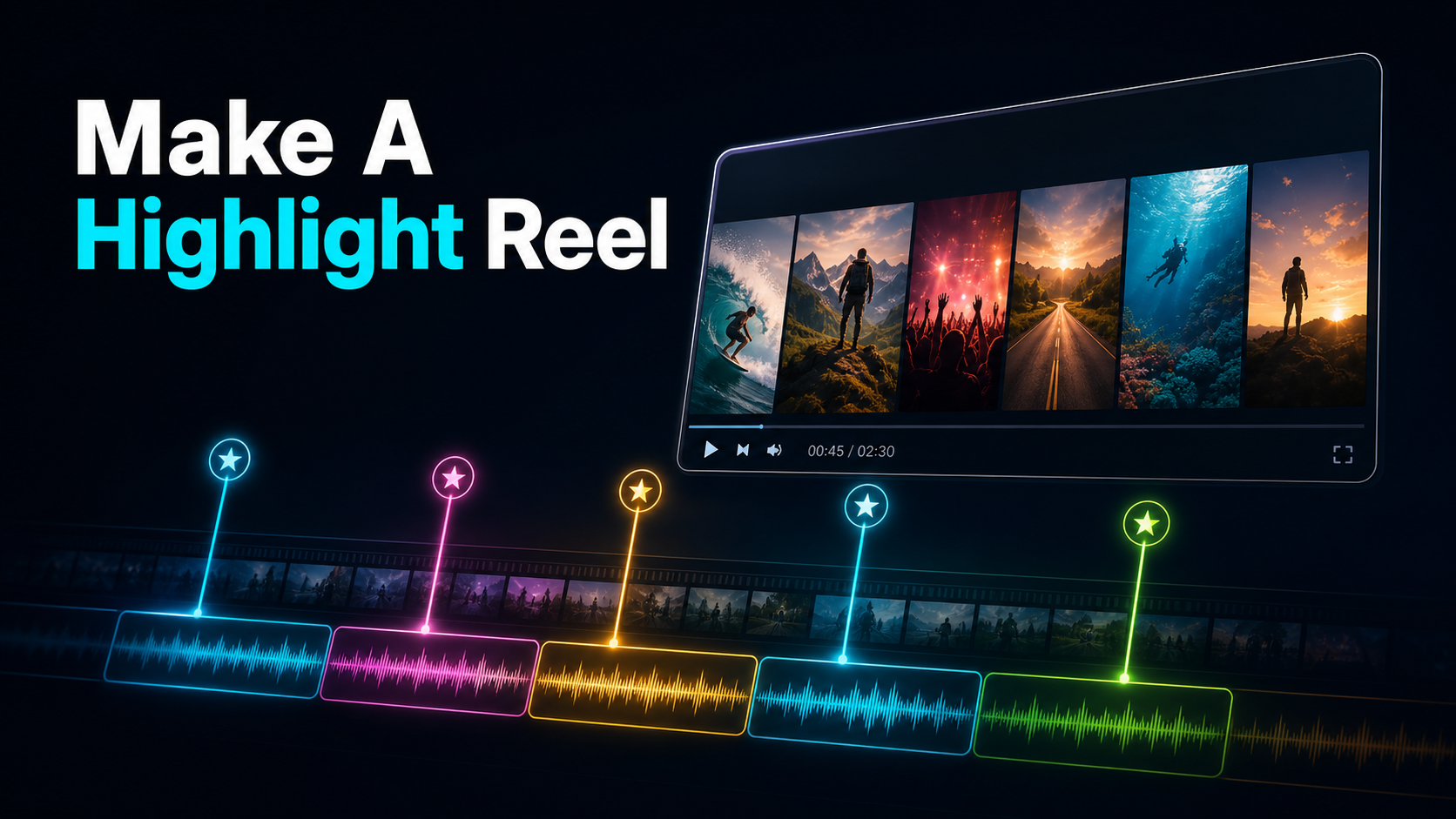
To make a highlight reel from a long video, you pull the best moments out of one long recording — a podcast episode, a stream, an event, a vlog — and compile them into a single, tight video set to captions and music. That's the part most tutorials skip: a highlight reel is a compilation, one continuous piece with an arc, not a folder of standalone clips you post one at a time. This guide walks the full workflow — find the moments with AI, then order, pace, and finish them — with honest time budgets and a process you can repeat every week.
The trap is treating "make a highlight reel" as either generating something from nothing or just trimming the boring parts. It's neither. It's a selection-and-compilation job: you decide what earns a spot, sequence those moments so they build, and tie them together with music, captions, and clean cuts. Get the selection right and the edit is easy; get it wrong and no transition will save it.
A highlight reel vs. a batch of clips
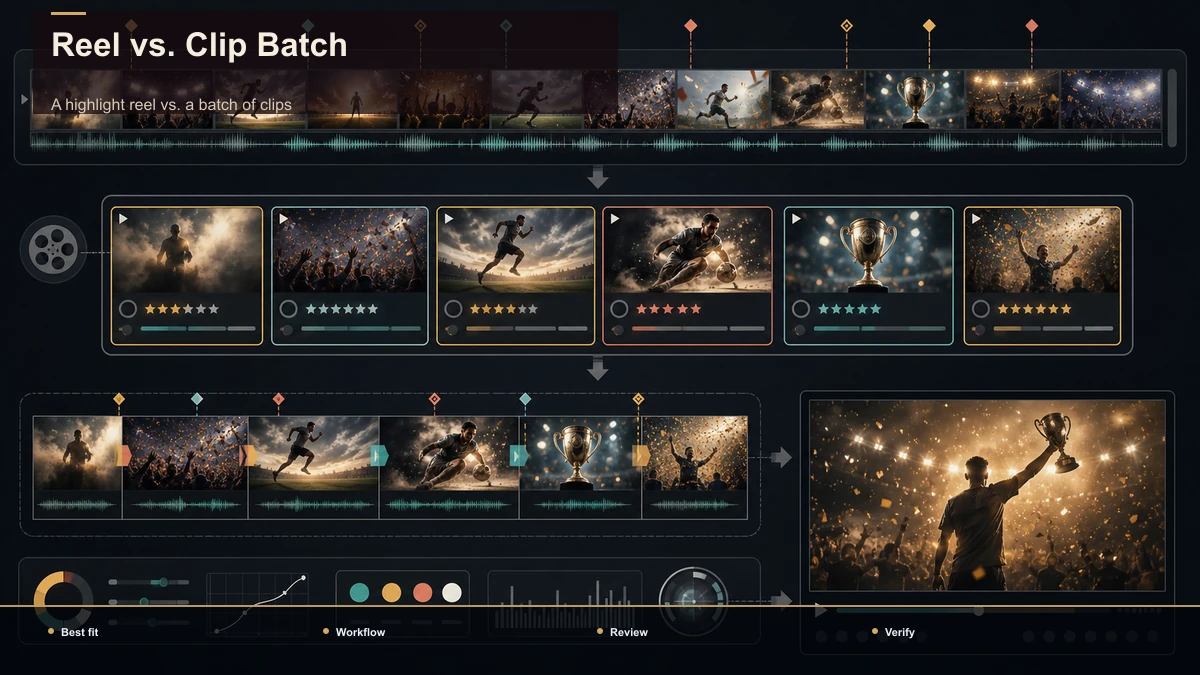
Start here, because it decides your entire approach. Both start from a long recording, but they produce different things and reward different editing. Mixing them up is why so many "highlight reels" end up feeling like a random clip dump.
| Highlight reel (compilation) | Batch of standalone clips | |
|---|---|---|
| The output | One continuous video | Many separate videos |
| The structure | Moments ordered into an arc | Each clip self-contained |
| The soundtrack | One music bed across the reel | Per-clip audio, usually spoken |
| Where it lives | Channel trailer, recap, event summary | A feed of Shorts, Reels, TikToks |
| The core edit | Sequencing + pacing + transitions | Trim + caption + reframe |
If your goal is a feed of individual posts — one moment per upload — you're really doing the clips job, and our guide to the clip-creation workflow for streamers covers that path in detail. A highlight reel is the other thing: a single video that plays start to finish, where the order and pacing carry as much weight as the moments themselves. Everything below is about that compilation craft — how to make a highlight video that feels made, not assembled.
What counts as a "best moment"
Before you touch an editor, you need a definition of "best" that isn't just "I liked it." A reel that keeps every moment you're fond of runs long and drags. The discipline is picking moments that earn their seconds. Three kinds of moment consistently do:
| Moment type | What it looks like | Why it belongs |
|---|---|---|
| Peak reaction | A laugh, a gasp, a "wait, what?", a genuine reaction from you or a guest | Emotion is what viewers actually remember |
| Concrete payoff | A reveal, a result, a punchline, a milestone hit | Gives the moment a clear beginning and end |
| Standalone line | A quotable sentence that makes sense with zero setup | Reads clean in a fast-cut reel |
The test for each candidate is simple: would this still land if a stranger saw only these six seconds? If it needs two minutes of context to make sense, it's not a highlight — it's a scene, and it belongs in the long cut, not the reel. Ruthlessness here is what separates a reel people rewatch from one they scrub past.
Aim to over-collect, then cut: mark twice as many candidates as you'll keep, because dropping options is easier than padding a thin reel to length.
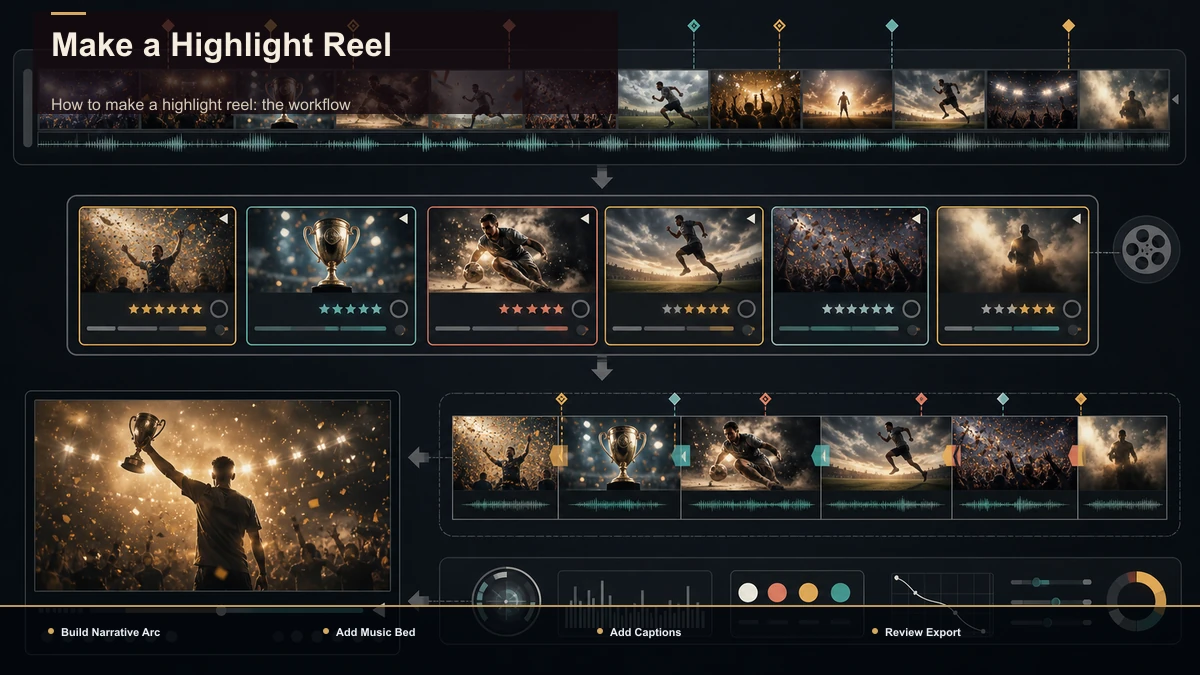
How to make a highlight reel: the workflow
Here's the repeatable process, start to finish. Treat steps 1–3 as selection and steps 4–7 as compilation — keeping those phases separate is the single biggest speed-up.
- Define the reel's job in one sentence. "A 60-second recap of last night's stream," "a 90-second sizzle from the conference," "a podcast episode teaser." The job sets the length and the tone before you cut a frame.
- Collect candidates against the three moment types. Scrub or, better, let AI do a first pass (next section) and mark every peak reaction, payoff, and standalone line. Write down the timestamps.
- Cut candidates to their tightest usable form. Trim each moment to just the seconds that land — no lead-in, no trailing dead air. Most highlight beats survive fine at 3–10 seconds inside a reel.
- Sequence for an arc. Open with your strongest hook, not your chronological first moment. Build variety in the middle — alternate fast and slow, loud and quiet — and end on a beat that feels like a close, not a fade-out.
- Lay the music bed. Pick one track that matches the energy and let it run underneath the whole reel. Cut your moments to the beat where you can; it's the difference between a montage and a slideshow. Use a licensed or royalty-free track so the platform doesn't mute or claim it.
- Add captions. Even a music-driven reel needs on-screen text for the spoken beats and for silent autoplay in the feed. Keep them short and legible.
- Reframe and export per destination. A reel for YouTube stays 16:9; the same reel for TikTok, Shorts, or Reels needs a 9:16 version with the subject reframed to center. Export a clean file and check it plays without a watermark surprise before you post.
The whole thing is faster than it reads once you stop scrubbing by hand — which is exactly what the next step fixes.
Finding your moments with AI (don't scrub by hand)
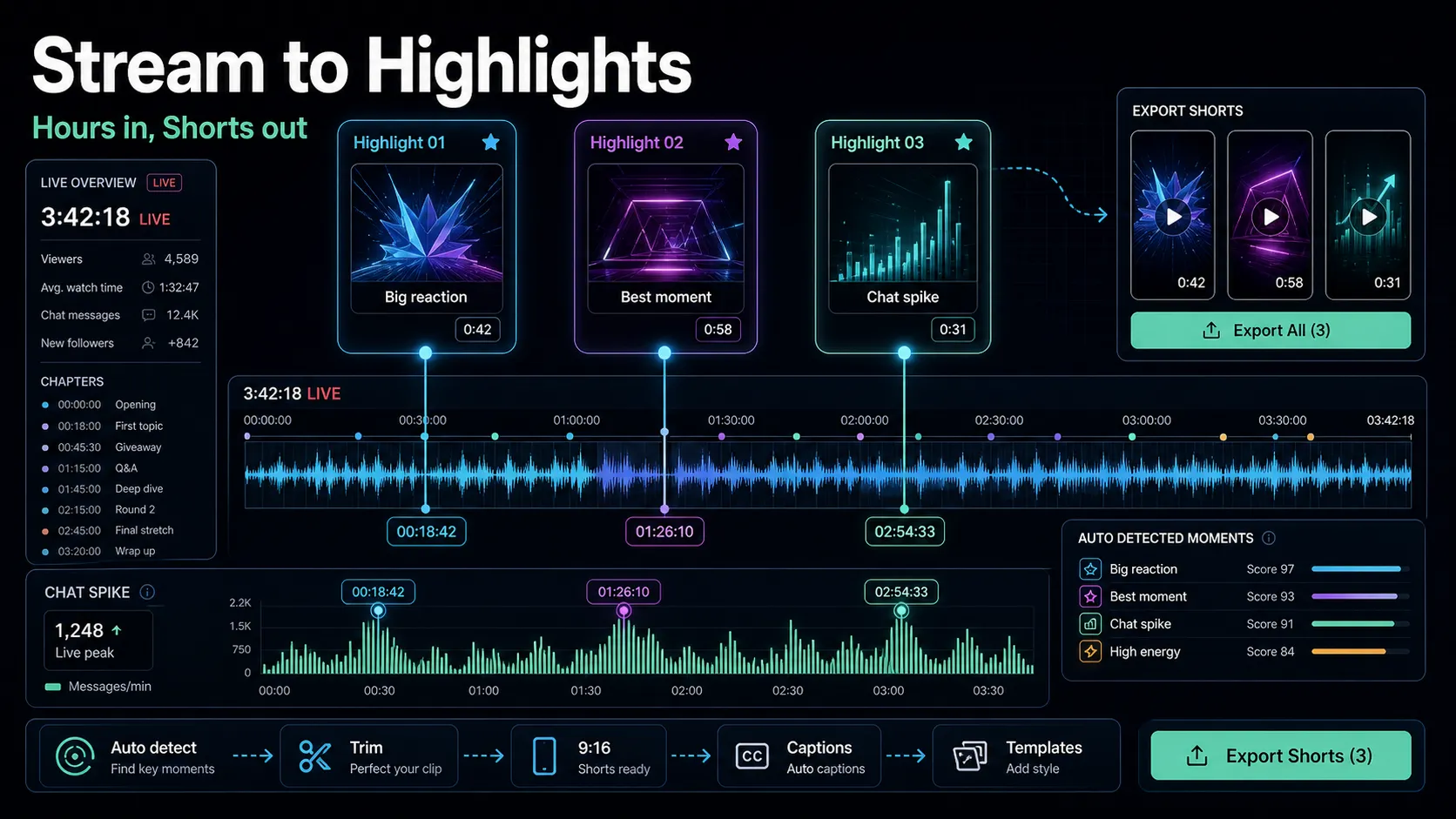
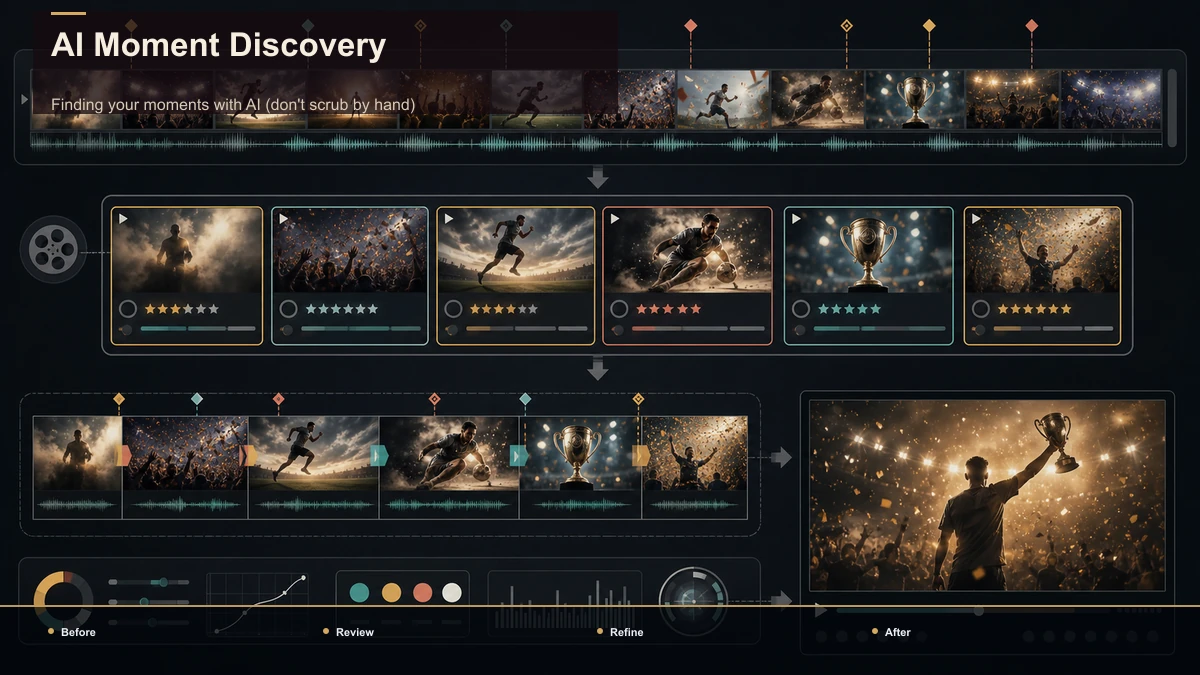
The slowest part of making a highlight reel is watching an hours-long file to find the good bits — a three-hour recording can hide a great 60-second reel, and scrubbing for it manually eats an afternoon. This is where AI moment-detection earns its place: it reads the transcript and audio and hands you a shortlist to judge, instead of making you watch everything.
A practical way to run selection:
The honest framing: AI gets you to a shortlist fast, but the taste — what earns a spot, what order it goes in, when to cut to the beat — stays yours. The tool finds where things happen; you decide what's worth keeping.
Editing the reel: order, pacing, music, and captions
This is the compilation craft a batch-of-clips workflow never touches. Four things decide whether your moments feel like a reel or a pile.
Order is the hook. Lead with the single most arresting moment you have, even if it happened at the end of the recording. Chronology isn't a structure; energy is. A viewer decides whether to keep watching in the first two seconds.
Pacing is contrast. All fast cuts is exhausting; all slow is dull. Alternate — let a big moment breathe, then stack three quick ones — so the reel has a rhythm instead of a metronome.
Music is the spine. One track running the whole length glues separate moments into one piece; match its energy to the reel's job and land your cuts on the beat where you can. For anything you'll monetize, use licensed or royalty-free music — platforms mute or claim tracks they don't have rights cleared for, and their monetization policies live on each platform's official creator pages, so check the current rules there rather than guessing.
Captions carry the silent scroll. Some feed experiences begin without audio, so the spoken beats need on-screen text to land before the sound kicks in. Keep lines short, high-contrast, and timed to the audio, and pick one caption style and hold it across the whole reel so the look stays consistent.
Highlight reels by use case
"Highlight reel" pulls a few different jobs into one search. The moment types are the same; the length, tone, and destination change. Here's how the common ones map.
| Use case | Source footage | Typical length | What the reel is for |
|---|---|---|---|
| Podcast highlight reel | One or more episodes | 30–90 sec | A teaser that sells the full episode |
| Stream / gaming reel | A VOD or several sessions | 45–90 sec | A best-moments compilation for the channel |
| Event highlight video | A conference, talk, or meetup | 60–120 sec | A recap you send attendees and sponsors |
| Vlog / travel reel | A trip or a week of footage | 30–60 sec | A montage that captures the vibe |
Two notes. First, the event highlight video skews longer and more music-forward than a social clip, because it's often watched deliberately rather than thumb-scrolled — treat it like a short film, not a Short. Second, a best moments compilation for a stream or channel can afford to be looser and funnier than a podcast teaser, which needs to sell a specific episode. Same workflow, different dial settings. If you're unsure how tight to cut for a given platform, short-form clip selection and duration testing breaks the ranges down.
Where Recapo fits — an honest look
Here's the honest boundary. A highlight reel needs a creative pass only you can do — picking moments, sequencing them, choosing a track, cutting to the beat. No tool replaces that, and any that claims to is selling you a slideshow. What a tool can do is remove the slow, repetitive parts so you spend your time on judgment instead of scrubbing.
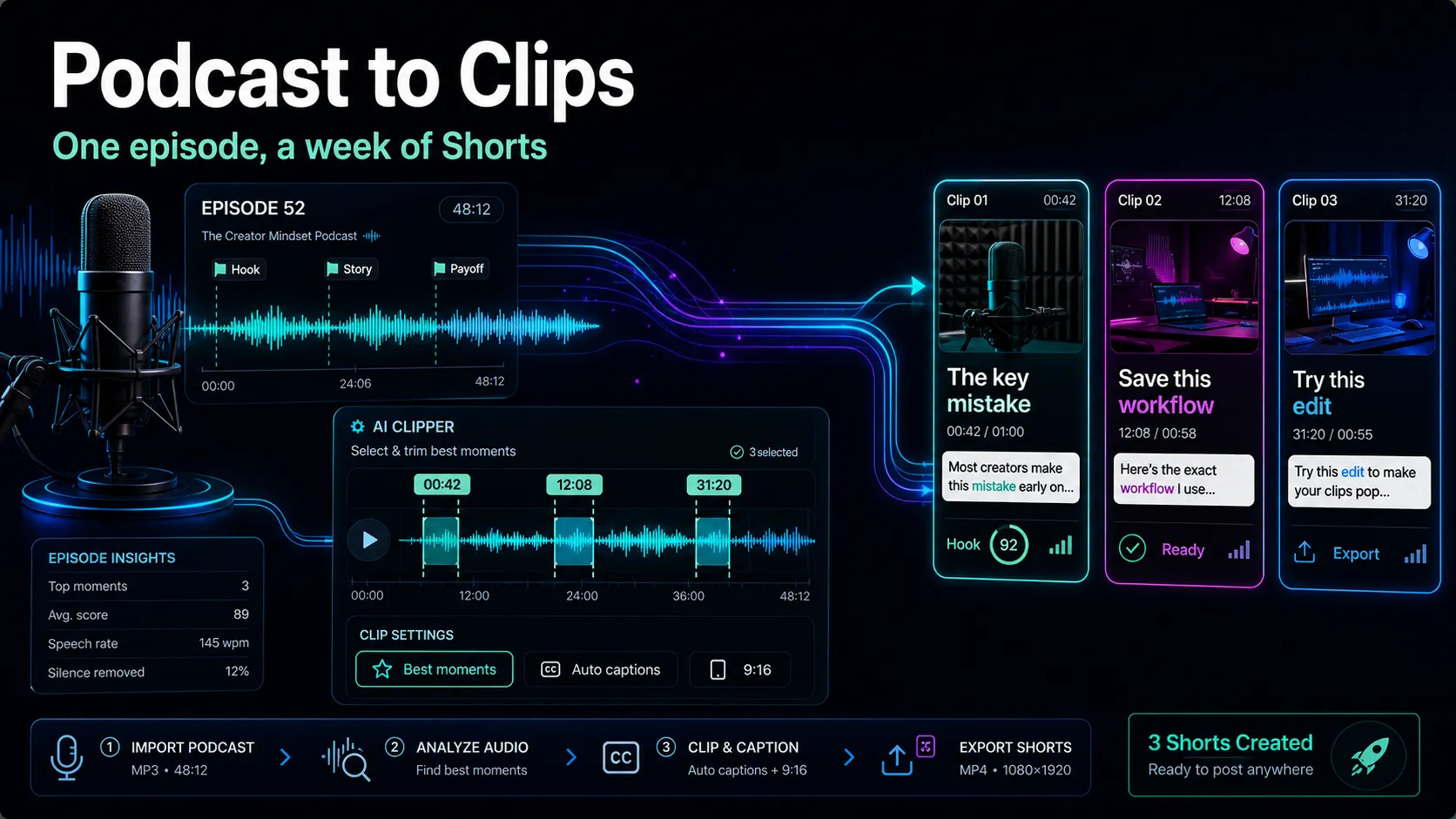
That's the shape Recapo fits. It runs in a browser tab with nothing to install, and it covers the mechanical half of the reel workflow: transcribe and caption the long file, summarize it so you can find moments fast, pull candidate clips, cut long footage into short segments, add an AI voiceover if your reel needs narration over the moments, reframe each cut to vertical for TikTok, Shorts, and Reels, design a cover, and export. It accepts MP4, MOV, and other common formats at up to 6GB total per task, which covers most single-session VODs and episodes, and pricing lives on the pricing page.
Where it's honest about limits: the soundtrack choice is yours. Recapo helps you find, trim, caption, reframe, and export your moments — the parts that eat the most time — but which licensed track you lay under the reel, and how you sequence the moments into an arc, is the creative call you keep. Bring your own music, and use the tool to get every clip prepped and postable. If your job is a feed of separate posts rather than one compiled reel, the clip-creation workflow for streamers is the workflow to read instead.
FAQ
How long should a highlight reel be? It depends on the job. A social teaser or best-moments compilation usually lands between 30 and 90 seconds; an event highlight video meant to be watched deliberately can run 1–2 minutes. The reliable rule isn't a number — it's "cut anything that doesn't earn its place." Match the length to where it's posted, not to how much footage you have.
Can AI make a highlight reel for me automatically? AI can do the slow half — reading a long file and surfacing candidate moments with timestamps — so you're not scrubbing hours by hand. What it can't do is taste: deciding which moments are on-brand, what order builds energy, when to cut to the beat. Treat its output as a shortlist to judge and sequence, not a finished reel.
What music should I use in a highlight reel? One track that matches the reel's energy, running underneath the whole thing, cut to the beat where you can. Use licensed or royalty-free music — platforms mute or claim tracks whose rights aren't cleared, which can also affect monetization. Each platform publishes its own music and monetization rules on its official creator pages, so confirm what's allowed there rather than assuming a track is safe.
How is a highlight reel different from making a bunch of clips? A reel is one continuous video with an arc, a single music bed, and moments sequenced to build. A batch of clips is many separate, self-contained posts. The reel's value is in ordering and pacing; the batch's is in volume. Same source footage, different output — and different editing. Decide which you're making before you start, because the workflows diverge after selection.
Do I need to install software to make a highlight video? No. Browser-based editors run in a tab with nothing to install, so you can find moments, cut, caption, reframe, and export from any machine — Windows, Mac, or a borrowed laptop. That's handy for reels specifically, since the source files are large and you often want to work wherever the footage is.
Try it on your own footage
The fastest way to see whether this workflow fits you is to run one real recording through it. Upload a long file, summarize it to find your moments, pull and trim the candidates, caption them, reframe a vertical cut for TikTok, Shorts, or Reels, and export — then lay your own track under it and check the reel plays clean. Create a free Recapo account and put one episode or stream through the selection-and-compilation loop. You'll know within a reel whether AI moment-detection saves you the afternoon it usually costs — and the creative pass, the part that makes it yours, stays exactly where it should: with you.
References and official sources