How to Make a TV Series Recap Video
Make a TV series recap with episode or season structure, source records, original commentary, narration, captions, and a repeatable review workflow.
By the Recapo.ai Editorial Team · Fact-checked July 10, 2026
A TV series recap can cover one episode, one season, or the story so far. The difficult work is structural: tracking character threads, deciding what context each audience needs, and keeping the script understandable across many episodes. The production workflow includes outlining, narration, captions, visual assembly, review, and export.
TV footage, dialogue, music, artwork, and subtitles may involve separate rights. This guide therefore keeps story design and source-rights review as parallel workstreams. It is general information, not legal advice, and it does not promise that an edit will avoid a claim, strike, or monetization review.
Information note: This is general information, not legal advice. Copyright outcomes depend on the facts and jurisdiction; primary sources were checked on July 10, 2026.
Official source map: For this TV-series recap workflow, the rights and fair-use points below are tied to YouTube's fair-use guidance, Content ID documentation, the U.S. Copyright Office Fair Use Index.
Why a TV series recap isn't just a longer movie recap
A movie is one self-contained story with a single dramatic arc. You compress it, narrate it, and you're done. A TV series is many arcs stacked on top of each other: episode plots, a season-long spine, multi-season character journeys, and subplots that pause for three episodes and then resume. A tv show recap video has to hold all of that together and still flow like one story.
The real challenge is continuity management. Someone who clicks your "Season 3 recap" needs enough of Seasons 1–2 to follow along — but not a full re-run of everything that happened. You are constantly deciding what to carry forward, what to compress into a single sentence, and what to cut entirely. Generic recap guides never face this because they treat every video as one arc.
| What changes | Movie recap | TV series recap |
|---|---|---|
| Story shape | One arc, start to finish | Many arcs across episodes and seasons |
| Backstory load | Minimal — self-contained | Heavy — must carry prior seasons forward |
| Threads to track | Usually one or two | A-plot plus several subplots and arcs |
| Viewer entry point | Everyone starts fresh | Some caught up, some brand new |
| Cadence | One-off | Recurring, often weekly |
That last row is the business point: a movie recap is a project, but a series recap is a routine. Decide the structure once and you can reuse it for every episode and season you cover.
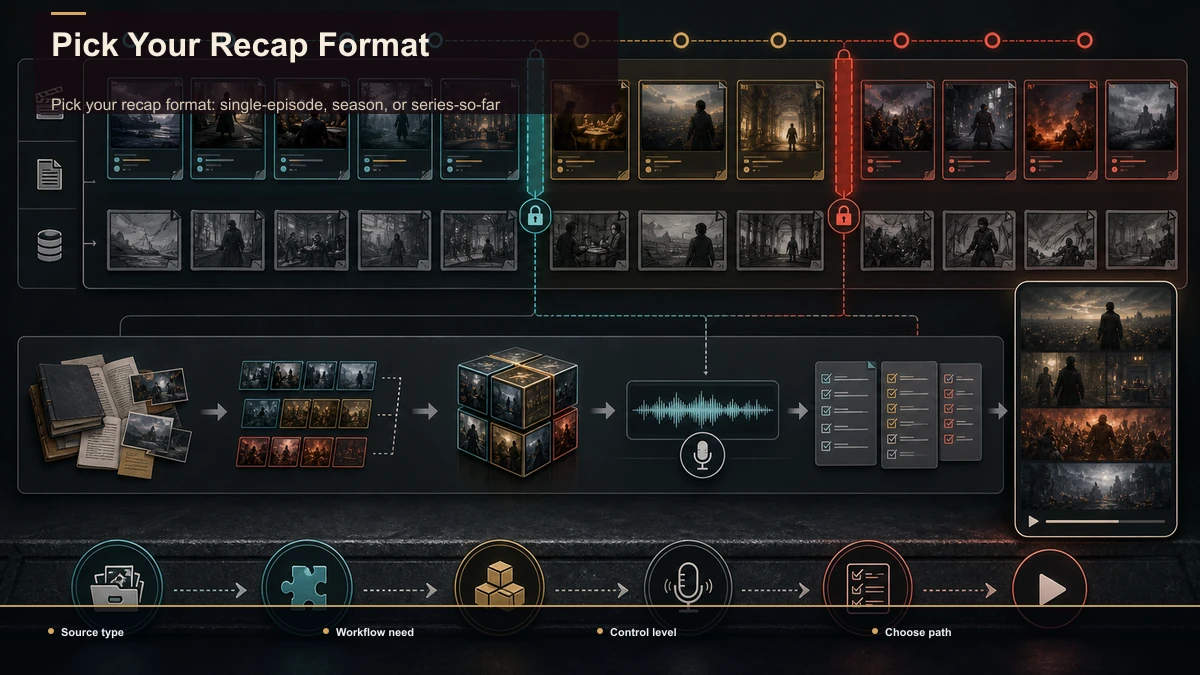
Pick your recap format: single-episode, season, or series-so-far
Choose the scope before writing or selecting footage. The useful format is the one that answers a specific audience question without carrying unnecessary plot.
| Format | What it covers | Useful when | Publishing output |
|---|---|---|---|
| Single-episode recap | One episode's plot and unresolved threads | The audience needs context for one installment | Long-form recap or a short companion clip |
| Whole-season recap | One season's main arc | The audience needs a structured refresher | Long-form video with optional chapters |
| Series-so-far recap | Essential prior-season context | A new installment requires earlier context | Heavily compressed long-form guide |
| Single-moment analysis | One scene, decision, or twist | One idea can stand on its own | Vertical or horizontal short-form clip |
Use search terms, audience questions, and your own channel data to decide which scope to test. A release calendar can inform timing, but it does not guarantee search traffic or referrals between short- and long-form versions. If you reuse source material across outputs, review the rights and purpose of each final use separately.
Use a recurring orientation, not a fixed hook formula
A short opening can identify the episode or season, establish the central question, and give only the prior context needed for the chosen scope. Reusing that structure can reduce writing time, but the wording and length should follow the story rather than a fixed five- or ten-second rule.
Check two things before locking the opening:
- Promise accuracy. The question or tension introduced at the start is addressed by the video.
- Context balance. Returning viewers are not forced through a full history, while new viewers receive enough orientation to follow the argument.
The companion guide on how to write a movie recap script covers hook, setup, evidence, and payoff. Apply that structure to each episode without treating it as a platform ranking formula.
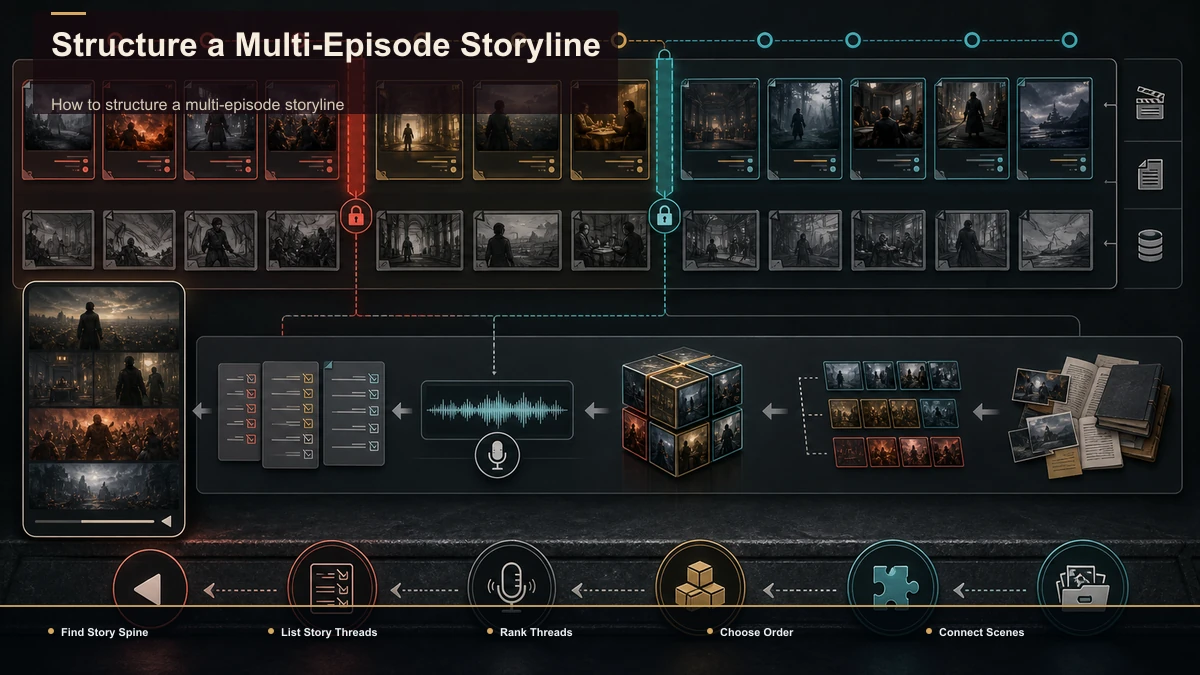
How to structure a multi-episode storyline
This is the section generic guides can't write, because it only exists for serialized stories. Here's how to turn a tangle of episodes into one clean narrative:
- Find the spine. Every season has one central dramatic question — who's the killer, will they save the city, does the relationship survive. Name it. That's the through-line your recap follows.
- List the threads. Write out the A-plot, the B-plots, and each major character arc. A season usually runs three to six threads at once.
- Rank and cut. Not every thread earns screen time. Keep the ones that serve the spine, compress the ones that matter later, and cut the ones that go nowhere. Ruthless compression is what separates a tight recap from a slog.
- Choose your order. Chronological is safest and easiest to follow. Thematic (grouping by character or storyline) can be cleaner for a "series so far," but it's harder to script — use it only when chronology gets confusing.
- Write the connective tissue. The lines between episodes are where recaps live or die. "Meanwhile," "three episodes later," "what nobody realized yet" — these bridges turn a list of events into a story.
Drafting per-episode summaries first and then stitching them is the fastest way through step 5. A plot summary generator can turn an episode's transcript into a tight summary you then rewrite in your own voice and thread together — a huge time-saver when you're covering ten episodes, not one film.
How to make a TV series recap video, step by step
Here's the full pipeline for how to make a TV series recap video, start to finish. The production stages can run in a browser workspace without desktop installation; processing and rendering are handled in the cloud.
- Lock the format and scope. Single episode, season, or series-so-far. This decides everything downstream.
- Build the plot summary. Draft a summary of each episode or arc you're covering, then rewrite it as narration in your own voice. This is your script's backbone.
- Write the cold open and commentary. Add the hook and your editorial angle: analysis, opinion, or criticism. Commentary can make the recap more useful and may matter to a case-specific legal analysis, but it does not decide the result by itself.
- Record or generate the voiceover. Read the script yourself, or use a voiceover maker to produce clean AI narration — one option for a faceless TV recap channel, subject to the provider terms and any applicable disclosure rules.
- Compress the source into clips. A full episode is long and large; feed it into a long-video-to-short-video AI to surface the key moments quickly instead of scrubbing the timeline by hand. Browser tools accept common formats like MP4 and MOV and handle large files (Recapo takes up to 6GB total per task), so compare the actual episode file with the 6GB total-per-task limit before uploading.
- Add captions. Add and proofread subtitles for accessibility and for viewing environments where audio is unavailable. Check names, episode titles, and timing before export.
- Reframe if you're going vertical. Making a short teaser? Convert 16:9 to 9:16 and keep the action centered so it fills a phone screen.
- Add a cover and export. Make a thumbnail that names the show and the episode or season, then export. Download once and publish.
Done in this order, the slow steps — summarizing, clipping, captioning — become a repeatable assembly line rather than a from-scratch edit every time.
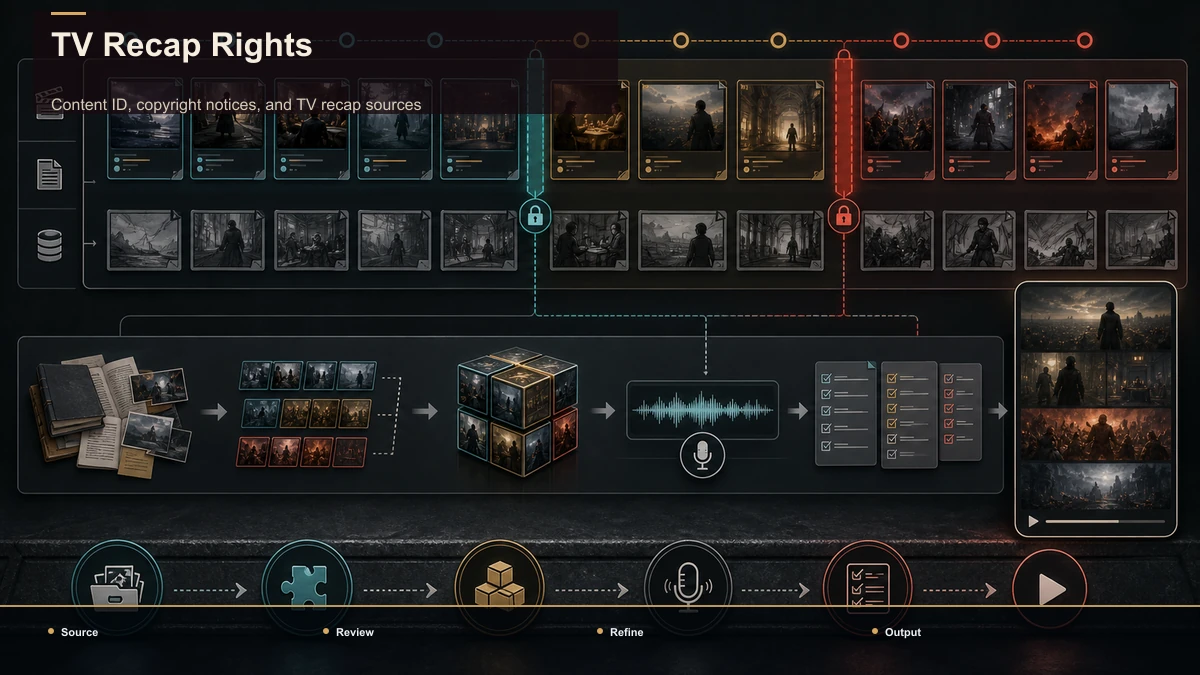
Content ID, copyright notices, and TV recap sources
YouTube's Content ID compares uploaded audio and video with reference files supplied by participating rights holders. A match can produce a Content ID claim and apply a monetize, block, or track policy. A copyright strike is different: it follows a valid legal removal request. Read the specific notice before choosing a response; a dispute and a counter-notice are not the same process.
Copyright exceptions vary by jurisdiction. In the United States, fair use is evaluated case by case across purpose and character, nature of the work, amount and substantiality, and market effect. Commentary or criticism can be relevant, but neither a voiceover nor a short clip duration automatically determines the result or prevents an automated match.
For each episode, record the source of footage, music, stills, captions, and promotional assets; note any license, permission, or other use rationale; and keep the script and edit decision log. Prefer material you created or are entitled to use. When a commercial project depends on an uncertain exception, obtain qualified advice.
Building a TV recap channel you can sustain
The reason a series recap is different from a one-off movie recap is repetition. You're not making one video — you're building a pipeline you'll run every week for as long as the show airs. That's the whole reason tool choice matters here: small repeated steps can become a meaningful weekly cost.
Don't trust anyone's feature list. Run one episode of your show through a free trial of any series recap maker and score it on the dimensions that actually govern a weekly grind:
| Dimension | What to test with your own episode |
|---|---|
| Transcript accuracy | Does it get character names, jargon, and fast dialogue right? |
| Summary quality | Does the plot summary capture the arc, or miss key beats? |
| Voiceover naturalness | Does the AI narration sound listenable over a full recap? |
| Caption fidelity | Are auto-captions accurate and easy to style for sound-off viewing? |
| File limits | Can it accept a full, large episode without forcing you to pre-compress? |
| Reframe accuracy | When you cut a vertical teaser, does the subject stay in frame? |
| Friction | Is it truly browser-based, or does it need an install and a render queue? |
Recapo fits this workflow as a browser-based option: upload a full episode, generate a plot summary and script, add AI voiceover and captions, clip long footage down to the key moments, reframe for a vertical teaser, and export — no install, formats like MP4/MOV, up to 6GB total per task. Whether it's right for you depends on how it scores on the test above with your show, which is the most relevant benchmark for a channel you'll run weekly. Current plan details are on the pricing page.
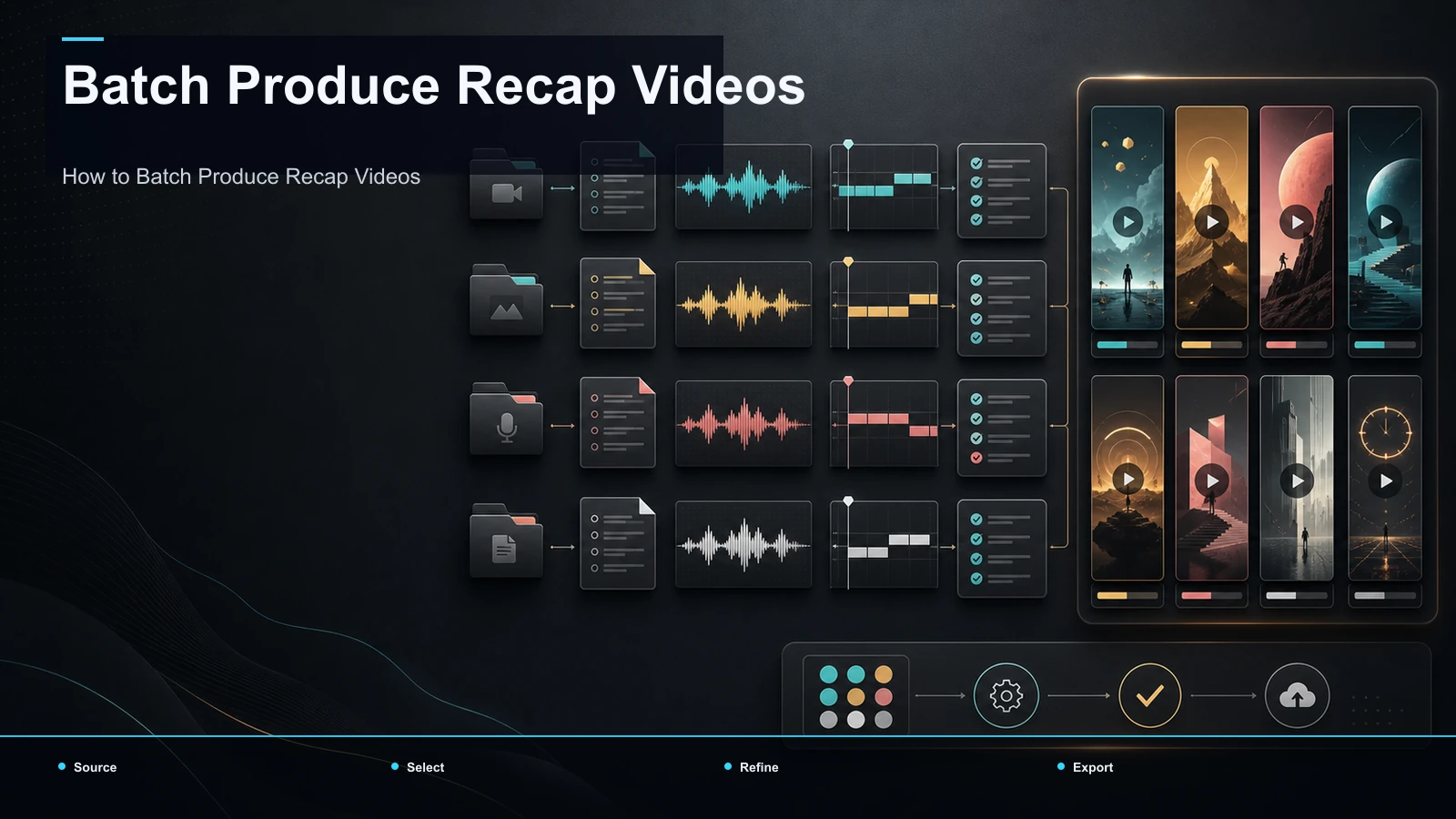
If you cover a lot of ground — say, catching up an entire series before a premiere — the assembly-line mindset scales further; our guide on how to batch-produce recap videos covers running several recaps through one pipeline.
TV recap mistakes to review before export
- Too much backstory. Keep only the prior events required for the current scope.
- Unclear audience assumptions. Add one concise orientation and label the episode or season clearly.
- Scenes without a documented purpose or use basis. Record the source, permission or other rationale, and why each excerpt is needed.
- An opening that does not match the payoff. State the real question early and answer it in the edit.
- Inconsistent structure. A recurring outline can reduce production errors, while each episode still needs substantive variation.
- Unreviewed captions. Check names, episode titles, timing, and readability so viewers can follow when audio is unavailable.
FAQ
Should a TV recap cover one episode or a whole season? Choose the smallest scope that delivers the viewer promise. An episode recap can preserve detail; a season recap needs a stronger throughline and more aggressive compression. Label the scope clearly in the title and opening.
How do I keep a multi-episode recap understandable? Track characters, goals, turning points, and unresolved threads in a story map. Introduce only the context needed for the chosen angle, and distinguish chronology from your analysis.
How do I make a TV recap without copyright problems? No workflow guarantees that result. Use material you are entitled to use, document every source, add genuine editorial contribution, and review each excerpt under the applicable permission or exception. Understand that a Content ID claim and a copyright strike are different.
Can a TV recap channel be faceless? Yes. Recorded or synthetic narration, captions, and a reviewed visual layer can carry the format. Confirm rights and any disclosure requirements for the voice, music, images, and footage.
Can TV recap videos be monetized? Eligibility depends on current YouTube Partner Program rules, originality review, the actual channel, and any claims applied to a video. No production method or tool can promise revenue.
Building a repeatable episode or season recap workflow? Create a free Recapo account, upload material you are entitled to use, and organize the story map, narration, captions, vertical framing, cover, and export in one browser workflow. Keep the source log and final rights review alongside the production file.