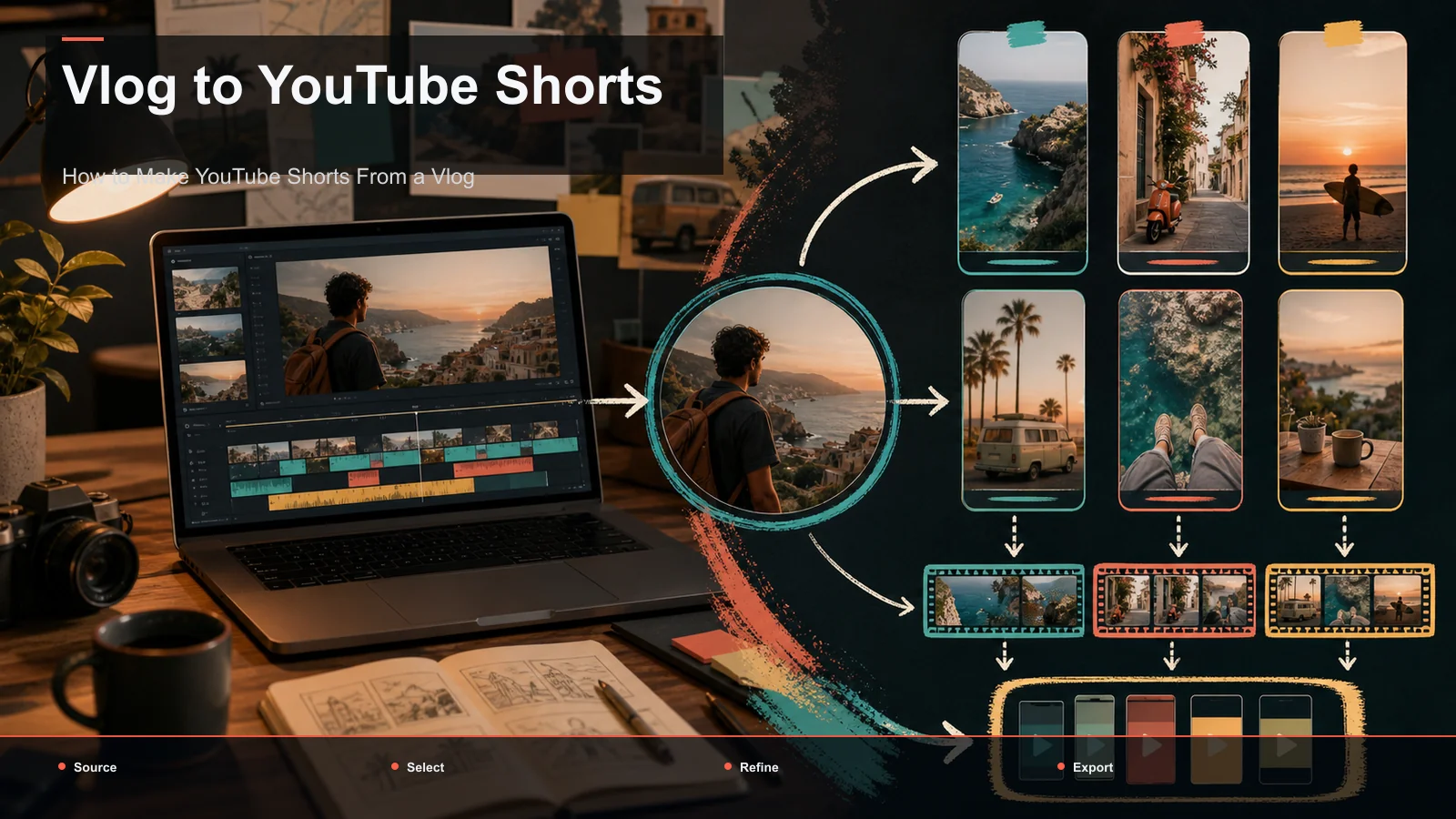
How to Make YouTube Shorts From a Vlog
Turn vlog footage into YouTube Shorts by selecting complete moments, testing duration and openings, reviewing captions, and reframing for vertical viewing.
By the Recapo.ai Editorial Team · Fact-checked July 10, 2026
A vlog can contain candidate Shorts, but neither source length nor a 15–30 second rule determines how many clips are worth publishing. Vlog selection depends on visual or emotional beats, necessary context, source rights, framing, and whether each clip delivers a complete idea.
This guide provides a moment-based selection and review workflow. Use your own channel data to test duration, hooks, loops, captions, and downstream traffic instead of treating any one pattern as a guaranteed view tactic.
Official source map: For turning vlogs into Shorts, the format, discovery, and measurement points below are tied to YouTube's current Shorts creation guidance, YouTube discovery guidance, Shorts Analytics documentation.
Key Takeaways
- Review vlog footage for visual and emotional beats, not only transcript quotes.
- Let each moment determine its duration; 15–30 seconds can be a test range, not a universal optimum.
- Reframe around the subject and preview the 9:16 crop on a phone before approval.
- Captions improve accessibility and comprehension when audio is unavailable; loops are optional and should not obscure the payoff.
- Record candidate count, approved clips, revision time, and downstream traffic before setting a batch target.
Why vlog footage clips differently than a lecture or podcast
Most "turn long videos into Shorts" advice assumes your source is someone talking — a webinar, an interview, a podcast — where the value is verbal and you find clips by reading a transcript. A vlog breaks that assumption. Your footage is mostly shown, not said: scenery, action, cooking, packing, walking, reacting. The quotable-line test that works for a podcast will miss the best five seconds of a travel vlog entirely, because the payoff is a shot, not a sentence.
So the selection method flips. Instead of skimming text for a punchy quote, you're scanning footage for a peak — a point where something changes, resolves, or surprises. That's why shorts from vlog footage reward people who know their own material: you already remember which moment made your day, and that memory is your clip list.
| Source type | Where the value lives | How you find clips |
|---|---|---|
| Podcast / interview | In what's said | Read the transcript for quotes |
| Webinar / talk | In the argument | Mark teaching points and Q&A |
| Personal vlog | In what's shown and felt | Scan footage for visual/emotional peaks |
The second difference is presence. A podcast clip can be a static waveform; a vlog clip is you. Your face, your voice, your pacing — that's the reason someone subscribes. When you cut a vlog into Shorts, protect that. Keep yourself and the action in frame, keep your real narration, and treat the personality as the product rather than something to trim away for a cleaner edit.
How to make YouTube Shorts from a vlog: the workflow
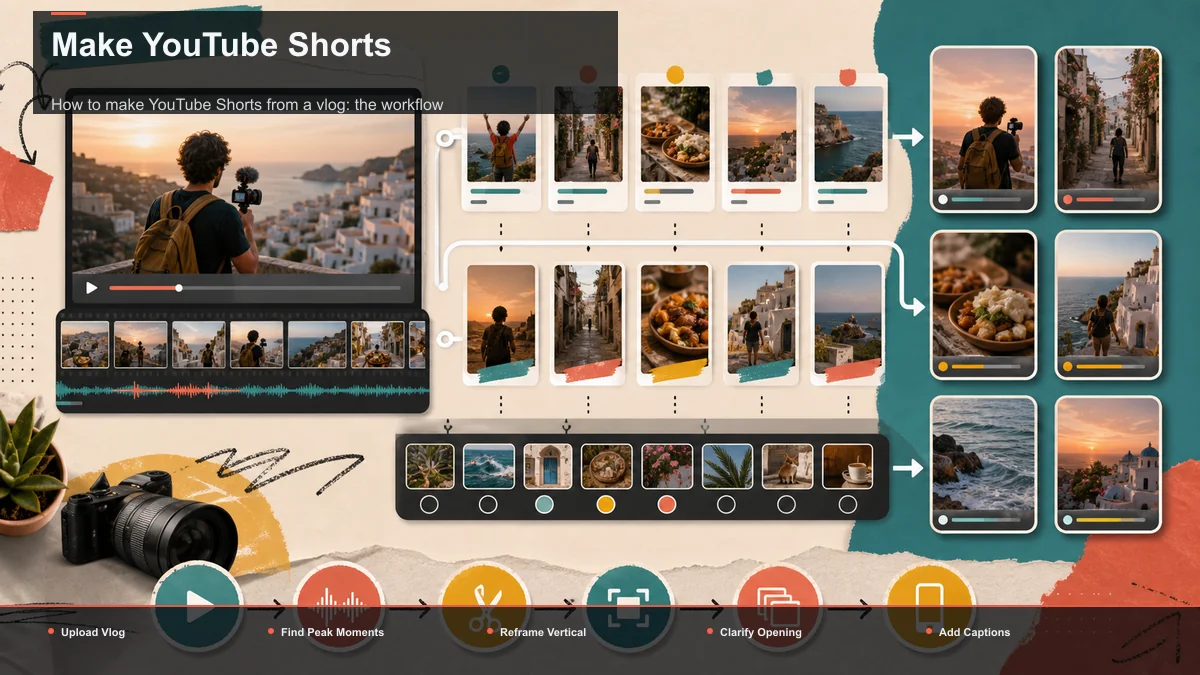
Here's the end-to-end loop. It runs inside a browser-based workspace like Recapo without a desktop install; processing and rendering happen in the cloud, and the sequence works with any toolkit you assemble.
- Upload the vlog. Bring in either your finished, published vlog or the raw footage as a standard MP4 or MOV. Vlogs — especially 4K travel footage — get big, so use a tool that accepts large source files (Recapo takes up to 6GB total per task) instead of forcing you to compress first.
- Scan for peak moments. Watch through once with a clip-hunter's eye, or run the footage through an AI YouTube Shorts generator to get a first pass of candidate segments. Treat its picks as suggestions — it flags where energy or motion spikes, but you know which beat actually made the day.
- Create duration variants around each peak. A 15–30 second window can be one test range, not a platform optimum. Keep enough setup for the moment to make sense, then compare a shorter and longer coherent version. For the test method, see short-form clip selection and duration testing.
- Trim to a clean in and out. Start on motion or a reaction, not on dead air or a slow "okay so today we're…" wind-up. End on the resolution — the view, the taste-test face, the finished result — and cut before the energy drops.
- Reframe to vertical. Convert the clip from your horizontal 16:9 to 9:16, keeping yourself or the action in the center third and clear of where platform UI covers the bottom and side edges.
- Make the opening clear. In the opening frames, test on-screen text that accurately identifies the payoff, such as "the view was worth the 6am start" or "this is where it went wrong." Do not force every clip into a fixed one-second formula.
- Caption for muted viewing. Auto-caption the clip and proofread names, places, and any numbers, since some Shorts are viewed without audio and a vlog's charm is lost without legible text.
- Add a cover and export. Pick a strong frame, build a thumbnail with a cover maker, and export a clean 9:16 file that uploads natively to Shorts, TikTok, and Reels.
Selection is only the first creative decision. Framing, context, pacing, caption timing, and the ending still require review even when the production steps become repeatable.
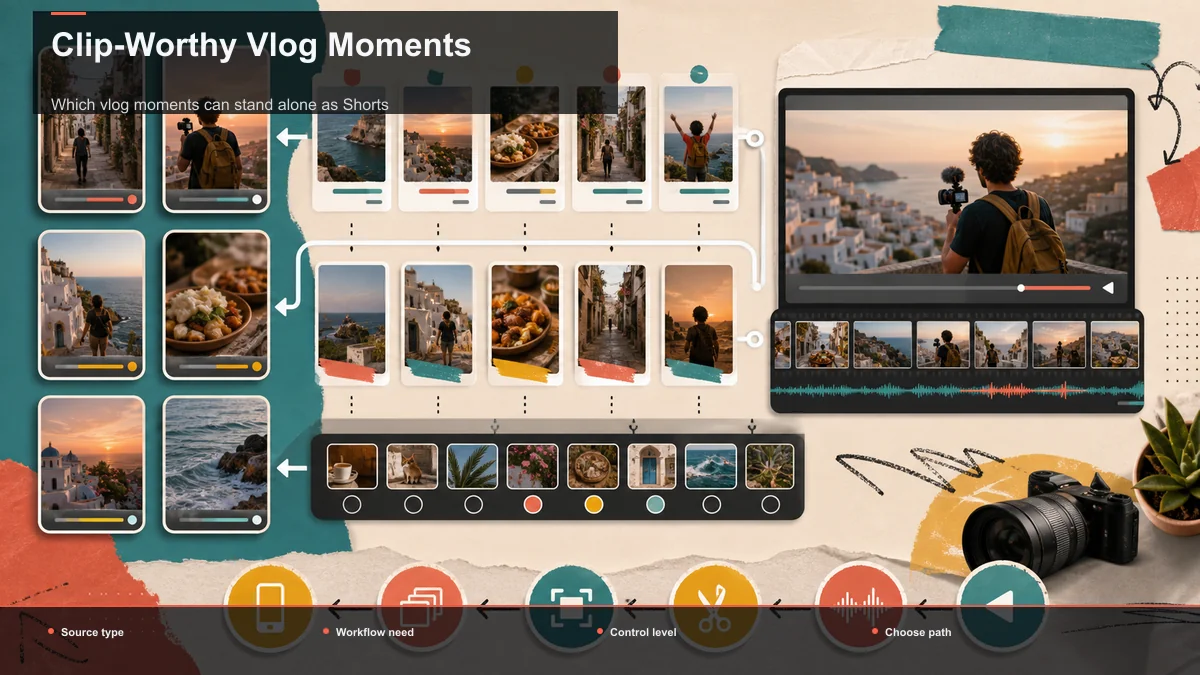
Which vlog moments can stand alone as Shorts
Look for a moment with a clear setup and change: a reveal, reaction, before-and-after, practical step, decision, or resolved obstacle. Keep only the context a new viewer needs, and end when the promised moment is complete.
Create a shorter and longer version when both remain coherent. Compare them at the same age in Shorts Analytics rather than assuming a fixed duration wins. A visually strong moment may need more room than a spoken line, while a simple reaction may need less.
Hooks, loops, and captions that make vlog Shorts stick
Selecting the right moment gets you halfway. Three finishing details separate a clip that gets scrolled past from one that holds.
Hooks: state the payoff honestly. Test an opening that makes the reason to watch clear without prescribing a universal first-second cutoff. Specific text such as "the storm rolled in right as we summited" communicates more context than a generic "come with me," but only your channel data can show which version performs better. Keep the promise consistent with the clip. For a deeper test framework, see how to write video hooks.
Loops: compare a loop with a normal ending. Ambient or rhythmic footage, such as a walk, a pour, or a pan across a view, may support a seamless loop. Test it only when the transition remains understandable, and compare the result with a normal ending instead of assuming an automatic watch-time gain.
Captions: for viewers watching without sound. Some short-form viewing happens with the sound off, so burned-in captions improve accessibility and comprehension — they're what keeps your narration legible when a viewer is watching in bed with the volume down. Style them large and high-contrast, place them clear of the bottom UI, and proofread place names, dishes, and any numbers you say out loud. On a personal vlog, your voice is the content, so don't let a wrong auto-caption word step on the joke.
Reframe daily-life and travel footage to vertical without wrecking it
Many vlogs are shot in a horizontal frame, while 9:16 is a useful full-screen vertical layout for Shorts, TikTok, and Reels. Supported ratios and interface overlays can differ, so preview the actual placement. A careless crop can remove the subject or leave distracting empty space.
Reframe with intent. When you are on camera, start by keeping your face and gestures inside the vertical crop, then review every shot. For scenery, identify the visual subject rather than accepting the geometric center. If the subject moves, compare tracked auto-reframing with a fixed crop and correct either result manually when it loses the subject.
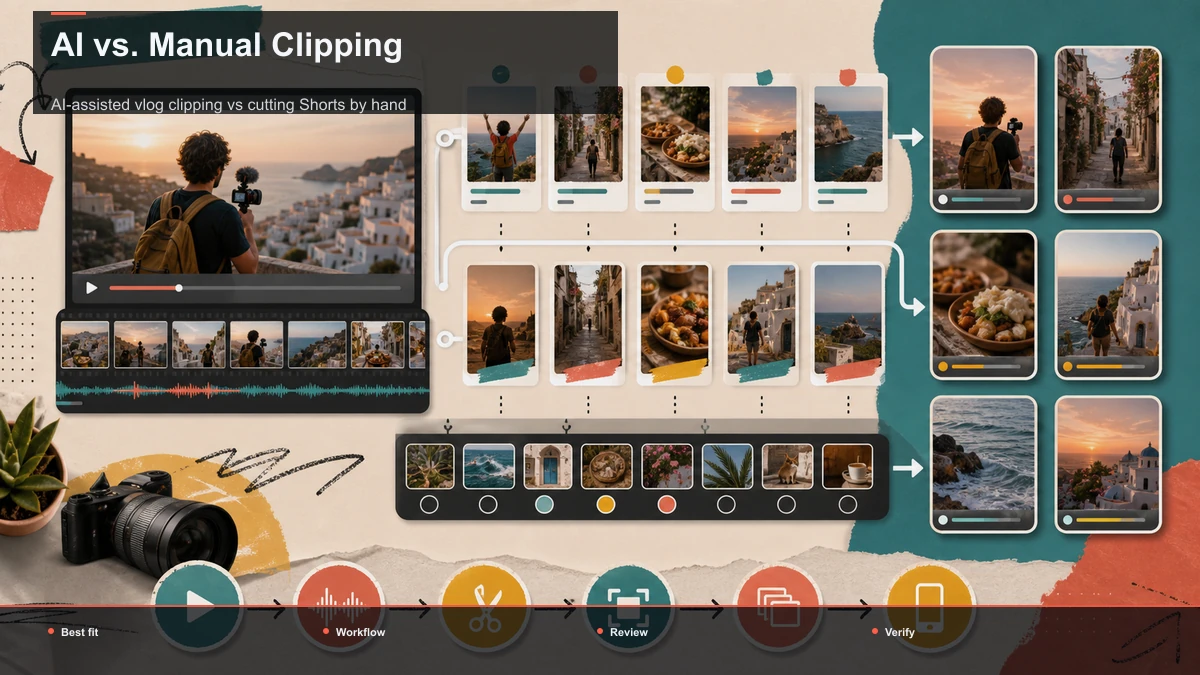
AI-assisted vlog clipping vs cutting Shorts by hand
You can cut vlog Shorts by hand in a desktop editor and retain frame-level control. A browser-assisted workflow may reduce repeated setup and handoffs for some teams, but it still needs manual review. Compare total task time, correction time, output quality, and export control on the same source before choosing a workflow.
| Step | By hand in a desktop editor | AI-assisted browser pass |
|---|---|---|
| Get started | Install, update, manage project files | Open a tab, upload the vlog |
| Find moments | Scrub the full timeline manually | Watch once, or AI surfaces candidates |
| First cut | Set every in/out point by hand | Trim AI's candidate windows |
| Vertical resize | Reframe each clip manually | Reframe to 9:16, subject centered |
| Captions | Add and sync a caption track | Auto-captions generated in place |
| Export | Render and manage output files | Export a 9:16 file per platform |
A consolidated browser workspace like Recapo folds the whole chain — transcribe and caption, long-to-short clipping, summaries and scripts, AI voiceover, resize and vertical reframing, cover and export — into one tab, so a vlog moves from upload to publish-ready Shorts without round-trips between apps. It handles common formats like MP4 and MOV and accepts large source files up to 6GB total per task, which matters when your source is a full 4K travel vlog rather than a trimmed snippet.
Don't take that on faith, though — and don't compare tools on feature lists, because they all promise the same outcome. Test one representative source instead. Take one of your own vlogs, push it through any setup you're considering, and measure four things:
- Round-trips. How many times do you export and re-upload to a different app to get from raw vlog to a finished, captioned vertical Short? Fewer is the whole game for a recurring publisher.
- Selection quality. Do the auto-detected segments match the peaks you'd have picked yourself? Count keeps versus discards.
- Reframe and caption accuracy. How well does the auto-crop keep the subject in frame, and how much caption cleanup does a segment full of place names need?
- Time to a batch. From one upload, how long until you have three to six publish-ready 9:16 Shorts with captions?
Run that fifteen-minute test on any option — including Recapo — and let the results decide, not the marketing.
Build a batch from measured keeper yield
Do not promise that every vlog produces three, six, or a week's worth of Shorts. Mark candidate peaks, then review each for independent meaning, source rights, framing, caption accuracy, and substantive difference from the other candidates.
Record the candidate count, approved count, reasons for rejection, and time per approved clip. Use that keeper yield to set a realistic schedule. A browser workflow can reduce file handoffs, but it cannot create worthwhile moments that are not present in the source.
FAQ
What length should a vlog Short be? Use the shortest version that preserves the setup and payoff. Test alternatives; YouTube does not publish one ideal duration for every vlog moment.
How should I reframe horizontal vlog footage? Preview the 9:16 crop around the actual subject, and compare auto-reframe with a manual crop when movement or scenery matters. Check text and interface-safe areas on a phone.
Can the same file be used on TikTok and Reels? A clean 9:16 master can be a production starting point, but each platform's current specifications, music rights, captions, disclosure, and interface overlays should be reviewed separately.
How many Shorts should one vlog produce? There is no fixed yield. Count only clips that pass editorial, rights, caption, and framing review.
Test your last vlog as a source
Mark its visual and emotional peaks, make a small set of distinct candidates, and record keeper yield, revision time, retention, traffic sources, and downstream viewing at fixed observation points. Create a free Recapo account to test clipping, vertical framing, captions, cover, and export in one browser workflow. The source and channel data decide the result, not a promised clip count.