Remove your video logo
Learn how to remove your owned video logo, claim usage, try short snippets, and check quality limits.

For a video you are authorized to rebrand, the cleanest way to remove an old logo is to reopen the original project and disable or replace its logo layer. If all you have is a flattened video, compare cropping, covering, or reconstruction on a short sample before processing the full recording.
Find the original project or a clean export
Check your editor's project folder, shared asset library, previous exports, and the person who created the video. A separate logo layer can usually be changed without guessing what was behind it. A clean master may also preserve more detail than a downloaded or repeatedly compressed copy.
Confirm that the planned edit is covered by your rights or agreement. A company rebrand does not automatically answer questions about a licensed soundtrack, a partner's mark, or required attribution. Keep the relevant project and approval records.
Compare the available approaches
- Replace the layer: best when you have the project and the old logo is separate from the footage.
- Crop: useful when the mark sits in an expendable edge area and the new framing still includes everything important.
- Cover: a new approved graphic may conceal an old logo, but it can occupy more space or clash with the composition.
- Reconstruct: a removal tool estimates the hidden background. It can leave blur, repeated patterns, or unstable detail.
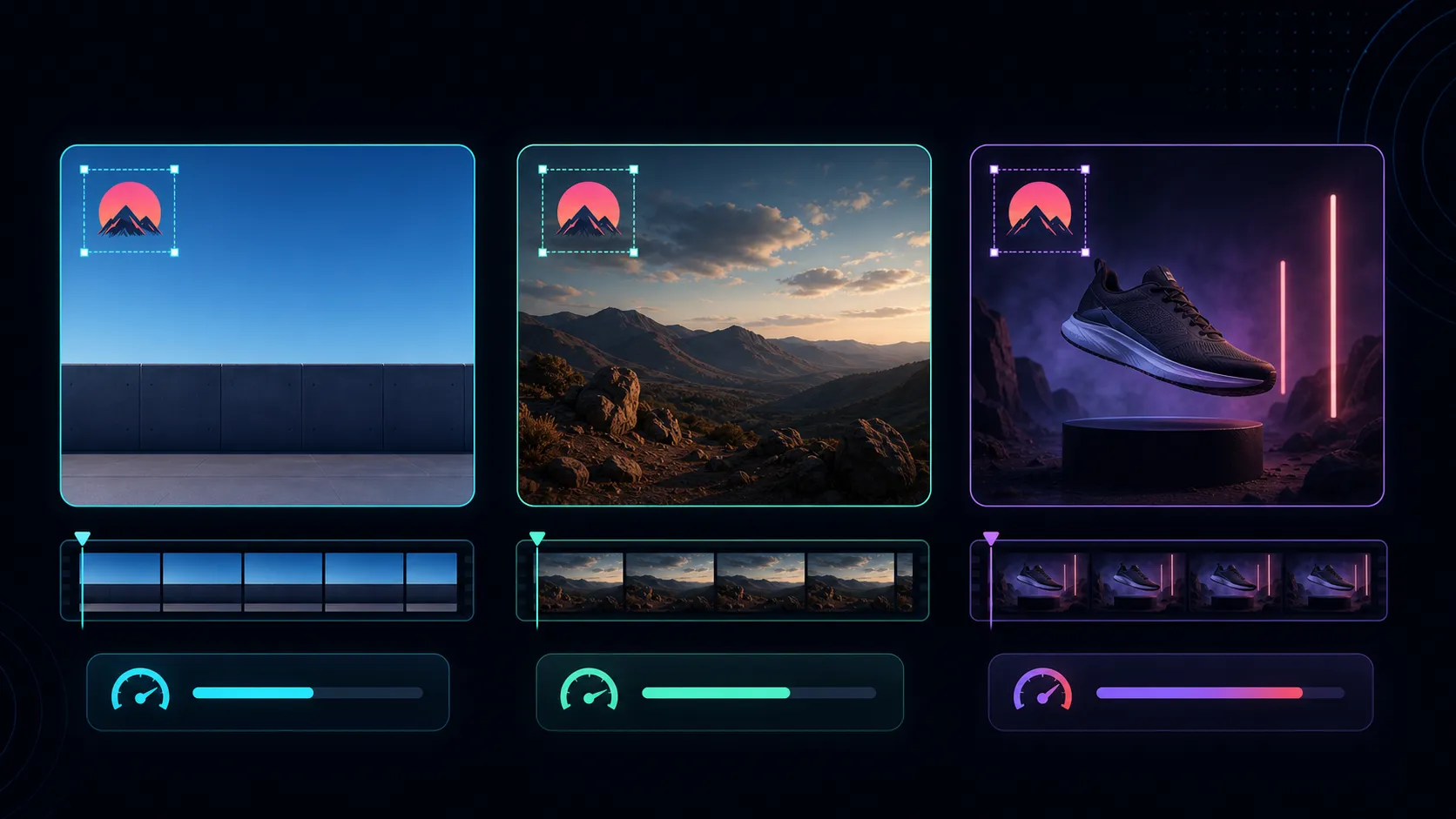
For example, an old corner logo over an empty wall is a different problem from one crossing a speaker's face. Test the second case at its hardest moment; a clean-looking first frame is insufficient.
Test a representative excerpt
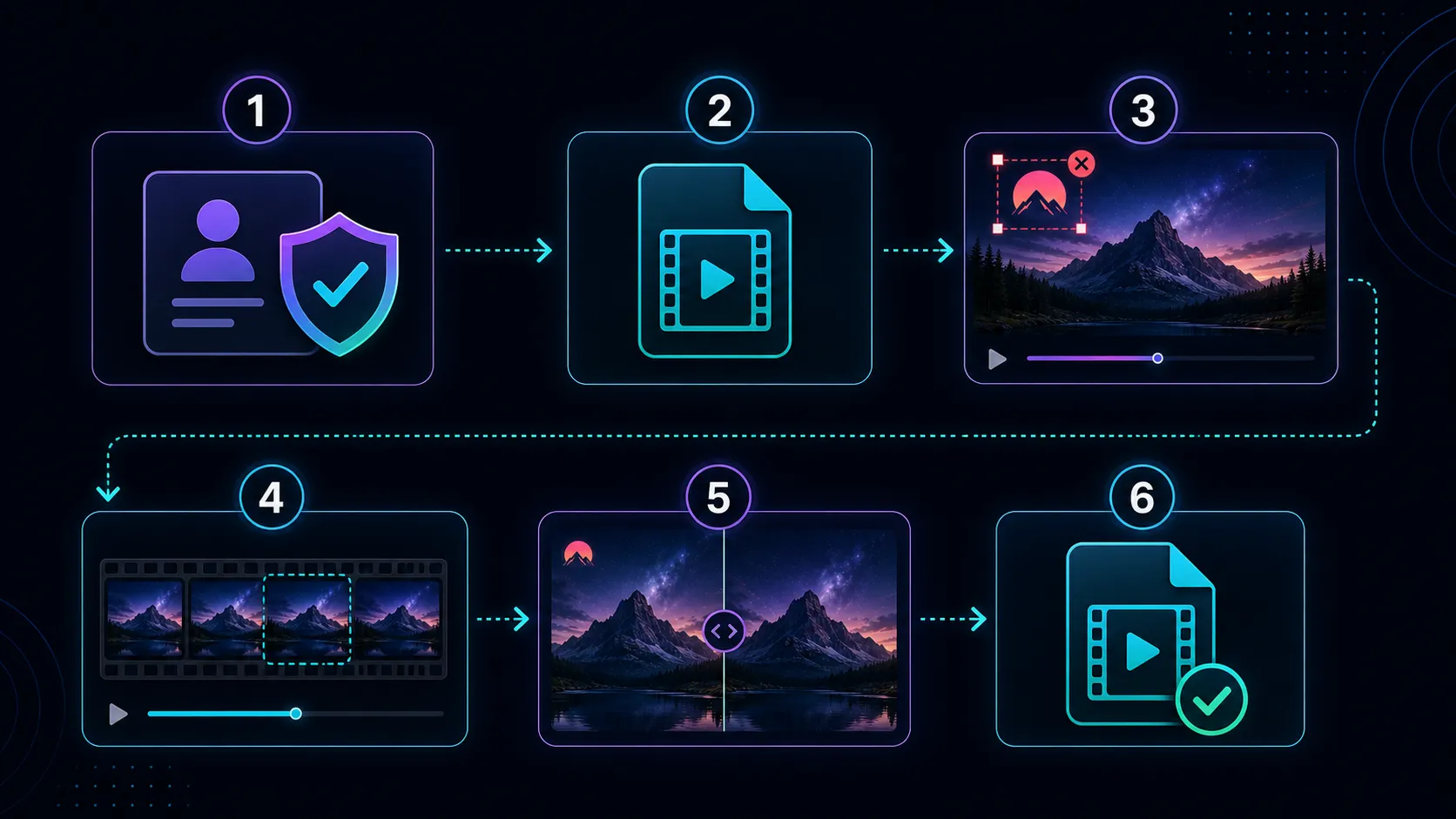
- Save an untouched original and make a working copy.
- Select a short section containing camera motion, a scene cut, or an object passing behind the logo.
- If reconstruction is suitable, try the Recapo watermark remover on the authorized sample. The current page describes automatic detection rather than manual boxes.
- Watch the result at normal speed, then inspect difficult frames closely.
- Compare edges, color, texture, and detail with the source. Check the whole affected region as the scene moves.
- Only process the full video if the sample meets the delivery standard. Review the full export before approval.
Recognize when to stop
If a face, product label, or important demonstration becomes distorted, return to the source project, use a different composition, or replace that shot. Repeatedly processing a damaged output can compound the problem. Start each new test from the original working source.
A repaired area is an estimate of covered content, not a recovery of the exact original pixels. Avoid treating a reconstruction as reliable evidence of a detail that was hidden.
Finish the rebrand consistently
Check the intro, outro, lower thirds, captions, thumbnail, and any spoken brand name. Removing one corner logo may leave the old identity elsewhere. Keep the approved new brand asset and export version with the review record.
Common questions
Does downloading a video give me editing rights?
No. Check the relevant ownership, permission, license, and platform terms before modifying or reusing it.
Will cropping preserve quality?
It avoids reconstructing the marked area, but removes part of the image and may require resizing or re-encoding. Check composition and legibility in the final export.
Can every logo be removed cleanly?
No. Mark size, transparency, movement, background detail, and source compression all affect the result. Use a sample to decide whether removal is suitable.
References
Related Recapo guides