Remove Watermark from Video Free with Authorized Use
Here's how to remove free video watermark on authoritative content by evaluating mobile tags, complex backgrounds, and quality thresholds.

Watermark removal cannot guarantee a clean result because the mark may hide image detail that is absent from the file. A tool can estimate a replacement region, but movement and changing backgrounds can expose that estimate. Test the most difficult section before committing to a full export.
Separate permission, price, and image quality
These are three different decisions. Confirm that you are allowed to alter and reuse the footage. Check the actual price or quota of the chosen tool. Then judge whether the output is acceptable for your purpose. Free access establishes neither editing rights nor a quality guarantee.
If you have the original project, disable the watermark layer or export a clean authorized version first. This usually avoids reconstructing covered pixels.
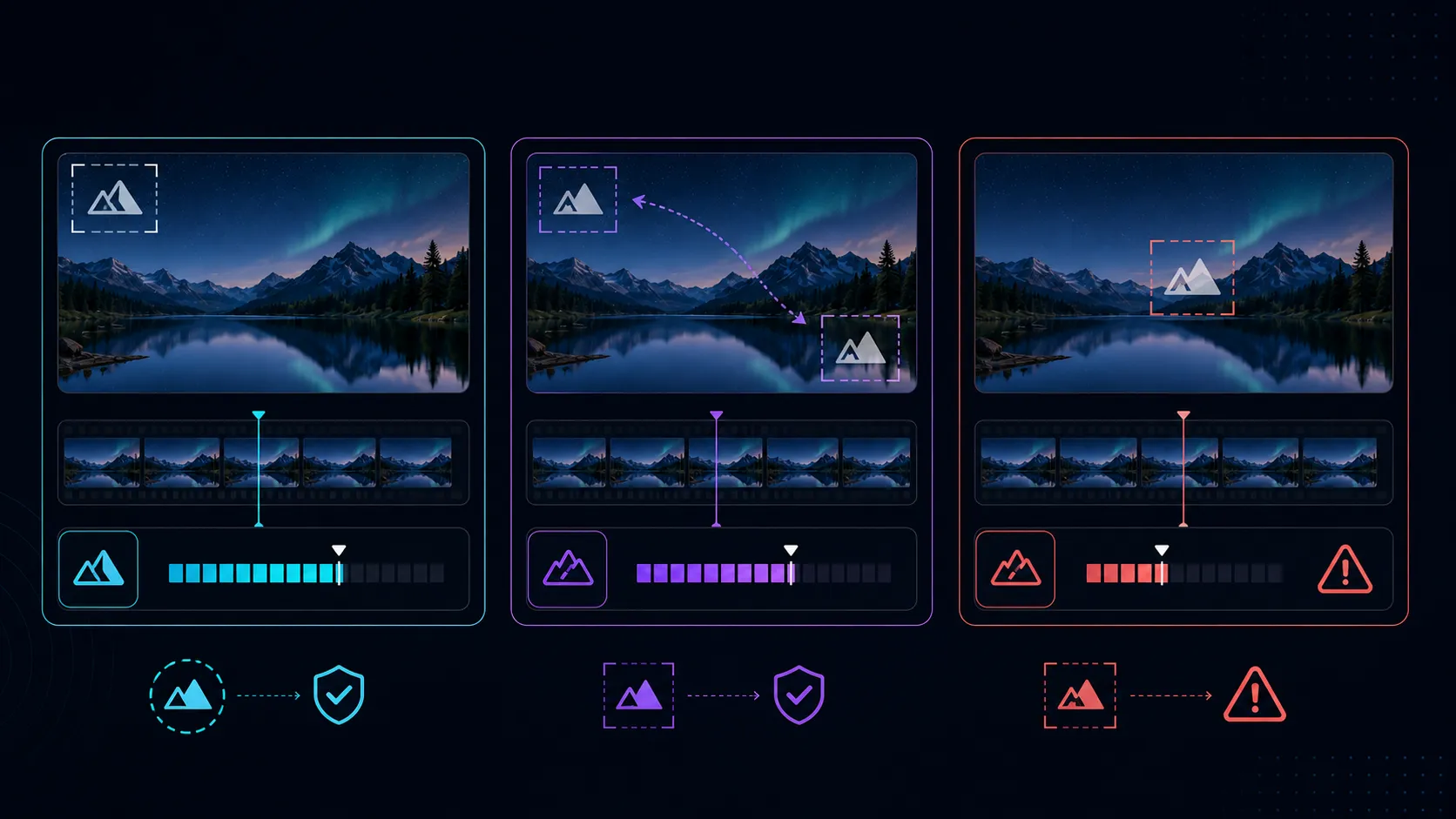
Why some marks are harder than others
- Large or opaque marks: less of the original background remains available.
- Moving marks: the affected region changes across frames and may cross faces, hands, or products.
- Detailed backgrounds: foliage, water, crowds, patterned clothing, and small text make inconsistent reconstruction easier to notice.
- Camera movement and cuts: the surrounding image can change abruptly, so a result that looks stable in one scene may fail in another.
- Existing compression: blocks and blurred edges reduce the useful detail in the source.
Build a useful test instead of a flattering one
Choose a short sample containing the hardest visible case, not just a still frame on a plain background. Include the moment when a subject passes under the mark or the camera changes direction. Keep the untouched sample for a side-by-side comparison.
- Process the sample from the best source available.
- Watch it at normal speed to find distracting flicker or pulsing.
- Pause around movement, transitions, faces, and readable text.
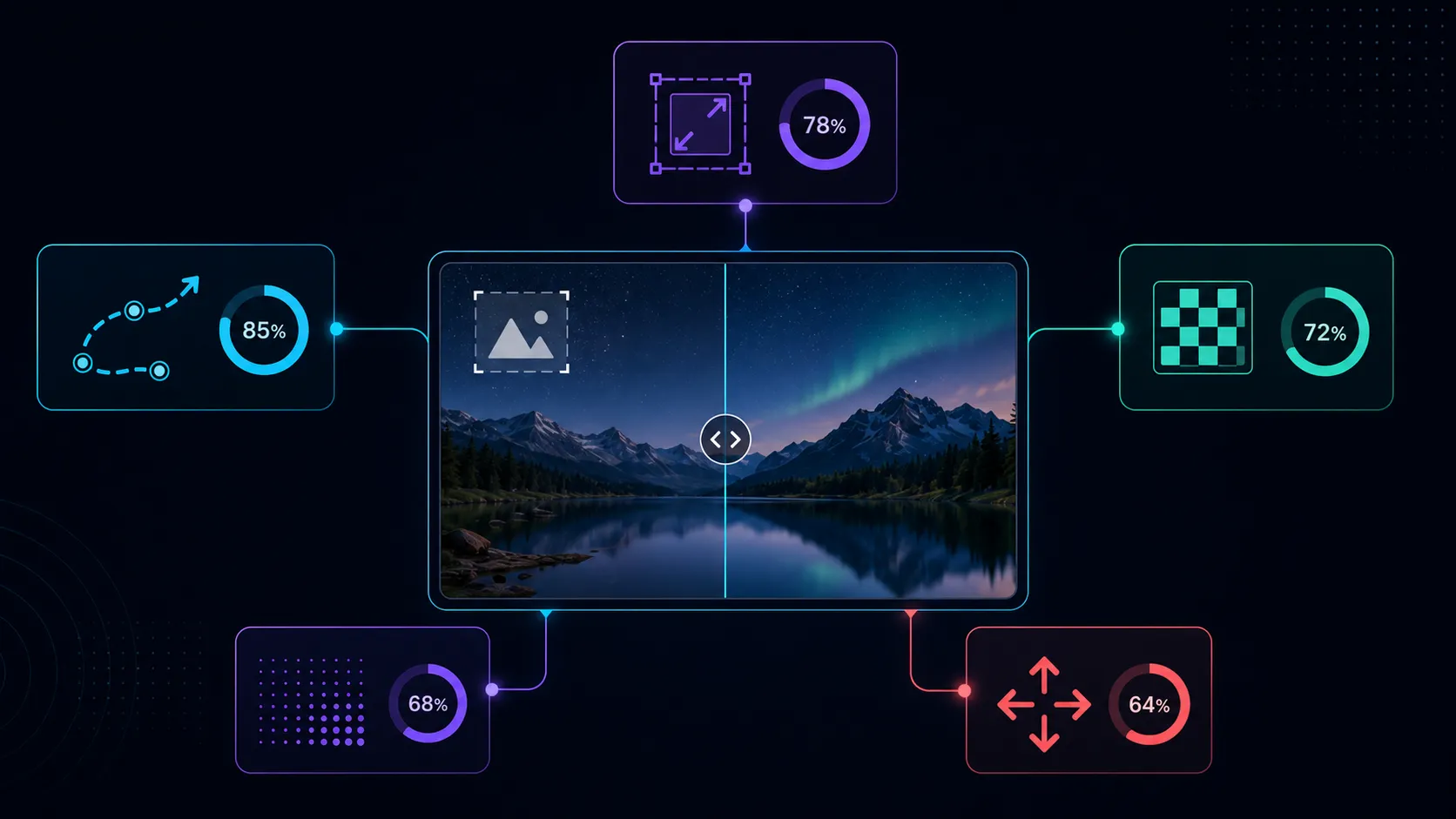
- Check whether the repaired region changes shape, repeats textures, softens edges, or shifts color.
- Inspect the downloaded output at the intended viewing size. Record what passes and what needs another approach.
Understand the current Recapo workflow
The Recapo watermark remover describes automatic detection and cloud processing. Its public page identifies large marks, marks fused with the subject, and longer sources as possible limitations. Check the live input limits and credit charge before starting; this article does not promise a free export or a clean result for every clip.
For a small corner mark over a simple background, reconstruction may be worth testing. When a mark crosses a person's expression or a product's fine lettering, a clean source, another shot, or an approved crop may be a better choice.
Common questions
Why does the repaired area flicker?
The estimated replacement may vary between frames. Movement, changing lighting, and a large repair region can make the variation visible.
Can I hide a bad repair with more compression?
Compression may soften the whole picture, but it is not a reliable repair method and can damage unaffected detail. Compare another source or composition instead.
What is an acceptable result?
Set the standard for the actual use. A temporary internal preview and a public product advertisement may need different review, but neither should conceal a misleading reconstruction of important details.
Does this recover what was originally behind the mark?
Not with certainty. Reconstruction estimates missing image content. Keep the original and avoid presenting guessed details as an exact recovery.
References
Related Recapo guides