Video Editing for Course Creators: From Lessons to Promo Clips
Video editing for course creators, made self-serve: turn recorded lessons into a course trailer, promo and preview clips, and summaries for YouTube, TikTok.
By the Recapo.ai Editorial Team · Fact-checked July 10, 2026
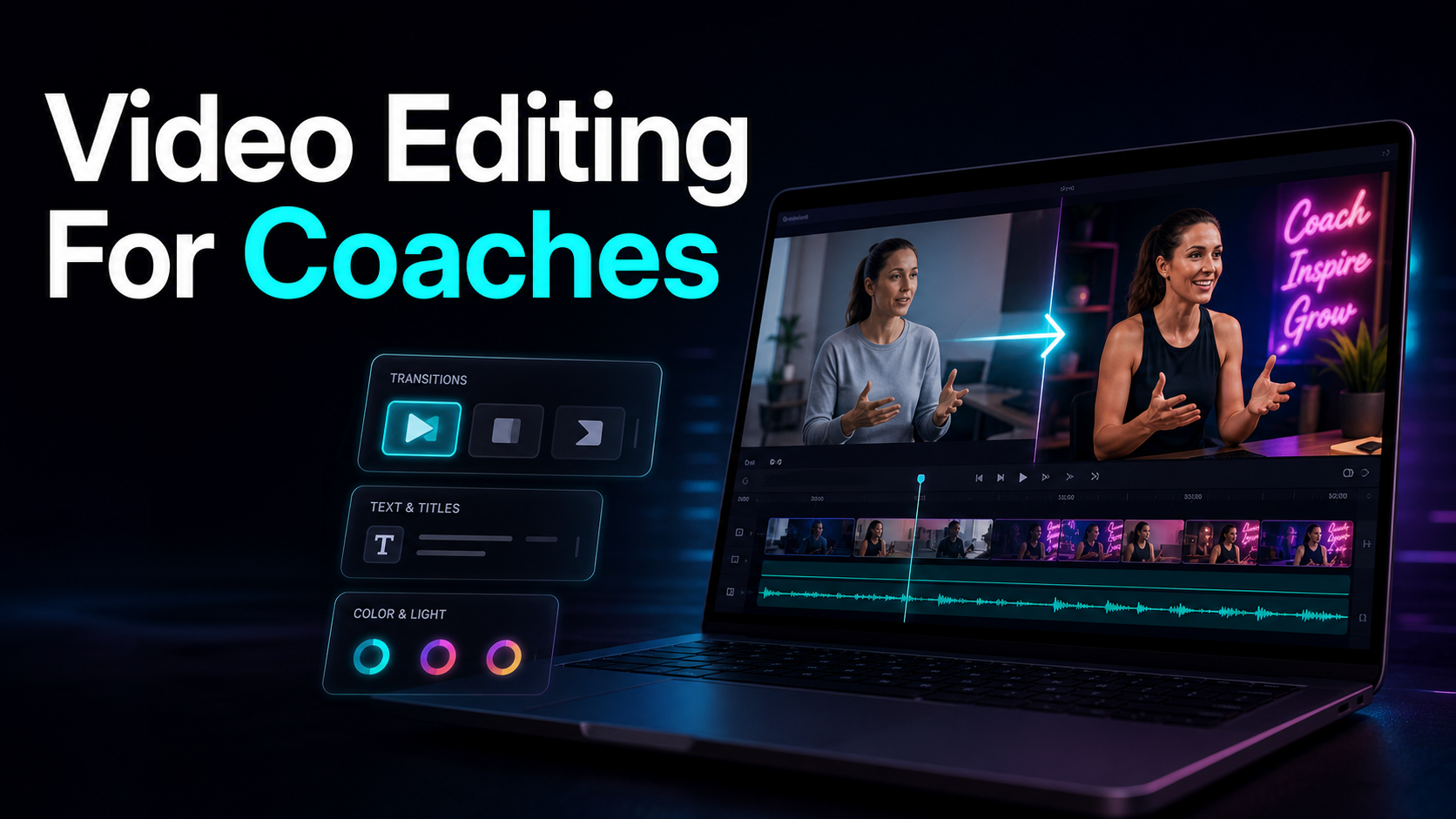
Search "video editing for course creators" and page one splits into two camps that have nothing to do with each other: classes that teach you how to edit video, and done-for-you agencies that edit it for you. Neither is what most course creators actually need. If you already have lessons recorded and you want to turn them into the assets that sell the course — a trailer, promo and preview clips, and shareable summaries — this guide is the third, quieter intent behind that search. Video editing for course creators, in that practical sense, isn't a craft to master or a class to buy; it's a repeatable workflow that turns modules you've already recorded into content that brings the next student in. The angle here is narrow on purpose: a lesson-to-clip pipeline you can rerun for every launch, honest about where a tool saves you hours and where it doesn't.
What video editing for course creators really means
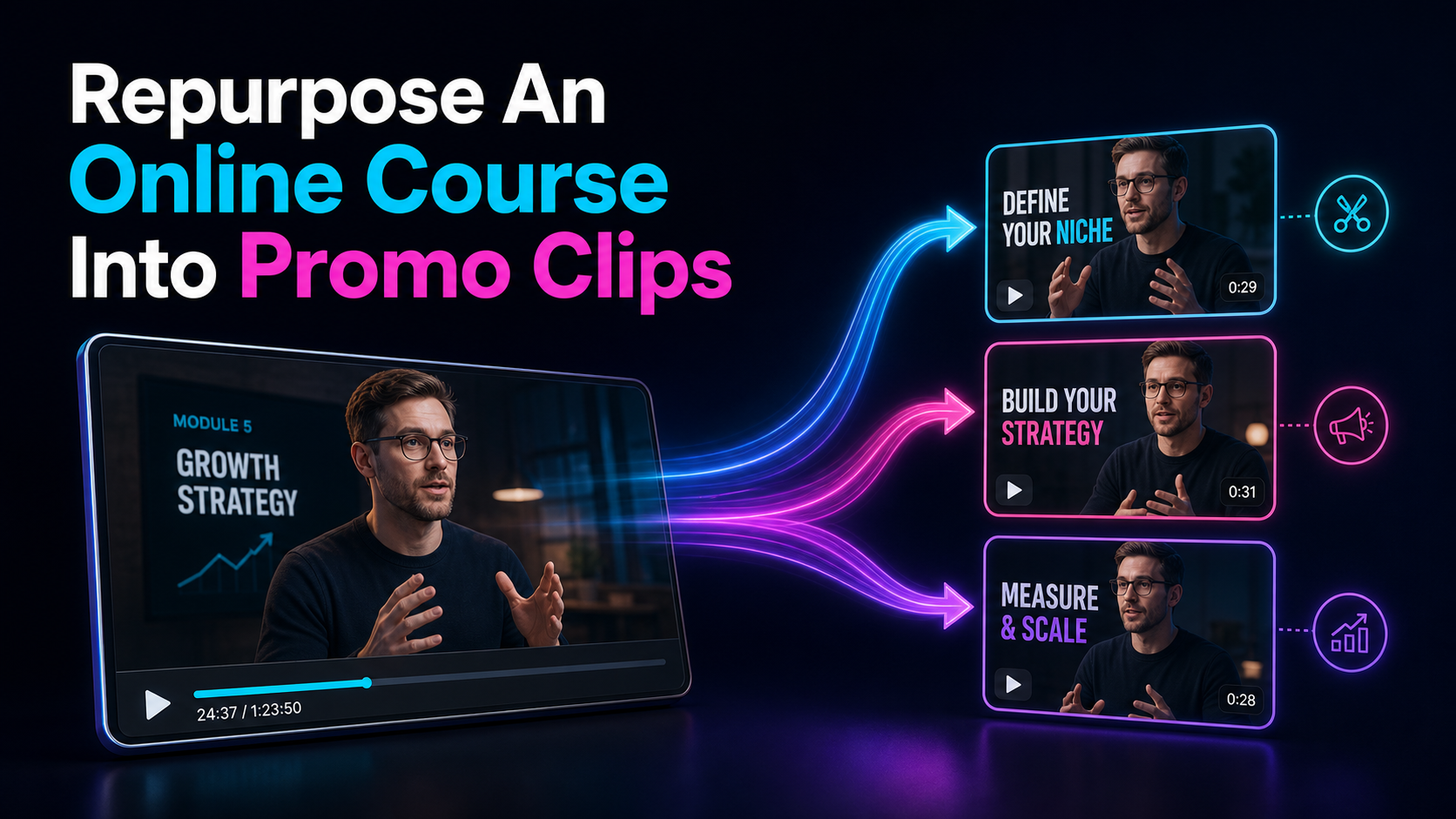
Type the phrase into Google and most of the first page is trying to enroll you in something — an editing class, a production course, an agency retainer. That's genuinely useful if your goal is to learn editing as a discipline. But most course creators aren't trying to become editors; they have hours of lessons already sitting in a folder and want those lessons to pull marketing weight. Video editing for online course creators, in the sense that grows an audience, is repurposing: taking a module you already own and cutting it into the pieces that fill the top of your funnel.
That distinction changes what "good" looks like. You're not chasing a cinematic edit — you're chasing throughput, meaning how fast one recorded lesson becomes a trailer, a handful of clips, and a summary you can post this week. Framed that way, the job stops being "master a timeline editor" and becomes "run a pipeline," which is a far smaller thing to learn.
| Learn editing as a skill | A class, tutorials, deliberate practice | Not this | Pay someone to edit for you | A done-for-you clipping service | Covered briefly | Turn your own lessons into marketing | A repeatable repurposing workflow | This, exactly |
If you're in the third row, everything below is built for you.
What one course gives you: the asset map
Before you cut anything, decide what you're making. One recorded course is raw material for four distinct assets, and each does a different job. Naming them up front is what keeps you from generating a pile of random clips with no plan behind them.
| Course trailer | ~30–90s | Sell the whole course in one watch | The strongest moments across modules | Promo / preview clip | ~15–90s | Discovery and proof on Shorts, TikTok, Reels | One strong moment per clip | Lesson summary | Text or ~60–90s | Give value, match search intent, feed emails | A whole module, condensed | Cleaned lesson video | Full length | The product itself, captioned and tidy | The raw recording |
The course trailer is your single most reusable asset — one file you pin on your channel, embed on the sales page, and run whenever you launch. Promo and preview clips are the daily discovery engine; the full playbook for splitting lessons into teasers and previews lives in how to repurpose an online course into promo clips, so this guide won't re-tread it. Lesson summaries are the quiet workhorse creators skip: a tight text or short-video recap of a module gives value away, matches what a searcher typed, and doubles as an email or a lead magnet. And the cleaned lesson video is worth a mention because it's the product — captioned, trimmed of dead air, and legible on mobile is table stakes now, not a bonus.
The lesson-to-clip workflow
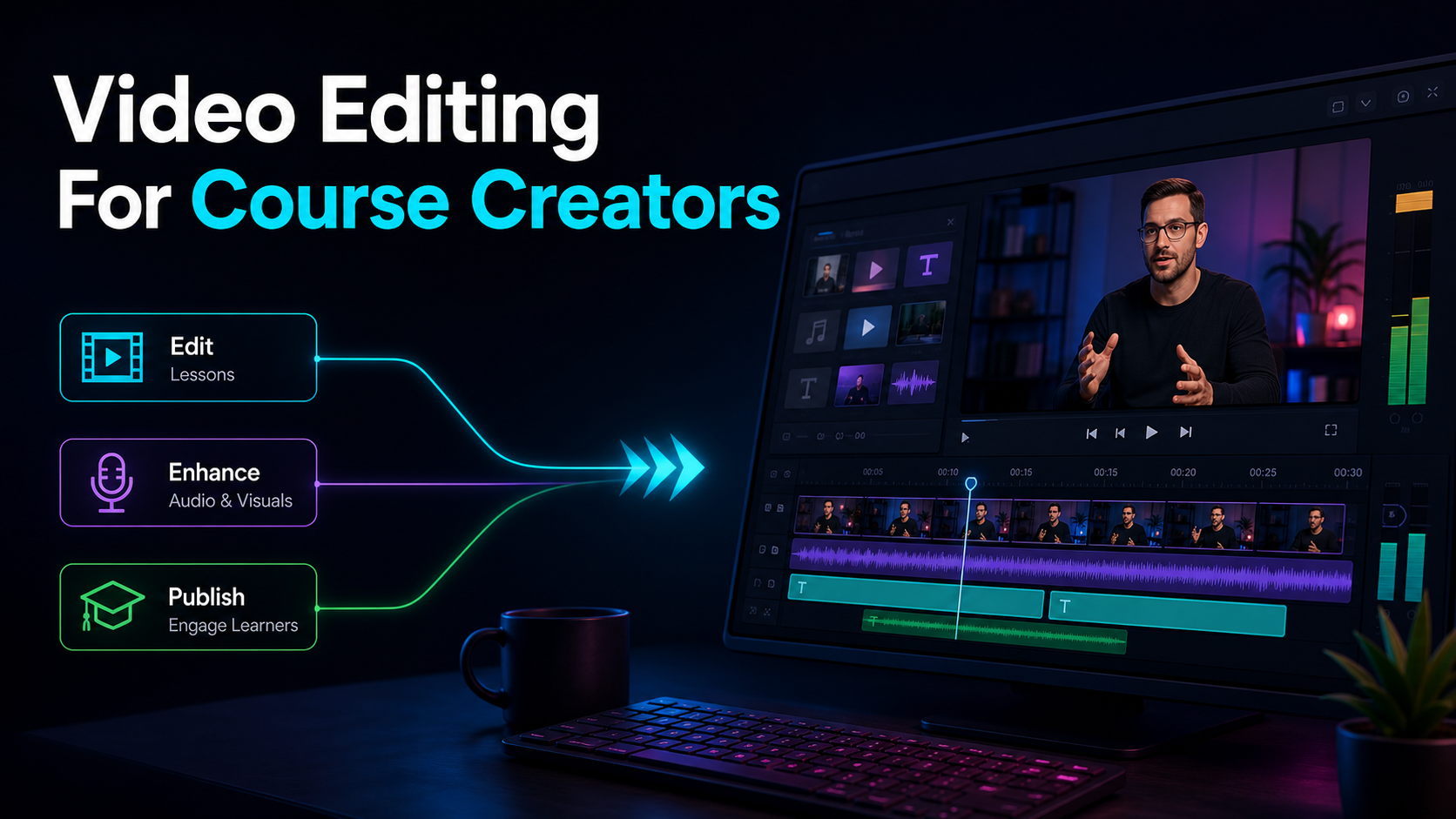
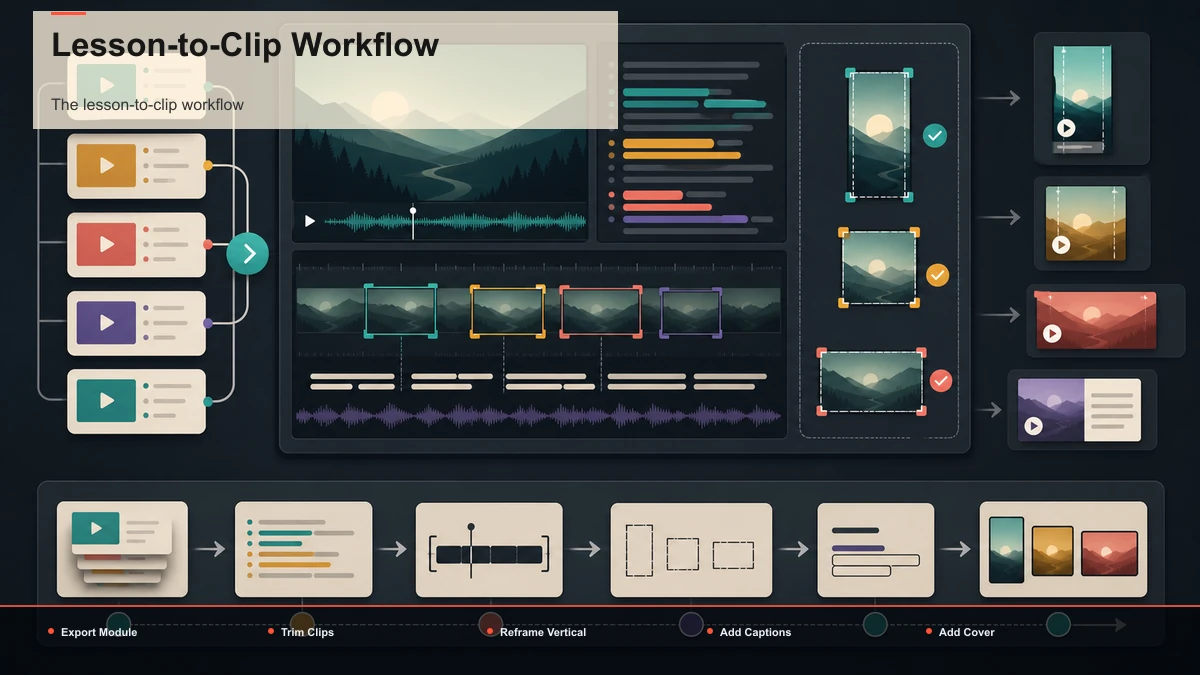
Here's the core pipeline: it takes one recorded lesson to a batch of publish-ready assets without you ever opening a desktop editor, and it runs the same way every time so it stops feeling like editing. It works end to end inside a browser-based workspace, but the sequence holds for any toolkit you assemble.
- Export one module. Pull a single lesson out of your course host as a standard video file — most platforms give you an MP4 or MOV, which is exactly what you want. Work module by module rather than dumping an eight-hour course in at once; one focused lesson yields cleaner cuts.
- Summarize before you cut anything. Instead of scrubbing a 40-minute lesson by eye, run it through a video summarizer to get a map of what you covered and where the strong moments sit. This single step turns "I have to rewatch my own module" into "I have a shortlist in two minutes," and the summary itself becomes an asset you can post.
- Let AI surface the clip candidates. Feed the lesson into an AI clip generator for a first pass of self-contained segments. Treat the picks as candidates, not final cuts — the tool is good at finding where a point lands cleanly; you decide which ones become promo clips and which feed the trailer.
- Trim each clip tight. Re-cut every candidate so it opens on the hook and ends on the payoff, with no "so, in this module we're going to" wind-up. A course clip that needs 15 seconds of setup is already scrolled past.
- Reframe to vertical. Convert each clip from the course's 16:9 to a 9:16 frame, keeping you or your slides in the center third and clear of where platform UI overlays the edges.
- Caption everything. Run each clip through auto-captions to generate timed subtitles from the audio, then fix your niche terms, tool names, and numbers by hand — those are the exact words your audience notices when they're wrong.
- Add a cover and export. Pick a clean cover frame, then export a 9:16 MP4. One solid vertical file uploads natively to YouTube Shorts, TikTok, and Instagram Reels.
Once this is routine, the only variable input is which moments you choose; everything downstream is mechanical.
Building a course trailer from your lessons
A course trailer from lessons is the asset that earns its place fastest, because a single 30-to-90-second file can carry your whole enrollment pitch and you only have to make it well once. The mistake most creators make is trying to script a trailer from scratch, as if the course didn't already contain the best lines. It does — you just have to find them.
The summary step does the heavy lifting here. Once you've summarized two or three of your strongest modules, you're looking at a condensed map of your best claims, results, and turning points. Pull the sharpest of those into a running order:
- Open on the transformation, not the intro. Lead with the outcome a student walks away with — "by the end of this, you'll have a finished X" — not "hi, welcome to the course."
- Stack three to five proof beats. Use the standout moments your summary surfaced: a surprising claim, a quick framework, a before-and-after. Each should be a few seconds, cut tight.
- Name who it's for. One line that lets the right buyer recognize themselves and the wrong one self-select out.
- Close on a specific next step. End with a single, concrete call to action to your enrollment page — not a vague "check it out."
Caption it, add a cover, and you have a trailer you can pin, embed, and reuse across every launch. Because it's assembled from moments you already recorded, a trailer is closer to an hour of editing than a production shoot.
Do it yourself, take a class, or hire it out?
Because the search results are so polluted with the other two options, it's worth being honest about when each actually wins. This isn't a case for DIY at all costs — it's a case for choosing on purpose.
| Take an editing class | You want editing as a long-term skill or a signature look | Weeks to competence before you ship a single clip | Hire a done-for-you service | You have budget and zero time to touch editing | A recurring fee, and you brief someone outside your funnel | Do it yourself with a tool | You post on a schedule and want to own the pipeline | A learning curve measured in one afternoon, then it's routine |
The deciding factor is rarely money — it's message control and cadence. You know which sentence in your module makes someone enroll, because you wrote the course; an outside editor is guessing. If you're publishing weekly, that judgment is the whole game, which is why many creators who start with a service bring clipping in-house once a tool makes it fast enough.
If you go the DIY route, don't pick a tool from a feature list — every option promises the same outcome. Run a fifteen-minute test with one of your own lessons and measure four things:
- Round-trips. How many times do you export a file and re-upload it elsewhere to get from a raw lesson to a finished, captioned vertical clip? Fewer is the whole game for continuous marketing.
- Selection quality. Do the auto-detected segments match the moments you'd have chosen from the summary? Count keeps versus discards.
- Caption accuracy. On a lesson thick with jargon and numbers, how much do you fix by hand?
- Time to a batch. From one upload, how long until you have several publish-ready clips with captions and covers?
Run that same test on any option and let the results decide, not the marketing.
A repeatable course-video production routine
The reason to systemize this is that course video production is recurring by nature — you launch, you update modules, you run evergreen enrollment windows, and each one needs fresh clips. The win isn't a heroic editing sprint; it's a routine you rerun identically so making promo content feels as ordinary as writing the launch email. Batch the stages instead of finishing one clip end to end before starting the next.
| Record | Teach the module as you normally would | No extra filming — the footage is a byproduct | Mine | Summarize the lesson, mark 8–12 moments | Same session, same headspace | Finish | Clip, reframe, caption, and cover the whole batch | Repetitive, low-creativity work on autopilot | Schedule | Queue clips across your feeds; slot the trailer into launches | One lesson feeds weeks of calendar |
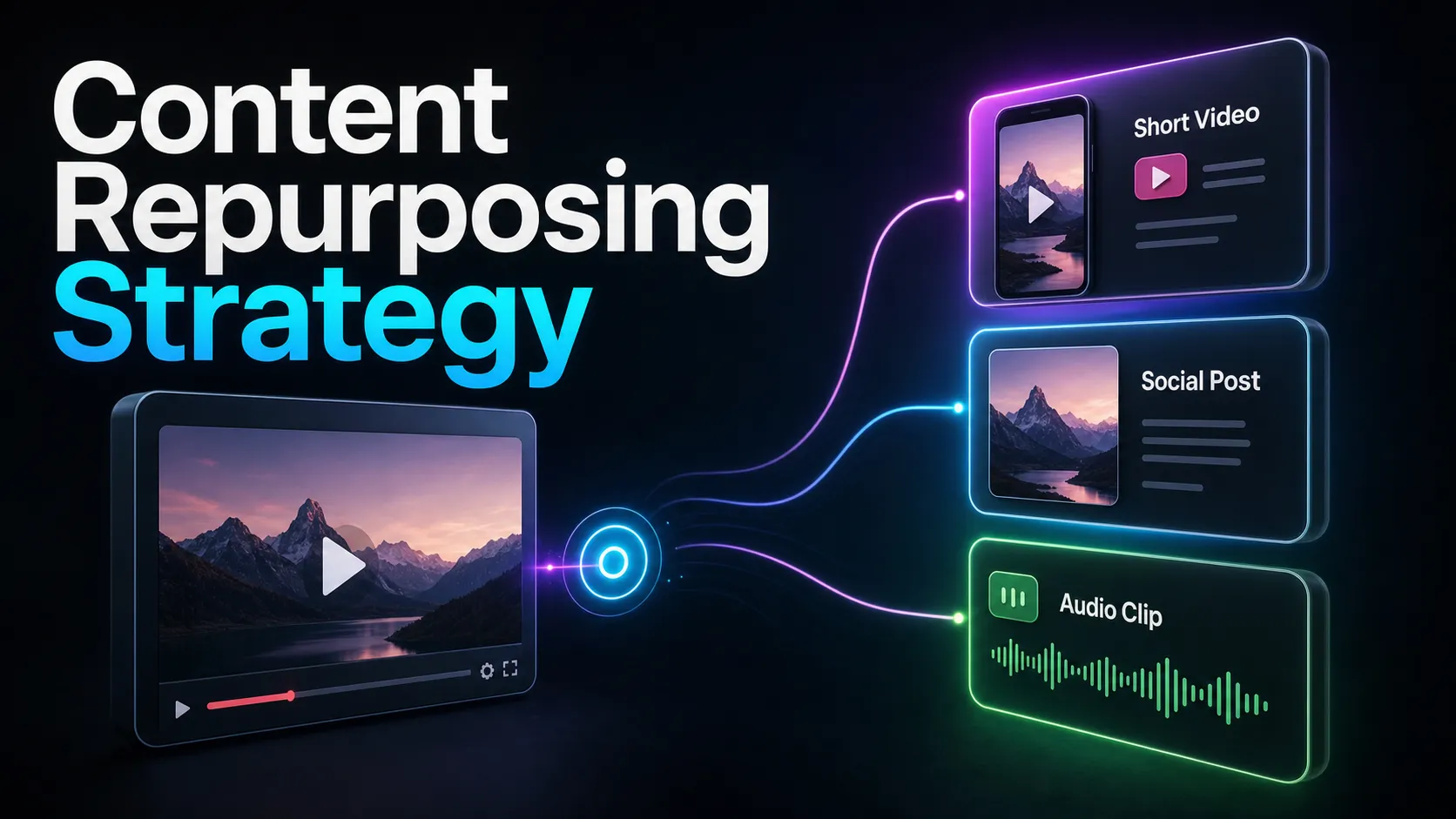
Measure keeper yield before planning the cadence: if one module produces several approved clips plus trailer material, record that result and use it to set a realistic schedule. Approved clips can then be tested across an email list, sales page, or future cohort, with each destination measured separately. This is the same muscle behind any content repurposing strategy; a course is simply an unusually high-intent source to repurpose from.
Where Recapo fits
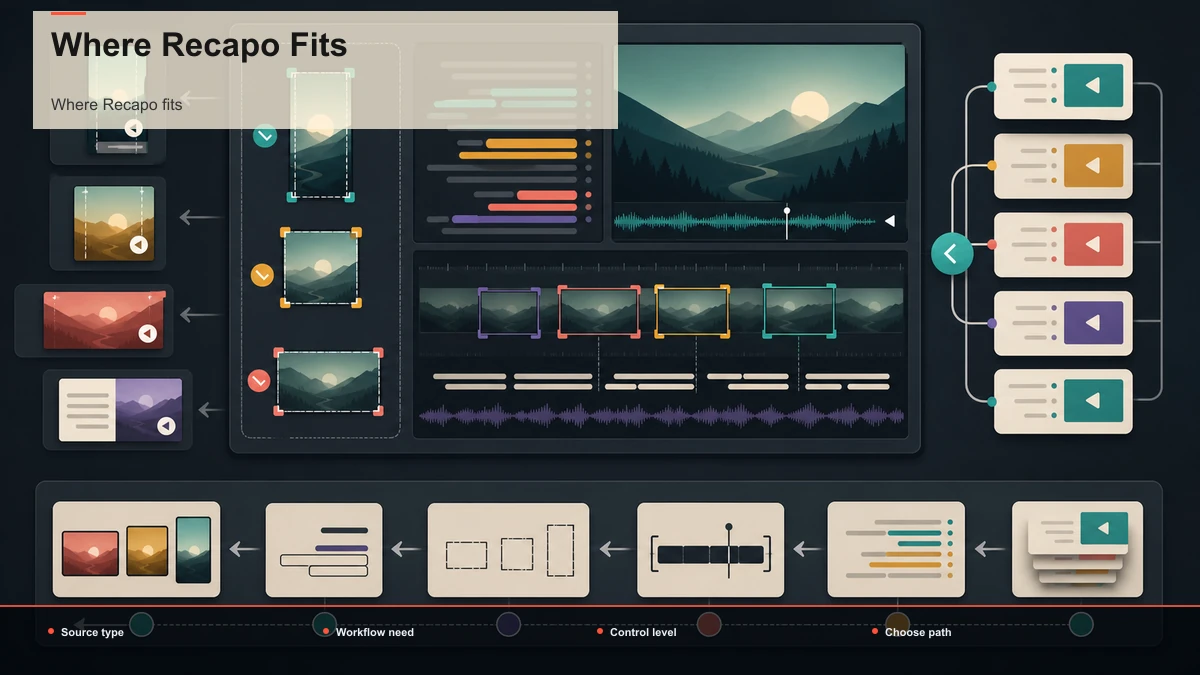
Recapo is a browser-based AI video workspace — nothing to install — built to hold most of this pipeline in one place. Inside it you can transcribe and caption, summarize a long recording into its key moments and a script, turn long lessons into short clips, add AI voiceover, resize and reframe to vertical, and design a cover before you export. It accepts MP4, MOV, and other common formats up to 6GB total per task, which matters when your source is a full-length module rather than a five-minute snippet.
The practical fit: Recapo isn't the only way to do video editing for course creators, and it won't replace a class for someone who wants editing as a craft or a service for someone who'd rather never open a tool. If a single stage is your entire need — you only ever want a transcript — a focused single-purpose tool may serve you just as well. A workspace earns its place in the scenario this guide describes: every launch, the same module needs summarizing, clipping, captioning, vertical reframing, a cover, and an export, and you want to own that loop instead of paying per batch or spending weeks learning a timeline. The value isn't out-scoring a specialist at one step; it's removing the handoffs between four or five tools so a course creator can run the whole repurposing loop solo. Plans are on the pricing page, and a quick way to decide if it fits is to push one real module through it end to end.
FAQ
Is "video editing for course creators" about learning to edit, or repurposing lessons? For most creators it's repurposing, not production. You already recorded the modules; the recurring, growth-driving work is turning that footage into a trailer, promo and preview clips, and summaries. Learning editing as a craft is a valid but separate goal — this workflow assumes you want the marketing assets, fast, without a course in editing first.
How many clips can one course lesson produce? For a substantive module, identify candidate teasers, previews, and trailer material, then record how many pass review. You can force more, but quality drops off fast past the genuine peaks, and posting weak clips just trains your audience to scroll past your name. Harvest the best moments and stop.
Do I need a desktop video editor to make a course trailer and clips? No. A browser-based workspace handles summarizing, AI clip selection, vertical reframing, captions, and export in the same tab with no install, so you can go from a full module to a batch of publish-ready assets on any machine. A desktop editor gives finer control, but it adds real overhead to a marketing cycle you repeat every launch.
What's the difference between a promo clip and a course trailer? A promo or preview clip is one strong moment cut for discovery — it stops the scroll and proves the teaching is worth paying for. A course trailer is an assembled piece, 30–90 seconds, that sells the whole course in one watch by stacking your best moments across modules. Clips are made continuously; the trailer is made well once and reused across launches.
Should I hire a done-for-you service instead? It comes down to message control and cadence, not just budget. A service fits if you have money and no time to edit. But you know which line in your module makes someone enroll, while an outside editor is guessing — so creators who post regularly usually bring clipping in-house once a tool makes it fast enough to fit between recordings. Test one real lesson yourself before committing either way.
Turn one module into a launch's worth of content
Video editing for course creators isn't a skill you have to go learn or a bill you have to keep paying — it's collecting value you already recorded and letting it sell the course for you. Summarize one module to find your best moments, cut them into tight vertical clips, assemble a trailer from the strongest of them, caption everything, and one recorded lesson becomes weeks of promotion plus a pinned trailer that works every launch. Create a free Recapo account, upload one module, and run it end to end — summarize it, clip it, caption it, reframe to 9:16, add a cover, and export for YouTube, TikTok, Shorts, and Reels. Push one real lesson through the whole pipeline and you'll know within a single upload whether owning your course-clip engine beats taking a class or paying for a service.
References and official sources