How to Extract YouTube Music and Copyright Notices
Before searching for ways to extract YouTube audio, check copyright, licensing requirements, platform policies, and safe working practices using your own files.

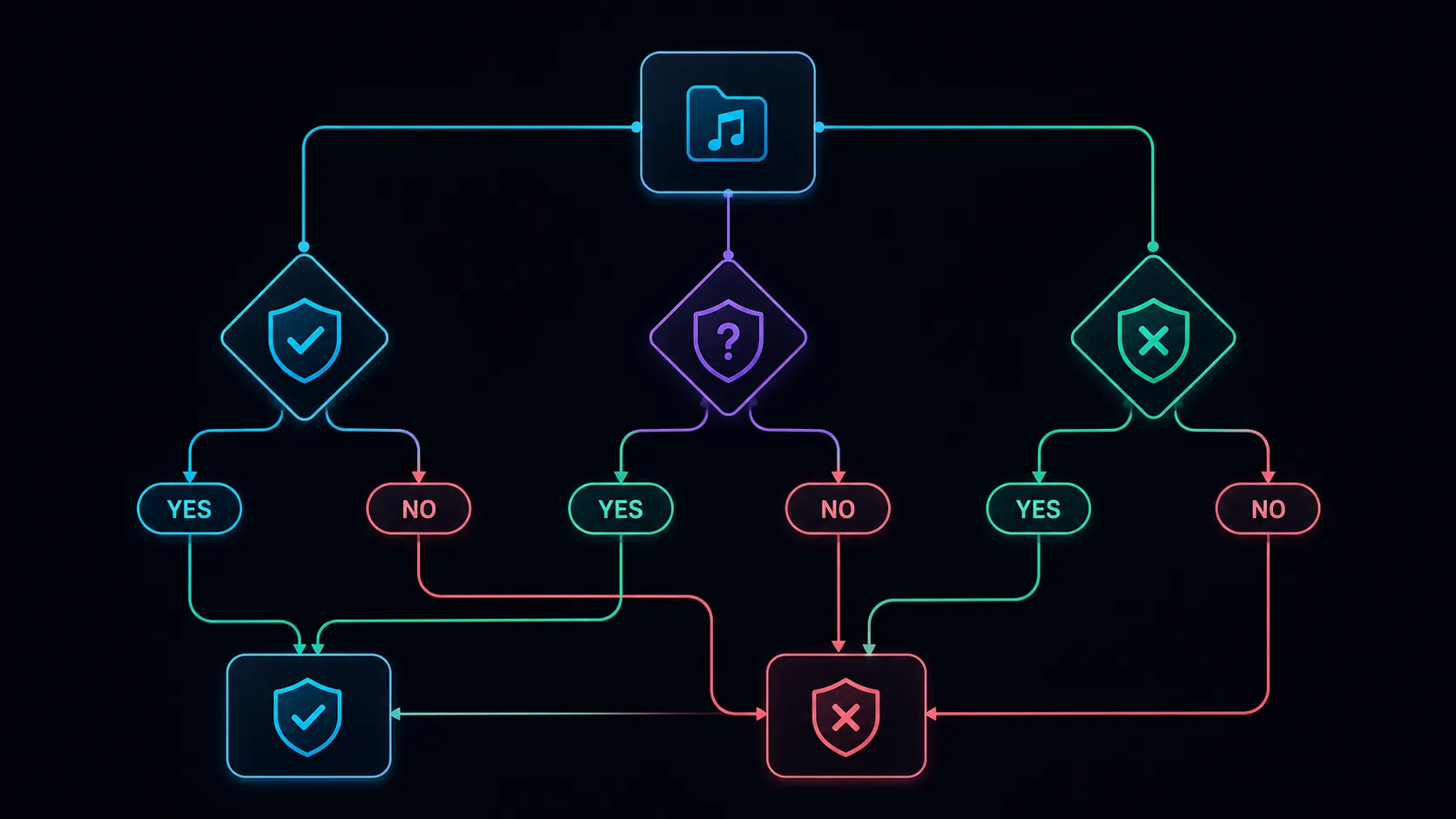
Before using audio from a YouTube video, check both your rights to the recording and the platform's rules for obtaining it. Being able to play a video, give credit, or convert a file does not itself establish permission to download or reuse its audio.
Identify the recording and the intended use
Write down who made the video, who owns the audio, and what you want to do with it. A creator may own an interview recording while a separate license governs background music. Permission to watch, permission to download, and permission to republish can be different.
Keep the source URL, the relevant license or written permission, its date, and any conditions such as attribution, territory, or commercial use. If an agreement is unclear about your intended use, resolve that question before processing.
Check YouTube's current rules separately
YouTube's Terms of Service restrict downloading and other uses except where the service permits them or the required authorization applies. Its copyright guidance describes permissions, licenses, public-domain material, and applicable exceptions. Check the terms and the rights for your actual use; one does not automatically settle the other.
A music track available for use in one platform feature may carry conditions that do not cover a separate podcast, advertisement, or client delivery. Read the relevant license rather than treating availability as a general reuse grant.
Prefer an authorized source file
If you recorded the video, use your local master. If you are working with another creator, ask for an authorized file and written clarification of the permitted use. A source file can also avoid the quality loss of another compressed copy.
For example, a podcast producer repurposing their own interview can start with the original recording and check the guest agreement and music license. A marketer who finds a useful song in someone else's upload needs to establish the relevant permissions before treating it as campaign audio. These examples are workflow distinctions, not legal determinations for a particular case.
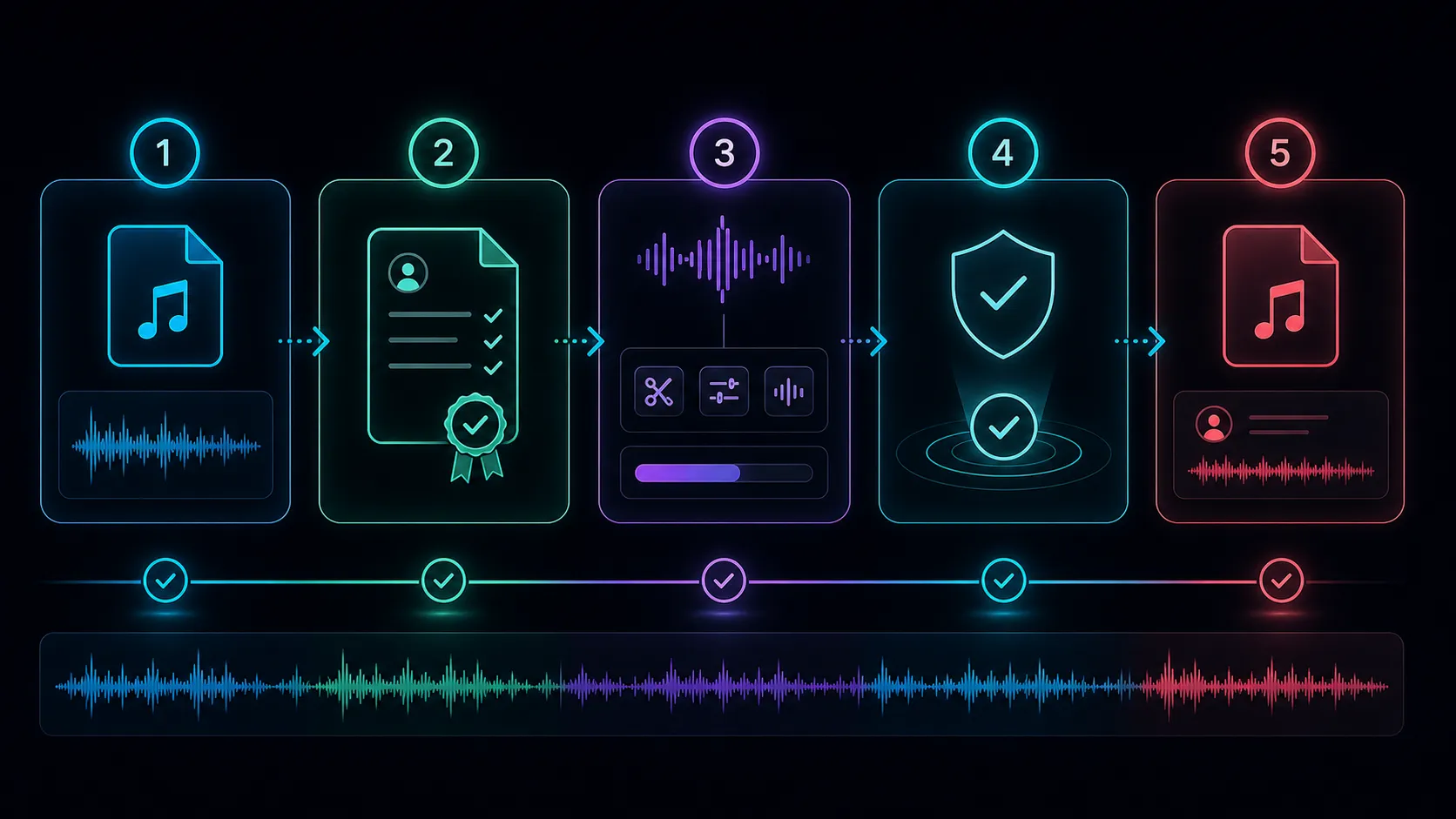
Process the file after the rights check
- Confirm that the file, voices, music, and planned use are covered by the permissions you rely on.
- Keep the original and the supporting records together.
- Open the Recapo upload-based audio extractor with the authorized local file. This workflow does not instruct you to bypass a platform's download restrictions.
- Choose an audio format that the next editor or player accepts.
- Download and listen to the result, checking duration and the correct audio track.
- Retain required attribution and license information when sharing or publishing.
Common questions
Does giving credit replace permission?
No. Attribution may be a license condition, but adding a credit does not by itself authorize a use.
Is a publicly viewable video in the public domain?
No. Public access and public-domain status are different. Verify the status and relevant conditions rather than inferring them from visibility.
Does a short excerpt always qualify for an exception?
No universal duration establishes that. Copyright exceptions depend on jurisdiction and the specific facts. Seek qualified advice when the decision is uncertain or consequential.
Can the extractor decide whether my use is allowed?
No. Successful conversion is a technical result. It does not establish ownership, a license, or permission to publish the output.
References
Related Recapo guides