Convert videos to MP3 safely
Learn how to safely convert videos to MP3s, choose the right format, check for privacy, file retention, and content usage rights.

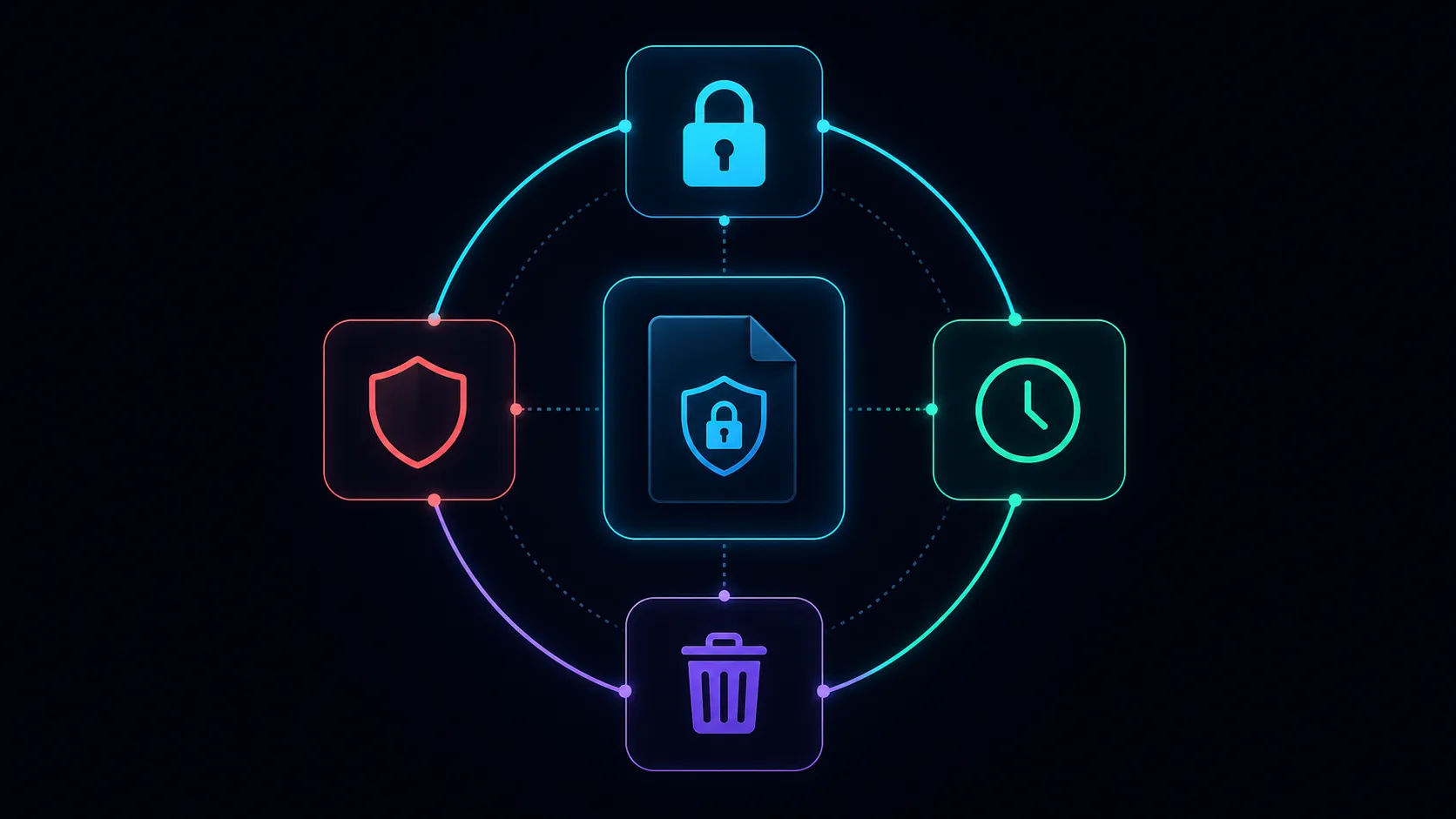
Before you upload a video to an online audio extractor, check where the file goes, what the service can do with it, and whether those terms fit the recording. HTTPS protects data in transit; it does not tell you how long a service keeps files or whether it uses them for training.
Decide whether this recording belongs in a cloud tool
A public product demo and a confidential client interview need different handling. For the interview, check the client's agreement and your organization's approved tools before uploading. If you cannot confirm that an external processor is allowed, use an approved local workflow or obtain the required approval first.
Use the smallest relevant excerpt. Remove unrelated conversation, names on screen, and material that is unnecessary for the task. Keep your original privately so you can verify the result or create a different export later.
Read these five parts of the service's policy
- Processing: does the work happen in your browser or on a server? A browser interface can still upload the whole file.
- Reuse: can uploaded media or generated output be used for training, evaluation, product improvement, or public sharing?
- Retention: is there a stated deletion period, or does the policy use a broader necessity-based rule?
- Access and providers: what does the service disclose about staff access, outside processors, and processing locations?
- Deletion: which account controls or contact route can you use, and does the policy explain backups and exceptions?
An unanswered question is a reason to ask the provider or choose another workflow. A padlock, an attractive interface, or a small test file cannot answer these policy questions.
What Recapo currently discloses
Recapo's Privacy Policy, reviewed on October 16, 2026, allows specified uses of uploaded and generated content for AI development and improvement, subject to applicable law and available settings. It also describes public-sharing features and third-party processing. Its retention rule is based on necessity; it does not promise a fixed deletion timer for every upload. Where available, content can be managed through account settings or by contacting the provider. Read the current policy and your actual account settings before sending private recordings.
Test the extraction with a non-sensitive sample
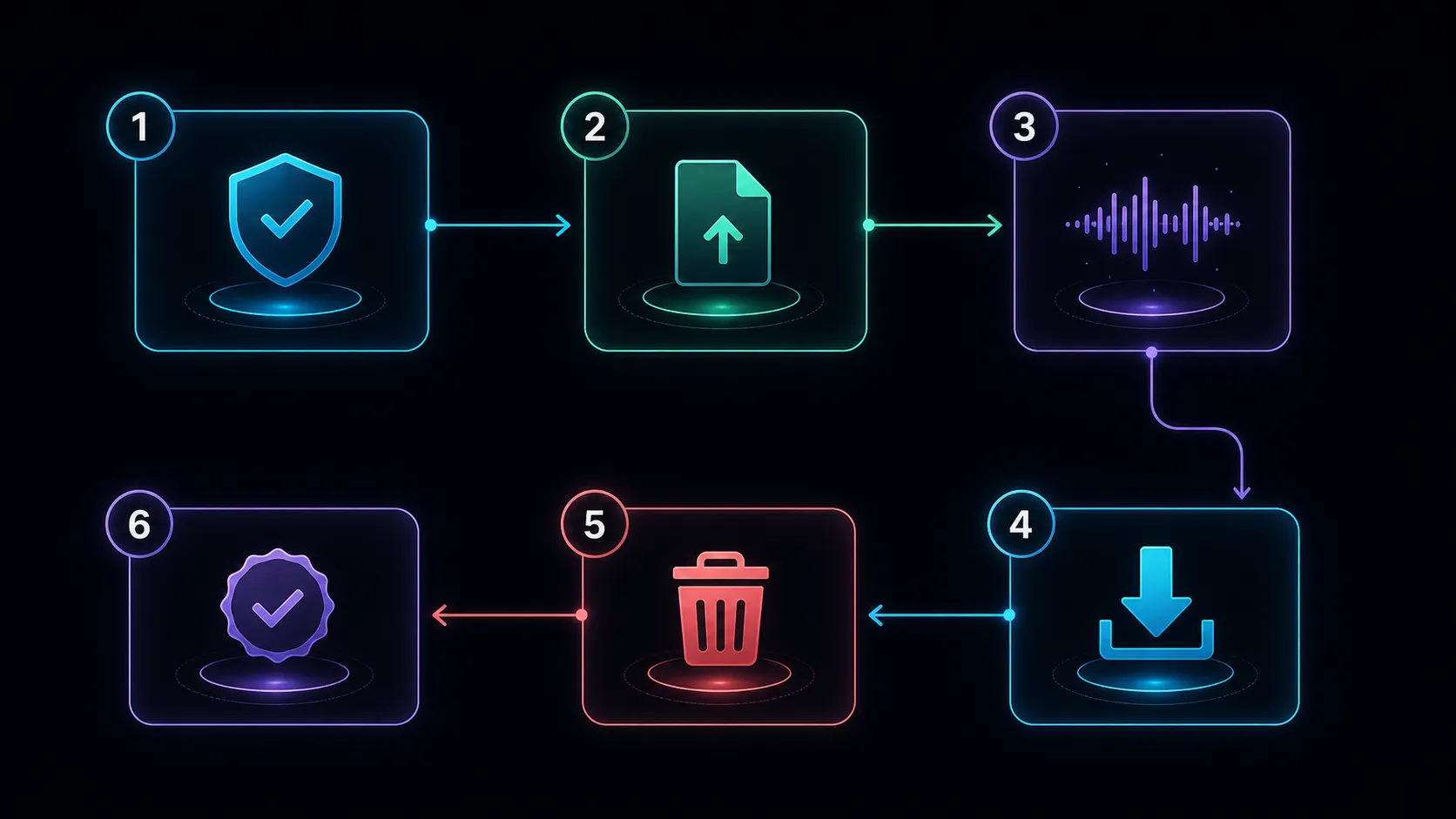
- Choose a short recording you are allowed to process, with clear speech and a representative quiet section.
- Open the Recapo audio extractor and check the displayed file limits and output options.
- Choose a delivery format that your next player or editor accepts. MP3 is useful for a compact listening copy; keep a stronger source for later editing.
- Download the result, then check its duration, speech, channels, and beginning and end.
- Use the service's available file-management controls when the job is finished. Do not assume closing the tab deletes the upload.
Common questions
Does a successful test prove the service is private?
No. It verifies that one file processed correctly. Privacy depends on policies, settings, agreements, and actual handling practices.
Can I request deletion?
Check the current policy for the applicable account control or contact route. Deletion rights, retention exceptions, and completion times depend on the service and applicable law; do not assume an immediate, universal deletion guarantee.
Should I remove all metadata?
Remove unnecessary identifying information from the upload copy when appropriate. Preserve a private original and any provenance you need for ownership, editing, or records.
Authoritative sources
Related Recapo guides
- How to Extract Audio from Video
- MP3, WAV, AAC, and M4A compared
- Convert video to MP3 from uploaded file