Do Movie Recaps Get Copyright Strikes?
Movie recaps can receive Content ID claims or copyright strikes. Learn the difference, response options, and a more defensible production workflow.
By the Recapo.ai Editorial Team · Fact-checked July 10, 2026
Do movie recaps get copyright strikes? They can, and they can also receive Content ID claims. These are different processes: a Content ID claim is an automated match that may monetize, block, or track a video, while a copyright strike follows a valid legal removal request. YouTube does not publish recap-specific outcome data, so no responsible guide can promise which result is "usual."
This guide focuses on the mechanics: how claims differ from strikes, why copyrighted audio or footage can trigger a match, and how to respond without escalating the situation carelessly. It also outlines a more defensible production workflow built around original commentary, narration, and cleared visuals. Nothing here is legal advice.
Information note: This is general information, not legal advice. Copyright outcomes depend on the facts and jurisdiction; primary sources were checked on July 10, 2026.
Key Takeaways
Do movie recaps get copyright strikes? The short answer
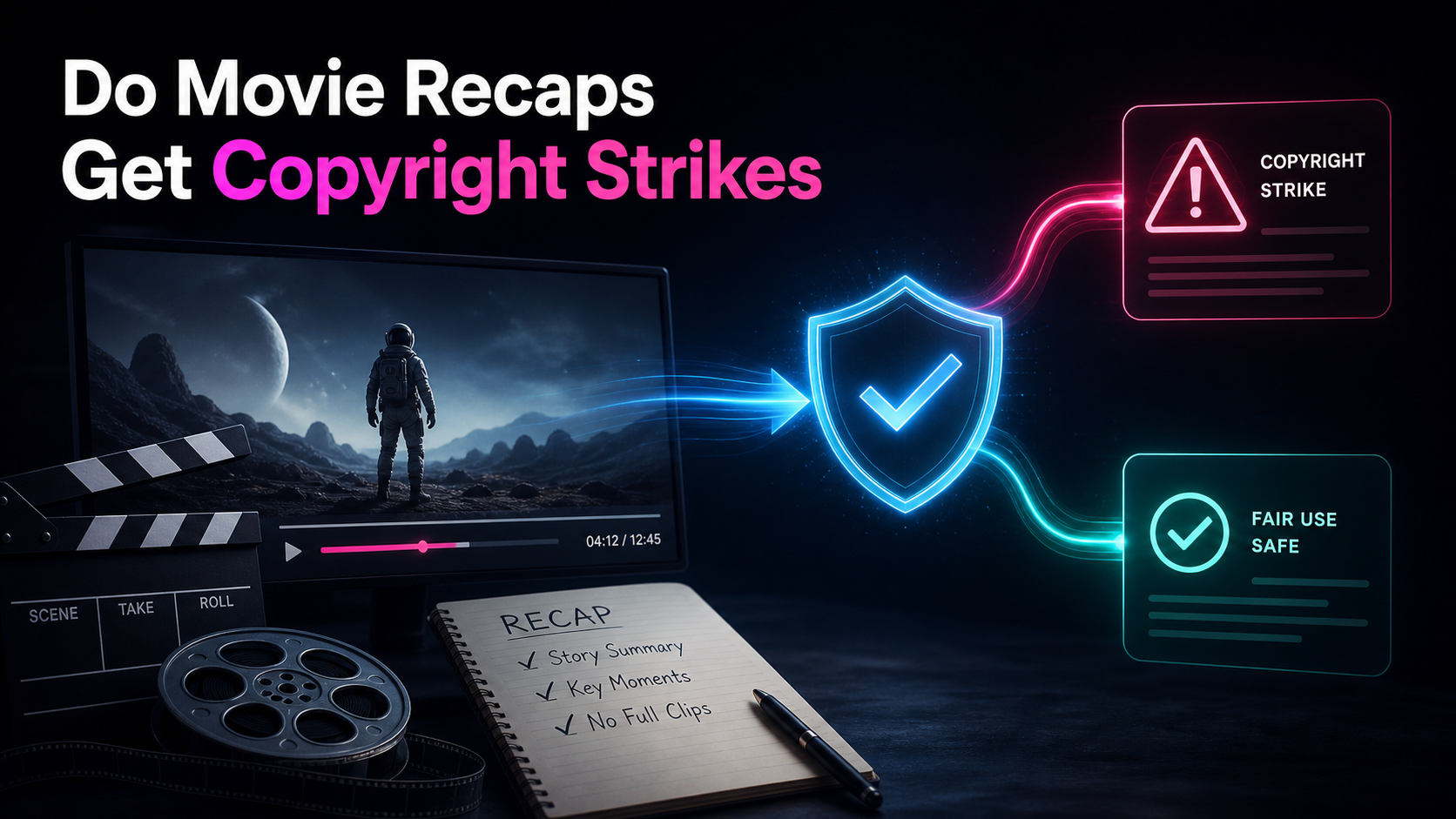
Yes. A recap can receive a copyright strike if a rights holder submits a valid legal removal request and YouTube removes the video. A recap can also receive a Content ID claim when uploaded audio or video matches a rights holder's reference file. YouTube does not provide public recap-specific statistics that establish which outcome is more frequent.
Read the notice itself before acting. A claim usually concerns the matched video's monetization or availability. A strike concerns channel standing and a removed video. The available response also differs: Content ID has a dispute process, while a counter-notification to a takedown is a legal statement with real consequences.
How YouTube Content ID actually works
Content ID is an automated fingerprinting system, and knowing how it works removes most of the mystery. Rights holders — studios, distributors, music labels — upload reference files of content they own. YouTube converts those into digital fingerprints and stores them in a database. Every video you upload gets scanned against that database. When a segment of your recap matches a reference file's audio or video fingerprint, the system flags it.
Here's the part that trips people up: the match itself doesn't decide the outcome — the rights holder's pre-set policy does. According to YouTube's official explanation of how Content ID works, a match can monetize the video, block it in some or all regions, or track its viewership. Monetization treatment depends on the applied policy, and revenue during a dispute may be held until the dispute is resolved. That's why two recaps using similar amounts of the same film can have different outcomes: participating rights holders may apply different policies.
Two things follow from this. First, Content ID operates independently of the strike system — a claim is not a strike, and receiving one is not a mark against your channel. Second, the system matches patterns, not context. It cannot tell that you added ten minutes of original analysis around a thirty-second clip; it only knows the thirty seconds matched. That mechanism explains why "but my video is transformative" does not stop an automated match from appearing, even though context may matter in a later dispute or legal analysis.
Content ID claim vs. copyright strike
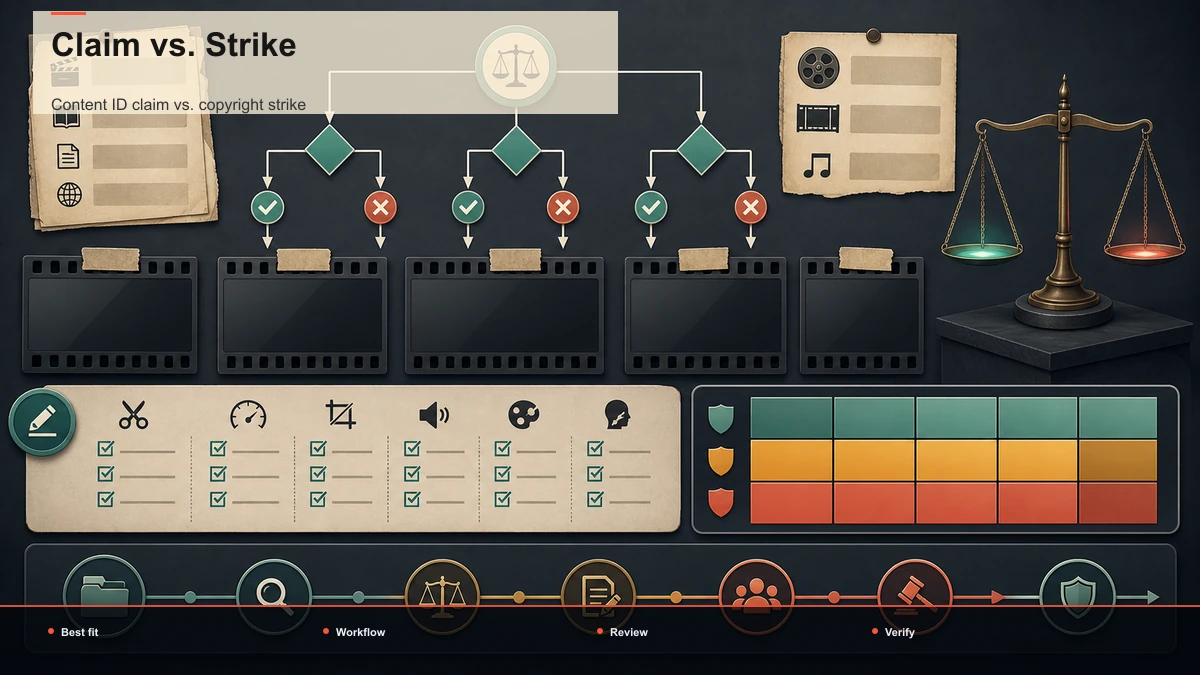
| What starts it | Automated match against a rights holder's reference file | Valid legal removal request from a copyright owner or agent | Effect on channel standing | No strike by itself | Counts against the channel | Effect on the video | May monetize, block, or track | Video is removed | Can you respond | Yes, through the Content ID dispute process | Yes, through retraction or counter-notification procedures | Risk level | Review the matched material and policy | Treat as a legal matter; obtain advice when needed |
The distinction is procedural, not a prediction about how any specific recap will be treated. Check the notice, the claimant, the matched segment, and the action applied before deciding what to do.
Why movie recaps get flagged
A recap can receive a Content ID match when uploaded audio or video corresponds to a participating rights holder's reference file. The system detects fingerprints rather than deciding the legal merits of commentary. Review these inputs when investigating a match:
Notice what's absent from that list: your intent. Adding commentary, cutting to vertical, or slapping captions on top does not make the footage stop matching. Those choices matter for a fair-use argument, but they don't hide fingerprints from an automated scanner. Plan around the mechanism, not around wishful thinking.
Are movie recaps legal on YouTube?
There is no category-wide yes or no. In the United States, fair use is assessed case by case across purpose and character, the nature of the work, the amount and substantiality used, and market effect. Other countries apply different exceptions. Commentary can matter to the analysis, but adding narration or captions does not create an automatic license.
Copyright law and Content ID are separate questions. A video can receive an automated match even when the creator believes the use is legally defensible; a platform claim is not a court ruling. Read the notice and the current official process before deciding whether to leave, edit, or dispute the matched material. The companion guide on YouTube's official fair-use guidance explains the four factors in more detail. This is general information, not legal advice.
A copyright-aware recap workflow
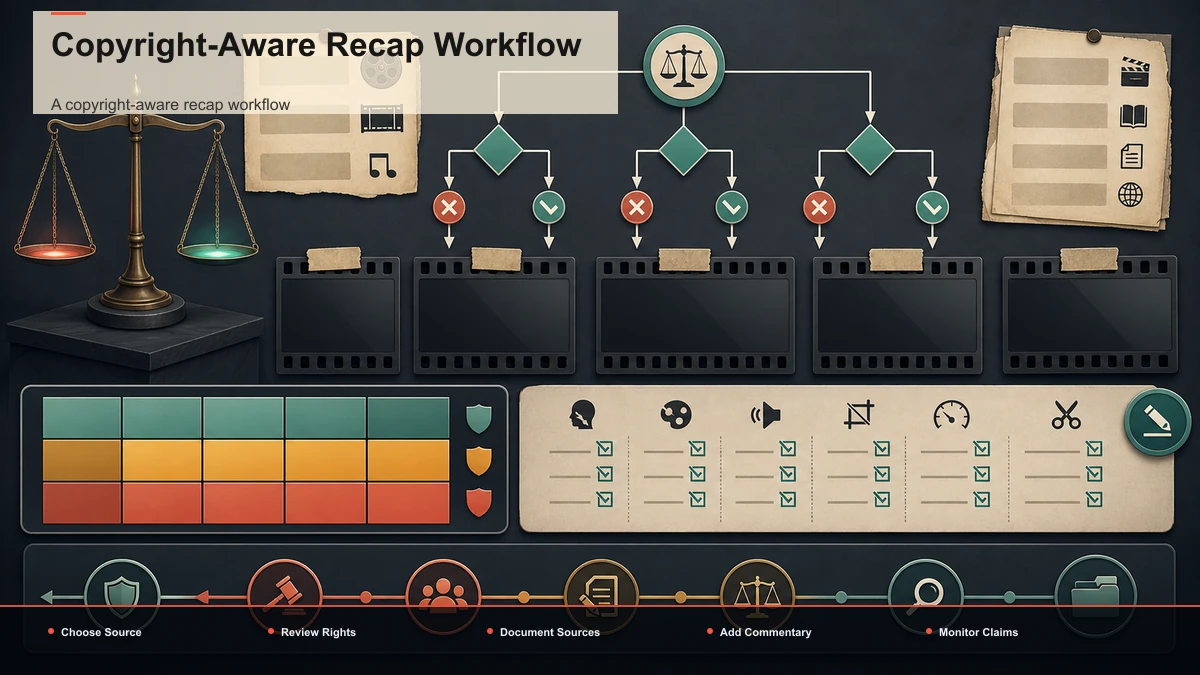
You cannot control a rights holder's policy, but you can document how much of the video is original and what permissions cover the rest. That record can make a later review or dispute more concrete. Think in terms of a traceable production rather than a promised risk level. The following workflow keeps original work, source rights, and edit decisions reviewable:
- Write original commentary, not a transcript of the film. Your recap should be your analysis, argument, or retelling in your own words — a genuine layer of new expression, not a scene-by-scene readout. Drafting a tight written summary and script first keeps you honest about how much of the video is original; a plot summary generator can turn your notes into a first-draft outline you then rewrite in your own voice.
- Narrate it yourself. Your own voice, or an AI voiceover generated from your script under provider terms you have reviewed, adds original narration but does not resolve rights to the underlying source assets. A voiceover maker lets you produce clean narration from your script in a browser, so the spine of the video is unmistakably yours rather than lifted audio.
- Keep clips short, purposeful, and interleaved. Use only the footage you need to make a point, and cut back to your own material quickly. Use only the excerpt needed for a specific point, and remember that amount is only one part of a case-specific fair-use analysis; short clips can still match Content ID.
- Source visuals you're actually allowed to use. Your own footage, properly licensed stock, official promotional assets used under their terms, or AI-generated imagery all reduce your dependence on copyrighted film footage. Where to find those is its own topic — start with the guide on where to find licensed footage for recaps.
- Caption for retention and accessibility. Burned-in captions don't affect copyright, but they hold viewers watching without sound and make your commentary legible. Run auto-captions on the finished cut, then proofread names and titles.
One honest limit, stated plainly: no workflow makes you immune to Content ID. A recap with substantial original commentary can still match a registered soundtrack cue and receive a claim. The point is not invisibility. It is building a clear record of your original expression and licensed inputs, which gives you a better factual basis when reviewing or disputing a claim. Tools like these handle production steps — script, narration, captions, clipping, reframing — but they cannot license footage for you, and no honest tool will promise you're "copyright-free."
What to do when you get a claim or a strike
Start by identifying the notice, claimant, matched material, territories, and action applied. Save a copy of the notice and the relevant source and license records.
For a Content ID claim: review whether the policy is monetize, block, or track and read the options shown in Studio. Revenue may be directed under the applicable policy or held during a dispute. Editing, replacing, accepting, or disputing a match have different consequences; use the official workflow and dispute only when you have a good-faith basis.
For a copyright strike: follow the current instructions in YouTube's notice and Copyright Help Center. Retraction and counter-notification procedures are legal processes, and a counter-notification includes statements with legal consequences. Obtain qualified advice when the basis or consequences are unclear rather than relying on an old threshold quoted in a blog.
Do not treat a claim as a strike. Keep the script, licenses, source files, edit decisions, notices, and correspondence together for each video.
FAQ
Do movie recaps get copyright strikes on YouTube? They can. They can also receive Content ID claims. YouTube does not publish recap-specific prevalence data, so focus on the notice you actually received rather than a claimed industry average.
What's the difference between a Content ID claim and a copyright strike? A Content ID claim is an automated match that may monetize, block, or track a video. A copyright strike follows a valid legal removal request, removes the video, and affects channel standing.
Are movie recaps legal on YouTube if I add commentary? Commentary can support a fair-use or fair-dealing analysis, but it does not make a recap automatically lawful. The analysis is fact-specific and varies by jurisdiction. It also does not stop Content ID from matching audio or video.
Can I avoid Content ID claims by using my own voiceover? Original narration can make the work more clearly yours, but it does not hide matched footage or music. Use cleared visuals and audio, keep excerpts tied to a real point, and review any claim on its facts.
What should I do if I receive a copyright strike? Read YouTube's current notice and official options carefully. A counter-notification is a legal statement, so do not submit one casually; seek qualified legal advice when the consequences are unclear.
Build a recap that's mostly yours
The useful question is not whether strikes are "rare" or claims are "common" across a category. It is whether your specific video has a clear original purpose, a script and narration you created under understood terms, and visual or audio material you are permitted to use. Create a free Recapo account to assemble the script, narration, captions, clips, and vertical versions in one browser workflow. Processing and rendering run in the cloud; you still remain responsible for source rights and the final review.
References and official sources