How Much Do Movie Recap Channels Make?
Understand movie recap channel income using YouTube's RPM definition, your own Analytics data, multiple revenue streams, and Content ID status.

By the Recapo.ai Editorial Team · Fact-checked July 10, 2026
How much do movie recap channels make? There is no reliable public average. A channel's views are visible, but its YouTube Analytics revenue, RPM, audience mix, and Content ID status are not. Third-party estimators can only infer broad ranges from public metrics and assumptions; they cannot reconstruct a creator's actual dashboard.
This guide uses the metric the way YouTube defines it, separates platform revenue from outside income, and shows how to build a range from your own data. It is educational information, not financial advice or an earnings promise.
Information note: This is general educational information, not financial advice or an earnings promise. Platform eligibility and payout rules can change; official sources were checked on July 10, 2026.
Scope of this guide: This page is limited to movie-recap channel scenarios using actual RPM, claims, revenue mix, and production cost. For the wider faceless-channel business model, use how to make money with a faceless YouTube channel.
Key Takeaways
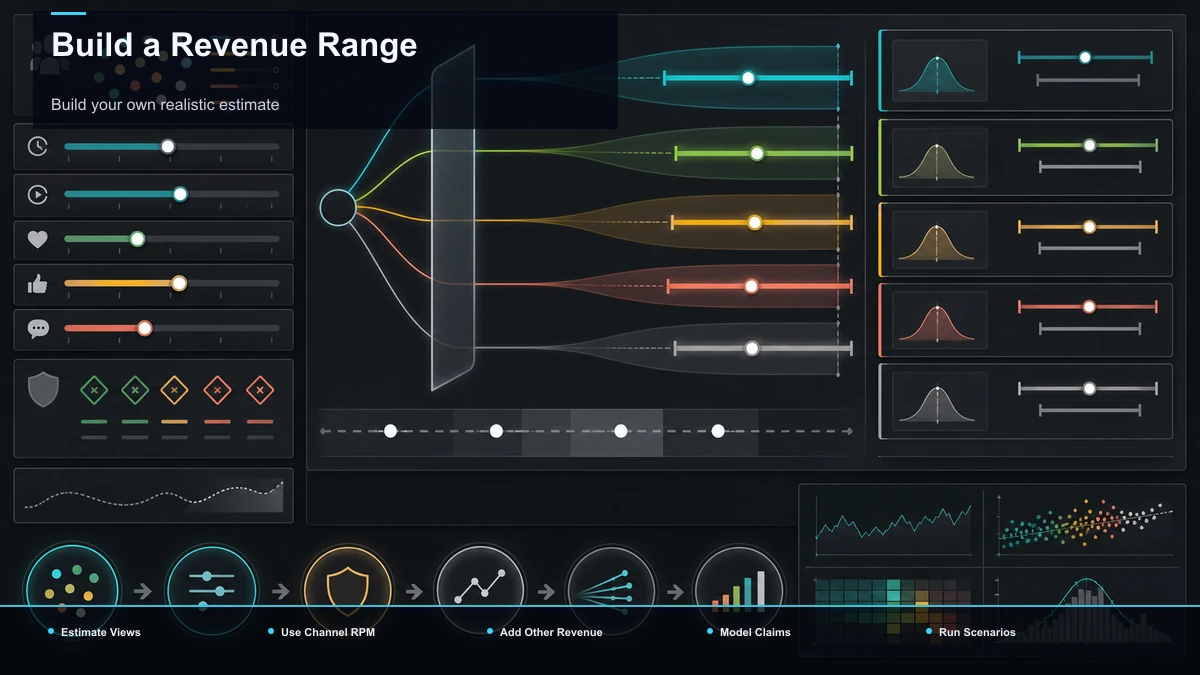
Why there's no single answer to how much movie recap channels make
The same public view count can sit behind very different revenue. YouTube's RPM is visible only to the channel owner and combines several revenue sources after YouTube's revenue share. Audience geography, advertiser demand, seasonality, revenue features, Shorts versus long-form viewing, and Content ID status can all change the result.
That is why third-party estimates should be treated as broad outside guesses. They can observe public views, but they cannot see the channel's Analytics, how much revenue came from memberships or Premium, or whether matched videos had revenue redirected. Use them for rough context at most; use your own Analytics for planning.
The movie recap channel income formula
For long-form videos, YouTube's creator-facing RPM relationship is:
Estimated YouTube revenue ≈ (total video views ÷ 1,000) × RPM
For Shorts, substitute engaged views because YouTube calculates Shorts RPM on that basis. RPM already includes the eligible revenue sources reported in YouTube Analytics, so do not add memberships or Premium a second time when using that figure.
Income earned outside YouTube is a separate layer:
Total creator revenue ≈ YouTube Analytics revenue + sponsorships + affiliate income + external product or service sales
If you need an ad-only analysis, use YouTube's estimated ad revenue and the corresponding ad metrics rather than mixing RPM with monetized playbacks. Playback-based CPM is an advertiser metric, not a substitute for creator RPM.
| Mostly original, advertiser-friendly long-form | Stronger demand | Potentially higher | Few matched videos | More revenue remains attributable to the channel | Same views, lower-demand audience mix | Weaker demand | Potentially lower | Few matched videos | Lower YouTube revenue at the same view count | Same views, videos under monetize claims | Varies | Dashboard must be checked | Revenue may be redirected or held | Public views overstate what the creator receives |
These are mechanisms, not promised rates. Your own Revenue tab is the source of truth.
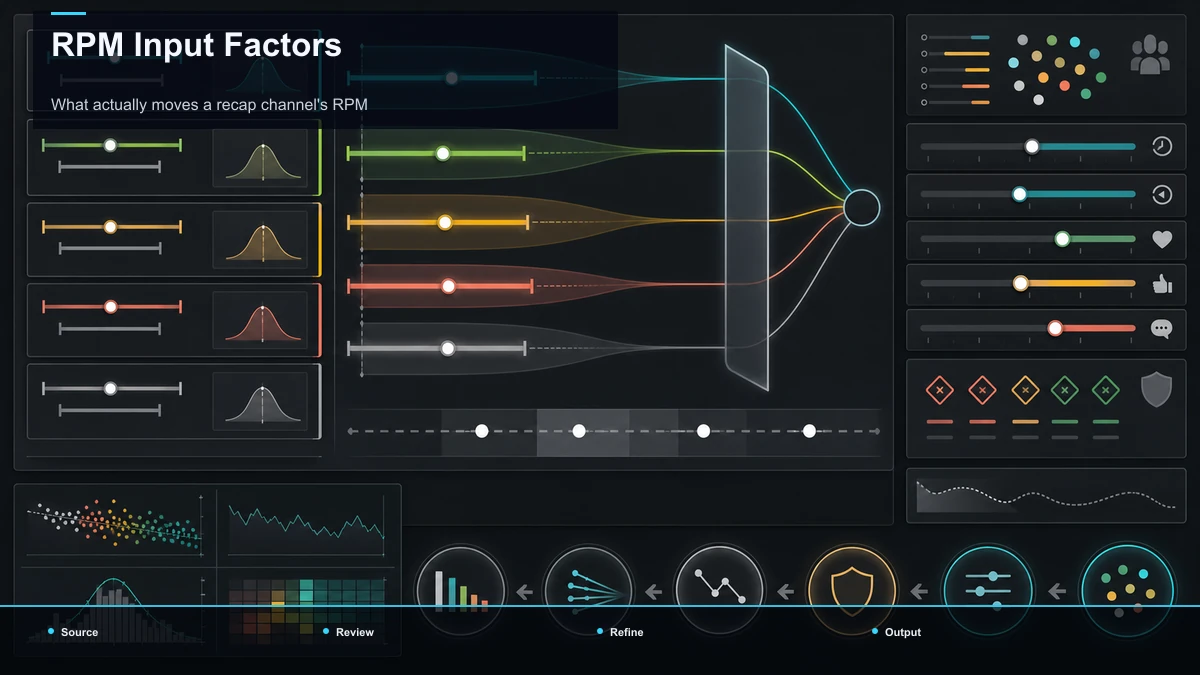
What actually moves a recap channel's RPM
Since RPM is half the formula, it's worth knowing what pushes it around. You can't set your RPM directly — YouTube and advertisers do — but you influence several of its inputs:
Notice what's not on this list: subscriber count. Subscribers help distribution and social proof, but YouTube's overall creator revenue is reflected through views and RPM; ad-only performance should be read from the separate ad metrics in Analytics. A channel with modest subscribers and strong per-video views can out-earn a bigger channel that posts rarely.
Revenue streams: recap YouTube earnings beyond ad revenue
YouTube revenue is only one possible part of a creator business. Access to platform revenue is gated by the YouTube Partner Program, whose current requirements belong on YouTube's official page. Sponsorships, affiliate programs, and external products follow separate contracts and can be modeled independently:
- Ad revenue: the base layer, once you're in the Partner Program. Real but variable, and, for recaps, exposed to Content ID.
- Channel memberships / fan funding: recurring support from your most engaged viewers, independent of the ad pool.
- Brand deals and sponsorships: paid placements. These depend on audience fit, the sponsor's requirements, and the signed agreement rather than a universal view threshold.
- Affiliate income: links to tools, books, or services your audience already wants, earning a cut of referred sales.
- Digital products: your own templates, guides, or a paid community, which keep the margin instead of splitting it with a platform.
Model each revenue source separately. Diversification can reduce dependence on one source, but every stream has its own eligibility, contract, demand, and execution risk. Do not count a stream until it is documented in the relevant dashboard or agreement.
How Content ID can affect recap revenue
YouTube's Content ID compares uploaded audio and video with reference files supplied by participating rights holders. A match can apply a monetize, block, or track policy. Depending on the policy and any dispute, revenue associated with a matched video may be directed to a rights holder or held while the dispute is resolved.
That means public views do not reveal how much revenue remained attributable to the channel. Check each video's status and reported revenue in YouTube Studio rather than assuming every visible view used the same revenue treatment.
Original scripts, narration, and cleared visual or audio assets create a clearer production record, but they do not guarantee that Content ID will not match or that a channel will retain revenue. Copyright exceptions are fact-specific and jurisdiction-specific; this is general information, not legal advice.
Build your own realistic estimate
Use a low, expected, and high scenario based on your own Analytics rather than one headline estimate.
| Total long-form views (or Shorts engaged views) | YouTube Analytics | RPM | YouTube Analytics → Revenue | Estimated YouTube revenue | (views ÷ 1,000) × RPM, or use the reported revenue directly | Content ID status | YouTube Studio → Copyright / video restrictions | + Sponsorships | Signed agreements for the period | + Affiliate income | Affiliate dashboards | + External product or service sales | Store, course, or community records | = Modeled creator revenue | Sum without double-counting revenue already included in RPM |
If you are not yet monetized, leave YouTube RPM blank. Model only income sources you can document today, and treat future platform revenue as an uncertain scenario rather than a salary forecast.
Realistic expectations: do recap channels make money?
So, do recap channels make money? Some channels earn meaningful revenue and others do not; public data cannot supply a reliable recap-channel average or timeline. YouTube revenue requires current Partner Program eligibility, while external streams require their own audience, contracts, or products. Build scenarios from documented inputs rather than treating consistency or upload volume as an earnings guarantee.
Manage the timeline honestly. Early on, treat the work as building an asset, not drawing a salary. Watch your own RPM and retention instead of comparing yourself to an estimator's fantasy of a bigger channel. Quality and consistency can support audience development, but neither guarantees views or revenue. Keep the forecast tied to measured channel data.
Improving the numbers you control
You cannot set RPM or guarantee views. You can measure production time, completed uploads, audience response, and the rights documentation attached to each video. Those are operational inputs, not promised earnings levers.
A browser-based workflow helps here because it collapses the pipeline into one place. Drafting a tight written outline first keeps you honest about how much of the video is original rather than borrowed — a plot summary generator can turn your notes into a first-draft structure you then rewrite in your own voice and narrate yourself. From there you record or generate your own voiceover, cut short purposeful clips, add clean captions, reframe to vertical for Shorts, and export — an original-first workflow creates a clearer production record, although it cannot prevent Content ID matches or guarantee watch time and RPM. For the wider business view of stacking streams and building a faceless channel into an income source, see how to make money with a faceless YouTube channel.
FAQ
What is the average income for a movie recap channel? No reliable public average is available because RPM, revenue mix, costs, and Content ID status are not visible outside the account. Use your own Analytics and documented agreements.
Are public channel-income estimators accurate? They are external estimates, not account records. They cannot see actual RPM, revenue composition, or video-level claim status, so use them only as broad context.
What happens to revenue when Content ID matches a recap? It depends on the rights holder's policy and any dispute. A monetize policy may direct revenue according to that policy, and disputed revenue may be held. Read the notice and check the video's Revenue and Copyright status in Studio.
Is there one best income stream beyond YouTube revenue? No. Sponsorships, memberships, affiliate programs, and products each have different demand, eligibility, contracts, costs, and disclosure duties. Model only sources supported by account records or signed agreements.
How long does a recap channel take to earn money? There is no fixed timeline. YouTube revenue requires current program eligibility; outside income depends on audience fit and valid commercial arrangements. Track verified milestones instead of borrowing another channel's timeline.
Model the range, then build the videos
Use the channel's own total views or Shorts engaged views, RPM, reported revenue, and Content ID status. Then add only documented outside income without double-counting anything already included in RPM. Create a free Recapo account to organize the script, narration, captions, clips, and vertical versions in one browser workflow. Production efficiency can lower your time cost; it cannot promise a view count, RPM, or income result.
References and official sources