How to Improve Your TikTok Recommendation Chances
Improve a TikTok video's recommendation chances with clear hooks, readable vertical framing, useful context, and tests based on your own analytics.

By the Recapo.ai Editorial Team · Fact-checked July 10, 2026
No checklist can guarantee that a TikTok will go viral. TikTok describes the For You feed as a personalized recommendation system that weighs multiple signals, including user interactions, video information such as captions and sounds, and lower-weight device or account settings. A completed view of a longer video is one example of a strong interest signal, but TikTok does not publish a universal completion threshold or a single ideal length.
The useful goal is therefore repeatable learning, not a viral formula: make the topic immediately clear, remove avoidable viewing friction, and test hooks, lengths, and presentations against your own audience data. This guide turns those controllable choices into a production and review loop.
Fact-check note: Platform rules and product limits were checked against official sources on July 10, 2026. They can change, so verify the linked source before acting on a threshold or specification.
Official source map: For evaluating TikTok reach, the recommendation-system points below are tied to TikTok's explanation of For You recommendations, TikTok's recommendation support page.
Key Takeaways
What "going viral" on TikTok really means in 2026
The For You feed is personalized to each viewer. TikTok says recommendations are ranked from a combination of user interactions, video information, and device or account settings, with actively expressed preferences generally carrying more weight than passive settings. The platform also diversifies recommendations and applies eligibility and safety rules.
TikTok does not publicly describe a universal "small test pool, then a fixed ladder" process for every post. Treat that popular explanation as a model, not documented platform behavior. The practical implication is still useful: every post should make its subject clear and give the intended viewer a reason to continue, respond, or share.
Use analytics diagnostically. A weak opening, unclear premise, unreadable text, or a payoff that arrives too late can all hurt a post, but one metric alone cannot explain recommendation outcomes.
A TikTok quality checklist you can test
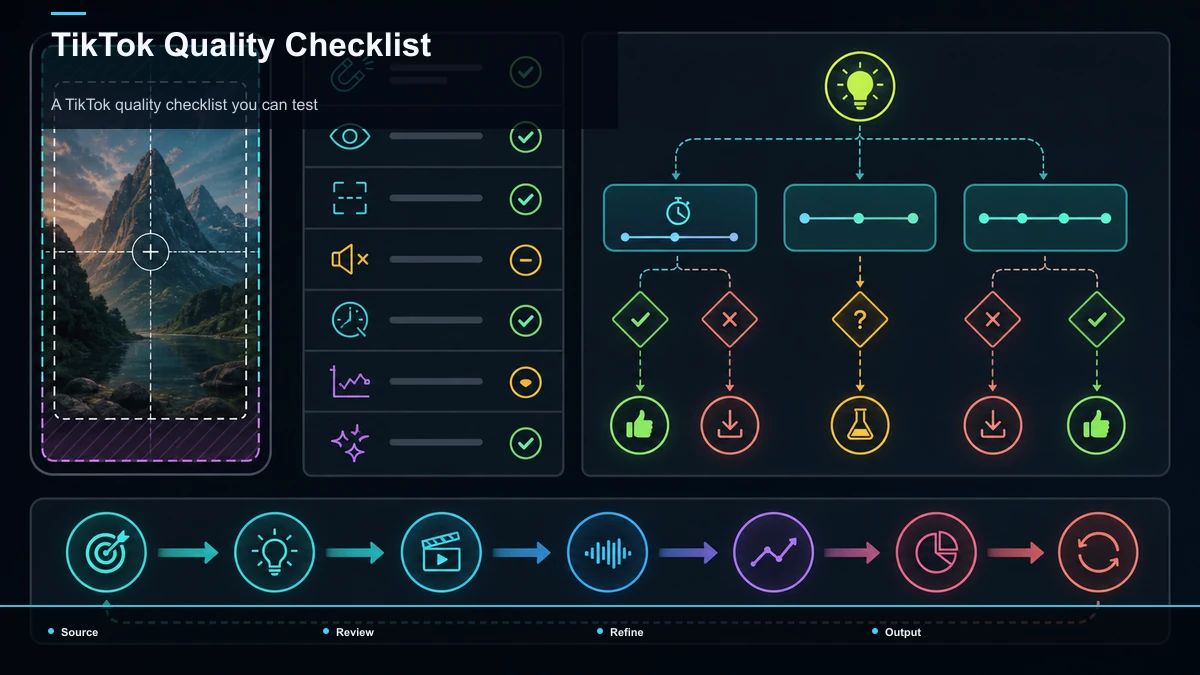
| Immediate premise | Viewers can decide whether the topic is relevant | State or show the payoff early without misleading them | Readable vertical frame | Full-screen composition reduces avoidable visual friction | Keep the subject and important text clear of interface areas | Accurate captions and useful sound | The idea remains understandable in different viewing contexts | Proof names, numbers, timing, and audio clarity | Complete payoff | The post fulfills the reason a viewer stayed | Remove setup that does not support the core idea | One controlled variation | Analytics can reveal what changed | Test one hook, length, caption, or framing change at a time |
This is a quality-control list, not a ranking-factor scorecard. Use it to create cleaner experiments and compare results across several posts.
Win the first 3 seconds
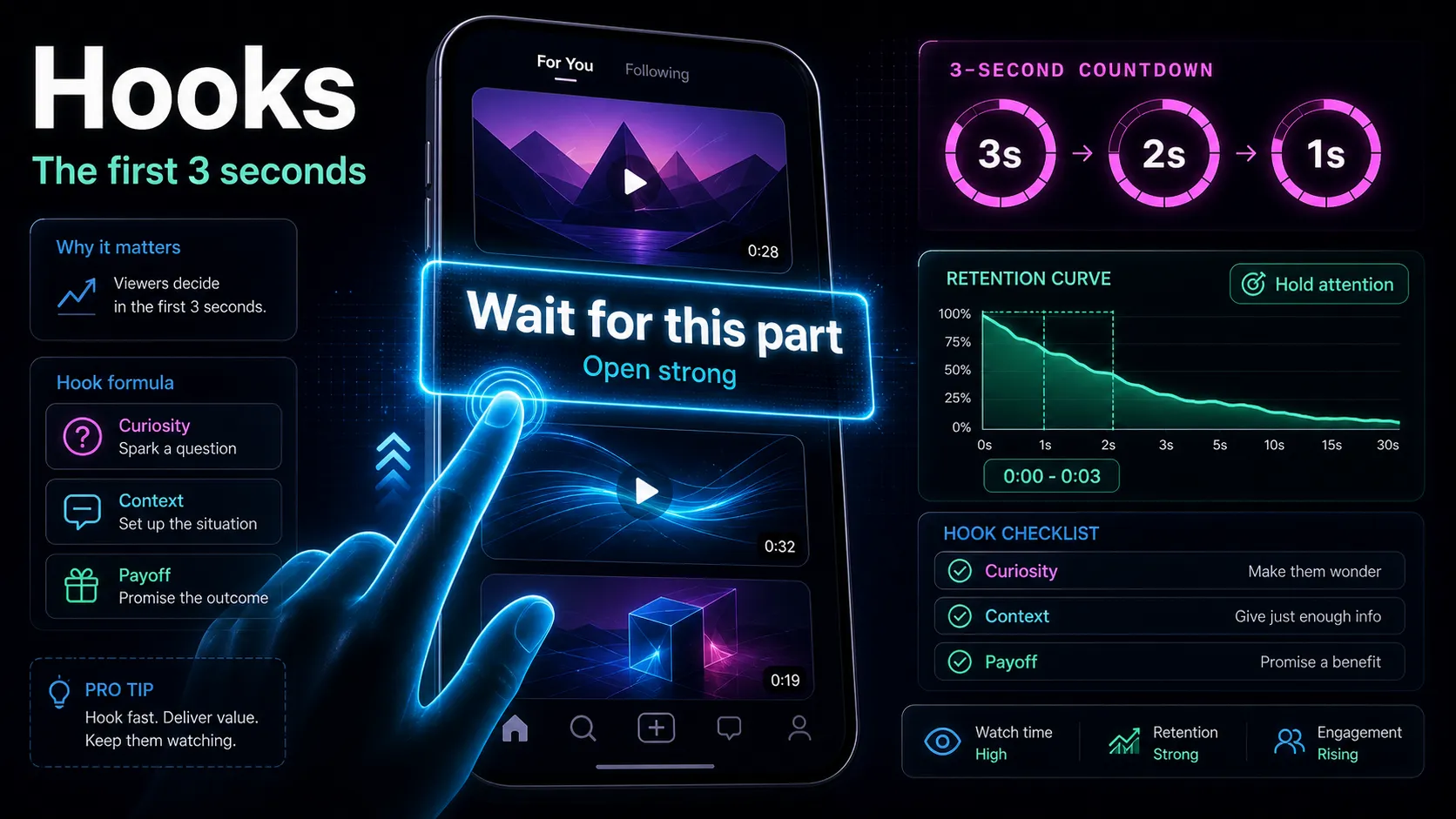
The opening is one of the first variables worth testing. Viewers can swipe before the first sentence finishes, so a slow "hey guys, so today I want to talk about…" introduction may lose attention before the topic is clear. Open in the middle of the action, or open on an explicit promise of the payoff, and put that promise on screen as text in the very first frame so it lands even on mute.
A practical pattern to test is tension or payoff first, context later. Instead of building up to the interesting part, start with it — the result, the surprising claim, the "here's the mistake everyone makes" — and let the rest of the clip earn it back. If you're sitting on a strong 20-second moment with a weak opening, don't scrap it; rewrite the first line. A hook generator is handy for spinning ten framings of the same idea so you can pick the one that promises the most without overpromising. For the underlying formulas — curiosity gaps, stakes, pattern interrupts — work through how to write video hooks and keep a swipe file of openers that have worked for you.
One constraint to stay honest about: the hook has to match the clip. A misleading opener may prompt viewers to leave when the promised payoff does not arrive. Keep the opening consistent with the clip and review the resulting retention data. Promise something the clip actually delivers.
Format for the For You Page: 9:16 and sound-off captions
Two format decisions make a clip easier to read in a full-screen feed.
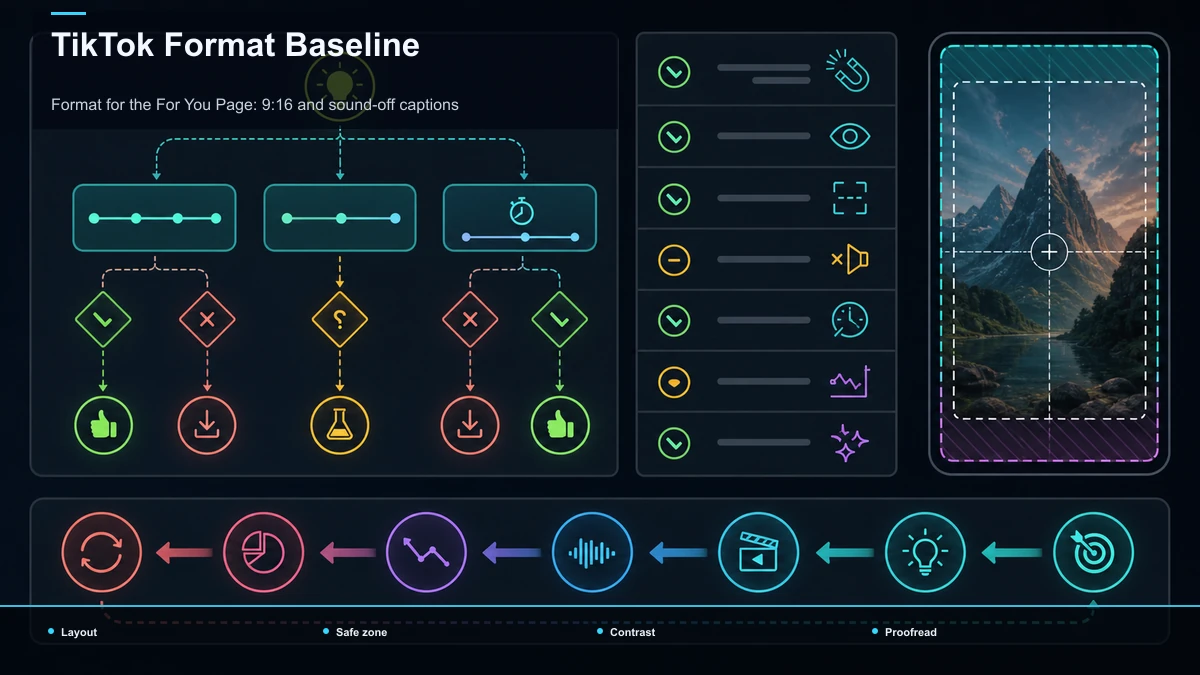
Fill the screen with 9:16. TikTok is a full-screen vertical feed. Letterboxing or an off-center subject can make the post harder to read and leave less room for the main idea. If your source is horizontal (a talking-head recording, a stream, a long-form upload), reframe it to vertical so the subject stays centered and the frame is edge-to-edge. A TikTok video resizer handles the aspect-ratio conversion in one pass; the point is that every clip you post should look like it was born vertical, not cropped as an afterthought.
Caption for viewers who watch without sound. Some viewers encounter a post with audio off or in a setting where they cannot listen. Burned-in captions improve accessibility and keep the message understandable in those contexts. Run auto-captions to generate the track in one pass, then proofread names, brands, and numbers, because a wrong word on screen is more jarring than a wrong word out loud. Style them large and high-contrast, keep them clear of TikTok's right-side buttons and bottom bar, and consider word-by-word emphasis to pull the eye down each line. Captions support viewers without sound and can reinforce the point for viewers who listen with audio on.
Together, vertical reframing and captions improve readability without requiring a reshoot: two useful edits on footage you already have.
Give TikTok and viewers clear topic context
TikTok's published recommendation explanation lists video information such as captions, sounds, and hashtags among its inputs. Use those fields to describe the actual subject clearly. A natural caption and a few relevant hashtags are more useful than unrelated keyword stuffing.
On-screen text also helps a viewer understand the premise quickly, although TikTok does not publish a fixed ranking weight for every text element. Say what the clip is about, keep the wording consistent with the payoff, and use analytics or search data to see which phrasing reaches the intended audience.
Choose the shortest length that fully delivers the idea
There is no universal TikTok length that goes viral. Short posts can loop easily; longer posts can hold attention when the story, demonstration, or explanation earns the time. TikTok's own support material even cites enjoyment of longer videos as one possible recommendation reason.
For a one-idea clip, 15–30 seconds can be a useful experiment, not a rule. Test it against a longer cut that preserves necessary context. Compare average watch time, completion, rewatches, comments, shares, and the quality of the audience response instead of optimizing one ratio in isolation.
Pacing should serve comprehension. Remove dead air and repeated setup, but do not cut so aggressively that the viewer cannot follow the idea. End when the promised payoff is complete.
Originality, audience response, and controlled testing
Make the presentation fit the idea. A native-looking clip can feel approachable, while polished production can be appropriate for a demonstration or brand account. Neither style is automatically favored; clarity and relevance come first.
Treat every interaction as evidence, not a fixed hierarchy. TikTok names likes, shares, comments, follows, and viewing behavior among recommendation inputs, but it does not publish a universal statement that shares always outweigh likes. Look for the response that matches your goal: saves for a reference, comments for a discussion, or qualified profile visits for a series.
Run controlled tests. TikTok does not document every creator's existing followers as the mandatory first distribution pool. Publish consistent topics, change one meaningful element at a time, and compare several posts before drawing a conclusion.
Build a repeatable TikTok workflow
Here's the part the "just post more" crowd skips: consistency is a production problem, not a discipline problem. Hand-editing many polished vertical clips from scratch every week can be difficult to sustain. The creators who sustain volume don't start from scratch — they clip long-form they already have and run every clip through the same checklist.
If you publish long videos, podcasts, streams, or talking-head uploads, each one is a batch of TikToks waiting to be cut. Here's a cadence that gets you to volume without burning out:
- Source. Pick 2–3 long videos or recordings you already have as raw material for the week.
- Clip. Cut self-contained moments with a clear premise and payoff; let the idea determine the length.
- Reframe. Resize each clip to 9:16 so it fills the screen edge-to-edge.
- Caption. Auto-caption every clip, proofread, and style for sound-off.
- Describe. Write a natural, topic-specific caption and add concise on-screen context where it helps the viewer.
- Export & schedule. Build a cover, export vertical, and space the clips across the week.
A browser-based workspace like Recapo folds that chain — transcribe and caption, long-to-short clipping, summaries and scripts, AI voiceover, resize and vertical reframing, cover and export — into one tab with no install, and it accepts large source files up to 6GB total per task, which matters when your source is a full long-form upload rather than a trimmed snippet. The specific tool matters less than the principle: batch from existing footage so weekly production becomes a repeatable session instead of a fresh edit every time. Don't take any setup on faith, though — test one representative source: push a single long video through it and count how many captioned, 9:16, hook-first clips you have at the end, and how long it took. App round-trips, usable clips per hour, and revision time are practical measures when you publish at volume.
FAQ
Is going viral on TikTok just luck? There is uncertainty in any post's reach, but creators can improve the quality of their experiments: choose a clear audience, deliver the premise quickly, remove viewing friction, and learn from several posts rather than one outcome.
What completion rate do I need to get on the TikTok FYP? TikTok does not publish a universal threshold. Completion can be useful, and finishing a longer video is one example of a strong interest signal, but recommendations combine multiple signals.
How long should a TikTok be to go viral? There is no universal length. Use the shortest version that still delivers the promised idea, then test alternative cuts with your own analytics.
Do hashtags or captions matter more? TikTok lists captions, sounds, and hashtags as video information used by its systems, but does not publish a simple weight comparison. Describe the topic naturally and avoid unrelated tags.
How many TikToks should I post? Choose a cadence that produces enough comparable data without lowering quality. A repeatable clipping workflow can help, but volume is not a substitute for relevance or originality.
Turn one long video into a useful test batch
Start with one source video and create a small set of genuinely different cuts: vary one hook, length, or presentation choice at a time. Create a free Recapo account, prepare vertical framing and accurate captions in one browser workflow, then compare the results in TikTok's own analytics. Processing and rendering run in the cloud; no tool can guarantee recommendation or virality.
References and official sources