How to Make a Book Summary Video
Build a copyright-aware book summary video workflow for BookTube and BookTok, from source assessment and outlining to voiceover, visuals, and captions.
By the Recapo.ai Editorial Team · Fact-checked July 10, 2026
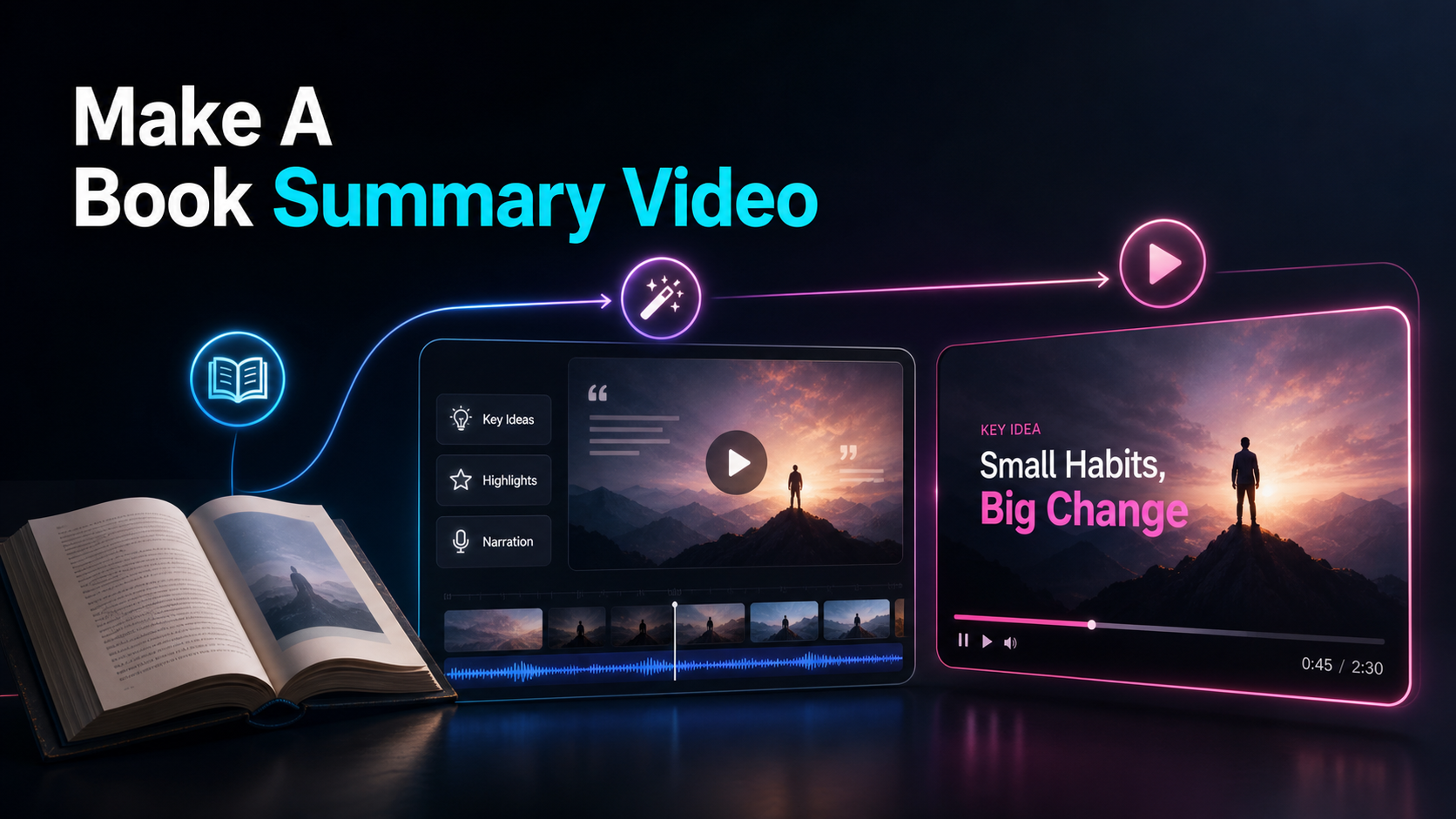
Making a book summary video comes down to a repeatable pipeline: choose a book and assess the rights and use rationale, compress it into an honest outline, write a script with a hook, record or generate the narration, then layer visuals and captions on top. This guide is built for BookTube and BookTok creators who want that loop to run every week — not a one-off upload — so it puts copyright and fair use first, where they belong. Learning how to make a book summary video is really two skills stacked together: the editorial craft of compressing a book without flattening it, and the documentation discipline of reviewing sources, permissions, quotations, and platform notices. Both need a repeatable review step; production speed does not remove the need to assess each video's actual sources and use.
The angle here is the workflow, not a single video. A book summary youtube video and a 45-second BookTok are the same raw material cut two ways, so once you have a clean summary and a script, you should be able to produce both without starting over. We'll walk the pipeline end to end and stay honest about where a browser-based video tool speeds things up and where it can't help, because no tool reads the book for you.
Information note: This is general information, not legal advice. Copyright outcomes depend on the facts and jurisdiction; primary sources were checked on July 10, 2026.
Official source map: For book-summary videos, the fair-use and Content ID points below are tied to YouTube's fair-use guidance, Content ID documentation, the U.S. Copyright Office Fair Use Index.
What a book summary video actually is
"Book summary video" covers a few related formats, and picking yours before you script saves a rewrite. The three most common:
| Pure summary | The plot or key ideas, condensed and in order | 3–12 min | YouTube | Book review video | Summary plus your opinion, rating, who it's for | 6–15 min | YouTube (BookTube) | Short-form hook | One idea, twist, or takeaway that sells the book | 20–60 sec | TikTok, Shorts, Reels |
A booktube summary usually blends the first two: enough plot or argument to be useful, plus a point of view that makes it yours. On the short side, a book review compressed to BookTok works best as one self-contained idea rather than a miniature version of every chapter. Knowing which of these you're making changes everything downstream: the summary depth, the script length, and how many clips you'll cut from one recording.
Fiction and non-fiction also split the craft. Fiction summaries live on story — characters, turning points, the ending (or a deliberate no-spoiler cutoff). Non-fiction summaries live on ideas — the central argument and the points that support it. Decide which spine you're building on before you write a word.
Start with copyright, not the camera
Copyright status and exceptions vary by country. The framework below is general information, not legal advice; confirm the law that applies to you and the specific edition, translation, quotations, cover art, audio, and visuals you plan to use.
U.S. law identifies four factors, and no single factor decides the result:
- Purpose and character of the use. Courts consider matters such as commentary, criticism, transformation, and commercial purpose.
- Nature of the copyrighted work. Highly creative or unpublished works can weigh differently from factual or published works.
- Amount and substantiality used. Both quantity and importance matter; even a short quotation can be significant if it takes the "heart" of the work. There is no automatic safe percentage.
- Effect on the potential market. A video that substitutes for the book, licensed summary, audiobook, or another expected market is riskier than one that adds a distinct critical purpose.
A cautious editorial posture is to use only what supports a specific point, keep quotations limited, add genuine analysis, identify sources, and avoid marketing the video as a replacement for the book. When the use is central to a commercial project or uncertain, obtain qualified advice.
How YouTube Content ID (and platform rules) actually work
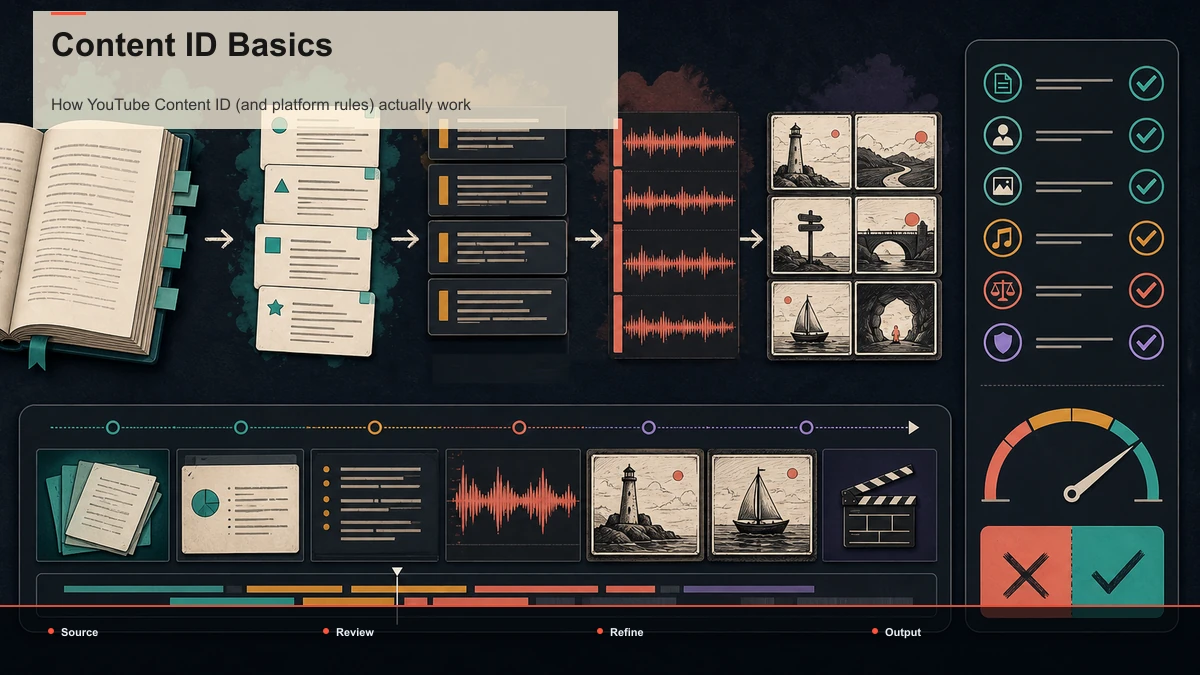
Copyright law and platform enforcement are related but separate. YouTube's Content ID compares uploaded audio and video with reference files supplied by rights holders. For a book-summary creator, likely matching inputs include audiobook audio, footage from a film or television adaptation, and uncleared music.
A Content ID match can generate a claim whose policy is to monetize, block, or track the video. A copyright strike is different: it follows a valid legal removal request. Neither an automated claim nor a platform decision is a court ruling on fair use. Build the visual and audio layer from material you created or are licensed to use, and read any notice before deciding whether to edit, accept, or dispute it.
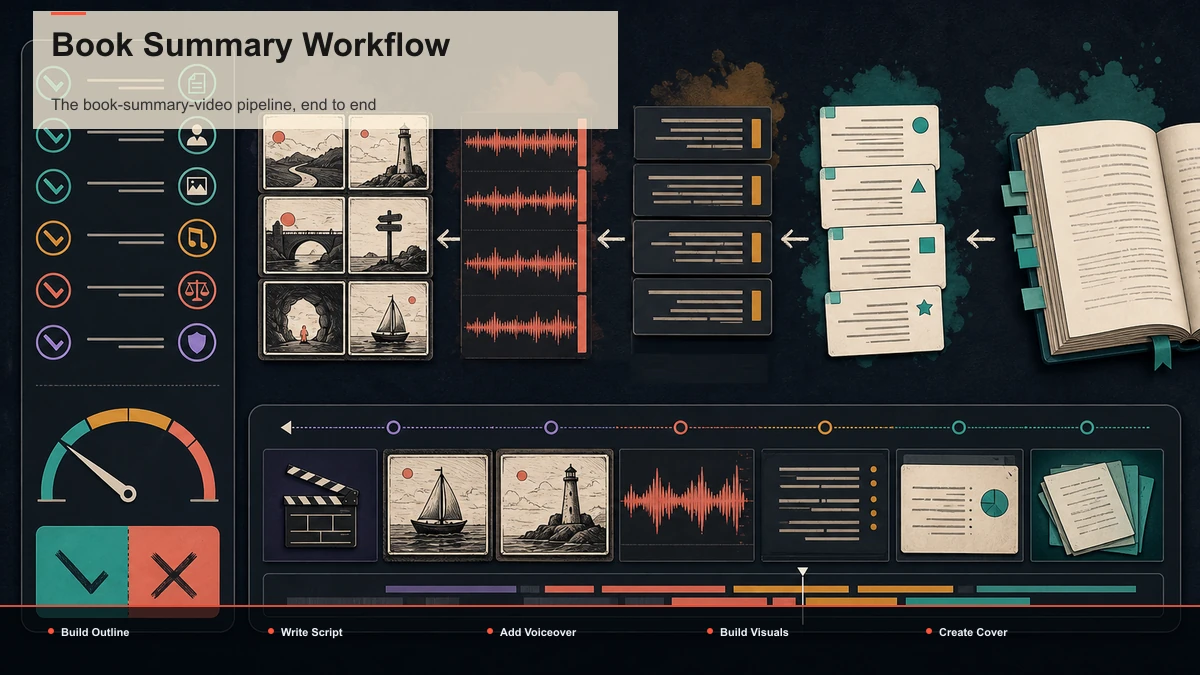
The book-summary-video pipeline, end to end
Here's the repeatable loop. The first two steps are yours alone; a browser tool like Recapo speeds up the back half. It's honest to say a book isn't a video, so the tool helps most once you've turned the book into words and voice.
- Pick a book and document your use rationale. Verify public-domain status for the exact edition and jurisdiction, or define the commentary purpose and material you actually need. Do this before production.
- Compress it into an outline. Read (or re-read) and pull the spine: for fiction, the beats in order; for non-fiction, the argument and its supports. If your raw material is already a video — an author talk, a lecture, a long interview — the video summarizer condenses the runtime so you start from the core instead of scrubbing a timeline. For a fiction plot, the plot summary generator turns the story into ordered beats you can rearrange and trim. Treat any AI output as a draft — it can miss or invent a point, so check it against the book.
- Write the script. Shape the outline into narration with a hook up front. This is where your voice lives; more on it below.
- Add the voiceover. Record your own, or generate one with the voiceover maker so a faceless channel gets clean narration without a mic or a booth. Match the voice to the book — measured for literary fiction, brisk for a productivity title.
- Build visuals and captions. Layer B-roll, kinetic text, or created imagery under the narration, then auto-caption so the video works on mute. Reframe to vertical for the TikTok, Shorts, and Reels cut.
- Design a cover and export. A thumbnail that shows the book and your angle, then export the long version and the short cuts.
The reason a single browser workspace matters here is that steps three through six usually sprawl across a recorder, a captioning app, a resizer, and a thumbnail tool. Keeping the script, voiceover, captions, reframing, cover, and export in one tab removes the copy-paste tax between them. If you're going faceless, how to make faceless videos covers the narration-plus-visuals approach in depth, and how to evaluate AI video summarizers helps when your source is a talk or lecture rather than the book itself.
Writing a script that holds attention
The summary is information; the script is what makes people stay. Structure beats polish:
A book review video needs one extra layer: a clear point of view. Who is this for, who should skip it, and what did you actually think. A clear point of view can make the video more useful than a plain summary, but opinion alone does not determine fair use or permission.
Visuals without your face — or any film clips
Book content is words, so the visual layer is where new creators freeze. You don't need to show your face, and you should not lean on footage from a screen adaptation. Options that reduce avoidable copyright exposure:
| Kinetic typography | Key quotes, non-fiction ideas | Keep text short and legible on mobile | Licensed stock B-roll | Mood, atmosphere, transitions | Confirm the license covers monetized video | Created / AI imagery | Scenes, concepts, characters | Match a consistent style; label if a platform requires it | Your own footage | Reading nooks, the physical book | Check visible cover art, people, and locations for separate rights | Animated captions | Retention on mute across all platforms | Sync accuracy matters more than style |
Captions deserve their own emphasis: some short-form video is watched without sound, so burned-in or animated captions aren't decoration — they're how the summary lands at all. Whatever you choose, the rule holds: build the picture from assets you own or have cleared, and let narration plus text carry the story.
Turn one long book video into a week of shorts
This is the workflow payoff, and where the "repeatable pipeline" promise cashes out. One recorded BookTube summary is a supply of short-form clips if you cut it right.
- Record the complete version first. Let the approved outline and tested narration pace determine its runtime.
- Find the self-contained moments. Each strong beat — a twist, a hot take, a single idea — can stand alone as a short.
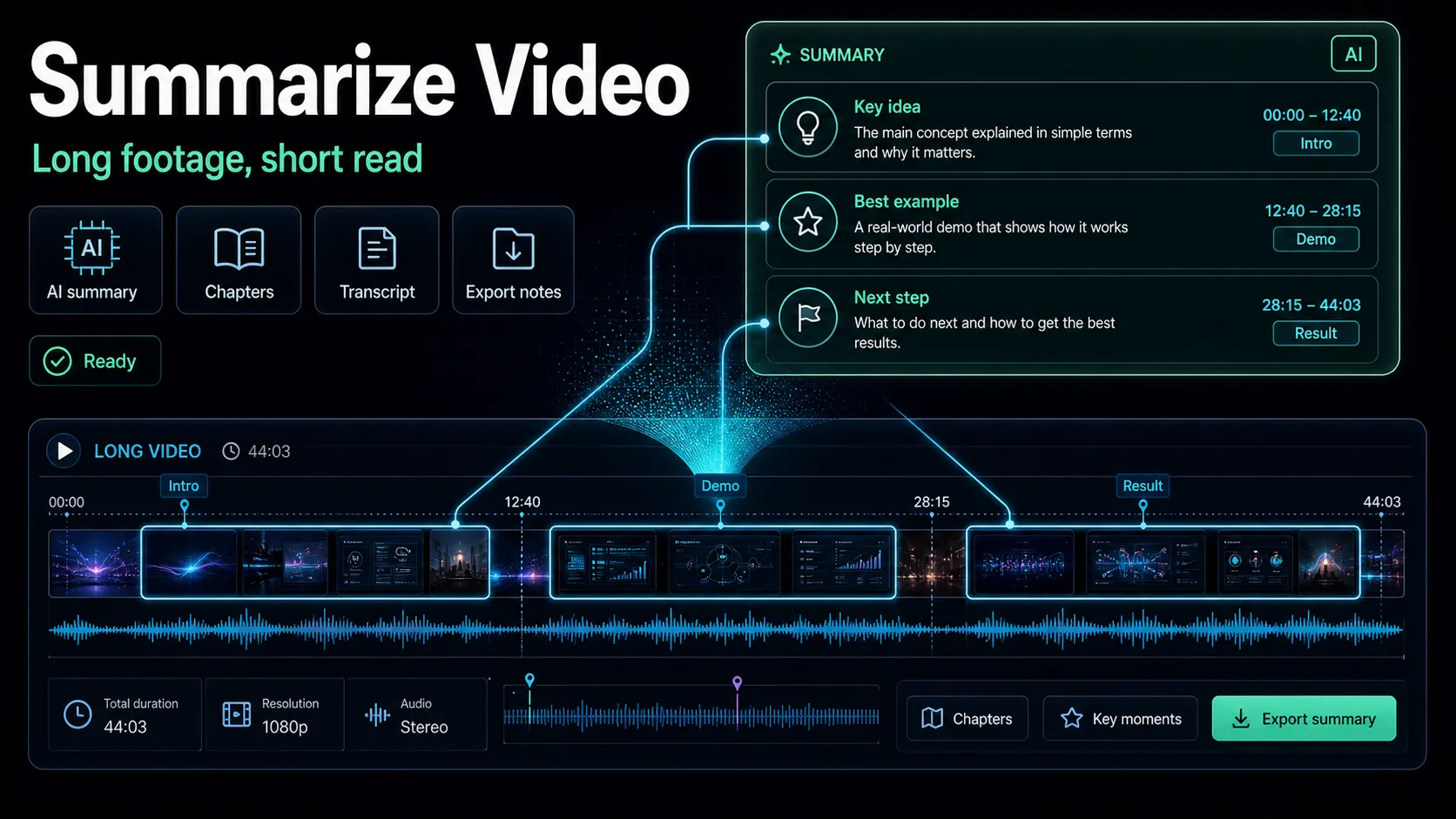
- Condense to find them fast. Run the long recording through the video summarizer to surface the highest-value moments instead of scrubbing the whole timeline.
- Cut, reframe, caption. Pull each moment, reframe to vertical, and caption it for TikTok, Shorts, and Reels.
- Give each short its own hook. The clip that opened your long video isn't automatically the best opener for a standalone short — lead each one with its own strongest line.
One book, one recording, a long-form upload plus a handful of shorts — that ratio is what makes a summary channel sustainable instead of a treadmill. It's also the honest reason a video-repurposing tool fits BookTube and BookTok creators well, even though summarizing a book itself is a skill no tool replaces.
A quick test before you build a channel
Before committing to a niche, run one book through the whole pipeline and grade the result yourself:
- Pick a book you know cold so you'll catch any error in an AI-assisted outline.
- Run the full loop once: outline, script, voiceover, one long cut, one short.
- Grade the summary for accuracy and order, the script for whether it hooks, and the short for whether it works on mute.
- Check your copyright posture: public domain, or a real commentary angle with cleared audio and visuals.
- Measure your rewrite time. How much you had to fix the AI draft is your true per-video cost.
Record the time required for each stage. If later runs become faster without losing accuracy, the workflow is becoming repeatable; if every video needs a full rebuild, fix that stage before scaling.
FAQ
How do I make a book summary video without showing my face? Write a script, generate or record a voiceover, and pair it with kinetic text, licensed stock, or created imagery — no camera required. Auto-caption the result so it works on mute. The only thing you can't skip is the summary itself: you have to read the book and compress it honestly. A faceless setup handles everything after that.
Is it legal to summarize a copyrighted book on YouTube? There is no automatic yes or no. The answer depends on the applicable law, the work and edition, what you use, and what purpose the video serves. In the United States, all four fair-use factors are weighed together; other countries use different exceptions. This is not legal advice. Keep quotations tied to analysis, avoid substituting for the book, verify public-domain status by edition and country, and obtain advice when the use is uncertain.
Will YouTube Content ID flag a book summary video? It can, but not for the book's text — Content ID matches audio and video, not words. The usual triggers are audiobook clips, footage from a film or TV adaptation, and background music. Build the visual layer from footage you own, licensed stock, or created assets, and use cleared music to reduce common sources of automated matches.
How long should a book summary video be? It depends on scope and publishing limits. Use the shortest complete version for one idea, and let a longer summary or review run only as long as its approved outline requires. Test alternatives with your own audience; platform labels do not establish a universal duration.
Can AI write my book summary for me? It can draft structure, but it shouldn't have the final word. AI can miss a plot point or invent one, so treat any generated outline as a first pass and check it against the book. The parts that make your video worth watching — your angle, your hook, your verdict — still have to come from you.
Start your book summary channel with one video, end to end
A quick way to decide whether this workflow fits your channel is to take one book all the way through it. Once you've got your outline and script, create a free Recapo account and run the back half in one browser tab: structure a plot into beats, generate a voiceover, cut the long version and a vertical short, auto-caption both, design a cover, and export — uploads up to 6GB total per task, nothing to install. Do it once on a verified public-domain edition you know well, and you'll have both a finished book summary video and a repeatable pipeline for the next one; check current limits and options on the pricing page.
References and official sources