Short-Form Video for Ecommerce: Product Clips That Convert
Plan ecommerce short-form video by product question, proof, source rights, CTA, captions, and a workflow for repurposing existing brand footage.
By the Recapo.ai Editorial Team · Fact-checked July 10, 2026
Short form video for ecommerce is now the front door to most online stores: a fifteen-second clip in someone's feed does the job a static product page used to do alone. But search for the term and you land in a mess — half strategy essays insisting short video "converts," half done-for-you studios quoting a monthly retainer before you've decided what you need. This guide takes a narrower, more useful angle. It sorts the product clip formats that actually move inventory from the ones that just chase views, and it draws an honest line between the two production paths that get blurred together: shooting fresh clips with a camera, and repurposing the brand and long-form footage you already own. Both belong in an ecommerce video content plan. Only one of them can be automated in a browser — and pretending otherwise wastes your time — so we'll be specific about where each fits, and where a tool genuinely saves hours versus where you still need to point a camera at the product.
Why short-form video works for ecommerce
Short-form feeds are discovery engines, not search bars. A shopper doesn't go looking for your product; the platform decides to show it to someone who might want it, based on how a clip performs in its first seconds. That flips the old ecommerce logic: instead of driving traffic to a page and hoping it converts, the video is the top of the funnel. TikTok's own business resources frame short video as a way for products to get discovered by people who weren't searching, and Instagram and YouTube position Reels and Shorts the same way — as native surfaces where a good demo travels on its own.
Three things make the format sell for online stores specifically:
- Demonstration beats description. A product page describes; a clip shows the thing working. Fifteen seconds of "here's the problem, here's it solved" does more than a paragraph of features.
- Muted, fast, native. Some feed viewing happens sound-off and thumb-moving. Vertical framing and on-screen captions aren't polish — they're the difference between a clip that reads and one that scrolls past.
- It compounds. One product can support dozens of angles. That's why ecommerce product videos reward volume: you're not making the perfect ad, you're feeding a feed that rewards frequency and fresh hooks.
The product clip formats that convert
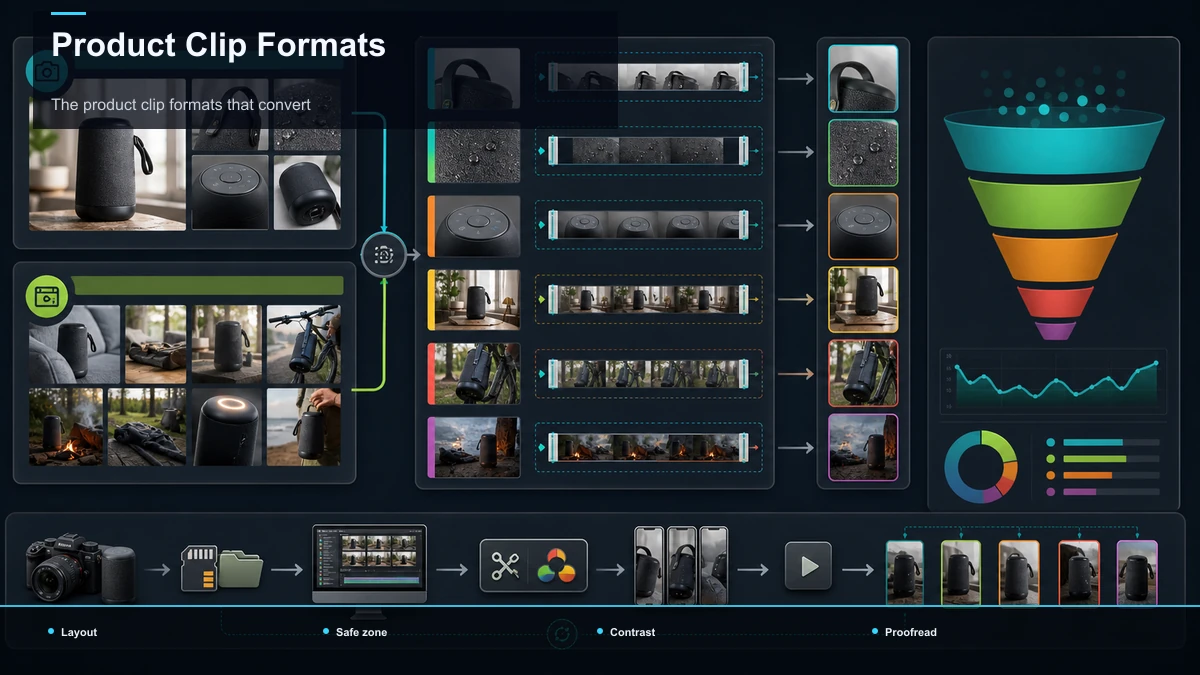
Not every short video sells. The formats below are the ones that reliably move product, and they split cleanly by whether they need a fresh shoot or can be built from footage you already have.
| Format | What it is | Why it converts | Where the footage comes from |
|---|---|---|---|
| Product demo clip | The item doing its one job, up close | Removes doubt — buyers see it work | Fresh shoot, usually |
| UGC-style testimonial | A real-feeling person talking to camera | Trust; reads as a recommendation, not an ad | Fresh shoot or creator-submitted |
| Unboxing / first look | The reveal and first reaction | Taps curiosity and "what do I get" | Fresh shoot |
| Problem → solution | Show the pain, then the fix | Frames the product as the answer | Fresh shoot, or repurpose a demo |
| Founder / brand story | Who made it and why | Differentiates a commodity on meaning | Often repurposed from long video |
| "3 ways to use it" | One product, multiple use cases | Expands the buyer's imagination | Repurpose a longer explainer |
| Review / roundup cut | A trusted voice covering the product | Social proof at scale | Repurpose a long YouTube review |
Notice the right-hand column. Product demo clips and unboxings almost always need a camera. But the story, use-case, and review formats are frequently already recorded somewhere longer — which is exactly the material a repurposing workflow was built for.
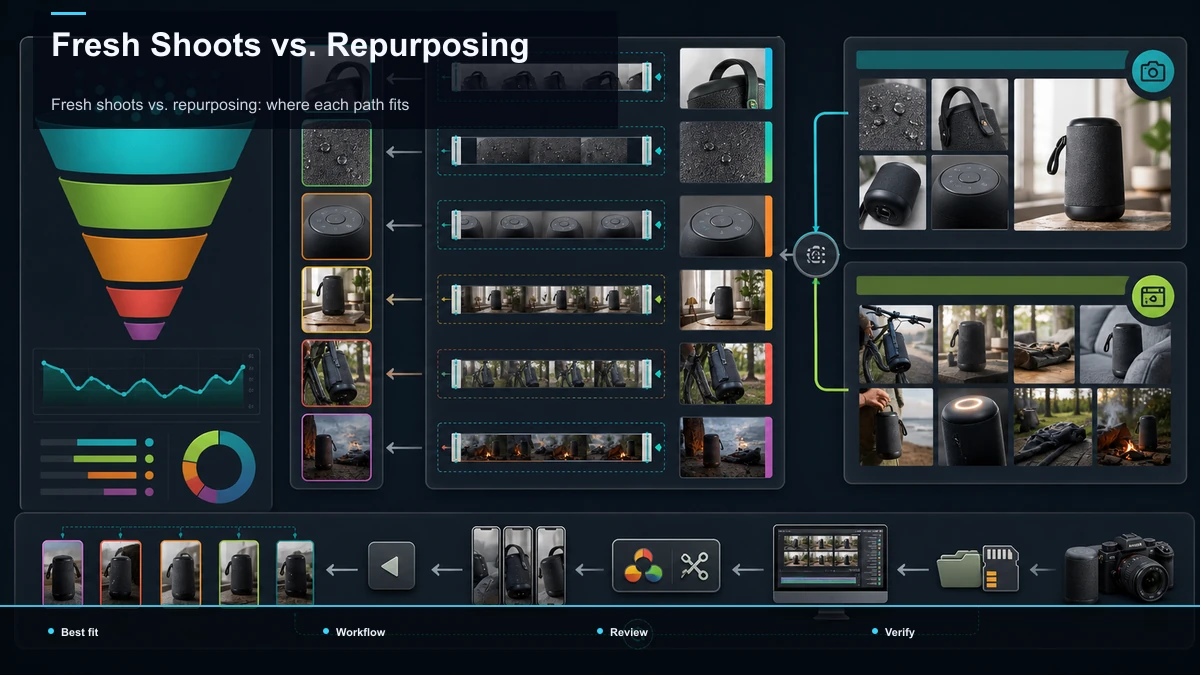
Fresh shoots vs. repurposing: where each path fits
Here's the honest split that most "short form video for online stores" guides skip. Ecommerce short-form leans heavily on fresh, shot-for-the-feed content — a phone, the product in hand, someone talking. That work happens with a camera, not a browser tab. What can be automated is the other half of your library: the launch video, the founder livestream, the webinar demo, the long YouTube review — long assets that can be mined for short clips.
| Fresh shoots | Repurposing existing footage | |
|---|---|---|
| Typical output | UGC, demos, unboxings, try-ons | Story clips, use-case cuts, review pulls |
| What it needs | A camera, a product, a person | A long video file you already own |
| Where the work lives | On set / on a phone | In a browser video tool |
| Strength | Feels native and current | Cheap volume from sunk footage |
| Honest limit | Can't be automated away | Won't replace shooting new UGC |
The takeaway: don't try to automate the part that needs a camera, and don't hand-edit the part that doesn't. A healthy ecommerce feed usually runs both engines — you shoot fresh UGC every week, and you squeeze every long asset you already paid to produce. A browser tool earns its place on the second engine only. If someone sells you software that promises to replace your product shoots, they're overselling.
Turn existing footage into product clips: a workflow
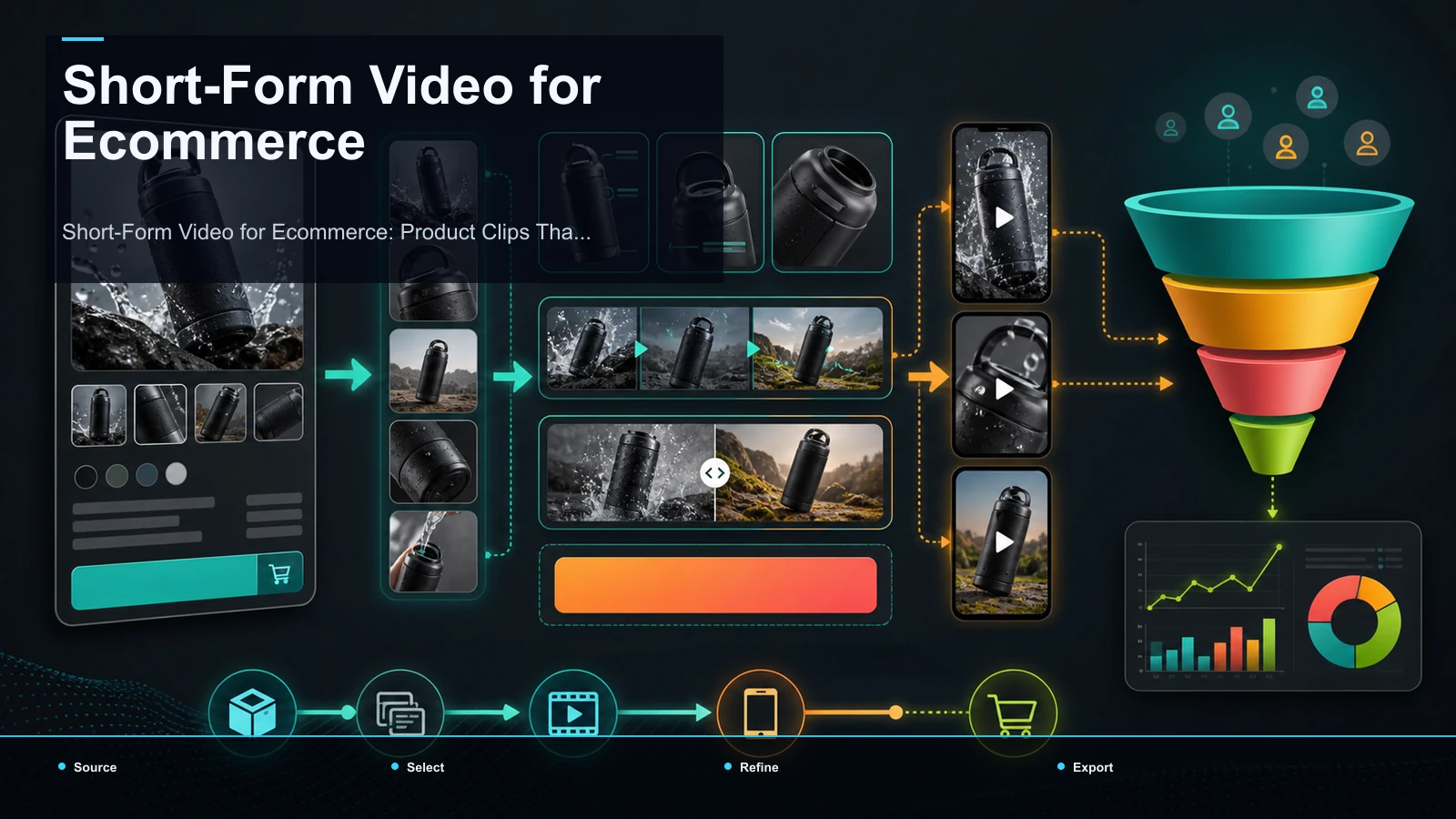
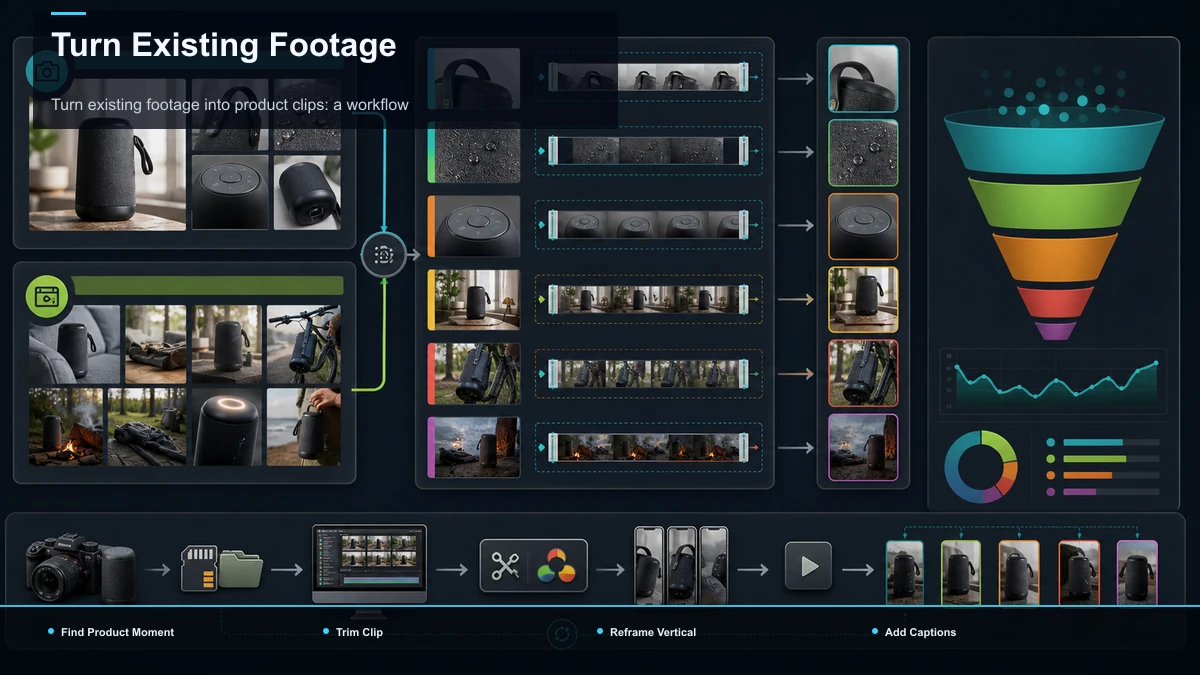
This is the sliver a browser workspace actually automates. If you have a long asset — a product launch stream, a founder interview, a webinar walkthrough, a creator's long-form review — here's how to turn it into short product clips without opening a timeline editor. Run it the same way each time and it stops feeling like editing.
- Pick a source with a moment in it. Not every long video repurposes well. You want footage where the product is clearly on screen and something happens — a demo, a strong line, a visible reaction. A 40-minute talking-head with no product in frame won't yield much.
- Find and trim the moment. Pull the 15–40 seconds where the product does its job or the speaker lands the point. Cut it tight — open on the action, end on the payoff, drop the throat-clearing. A clip that needs 10 seconds of setup is already gone in the feed.
- Reframe to vertical. Long footage is almost always 16:9; feeds are 9:16. Recompose it — keep the product and the speaker centered rather than letterboxing a wide frame. A TikTok video resizer does this in a step, and the same 9:16 export drops straight into TikTok, Reels, and Shorts.
- Caption it. Some viewers encounter the clip without sound, so uncaptioned clips lose the pitch. Run the clip through auto-captions to generate timed subtitles from the audio, then fix the product name and any specs — those are the exact words a buyer notices when they're wrong.
- Add or refresh the voiceover if needed. If the source audio is messy or you want a cleaner pitch over B-roll, layer a narration track with a voiceover maker. This is also how you spin one demo into several product-video-for-TikTok-Reels variants with different hooks over the same footage.
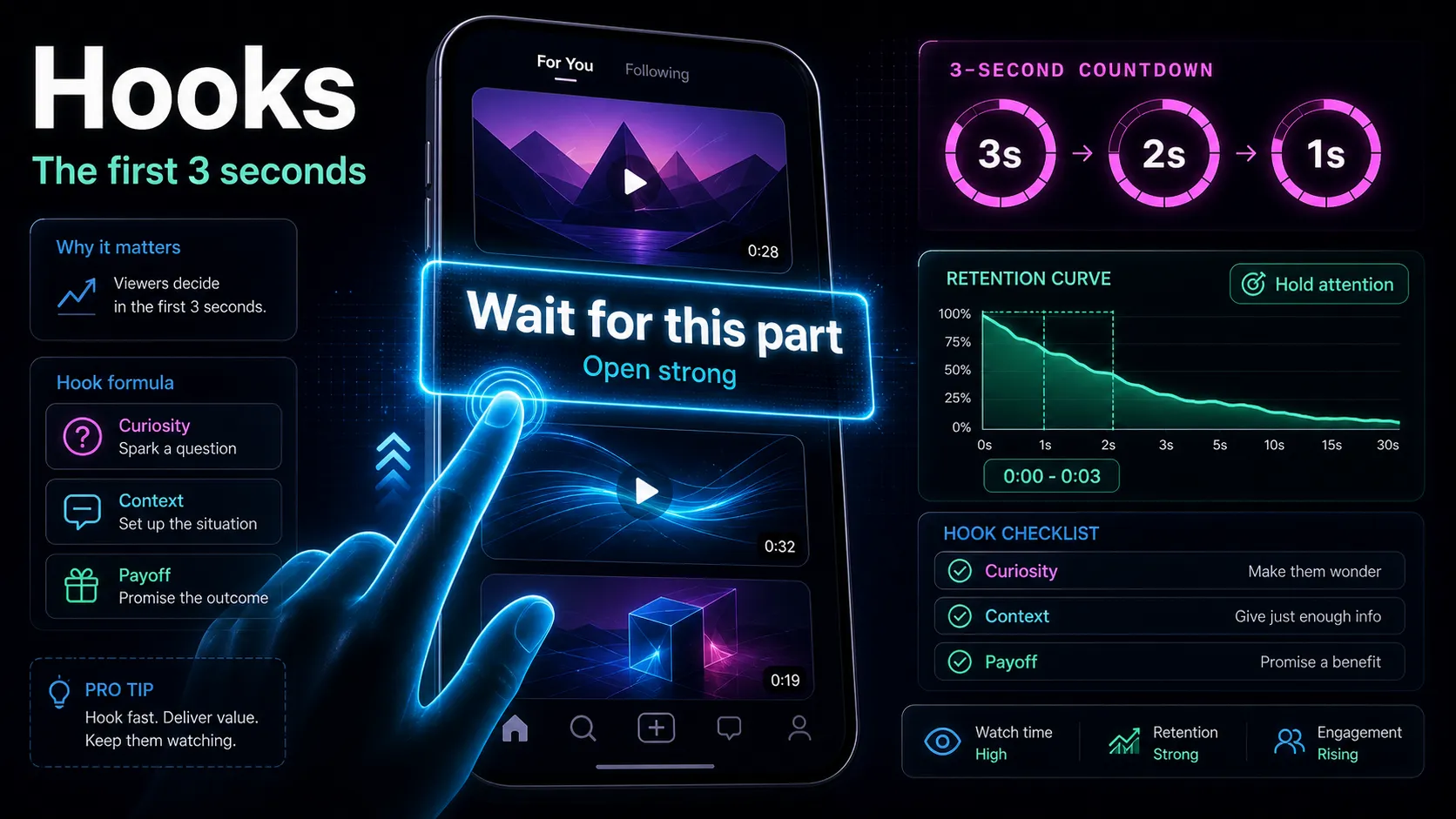
- Front-load a hook and end on the product. Make the product and premise clear early; borrow a proven structure from how to write video hooks. Close with one clear next step — the product name, a "link in bio," a discount code — because an ecommerce clip's job isn't applause, it's a click.
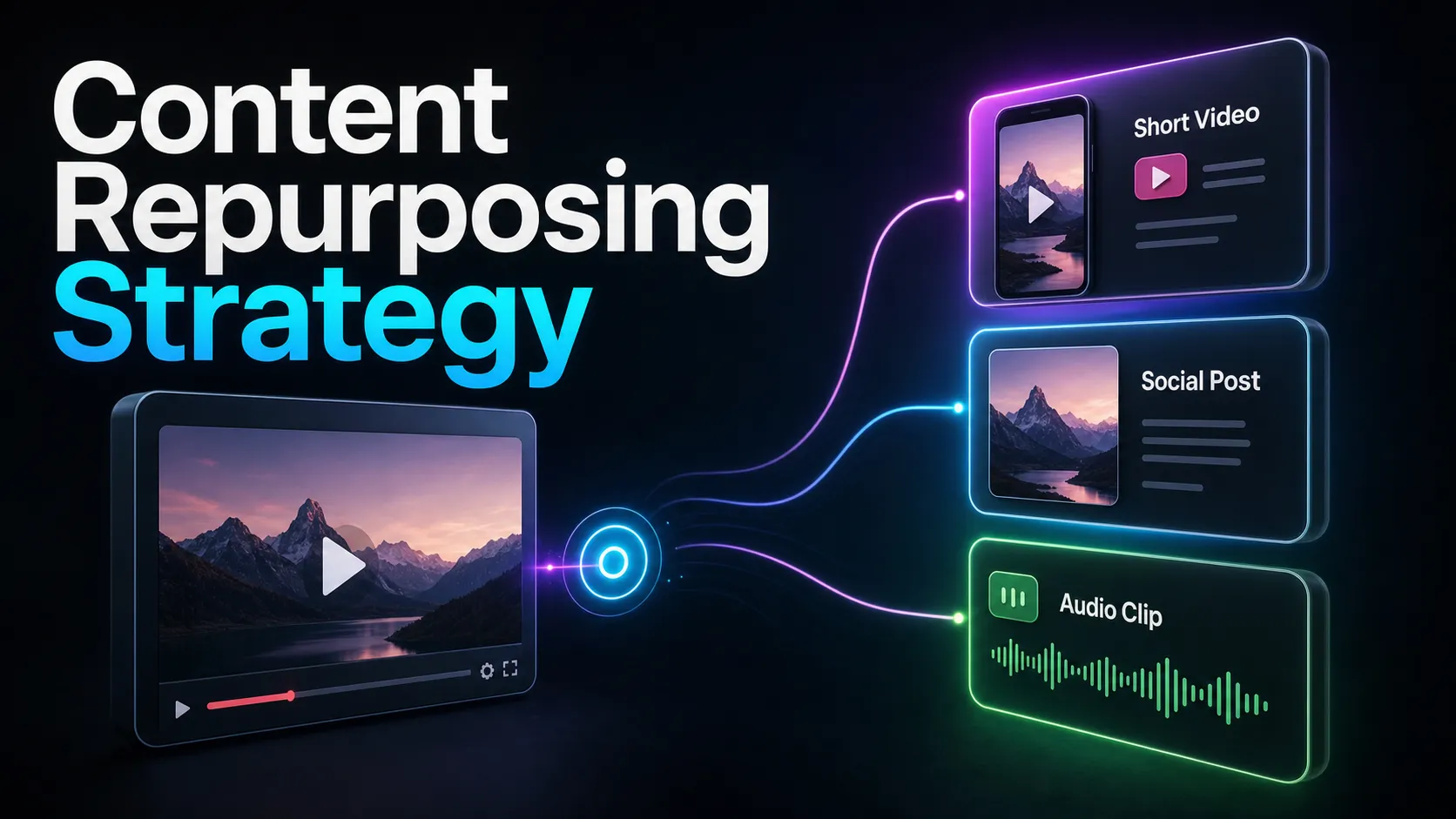
The output of this loop is a candidate set whose publishable count depends on review. When you build it into a broader content repurposing strategy, a launch video can supply an approved batch whose downstream results you can measure instead of dying as one upload.
The finishing layer that fits every clip
Here's the part that applies no matter where a clip came from — even your freshly shot UGC. Three finishing steps make an ecommerce clip feed-ready, and all three are the kind of repetitive, low-creativity work a browser tool handles well:
- Vertical framing. Every platform surface that matters for product discovery is vertical. A clip shot horizontally, or a 16:9 source, needs recomposing to 9:16 so the product fills the screen instead of floating in a boxed frame.
- Captions. The clip should remain understandable without sound, so the pitch has to be legible. Timed subtitles carry the message, and correct product names read as competence.
- Voiceover. For B-roll-heavy demos or clips where the on-set audio is weak, a clean narration track can carry the sell — and lets you produce multiple angle variants from one piece of footage.
So even if the shooting stays outside a browser, the finishing — resize, caption, voiceover, export — is exactly where a tool saves an ecommerce team the most hands-on time, per clip, across both fresh and repurposed content.
What still needs a camera
Being honest about limits is what makes the rest of this trustworthy. No browser tool turns a text prompt into a genuine product demo, and for ecommerce that matters more than in most niches. These jobs sit outside any repurposing workflow:
- Fresh UGC. The talking-to-camera testimonial that feels native is a person and a phone, not automation.
- Product-in-hand demos. Showing the item actually working needs the item, on camera.
- Unboxings and try-ons. The reveal is the content; there's nothing to repurpose until it's shot.
- Trend participation. Jumping on a format while it's hot is fresh production by definition.
The practical read: budget for shooting, then use a tool to stretch everything you shoot and everything you already have. Anyone claiming software replaces the camera for ecommerce is selling you the wrong story.
Choosing ecommerce video tools: a self-test framework
Roundups won't tell you which tool fits your catalog — your own footage will. Rather than trust a comparison chart, run one real asset through any finalist and score what matters for a store. Never take a vendor's word on limits like resolution, export, or file caps; test them on your actual file.
| What to test | How to test it | Why it matters for ecommerce |
|---|---|---|
| Vertical reframing | Recompose one 16:9 clip to 9:16 | Every product surface is vertical |
| Caption accuracy | Check your product names and specs | Wrong names read as sloppy, not trustworthy |
| Voiceover fit | Add narration over a silent demo | Lets one clip become many variants |
| Time to first clip | Time yourself, upload to export | That number is your real per-clip cost |
| Format & size | Upload your actual source file | Confirm it accepts what you already have — don't assume |
| Output control | Export and post one clip | The only test that counts is a live post |
Run one real source through each candidate and the right pick is simply the one that turns your footage into publishable product clips in the least hands-on time — for your store, not a reviewer's demo reel.
Where Recapo fits
Recapo is a browser-based AI video workspace — nothing to install — that covers the finishing and repurposing half of ecommerce short-form. Inside it you can transcribe and caption, summarize a long recording into its key moments, turn long videos into short clips, add AI voiceover, resize and reframe to vertical, and design a cover before you export. It accepts MP4, MOV, and other common formats up to 6GB total per task, which matters when your source is a full-length launch stream or a long review rather than a five-second demo.
The practical fit: Recapo is not where you shoot your ecommerce video content, and it won't replace the fresh UGC and product demos that carry most stores' feeds — those need a camera, and this guide won't pretend otherwise. Where it earns its place is the other engine: you already have long footage — a founder livestream, a webinar walkthrough, a creator's long-form review — and you want short, captioned, vertical product clips out of it without juggling four tools and a timeline editor. It's also the fastest place to put the finishing layer on clips you did shoot: resize to 9:16, caption for muted feeds, add a voiceover variant, export for TikTok, Reels, and Shorts. Plans are on the pricing page, and the way to know if it fits your catalog is to push one real asset through it end to end.
FAQ
What kind of short-form video actually sells products?
Demonstration and trust formats. Product demo clips remove doubt by showing the item work; UGC-style testimonials read as recommendations rather than ads; problem-then-solution clips frame the product as the answer. Story, use-case, and review formats convert too and have a bonus — they're often already recorded in a longer video you can repurpose, instead of needing a fresh shoot.
Can I make ecommerce videos without filming new footage?
Partly. If you already own long assets — a launch stream, a founder interview, a webinar demo, a creator's review — you can repurpose them into short product clips in a browser: trim the moment, reframe to 9:16, caption, and export. But the freshly-shot half of ecommerce short-form — UGC, in-hand demos, unboxings — still needs a camera. No tool automates that, and it's worth budgeting for.
How do I turn a long product video into clips for TikTok, Reels, and Shorts?
Find the 15–40 seconds where the product does its job, trim it tight, recompose it from 16:9 to vertical 9:16 so the product fills the screen, and burn in captions so it reads with the sound off. Add a strong hook in the first two seconds and end on a clear next step — the product name or a link in bio. The same vertical export works across all three feeds.
Do ecommerce clips really need captions?
Yes. Some feed viewing happens without audio, so captions preserve the pitch for viewers scrolling with the sound off. Timed subtitles carry the message, and getting the product name and specs correct on screen reads as competence. Auto-generated captions get you most of the way; always fix the names your buyers would notice if they were wrong.
How many product clips should I make from one video?
As many distinct moments as the footage honestly contains — usually a handful of strong, self-contained beats per long asset, not dozens of near-duplicates. Volume helps in short-form, but only when each clip has its own hook and idea. Pair repurposed clips with fresh UGC each week so your feed stays current rather than recycling the same source into diminishing returns.
Sitting on a launch video, a founder livestream, or a long review that could be feeding your feed? Create a free account, upload it, and run the repurposing loop end to end — trim the product moments, reframe each to 9:16 with the TikTok video resizer, burn in captions with auto-captions, layer a cleaner pitch with the voiceover maker, and export for TikTok, Reels, and Shorts (MP4 or MOV, up to 6GB total per task). Push one real asset through and you'll know within a single upload whether repurposing belongs next to your fresh shoots — and keep the camera for the UGC that only you can film.