How to Turn an Interview Into Social Media Clips
Turn an interview into social clips: find quotable moments, keep or cut the question, frame two speakers vertical, and caption for TikTok, Reels, and Shorts.
By the Recapo.ai Editorial Team · Fact-checked July 10, 2026
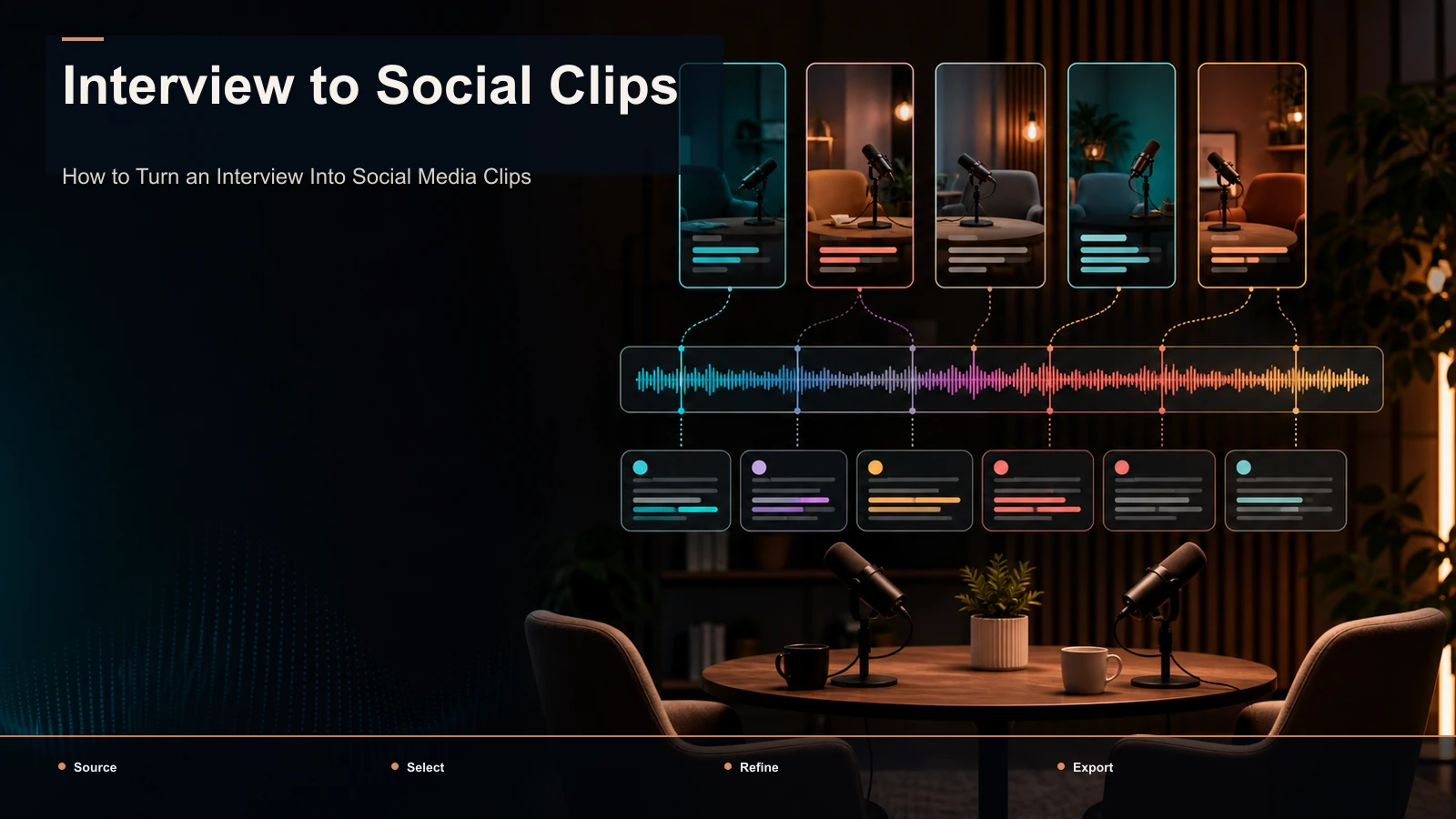
Turn an interview into social clips and one conversation can become a reviewed batch of posts — but interviews clip differently from a monologue or a solo vlog. You are working with two voices, a question-and-answer rhythm, and quote moments that only land when a complete thought stays intact. This guide is built around that reality: how to find the standalone moments worth cutting, when to keep the interviewer's question and when to drop it, how to frame two speakers for a vertical feed, and how to caption a clip so viewers never lose track of who is talking. The mechanics — transcribe, cut, reframe, caption, export — are the easy part; the editorial calls specific to a two-person conversation are what make interview highlights travel.
What makes interview clips their own kind of edit
A solo video gives you one face, one voice, and a straight line to cut along. An interview gives you a relationship. The best moments usually live in the exchange — a sharp question that provokes an unguarded answer, a guest who reframes the premise, two people talking over each other at the exact moment it gets interesting. Turning an interview into social media clips means editing that dynamic, not just trimming a transcript.
Three things separate interview editing from every other clip workflow:
- Two speakers to track. The camera — or your crop — has to be on whoever is talking, and it switches constantly.
- A question-and-answer structure. Half of what's said is setup. You have to decide, moment by moment, whether the setup earns its place in the clip.
- Attribution matters. When a guest says something quotable, the viewer needs to know who said it — a nameless talking head undercuts the quote.
Keep those three in mind through everything below. Every decision — which moment, which layout, which caption style — comes back to serving a two-person conversation on a one-thumb feed.
Where the clips are: finding quotable moments
Before you open an editor, learn to read the transcript for moments that stand on their own. In an interview the strongest clips are almost always a complete thought delivered by the guest, or a tight exchange between the two speakers. Here's a practical map of what to look for — your interview highlights.
| Moment type | What it sounds like | Why it clips |
|---|---|---|
| The standalone answer | Guest gives a full, self-contained take on one question | Reads as a quote; works with or without the question |
| Hot take under pressure | A sharp question pushes the guest into a bold, unhedged claim | Provokes agreement and argument in the comments |
| Story with a turn | Guest tells a short anecdote that lands on a surprise | Narrative tension holds the scroll |
| The reframe | Guest rejects the premise: "That's the wrong question…" | Feels smart and screenshot-worthy |
| The exchange | Real back-and-forth or friendly disagreement between the two | The tension is the content — keep both voices |
| The candid admission | An unguarded, honest moment you can tell wasn't rehearsed | Human connection travels further than information |
A fast test: read the moment's first line out loud with no context. If a stranger would want to hear the rest, it's a clip. If it only makes sense after two minutes of setup, it isn't — unless that setup is a single question you can keep (more on that next). The number varies by interview; mark every plausible moment and let editorial review determine the approved set.
Keep the question or cut it?
This is the decision unique to interview clips, and getting it right is half the edit. For every candidate, the interviewer's question falls into one of three buckets.
- Cut the question, open on the answer. If the guest's answer is a complete thought on its own — a strong opinion, a clean explanation, a story — drop the question entirely and start on the first interesting word. Most of your clips will be this.
- Keep a trimmed question as setup. Sometimes the answer only lands because of what was asked. Keep the question, but tighten it to one sentence — "So why did you walk away from it?" — and let the answer follow. The question becomes the hook.
- Keep the whole exchange. When the value is the back-and-forth — a challenge, a disagreement, a moment where the interviewer pushes and the guest pushes back — the clip is the conversation. Keep both voices and cut between them.
A simple rule: if you can remove the question and the answer still makes sense, remove it. If you can't, either promote the question to your hook or keep the exchange whole. Never leave a long, rambling question in front of a great answer — that's a common source of avoidable drop-off in interview clips.
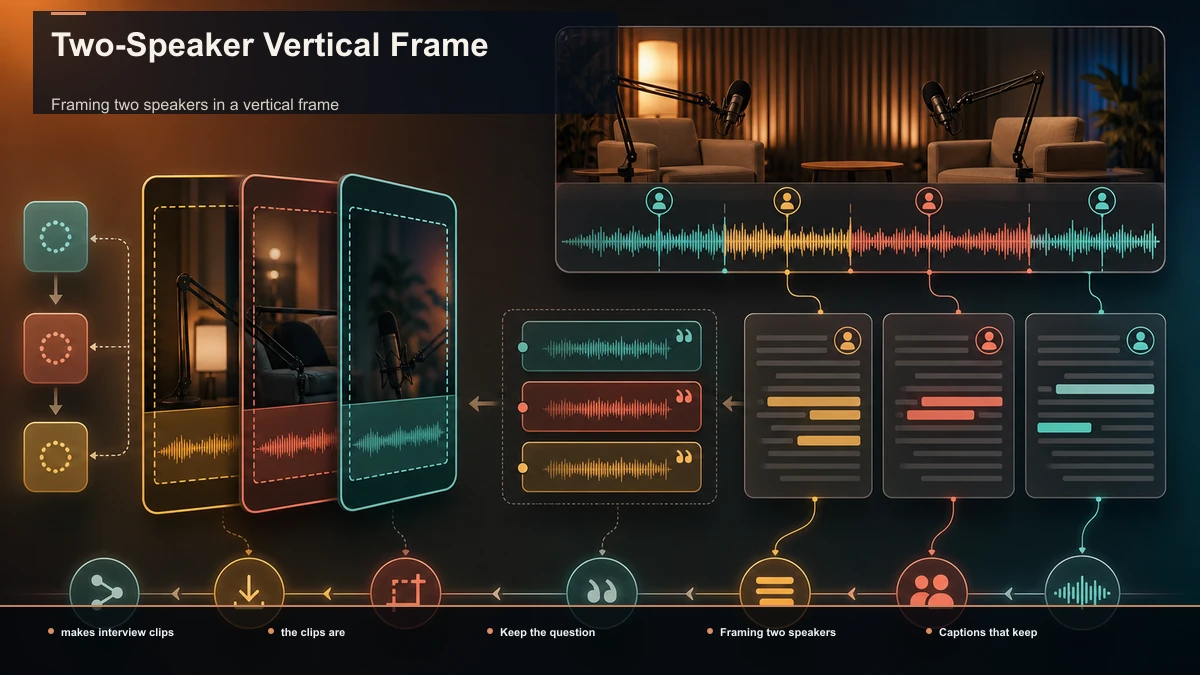
Framing two speakers in a vertical frame
Interview footage is almost never vertical, and it usually has two people to fit into a 9:16 window. You have four framing options; pick per clip, not per episode.
| Layout | Best for | Watch-outs |
|---|---|---|
| Single-speaker crop | Monologue-style answers where one person carries the moment | The crop has to follow whoever is talking; drift onto a silent listener kills it |
| Split-screen (stacked) | Real exchanges where both reactions matter | Two faces means smaller faces — keep them large enough to read on a phone |
| Speaker-switch cut | Fast back-and-forth; trading lines | Cuts must land on the voice change, or the clip feels off-sync |
| Picture-in-picture | One dominant speaker with occasional reactions | The inset can't cover captions or the platform UI |
For single-speaker crops and speaker-switch cuts, speaker tracking does the heavy lifting — the frame reframes to whoever is speaking so you're not hand-keyframing every line. It's a huge time-saver, but check it on cross-talk: when both people speak at once, automatic tracking can hesitate or jump. Spot-check your hero clips and correct any switch that lands on the wrong face.
Captions that keep two voices straight
Captions do double duty in an interview clip. They get the clip understood on mute — some viewers encounter short-form video with the sound off — and they tell the viewer who is speaking. Three things to get right:
- Attribute the quote. On a standalone-answer clip, a small name label ("— Jane Doe, founder") turns a talking head into a quotable statement people screenshot and share.
- Distinguish the speakers. In an exchange, use a positional or color cue so the interviewer's lines and the guest's lines don't blur together. Even a subtle difference keeps a fast back-and-forth readable.
- Proofread names and jargon. Auto-captions are strong on plain speech and weakest exactly where interviews get specific — a guest's name, a company, a technical term. Fix those on your best clips before you burn captions in; a misspelled guest name is the fastest way to lose credibility.
For the caption craft itself — timing, style, safe placement — one clean pass serves Shorts, TikTok, and Reels; you're not re-captioning per platform.
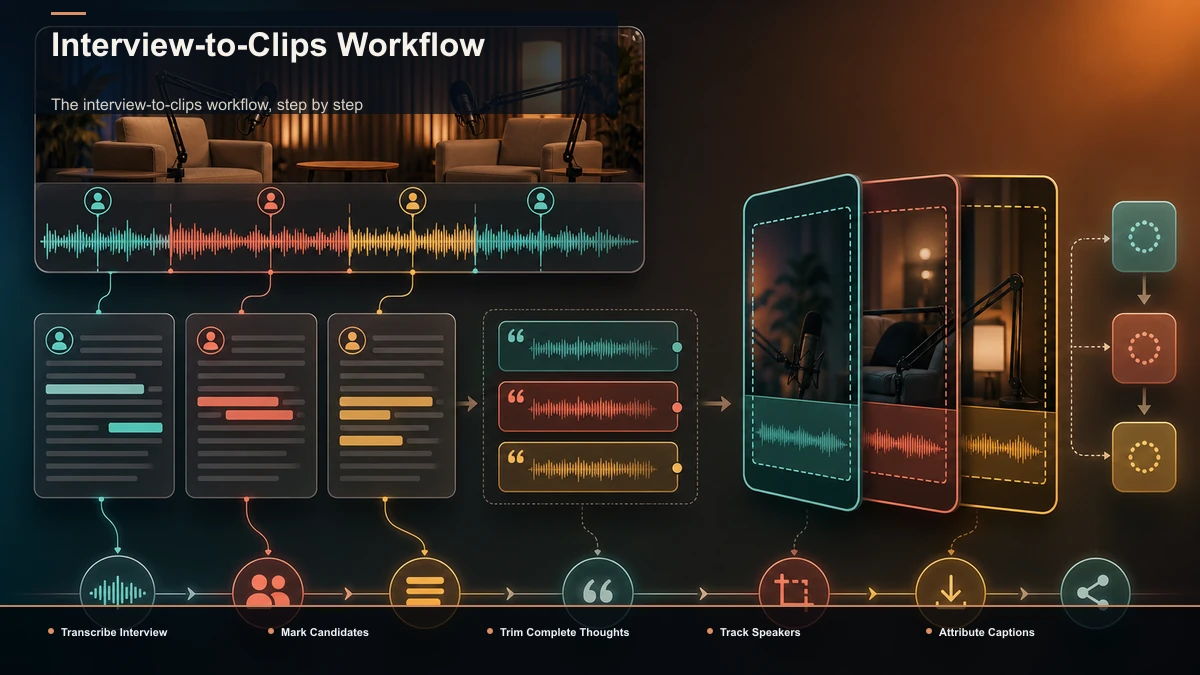
The interview-to-clips workflow, step by step
Here's the sequence that scales, whether you post one clip a week or ten. It runs in a browser-based workspace like Recapo — no install, transcribe → clip → caption → reframe → export in one place — but the steps apply to any toolkit.
- Transcribe the whole interview first. Reading is faster than scrubbing. Run the file through auto-captions to get a timed, searchable transcript, then skim it for the moment types above.
- Mark every plausible candidate. Note the in and out points where the thought begins and ends, and tag each as "answer only," "keep question," or "full exchange."
- Let an AI clip generator take a first pass. Drop the recording into a long-video-to-short-video tool to auto-surface high-signal segments, then treat the suggestions as candidates — keep the good ones, recut the boundaries by hand. The machine is a fast first reader, not the final editor, and it won't make the keep-the-question call for you.
- Trim each clip to the thought. Cut the "um, so, yeah" lead-in and, per the section above, decide what happens to the question. Open on the first interesting word.
- Reframe to 9:16 with speaker tracking. Choose a layout per clip and let tracking follow the active speaker; correct any bad switches on cross-talk.
- Caption and attribute. Burn in captions, add a name label on quote clips, and distinguish speakers on exchanges.
- Add a cover and export. Pick a strong frame or a title card, then export. MP4 and MOV upload cleanly everywhere, and one export feeds all three platforms.
If your source is a solo or co-hosted show without a strict question-and-answer structure, our guide on the video-editing workflow for podcasters covers that angle instead.
A per-episode cadence you can keep
Interviews reward consistency, and the people who make them tend to publish on a schedule — a new guest every week or two. That's the whole reason a repeatable clip process pays off: you're not clipping once, you're re-clipping every episode. Do not set a universal clip quota. Record how many interview moments pass editorial, rights, caption, and framing review, and stop when later candidates no longer stand alone.
| Day | Task | Output |
|---|---|---|
| Interview day | Record + auto-transcribe | Full transcript ready |
| +1 | Mark candidates, decide on questions, rough-cut | Rough clips |
| +2 | Reframe, caption, attribute, export | Finished clips |
| +3 onward | Schedule one clip per day across platforms | Schedule based on approved clips |
Let the complete idea determine the duration; 20- and 50-second versions are examples to test, not platform targets. A reviewed 9:16 master can be a useful starting point for TikTok, Reels, and Shorts, but cover frames, captions, interface overlays, and current upload requirements may need platform-specific changes. Use the short-form clip selection and duration testing framework before fixing a house style.
A self-test for any interview clip tool
The clipping market is crowded and every tool promises the same thing, so test them on the part that's actually hard — two speakers. Upload one real interview, with its actual cross-talk and names, and measure four things:
- Speaker tracking. Does the vertical crop follow the active talker, or does it drift onto the silent listener? This is where interview tools separate.
- Selection quality. Do the auto-detected moments match the two-person moments you'd pick by hand? Count keeps versus discards.
- Caption and name accuracy. On a segment with the guest's name, a company, and a technical term, how much do you fix?
- Time to first exported clip. From upload to a finished, captioned, attributed 9:16 clip — how many minutes and manual fixes?
Fifteen minutes of that test tells you more than any feature chart. Recapo is a browser-based fit for this exact chain — transcribe, clip, track and reframe two speakers, caption, export — but let the test decide, not the pitch.
FAQ
How do I turn an interview into social clips? Pull the standalone candidates from the full interview, decide for each whether the interviewer's question stays in, cut each to the thought, reframe to a vertical 9:16 frame that follows the active speaker, add captions with a name label, and export. The editorial calls — which moment, keep or cut the question — matter more than the tool.
Should I keep the interviewer's question in the clip? Only if the answer doesn't stand without it. If the guest's answer is a complete thought, cut the question and open on the answer. If the answer only lands because of what was asked, keep the question trimmed to one line as your hook. If the value is the back-and-forth, keep the whole exchange.
How do I frame two people in a vertical clip? Pick a layout per clip: a single-speaker crop that follows whoever's talking, a stacked split-screen when both reactions matter, quick cuts between speakers for fast exchanges, or picture-in-picture for one dominant voice. Speaker tracking reframes automatically, but check it on cross-talk.
How many clips can I get from one interview? There is no universal number; count only the candidates that pass editorial, rights, caption, and framing review. A rich conversation could yield more, but quality drops after the best moments, and consistency beats volume — a handful of strong clips per episode outperforms a flood of weak ones.
Can one clip go to TikTok, Reels, and Shorts? Yes. A single 9:16 captioned MP4 uploads cleanly to all three. Keep faces and captions in the middle third so platform buttons and usernames don't cover them, and reuse the same export everywhere.
Turn your next interview into a batch of clips
Interviews are the rare format that rewards a system: every guest is another episode, and every episode is another source whose keeper yield can be measured. Once you separate the two jobs — finding the two-person moments worth cutting, then framing and captioning them for a vertical feed — the rest is mechanical, and a browser-based workspace carries the whole chain without an install. Create a free Recapo account and turn your latest interview into a reviewed batch of publish-ready clips.