Video Content for Newsletters: Turn Clips Into Subscribers
Short form video to grow your newsletter: the honest, step-by-step workflow to repurpose issues and podcasts into clips that funnel viewers into subscribers.
By the Recapo.ai Editorial Team · Fact-checked July 10, 2026
Short form video to grow your newsletter is the move most writers underuse: a TikTok, a YouTube Short, or a Reel sits at the top of the funnel, and the newsletter signup is the conversion at the bottom. This guide is about that bridge — not another "post consistently" pep talk, but the concrete workflow for turning your newsletter topics or podcast into clips that actively send viewers to your signup page. And we'll be honest about one thing from the start: video is a traffic channel, not your email platform. Treating it as anything more is exactly where creators lose months.
If you write a newsletter, you already produce the hardest part of a video: the ideas. Every issue is a researched argument, a story, or a list of insights. The gap isn't content; it's the production and the funnel discipline to turn a paragraph into a clip that earns a subscribe.
How to use short form video to grow your newsletter
Growth writers who lean on social all describe the same funnel, and it helps to see it laid out before you make a single clip. The video's only job is to move a stranger one step down this ladder — nothing more.
| Discover | Sees your clip in the feed | A hook in the first 2 seconds | Watch | Finishes the clip | One tight idea, captioned, no filler | Trust | Taps your profile | A bio that names the newsletter and its promise | Click | Follows the link in bio | A specific reason to leave the app | Subscribe | Enters an email on your page | A landing page that matches the clip's promise |
Notice where video's responsibility ends: at the click. Platforms like beehiiv and Growth In Reverse teach this repeatedly — short-form's realistic job is reach and warm-up, and the newsletter's own landing page does the closing. So every decision below is judged against a single question: does this move the viewer one rung closer to entering their email?
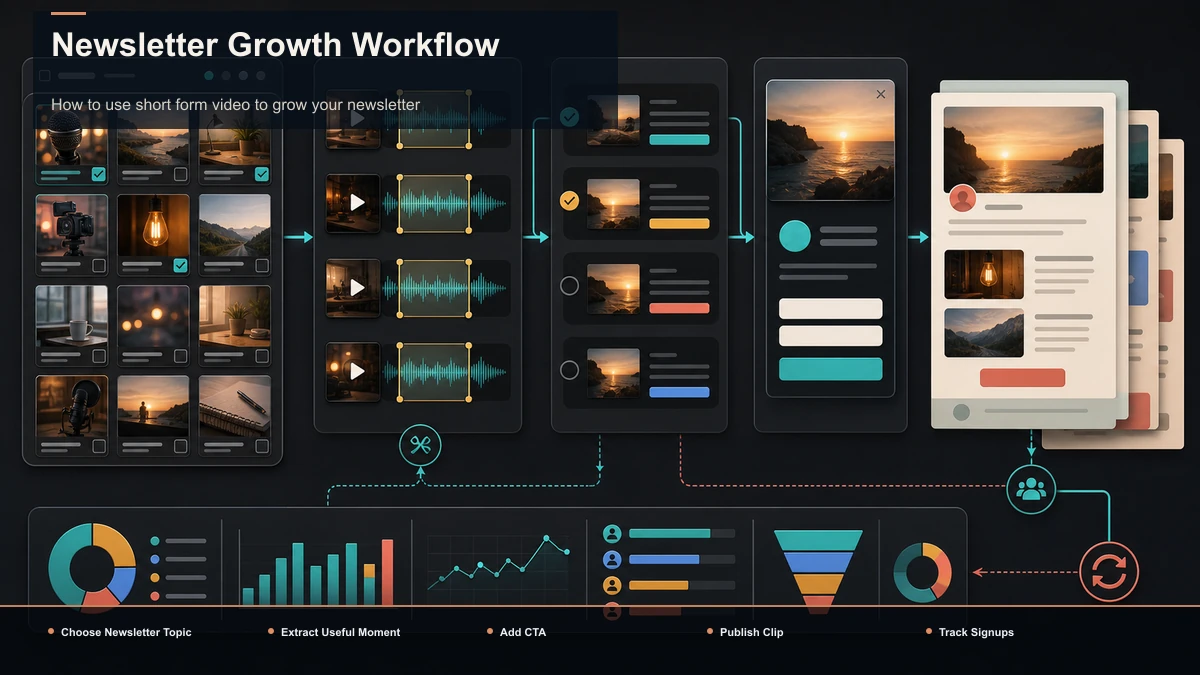
The honest boundary: video is your funnel, not your email platform
This is the trap worth naming loudly. Tools that make clips — including Recapo — sit entirely at the top of the funnel. They help you produce and repurpose video. They do not send your emails, host your signup form, manage your list, or run your automations. Your email platform (beehiiv, Substack, Kit, or whatever you already run) owns all of that.
Why does the distinction matter for growth? Because creators who blur it build a leaky machine. They pour effort into clip production, then hand viewers a weak destination — no clear CTA, a link to a generic homepage, a page that doesn't echo the clip's promise.
So think in two layers, and keep them separate on purpose:
Get the second layer right first — a landing page whose headline matches your clips' promise — and every clip you make afterward converts harder. Get it wrong and no amount of video volume saves you.
Turn one newsletter issue into a week of clips
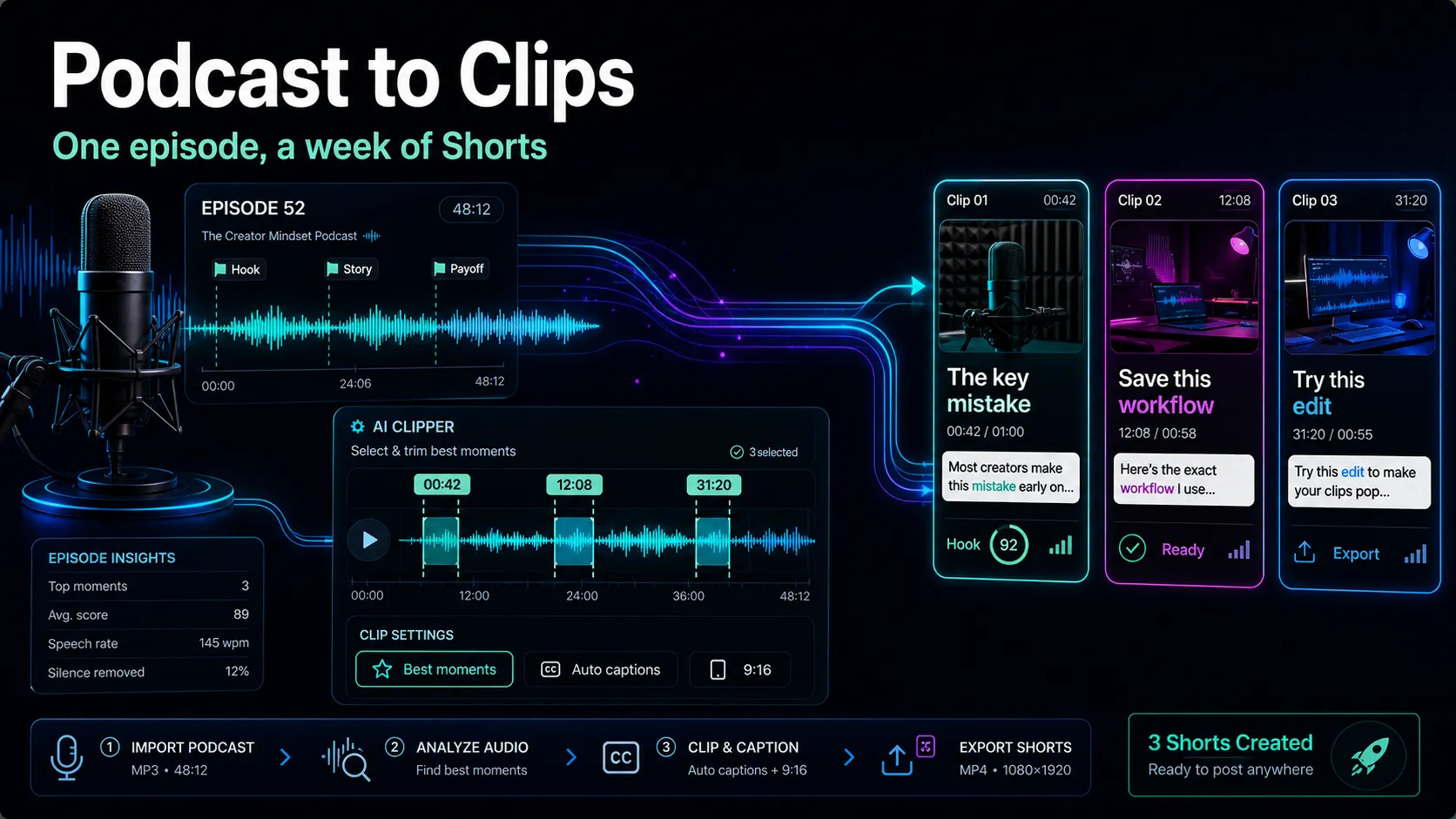
Here's the repeatable pipeline. It works whether your source is a written issue you read to camera, a voice memo, or a full podcast episode — anything with your ideas in it becomes the raw material. Run it the same way each week and it stops feeling like editing.
- Pick the source and record once. Either film yourself talking through this week's issue for 8–15 minutes, or start from an existing recording — a podcast episode, a webinar, a livestream. One capture is your entire "new video" obligation for the week. Everything after is extraction.
- Find the clippable moments. Don't scrub the whole recording. Drop it into an AI clip generator to surface self-contained segments, then treat its picks as candidates — keep the sharp ones, cut the weak, and re-trim each boundary so the clip opens on the first interesting word. If your source is an episode, the video-editing workflow for podcasters walks through the extraction in depth.
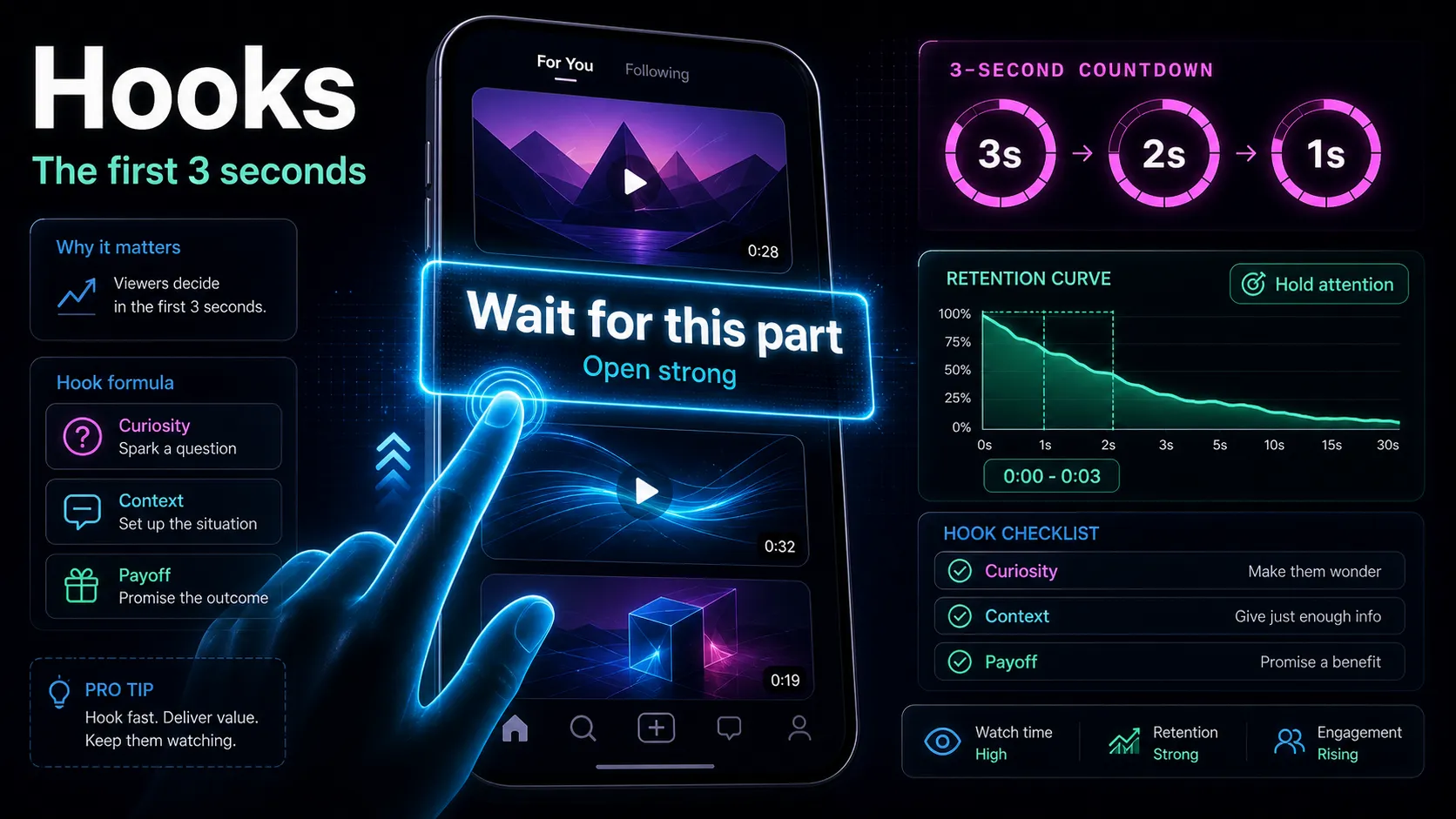
- Write hooks that promise the payoff. The opening is an early variable to test, so lead with the sharpest claim or question from that section of your issue. A hook generator is useful for spinning several angles on the same idea fast, but you make the final call — you know which line actually represents your newsletter's voice.
- Caption every clip. Some feed viewing happens on mute, so an uncaptioned insight simply isn't read. Run each clip through auto-captions to generate timed subtitles, then fix names, jargon, and any figures — the words your audience notices when they're wrong.
- Reframe, cover, and end on the CTA. Crop to 9:16 so the clip fills the screen on TikTok, Shorts, and Reels, keeping your face or subject centered. Add a cover frame with the clip's promise, and close the clip itself with a plain next step: "The full breakdown is in this week's issue — link in bio."
- Post and route. Space the clips across the week and make sure every single one points at the same destination: your signup page, via link in bio. Consistency of destination is what compounds — a viewer might subscribe on the fifth clip, but only if the link never moved.
The output of one session is five to eight tight, captioned, vertical clips — a week of top-of-funnel posts from one hour you were already spending on the issue itself.
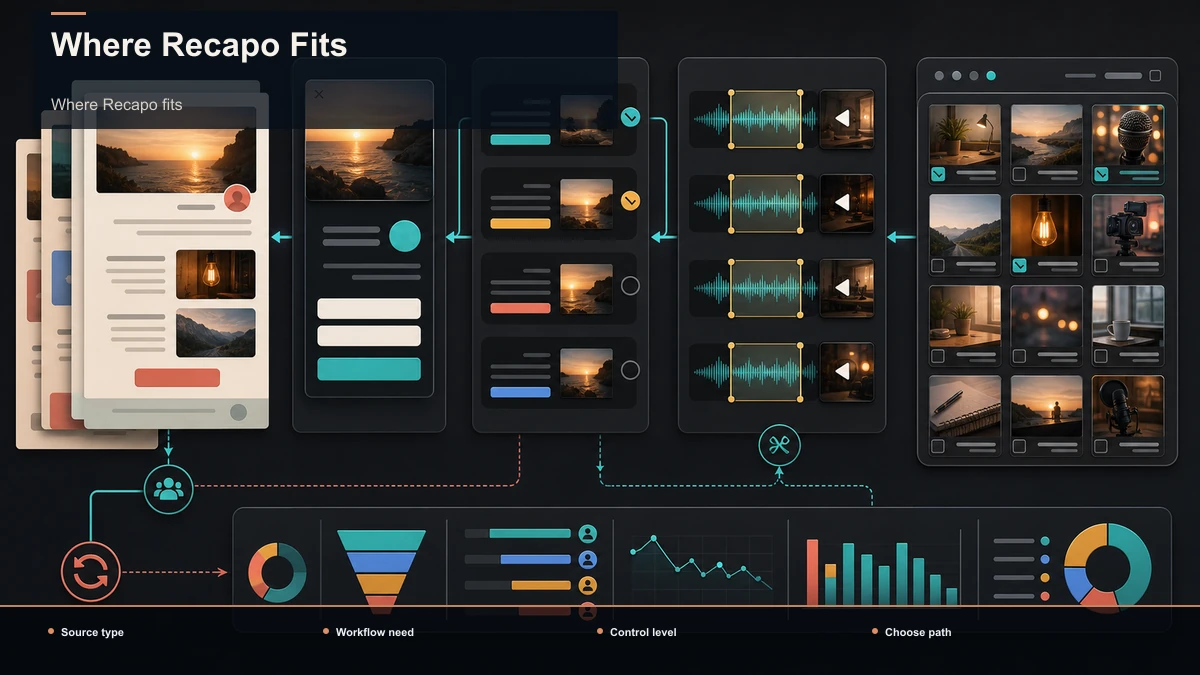
How a clip actually earns a subscriber
A clip with a big view count and zero new subscribers is a vanity clip. The subscribe happens when the clip does two jobs at once: deliver a complete, satisfying idea and make the newsletter the obvious place to get more. Here's what each element is actually responsible for.
| Hook (first 2s) | Stop the scroll with the payoff, not a slow "hey everyone" | The idea | Deliver one useful thing in full, so you read as worth following | Captions | Make the idea legible on mute, where most viewing happens | On-clip CTA | Name the newsletter and the reason to click, before the clip ends | Bio + link | Convert curiosity into a click, then a matching landing page |
The most-skipped element is the on-clip CTA. Creators deliver a great idea, then end on a generic "follow for more." Swap it for a newsletter-specific ask — "I go deeper on this every Tuesday, free — link in bio" — and you route the same attention toward an email address you own instead of a platform follow you rent.
Video formats that turn viewers into newsletter subscribers
Not every clip format converts equally for a writer. These pull reliably because they showcase the exact thing a newsletter sells — your thinking — while leaving a clear reason to want the long version.
What these share: one idea, a hook in the first three seconds, and a payoff that's satisfying on its own yet obviously partial. Ten of the right subscribers beat ten thousand of the wrong followers. For more angles on the opening line specifically, see how to write video hooks.
A realistic weekly cadence
A system only works if it survives a real week. Here's a sustainable rhythm that turns one issue into a week of clips without you living in an editor. Adjust the days to your schedule — the sequence is the point.
| Day 1 | Write the issue, then record 8–15 min talking it through | One source recording | Day 2 | Clip 5–8 moments, write hooks, caption | Rough captioned clips | Day 3 | Reframe to 9:16, covers, add CTAs, export | A week of finished clips | Day 4 onward | Post one clip per day, all pointing to signup | Daily top-of-funnel traffic |
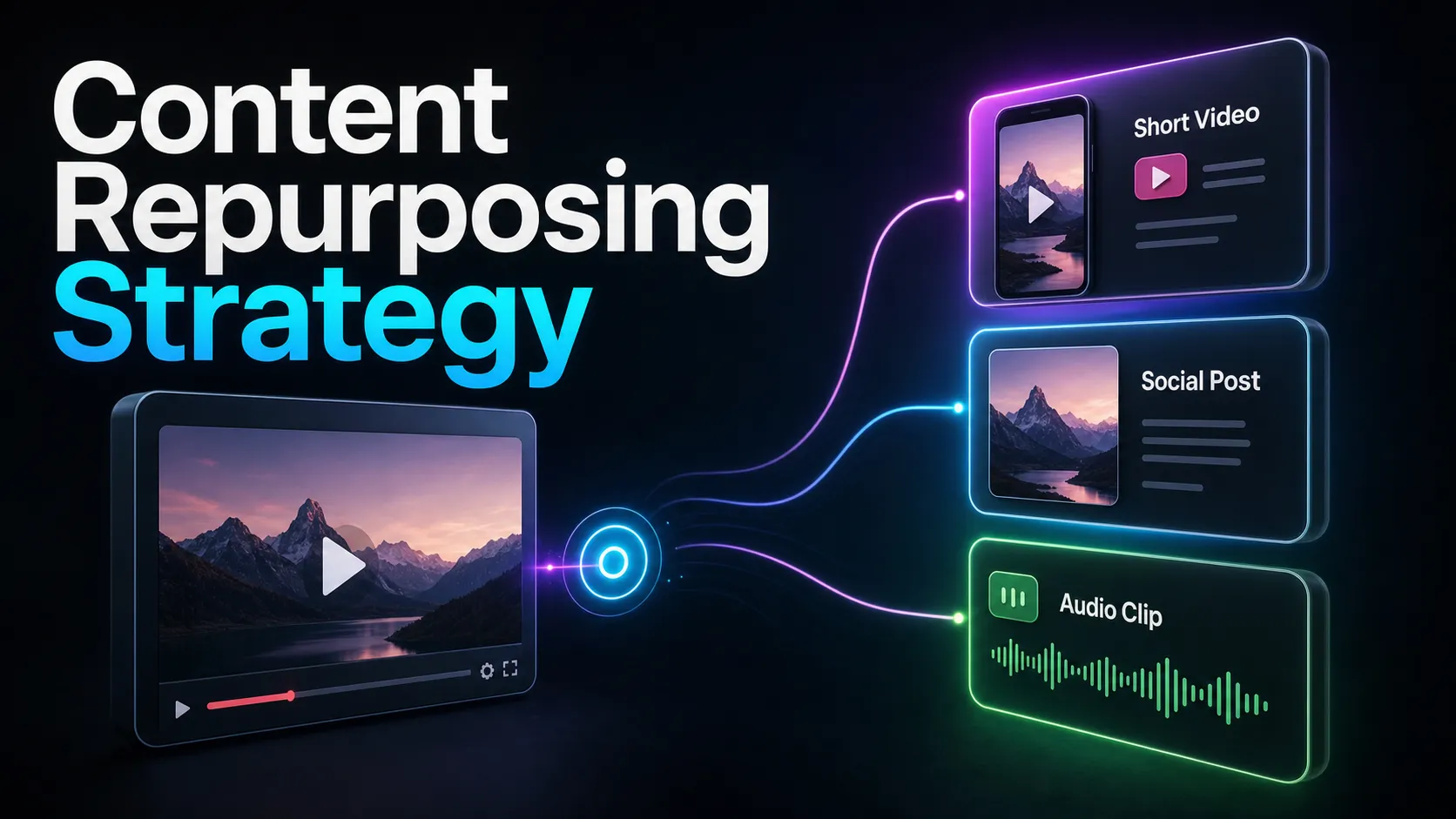
Two honest notes. First, the newsletter still comes first — the recording is a byproduct of writing the issue, not a second job. Second, consistency of the destination beats volume of clips: five clips a week that all route to the same landing page compound far better than a scattered burst that sends viewers nowhere in particular. This is the heart of a durable content repurposing strategy — one source, many clips, one funnel.
Measure what matters: a self-test
Views are a distraction here. The only metric that ties video back to your newsletter is subscribers attributed to social, and you should instrument for it before you scale. Use a self-test rather than trusting any generic benchmark:
- Use a dedicated link. Point your bio at a signup URL you use nowhere else (or a UTM-tagged one), so every subscriber from it is unambiguously from video.
- Track the real ratio. Watch signups-per-1,000-views, not raw views. A small, well-routed audience often out-converts a big, aimless one.
- Test the CTA, not just the clip. Run two weeks with a soft "follow for more" and two with a specific "free newsletter, link in bio." The difference is your CTA's real value.
- Check the landing-page match. If clicks are high but signups are low, the leak is your landing page, not your video. Make its headline echo the clips' promise.
Run this for a month and you'll know whether video is worth the production time for your newsletter — measured in emails captured, not hearts collected.
Where Recapo fits
Recapo is a browser-based AI video workspace — nothing to install — built to hold the production layer of this workflow in one place. Inside it you can transcribe and caption, summarize a long recording into its key moments and a script, turn a long video or podcast into short clips, add AI voiceover, resize and reframe to vertical, and design a cover before you export. It accepts MP4, MOV, and other common formats up to 6GB total per task, which matters when your source is a full podcast episode rather than a short clip.
The practical fit: Recapo lives entirely in the top of the funnel described above. It helps you produce the clips; it does not host your list, send your emails, or capture the signup — your email platform does that. If your only need is a single step — say you just want a transcript — a focused single-purpose tool may serve you as well. A workspace earns its place in the exact scenario here: every week the same issue or episode needs clipping, hooking, captioning, reframing, a cover, and an export, and you want to run that whole loop yourself instead of stitching four tools together. Plans are on the pricing page, and a quick way to decide if it fits is to push one real issue through it end to end.
FAQ
Can short form video really grow a newsletter?
Yes, but only as a traffic channel. A TikTok, Short, or Reel warms up strangers and sends the interested ones to your signup page; the actual subscribe happens on your landing page, in your email platform. A clip that goes viral but points nowhere grows followers, not subscribers.
How do I turn my newsletter into video without filming a lot?
Record once, extract many. Read or talk through this week's issue for 8–15 minutes — or start from an existing podcast or webinar — then run that single recording through a clip generator to pull five to eight self-contained moments, caption them, reframe to vertical, and post them across the week. The writing you already do is the content; the recording is just a byproduct of it.
What should the call to action on the clip be?
Newsletter-specific, not a generic "follow for more." Name the newsletter, name the payoff, and give a reason the email beats a platform follow: "I break this down in full every week, free — link in bio." Then make sure the link points to a landing page whose headline matches the promise in the clip.
Which platforms should a newsletter creator post clips on?
The vertical short-form feeds where discovery is strongest for creators: YouTube Shorts, TikTok, and Instagram Reels. A single 9:16 export uploads to all three, so you don't produce three times the work. Point every clip at the same signup link so the traffic compounds into one funnel.
Isn't a clipping tool unnecessary if I already have an email platform?
They solve different problems. Your email platform captures and sends — it's the bottom of the funnel. A clipping tool produces the video that fills the top of the funnel. To grow with short-form video you need both layers, and this guide is about running the production layer so it feeds the capture layer you already have.
Grow your list with your next issue
You already write the ideas; a repeatable clip workflow can be tested as one traffic path to the signup page, alongside other acquisition channels. Nail the destination first, then run one source recording through a tight loop of clip, hook, caption, reframe, and CTA — and the issue may produce several approved candidates whose downstream traffic can be measured. Create a free Recapo account, upload your next issue or podcast episode, and produce a batch of captioned, vertical clips — each one ending on a clear "link in bio" — in a single sitting. Point them all at your signup page and let one recording feed your list all week.
References and official sources