Audio Separator vs Vocal Remover vs Stem Splitter: Which Tool Do You Need?
Compare audio separators, vocal removers and stem splitters by editing task, expected output and failure mode before processing your next video or track.
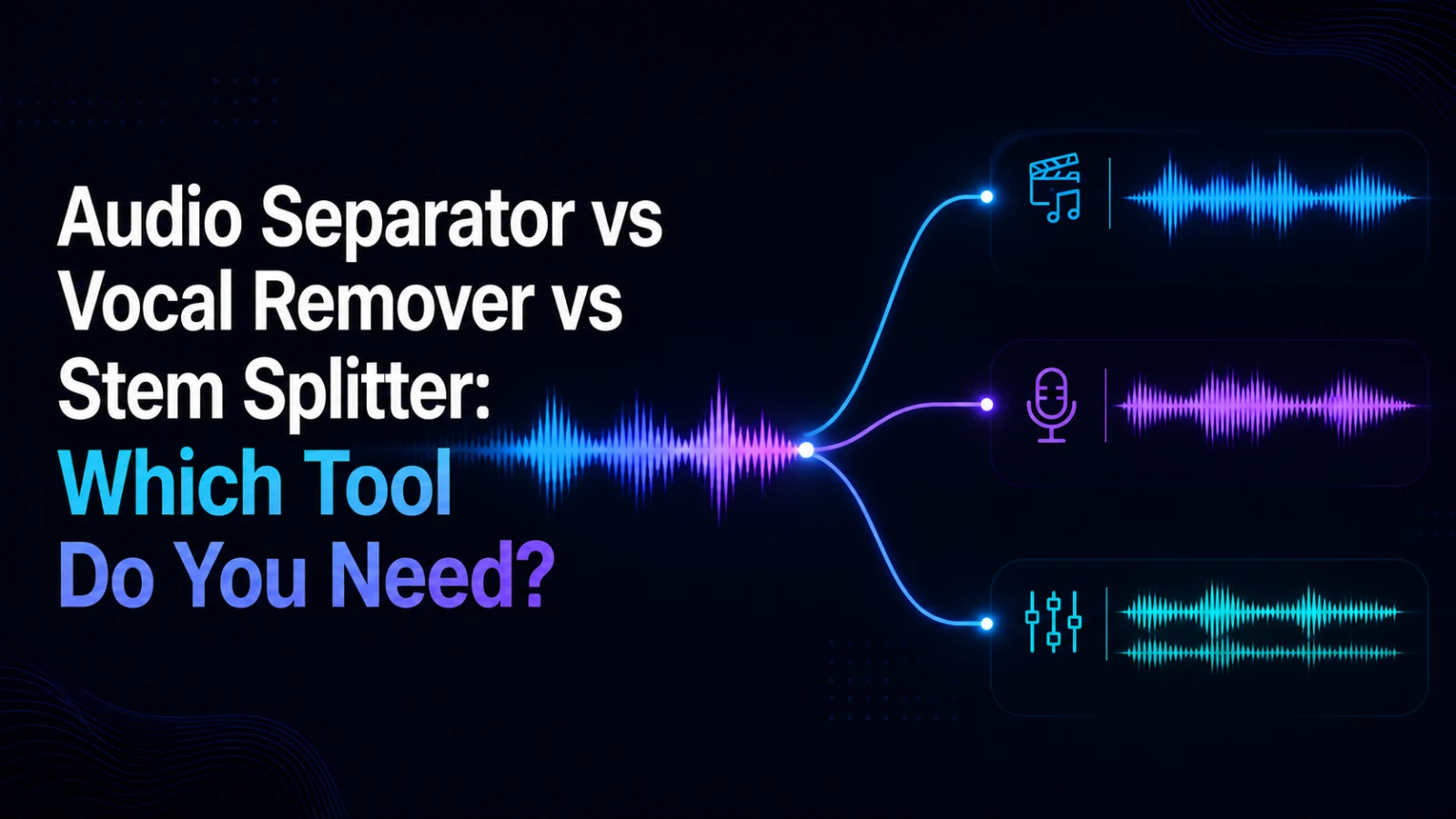
An audio separator, a vocal remover and a stem splitter solve related but different jobs. Use an audio separator when you need dialogue, music and sound effects as separate working parts; use a vocal remover when the main decision is voice versus accompaniment; use a stem splitter when you need music-production stems such as vocals, drums or instruments. The right choice starts with the output you need—not the label on the tool.
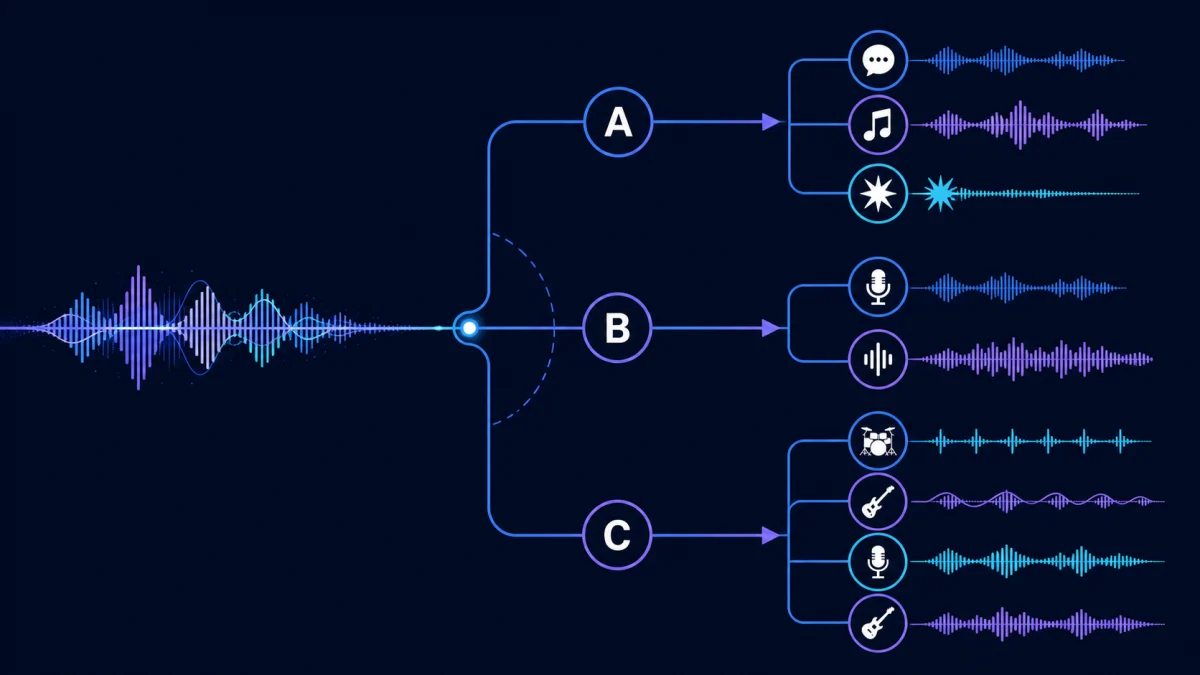
Quick decision table
| Your editing job Start with What to review |
| Keep dialogue while reducing background music | Audio Separator | Music residue, clipped words and room tone |
| Obtain dialogue, music and effects as separate outputs | Audio Separator | Overlaps between speech, score and impacts |
| Remove or keep the lead vocal in a music track | Vocal Remover | Backing-vocal bleed and instrumental damage |
| Split a song for remixing or practice | Stem Splitter | Which stems are actually offered and how clean each one sounds |
| Reduce hiss, hum or constant background noise | Noise Reduction | Whether speech remains natural after cleanup |
The categories can overlap, but they are not interchangeable. A tool that returns two tracks is not automatically a replacement for one designed around dialogue, music and effects.
Choose an audio separator for video post-production
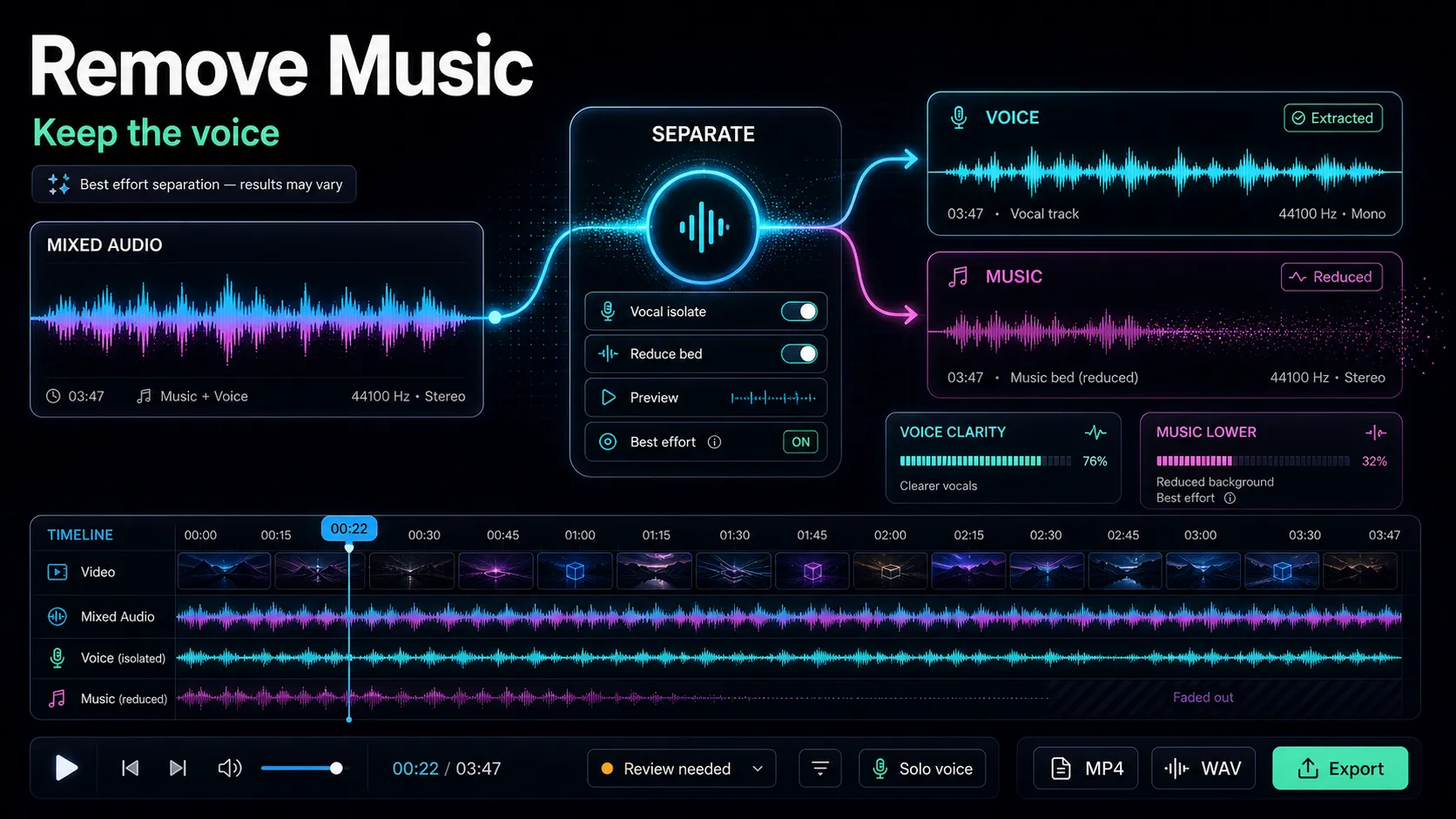
An audio separator is the clearest starting point when the soundtrack is a video mix rather than a finished song. Interviews, tutorials, documentaries and social clips often contain speech, background music, transitions, ambience and effects at the same time.
The goal is not to promise a perfect reconstruction of the original studio session. It is to create useful working tracks that you can listen to separately, mute, rebalance or take into the next editing step. Dense overlaps, strong reverberation and heavily compressed source audio can leave residue, so every output still needs human review.
If this matches your task, open the Recapo Audio Separator and evaluate the separated outputs against the original mix.
Choose a vocal remover for voice-versus-accompaniment work
A vocal remover is designed around a narrower question: what happens when the vocal component is separated from the rest of a music track? Typical uses include making a practice backing track, checking a vocal line or preparing material for a permitted remix.
That two-part model is less useful when a video editor needs dialogue, music and sound effects as three different decisions. A removed vocal does not tell you whether an impact, room ambience or transition sound belongs with the music or with the rest of the soundtrack.
For that narrower music task, use a Vocal Remover and listen closely to backing vocals, reverb tails and instruments that share the same frequency range as the lead voice.
Choose a stem splitter for music production
A stem splitter is usually the better category when your source is music and your destination is a DAW, rehearsal session or remix workflow. The available outputs may be organized around vocals, drums, bass and other instruments rather than dialogue, score and sound effects.
Before starting, check what stems the specific interface offers. “Stem splitter” is a category name, not a guarantee that every service produces the same set of tracks. Then test the busiest passage in your source, because choruses and layered sections expose separation artifacts faster than a quiet intro.
Open the Recapo Stem Splitter when the output you need is organized around music parts.
Do not confuse separation with noise reduction
Noise reduction solves a different problem. If the main issue is steady hiss, electrical hum, fan noise or low-level room noise, splitting the soundtrack may add work without fixing the cause. Start with Audio Noise Reduction when the desired result is a cleaner version of the same mix rather than multiple editable tracks.
A five-minute listening test before you commit
Use a source file you have the right to process and choose a short section containing speech over music, a transition or impact, and at least one quiet moment.
- Write down the output you actually need.
- Process the same short section with the most appropriate tool category.
- Compare each output with the original at the same playback level.
- Listen for missing consonants, music residue, pumping, phase changes and broken transients.
- Estimate the manual repair required before publishing.
The best result is not necessarily the one with the most tracks. It is the one that reduces the work required for your intended edit without damaging the material you need to keep.
What if one tool is not enough?
A practical workflow may use more than one category in sequence. For example, a video editor might separate dialogue from the rest of a soundtrack, then apply gentle noise reduction to the dialogue output. A music producer might split stems first and clean one noisy recording afterward.
Avoid stacking processes automatically. Every additional pass can introduce new artifacts. Save the original, compare after each step and stop when the output is suitable for the edit.
For a full video-oriented workflow, read How to Separate Dialogue, Music, and Sound Effects from a Video. If your job is specifically keeping speech while reducing music, see How to Remove Background Music From a Video.
FAQ
Is a vocal remover the same as an audio separator?
No. A vocal remover usually focuses on voice versus accompaniment, while an audio separator may target dialogue, music and sound effects as different outputs. Check the actual tracks offered by the interface you plan to use.
Is a stem splitter only for songs?
It is primarily organized around music-production parts. Video soundtracks may contain dialogue and effects that do not map neatly to music stems.
Can any of these tools produce perfect isolation?
Do not assume perfect isolation. Results depend on overlap, recording quality, reverberation, compression and the original mix. Review every output before reuse.
Which tool should I use to keep dialogue and remove music?
Start with an audio separator when dialogue and music are different editing decisions. Test a representative section and check whether the remaining dialogue is suitable for your project.
Choose the output before the tool
Define the track you need, select the matching tool category, test the hardest section and calculate the remaining manual work. If your video edit needs dialogue, music and sound effects as separate decisions, start with the Recapo Audio Separator and review the outputs before publishing.