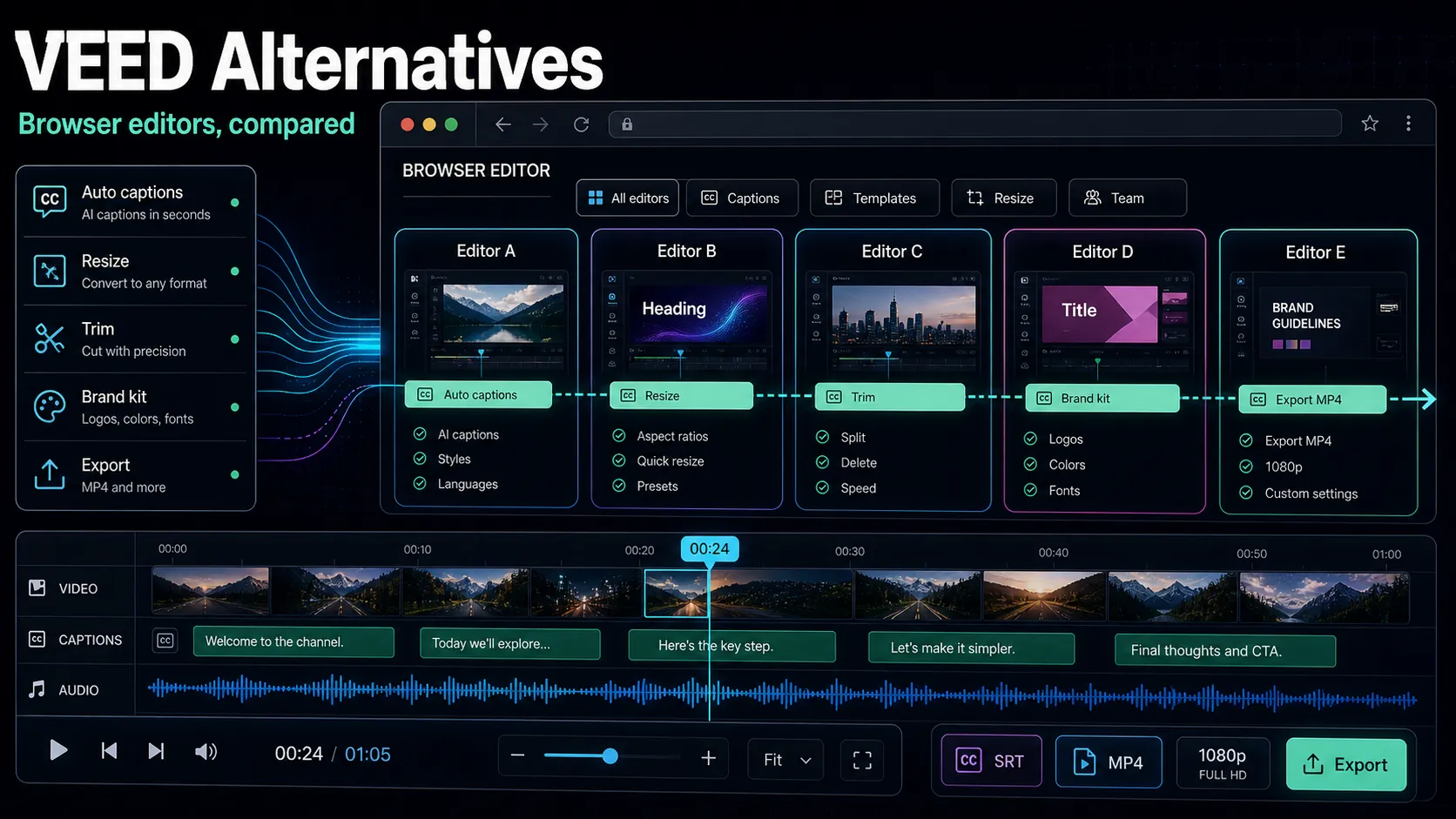
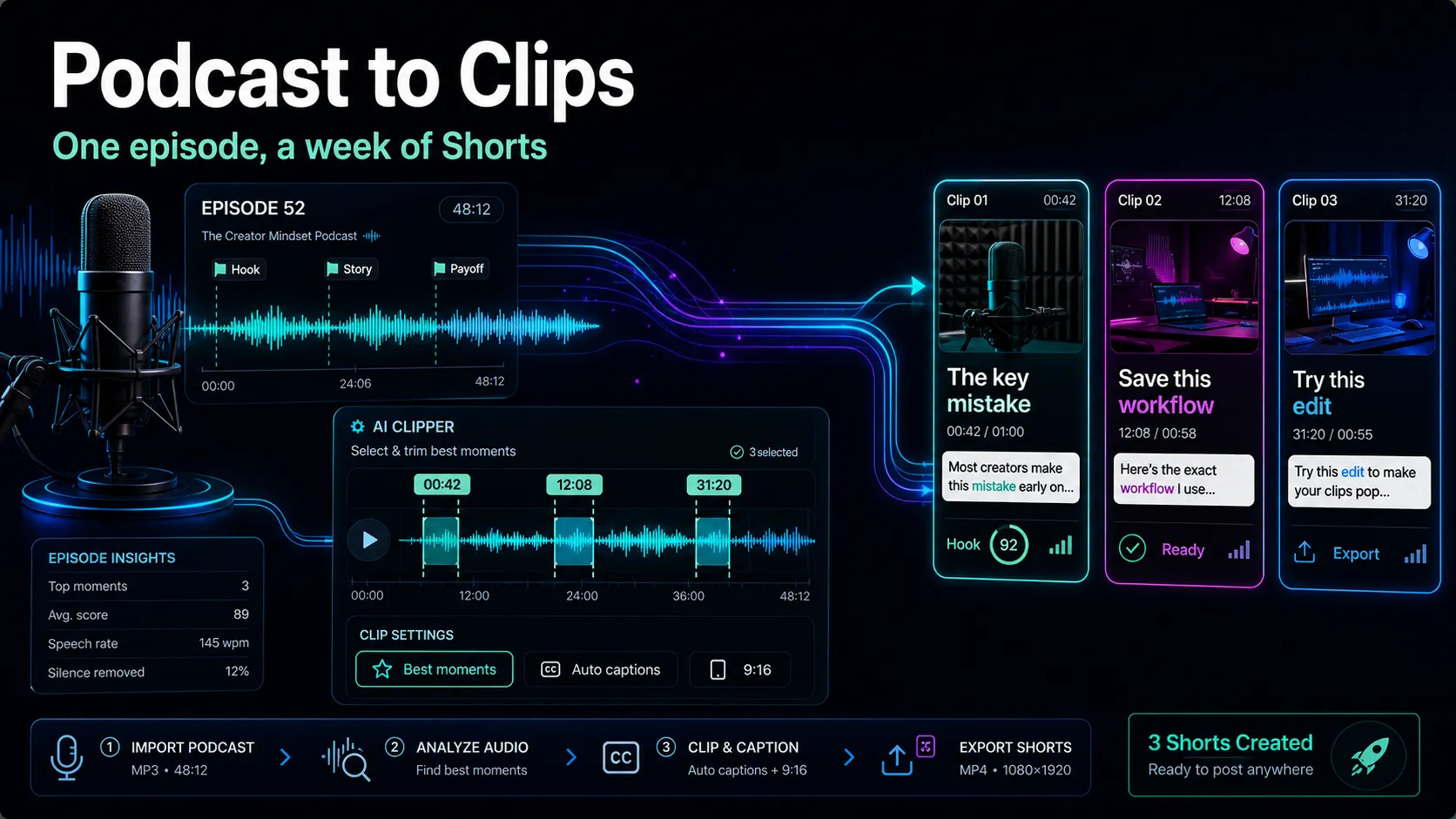
Descript vs VEED: Which Video Editor Wins?
Descript vs VEED compared by workflow, not stale specs: transcript editing vs browser captions, AI voice, translation, and a 30-minute test to pick your fit.
By the Recapo.ai Editorial Team · Fact-checked July 10, 2026
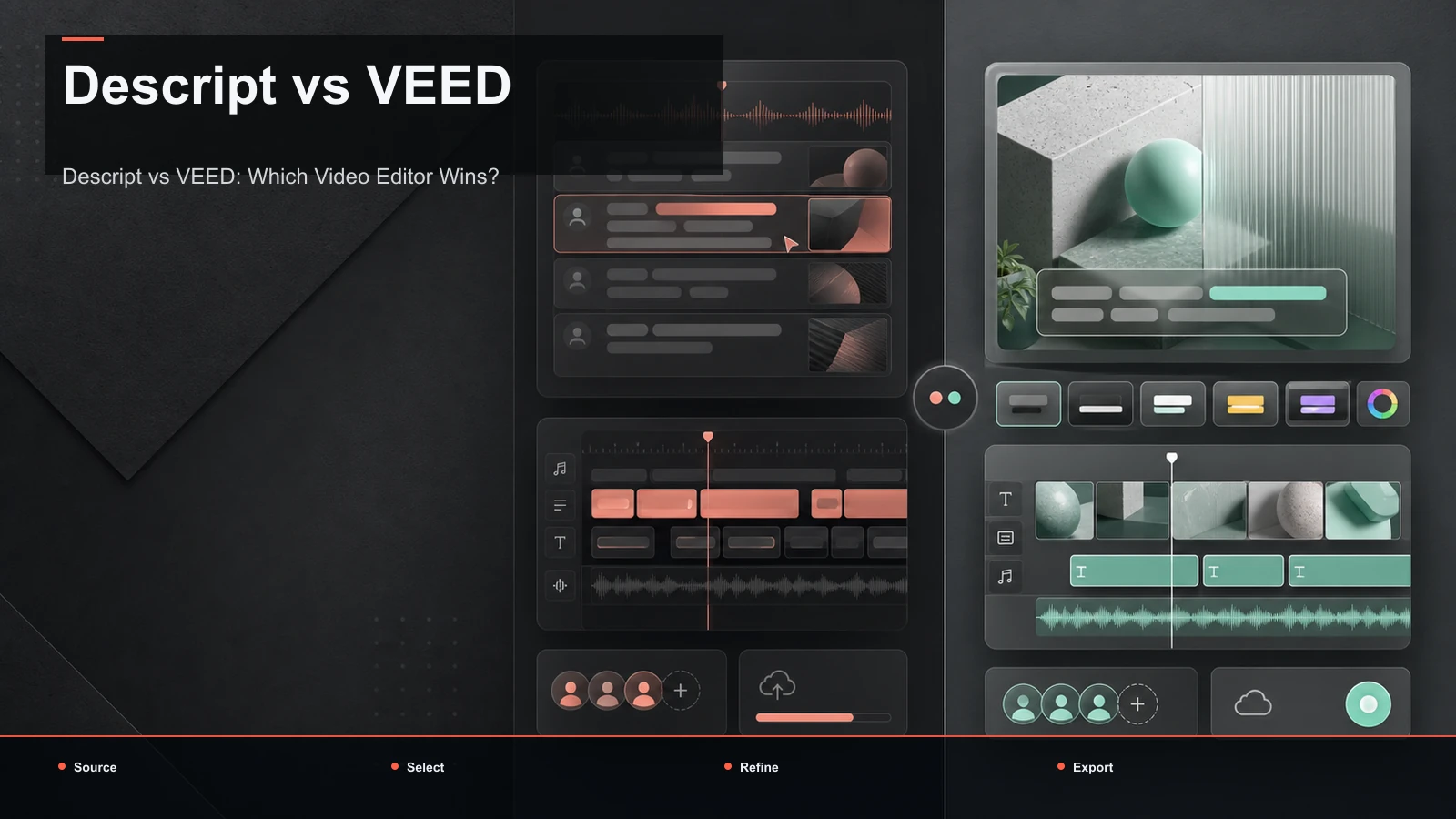
Descript vs VEED comes down to a question most comparison pages bury: do you want to edit video by rewriting its transcript, or work in a browser-based editor built around captions and quick social cuts? This guide answers that at the workflow level — no invented price tables or feature lists that go stale next quarter — so you can match the tool to the way you actually publish. We'll compare how each one edits, how they handle captions and translation, where AI voice fits, and how to run a 30-minute test on your own footage. And because many people reading a descript veed comparison are really trying to build a repeatable long-to-short pipeline, we'll show where a repurposing-first browser workspace like Recapo fits — honestly, and without crowning anyone.
Disclosure and method: Recapo.ai publishes this guide and may appear among the tools discussed. We checked official product pages on July 10, 2026. This edition is a desk-research comparison, not a standardized hands-on benchmark. We compare stated workflow fit rather than unverified performance scores and recommend testing the same source file in each finalist. Features, limits, and pricing can change.
Key Takeaways
- Descript and VEED sit in different lanes: Descript is known for editing by transcript, VEED for browser-based captioning and social edits. "Better" depends on your job, not a scoreboard.
- Ignore any specific price, quota, watermark, or export claim you read in a listicle — those change constantly. Verify pricing on each vendor's own page and run your own numbers.
- The deciding factors are your editing model, caption and translation needs, whether you want AI voice, and how much long-to-short repurposing you do.
- Position Recapo honestly: it's a browser workspace strong at transcribe, clip, caption, reframe, voiceover, and export — great for repurposing, not a replacement for a full timeline suite.
Descript vs VEED at a glance
Before the details, here's the positioning map. These are stable, public-facing descriptions of what each tool is for — not spec sheets, because specs are exactly the thing that shifts between the day you read this and the day you sign up.
| Dimension | Descript (positioning) | VEED (positioning) |
|---|---|---|
| Core editing model | Edit video and audio by editing the transcript, document-style | Browser video editor built around captions and quick cuts |
| Where it runs | Primarily a desktop app you download | Runs in the browser, nothing to install |
| Best known for | Transcript editing, AI voice, screen recording, podcast and long-form workflows | Auto-captions, subtitle styling and translation, social and marketing video |
| Natural home format | Long-form talking video, podcasts turned into video | Short social clips, captioned explainers, marketing assets |
| Learning curve | Familiar if you think in words; more app to learn | Light; most people caption and trim on day one |
Read this by your use case, not brand loyalty. If your day is cutting a rambling interview by reading it, Descript's model is designed for you. If it's slapping clean captions on a clip and shipping it from any laptop, VEED's model fits. The rest of this comparison unpacks each row so you can tell which side of "descript or veed" you actually land on.
The core difference: how each tool edits
The single biggest fork between Descript and VEED is the editing metaphor, and it decides almost everything downstream.
Descript edits by transcript. It transcribes your footage first and shows the spoken words as editable text. Delete a sentence and the matching video and audio are cut with it; move a paragraph and the footage follows. For talking-head videos, interviews, and podcasts-turned-video, editing by reading is faster than nudging clips on a waveform — you strip filler and remove bad takes without ever scrubbing. The trade-off: the whole approach rests on transcript accuracy, and it lives mostly in a desktop app you install.
VEED edits in a browser timeline. It's a conventional-feeling online editor where you trim, layer text, add captions, and arrange clips visually — all in a tab, with nothing to download. Captioning is the gravitational center: you upload, auto-generate subtitles, style them, and export. It's the kind of tool a social or marketing team reaches for when they want a captioned clip out the door today, not a long interview restructured by paragraph.
Neither model is "right." A transcript editor shines when the words are the edit — long spoken content that needs tightening. A browser caption editor shines when the video is already roughly the length you want and the job is polish, captions, and format. Figuring out which describes your typical project is 80% of choosing between veed vs descript.
Captions, subtitles, and translation
Feeds are watched on mute, so captions carry the video — and this is where a lot of buyers actually decide.
Both tools generate captions from speech, so the real questions are downstream: how much styling control you get, how clean the timing is, and whether you can translate subtitles for a wider audience. VEED leans hard into this — subtitle work is a headline use case, and translation is part of why social teams pick it. Descript produces captions from the same transcript that drives your edit, so the words on screen always match the cut.
Rather than trust a listicle's claim about how many languages or styles either supports, test it. Take one 60-second clip with a bit of background noise and run it through both:
- Timing: do captions land on the right words, or drift and need dragging?
- Line length: are lines short enough to read on a phone, or do they wrap awkwardly?
- Styling: can you get the look you want — position, size, highlight, karaoke-style word pop — without fighting the editor?
- Translation: if you localize, generate one translated subtitle track and read it. Machine translation quality varies by language pair far more than any feature checklist admits.
If translation is central to your channel, that self-test matters more than any spec, and a dedicated caption workflow is worth weighting heavily. If you want a primer on the mechanics first, our guide to AI video editors for YouTube covers how transcript-driven captioning behaves in practice.
AI voice and voiceover
AI voice is a real differentiator, but the word means different things to different tools, so match it to your specific need instead of a "has AI voice: yes" checkbox.
Descript is well known for pairing transcript editing with AI voice, including a voice-clone option that can generate or patch lines in a voice you've trained — handy for fixing a flubbed word without re-recording the whole take. VEED and most browser editors offer text-to-speech style voiceover for narration. These solve different problems: cloning is about your voice and seamless corrections; text-to-speech is about a voice for faceless or narrated formats.
Decide which you need before comparing:
- Do you narrate faceless videos? You want natural text-to-speech voiceover you can regenerate quickly per script.
- Do you fix your own spoken lines often? A voice-clone-style feature saves re-records — that's Descript's classic pull.
- Do you localize into other languages? You'll care about voice options per language plus subtitle translation together.
For faceless and repurposed formats, generating a clean AI voiceover from a script is often all you need. Recapo handles that voiceover step inside the same browser flow as the rest of the edit, which we'll get to below.
Pricing: how to compare it honestly
Here's the rule this whole article is built on: don't trust any specific price, free-tier limit, watermark, or export cap you read secondhand — including from vendor-adjacent "comparison" pages. Those numbers change, and a stale figure will steer you wrong. The only reliable comparison is your usage against each vendor's current official pricing page.
To do that fairly, fill in your own numbers first, then take them to both pricing pages and compare like for like:
| Line | Fill in your number |
|---|---|
| Minutes of footage you process per month | ___ |
| Videos published per month | ___ |
| AI actions per video (captions, voiceover, clips, reframe) | ___ |
| Do you need multiple seats or just one? | ___ |
| Languages you translate or dub into | ___ |
A tool that looks cheap for occasional use can get expensive once you publish weekly, and a flat plan that looks pricey can be a bargain at volume. Whichever way "descript vs veed.io" tilts for you on price, it tilts because of your numbers — so run them first.
Run your own Descript vs VEED test in 30 minutes
The only comparison that matters is on your footage, your voice, and your formats. Use the same source video for both tools so results are apples to apples.
- Pick one representative clip. Choose a 10–20 minute recording that's typical of what you publish — same accent, same background noise, same pacing.
- Transcribe and score accuracy. Run each tool's speech-to-text and count the words you had to fix. This is the foundation of transcript editing, so measure it directly.
- Do one real edit. In the transcript editor, remove filler and delete two bad takes by reading. In the browser editor, trim the same clip on the timeline. Time both and note which felt faster for this content.
- Caption and style. Generate captions in each and burn them in. Judge timing, line length, and how much styling control you actually get on a phone-sized preview.
- Cut a short. Turn the long recording into at least one vertical 9:16 clip and see how much manual cleanup each needs after its automatic pass.
- Voice, if relevant. Generate one voiceover line (or patch one line) and listen for naturalness in the format you'll ship.
- Export and inspect. Push a real export at your usual resolution and watch it on a phone the way your audience will.
Whichever tool leaves you with less cleanup at the end wins your descript veed comparison. That result won't match anyone else's, and that's the point.
Where Recapo fits: a repurposing-first alternative
If you got this far because your real job is turning long recordings into a steady stream of shorts, there's a third lane worth knowing about. Recapo isn't a transcript-first podcast editor or a captions-first social editor — it's a browser-based AI workspace built around repurposing long content, with nothing to install. It accepts MP4, MOV, and other common formats, up to 6GB total per task, which covers most long recordings a creator brings over from a webinar or interview.
Here's the end-to-end path it's built for:
- Upload your long recording: it opens in a tab, no download or render farm.
- Transcribe and edit in the AI video editor, where the transcript and timeline work together.
- Turn long into short with the AI clip generator, pulling the strongest moments into standalone clips for YouTube Shorts, TikTok, and Reels.
- Caption and reframe: add auto-captions that match your edit, then reframe to vertical 9:16 so the subject stays in the safe zone.
- Voiceover if you need it for faceless or localized cuts, then set a cover and export.
Being honest about fit: Recapo is built for the transcribe–clip–caption–reframe–voiceover–export path, not for frame-level color grading or multi-track compositing, and it isn't trying to be the deepest transcript editor or caption studio on the market. If your work lives in a professional desktop timeline, that's a better home, and Recapo can handle the short-form repurposing around it. Where it earns its place is the middle ground: one browser flow from a long upload to a posted short. Pricing lives on the pricing page so you can run it against the worksheet above.
Which should you choose? Match your job to the lane:
| If you… | Lean toward |
|---|---|
| Edit talking-head or podcast video by reading | A transcript-based editor (Descript's model) |
| Need fast captions and subtitle translation in a tab | A browser caption editor (VEED's model) |
| Fix or clone your own spoken lines without re-recording | A tool with voice-clone-style AI voice |
| Turn long recordings into many vertical shorts | A repurposing-first workspace |
| Want one browser flow from upload to posted short | A browser AI workspace like Recapo |
If neither Descript nor VEED quite fits after your test, it's worth browsing the wider field: see our roundups of AI video editors for YouTube and VEED alternatives organized by workflow rather than brand.
FAQ
Is Descript or VEED better? Neither is universally better — they're built for different jobs. Descript is designed for editing long spoken video by transcript; VEED for fast, browser-based captioning and social edits. Run the 30-minute same-footage test above and let the leftover-cleanup time decide. That result reflects your work far better than any ranking.
What's the main difference between Descript and VEED? The editing model. Descript edits video by editing its transcript, document-style, and runs mainly as a desktop app you install. VEED is a browser editor centered on captions and quick cuts that runs in a tab with nothing to download. Almost every other difference flows from that one.
Is VEED or Descript better for subtitles and translation? Both generate captions from speech, and subtitle work is a headline use case for VEED, including translation for wider reach. Rather than trust a spec, generate one translated subtitle track in each on a real clip and read it — machine translation quality varies enough by language pair that only your own test tells the truth.
Can I edit video by transcript in the browser without installing anything? Yes. Browser-based workspaces transcribe your footage and let you cut it by editing the text, no download required. Recapo runs the transcribe-and-edit flow in a tab, then continues into clipping, captions, reframing, and voiceover in the same place.
Which is better for turning long videos into shorts? For manufacturing many vertical clips from one long recording, weight long-to-short clipping and vertical reframing heavily — that's where a repurposing-first workspace or dedicated clip tool tends to beat a pure transcript or caption editor. Test each on one real 20-minute video and judge how usable the automatic clips are before committing.
Start your own comparison today
The fastest way to end the descript vs veed debate for your channel is to run one real recording through the workflow you'll actually repeat. If that workflow is turning long videos into captioned vertical shorts, Recapo lets you transcribe, clip, caption, reframe, add voiceover, and export — all in the browser, nothing to install. Create your free account and put your next recording through the 30-minute test above. Your editing time and your export will tell you what the comparison pages can't.