A Repeatable Video Repurposing Workflow for YouTubers
Build a repeatable YouTube repurposing workflow: plan clip-worthy moments, batch clips, correct captions, reframe to 9:16, review, and export.
By the Recapo.ai Editorial Team · Fact-checked July 10, 2026
A video repurposing workflow for YouTubers is a repeatable system — not a one-time edit — that turns every long upload into a batch of vertical clips on a predictable schedule. If you publish weekly, your problem was never "how do I cut one Short?"; it's how to build a pipeline you run the same way each week, so each long video produces a measured batch of TikToks, YouTube Shorts, and Instagram Reels without you re-deciding every step. That's the winning angle here. Most guides teach the one-off craft of making a Short from a long video; this one hands you the production system — plan clipable moments, batch-clip, caption, then title and reframe — built for channels shipping on a cadence. Below is the whole long-video-to-shorts pipeline in one place: a stage-by-stage system, a batch-at-scale method, and a weekly calendar you can actually keep.
Scope of this guide: This page treats repurposing as a recurring YouTube operating workflow with batching, ownership, review gates, and measurement. For the broader cross-platform clip-selection method, use how to repurpose long-form content into Shorts.
Why a repeatable workflow beats a one-off tutorial
A tutorial gets you one clip. A workflow gets you fifty a month without burning out. The difference isn't skill — it's whether the decisions are made once and reused, or remade from scratch every time you sit down to edit.
When you repurpose YouTube videos into shorts one clip at a time, every step is a fresh choice: which moment, which caption style, which title format, which crop. Multiply that by ten clips a week and it's the deciding, not the editing, that exhausts you. A system removes the repeated decisions so your only real judgment call is the one that matters — which moments make the cut.
| One-off tutorial approach | Repeatable workflow | |
|---|---|---|
| When you decide | Fresh choices every clip | Once, then reused |
| What scales | Nothing — effort stays linear | Output; marginal cost drops each batch |
| Where time goes | Re-learning your own setup | Selecting the best moments |
| Failure mode | Burnout, skipped weeks | Consistent weekly shipping |
| Best for | A single hero clip | A channel that publishes on a cadence |
If you only ever need one clip, a straight tutorial is fine — how to make YouTube Shorts from long videos walks the craft end to end. But if you publish every week, keep reading: the rest of this page is the system, not the tutorial.
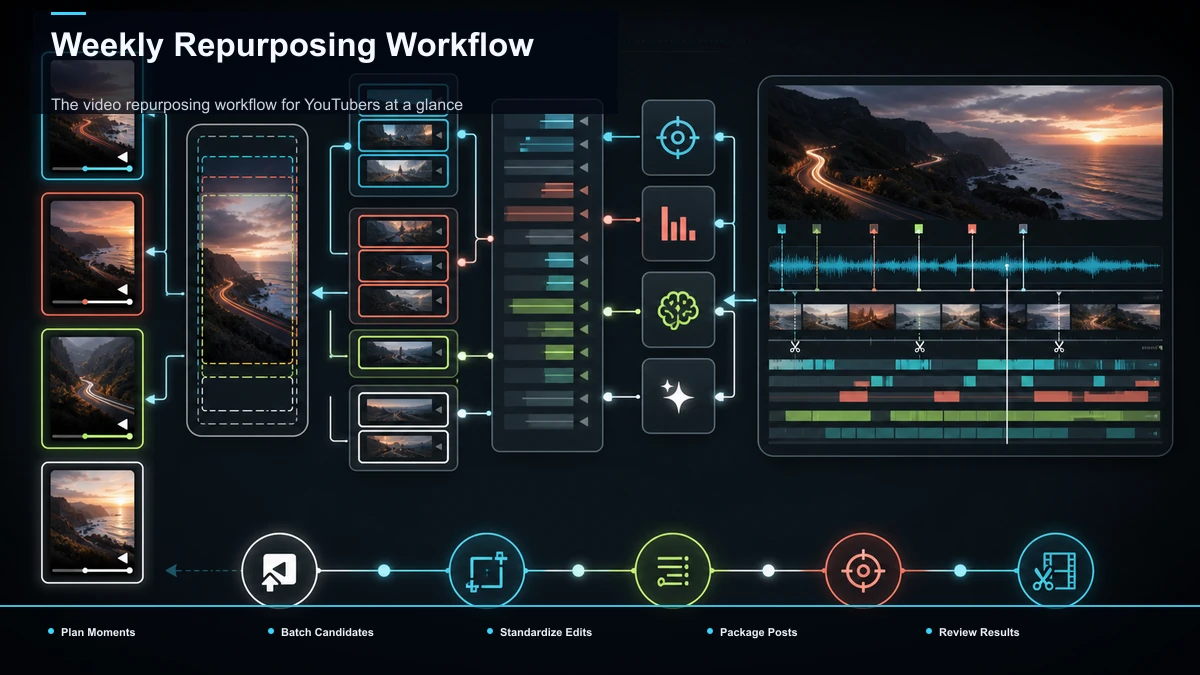
The video repurposing workflow for YouTubers at a glance
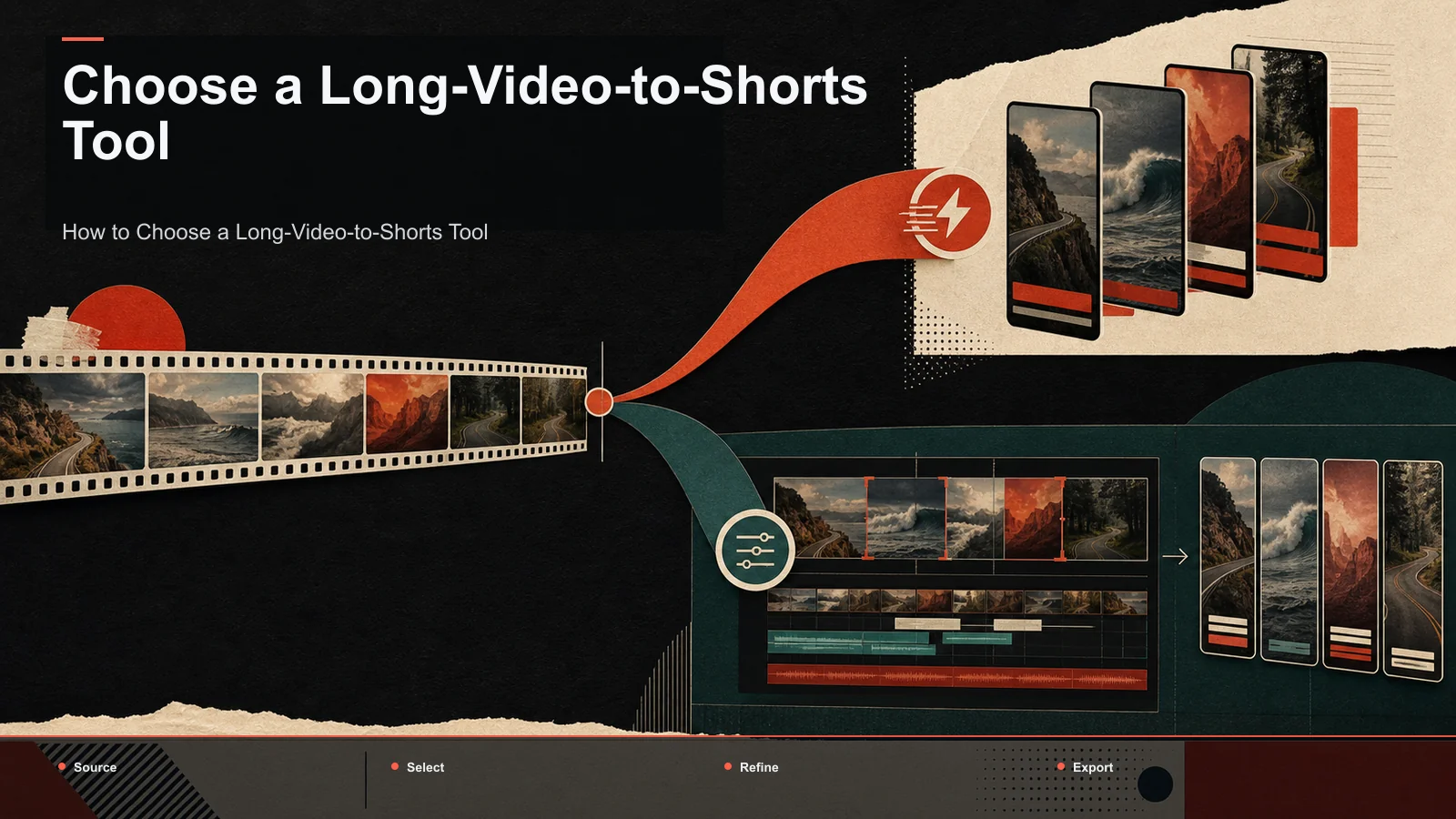
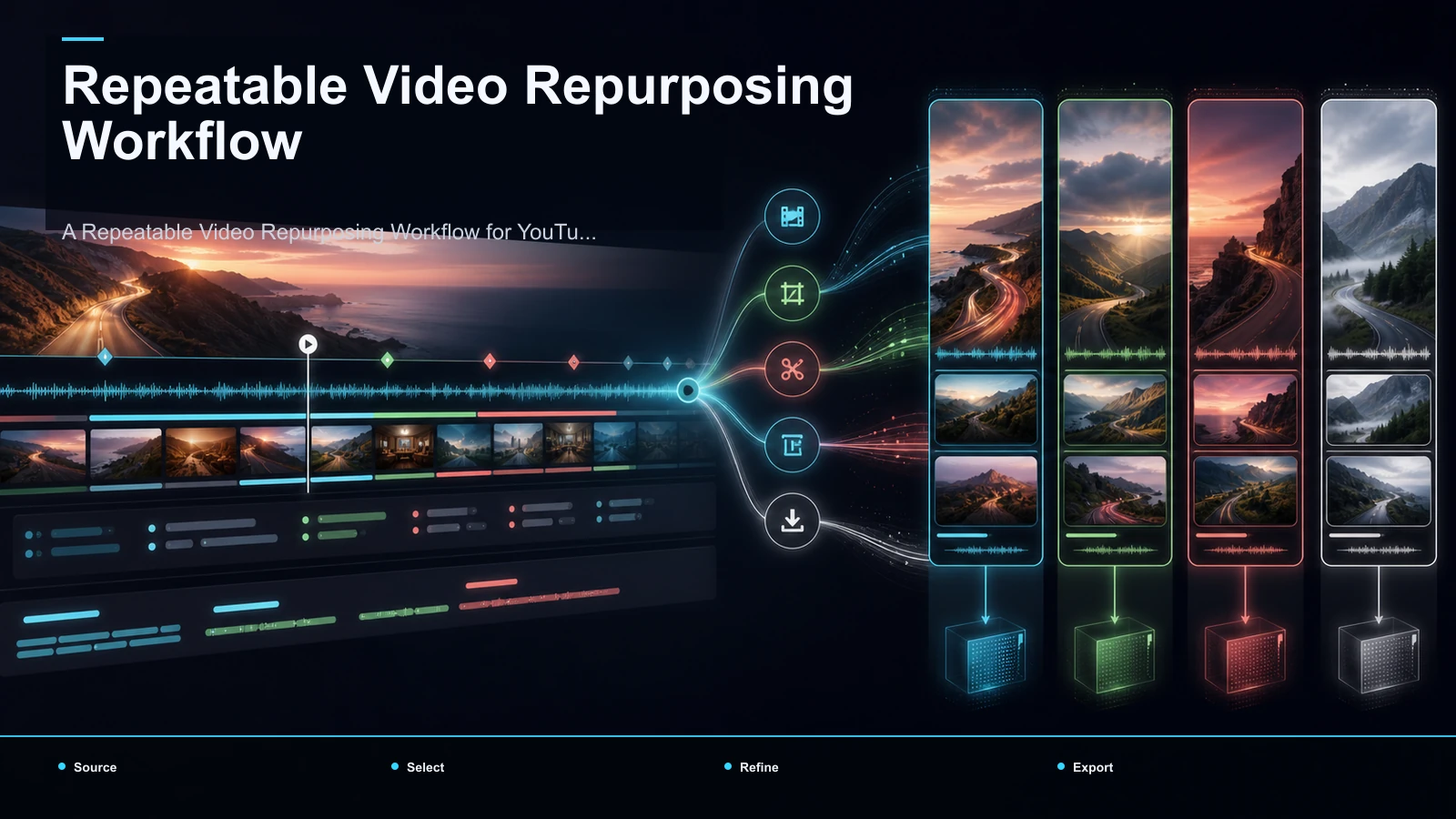
Every long upload runs through the same four stages. Plan the clipable moments, batch-clip them, caption and reframe, then title and schedule. Handing the mechanical stages to tools keeps your attention on the one thing tools can't do — taste.
| Stage | What you do | Who does the work |
|---|---|---|
| 1. Plan | Mark clip candidates as you film and cut the long video | You |
| 2. Batch-clip | Turn the whole upload into a shortlist of vertical cuts | Tool + your review |
| 3. Caption & reframe | Burn captions and lock 9:16 across the batch | Tool |
| 4. Title & schedule | Write native titles, add covers, queue the posts | You |
Here's that pipeline as a run-every-time checklist, with the mechanical steps handed to tools:
- Transcribe first. A timed transcript is the map you navigate instead of scrubbing a 20-minute timeline, and it's what the clipping engine reads to score moments. Upload the full file — MP4, MOV, or another common format — and generate the transcript before anything else.
- Surface the shortlist. Run the upload through an AI YouTube Shorts generator to pull candidate segments — hooks, strong answers, punchlines — so you review a shortlist instead of the whole runtime. This is where your judgment does its work.
- Cut and reframe the keepers. Send each chosen moment through a long video to short video AI that trims the segment and reframes it to 9:16, keeping the speaker in frame. Fix any bad crop by hand before moving on.
- Caption the batch. Generate captions with auto-captions from the same transcript so the words track your edit, then proofread once — one error repeated across ten clips reads as sloppy.
- Title, cover, export, queue. Give each clip a native title and a legible cover, export one clean 9:16 file, and drop it into your publishing queue.
Run these in order, then use the measured keeper count to set the schedule. The order matters: skip transcription and you're back to scrubbing; skip the shortlist and you'll over-edit weak moments.
Stage 1 — Plan clipable moments while you're still filming
Here's what separates a channel that ships shorts at scale from one that scrambles for them: the clips are designed in, not dug out afterward. The cheapest place to make a good clip is before you ever hit record.
Practically, that means building your long videos out of self-contained beats. When you script or outline, mark two or three moments that could stand alone — a crisp answer, a strong opinion, a demo payoff — and deliver each one so it opens on a hook and lands without the surrounding context. On camera, give those beats a clean in and out: pause before you start, don't talk over your own setup, and resist burying the payoff ten seconds deep. For sharper openings, how to write video hooks covers the first three seconds in depth.
Then keep a running clip log while you film and edit. A note like "07:15 — the pricing hot take" costs you five seconds now and saves you minutes of scrubbing later. When a beat is planned, marked, and self-contained, Stage 2 stops being archaeology and becomes assembly — which is the whole point of a workflow that scales.
Stage 2 — Batch the candidates in one sitting
The single biggest speed-up in a youtuber content workflow is batching. Instead of clipping one Short today and another on Thursday, process an entire upload — or several — in one focused session. Context-switching between selecting, cutting, and captioning all week is exactly what makes repurposing feel like a grind.
Batch like-with-like: do all your shortlisting first, then all your cutting, then all your captioning. Your brain stays in one mode and the tools stay warm. The math is simple, and it compounds:
| Cadence | Long uploads / week | Keepers per video | Shorts / week | Shorts / month |
|---|---|---|---|---|
| Getting started | 1 | 3 | 3 | ~12 |
| Steady channel | 1 | 5–7 | 5–7 | ~20–28 |
| High output | 2 | 5 | 10 | ~40 |
Those figures assume a measured keeper rate, not a quota; an approved batch gives cleaner evidence than one padded with weak candidates. A long video to short video AI can create initial trims and reframes, but correction time and keeper yield still need to be recorded. Use short-form clip selection and duration testing as a test framework rather than a set of proven platform ranges.
Stage 3 — Standardize captions, titles, and reframing
Batching only compounds if every clip comes out looking like it belongs to the same channel. Standardization is what turns a pile of cuts into a recognizable feed — and it quietly kills a dozen tiny decisions per clip.
Lock three things once and reuse them every week:
- One caption style. Pick a font, size, and highlight color, then apply it across the batch with auto-captions. Some short-form views happen on mute, so captions carry the clip; a consistent style reads as a brand rather than a random repost.
- One title formula. Write titles the same shape every time — a promise, a curiosity gap, a number. How to write YouTube titles and descriptions gives repeatable patterns you can turn into a fill-in-the-blank template.
- One reframe and export setting. Lock 9:16, a cover template, and one export preset. A single clean vertical export generally travels across TikTok, Shorts, and Reels; you vary the title and opening beat at publish time, not at render time.
The point isn't rigidity — it's removing decisions. When the look is fixed, your only weekly judgment call is which moments to publish, which is exactly where a creator's attention belongs.
A weekly production calendar you can actually keep
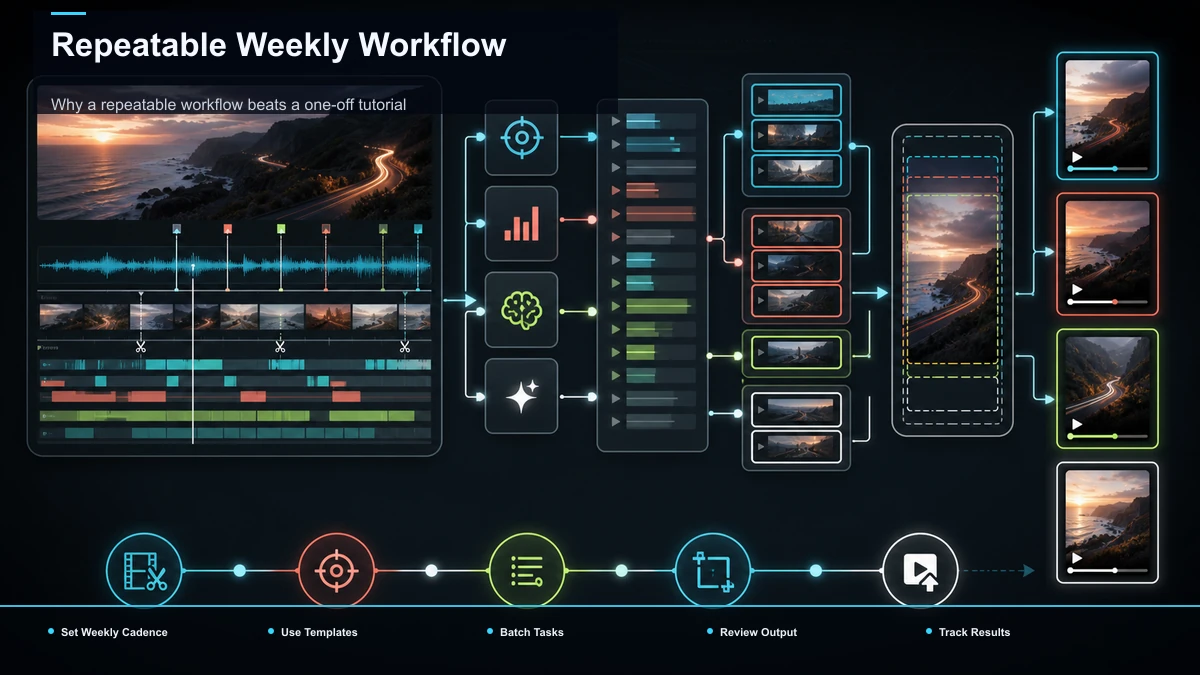
A system you can't sustain is just a nicer word for good intentions. The fix is a light, fixed rhythm so clips flow from every long upload without heroics. Here's a template you can bend to your own schedule:
| Day | Focus | Output |
|---|---|---|
| Filming day | Mark clip candidates as you record | A clip log with timestamps |
| Batch day | Transcribe, shortlist, cut, and caption the whole upload | Approved verticals recorded |
| Review day | Proofread captions, tighten hooks, write titles | Publish-ready clips |
| Queue day | Add covers, schedule across platforms | A full week's queue |
The key move is publishing from a backlog, not clipping under deadline pressure. A queue turns "I should make shorts" into a system that runs whether or not you feel inspired that morning. To wrap a calendar and cadence around your whole channel, our content repurposing strategy guide frames the bigger picture.
One browser pass: clip, caption, and reframe with Recapo
The friction in most repurposing setups is the handoffs — clip in one app, caption in another, resize in a third, exporting and reimporting between each. That handoff tax is precisely what kills a weekly cadence. Recapo collapses the clip, caption, and reframe stages into a single browser pass. It's a browser-based AI video workspace with no install, so the batch you planned in Stages 1–3 happens in one place.
In practice: upload one long recording in MP4, MOV, or another common format (up to 6GB total per task); let the AI YouTube Shorts generator surface candidate moments so you review a shortlist instead of the runtime; send the keepers through the long video to short video AI to trim and reframe to 9:16; and burn captions with auto-captions pulled from the same transcript, so the words track your edit. When a clip also needs a written summary, a scripted AI voiceover, or a redesigned cover, those live in the same workspace too.
The practical fit: if clips are your only output and you post from one channel format, a dedicated AI clipper may serve you just as well — so test before you commit. To choose fairly, upload one of your real long videos to two tools and measure the same things: how many usable candidate moments each surfaces, how cleanly the auto-reframe keeps the subject in frame, how accurate the captions are on your names and jargon, and how many clicks it takes to go from upload to an exported batch. Recapo earns its place when repurposing is a recurring, multi-format job and the win is fewer tools in the chain — not beating a specialist at any single step. Pricing lives on the pricing page; the fastest read is running one of your own uploads through the full pass.
Workflow mistakes that quietly break the system
Most stalled repurposing isn't a tooling problem — it's one of these habits. Each is easy to fix once you see it.
- Clipping ad hoc instead of in batches. One clip here, one there, and the context-switching eats your week. Batch like-with-like and the same output costs a fraction of the time.
- Re-deciding your look every time. No locked caption style, title formula, or export preset means you redesign the wheel weekly. Standardize once and reuse.
- Picking the moment you liked, not the one that stands alone. Your favorite line often needs setup a stranger doesn't have. If it can't open cold, it isn't a clip.
- Leaving the hook at the ten-second mark. Short-form audiences decide in three seconds. Front-load the payoff and cut the run-up ruthlessly.
- Publishing without a queue. Clipping under deadline pressure is how weeks get skipped. Build a backlog and publish from it.
Fix these five and both your keeper rate and your consistency climb — without changing a single tool. That's the proof a workflow beats a one-off edit: the system, not the software, is doing the heavy lifting.
FAQ
What is a video repurposing workflow for YouTubers?
It's a repeatable system for turning every long upload into a batch of vertical shorts on a schedule: plan clipable moments, batch-clip the upload into a shortlist, caption and reframe to 9:16, then title and queue the posts. The point is to make the decisions once and reuse them, so a weekly video produces a measured batch of approved clips instead of a fresh editing project each time.
How many shorts should I get from one long video?
It depends on how dense your content is, not a fixed ratio. A source with several self-contained beats may yield multiple keepers, while a looser source may yield few; measure the approved set instead of applying a fixed ratio. Aim for a realistic keeper rate rather than a quota — approved clips produce a cleaner test than a pile of weak candidates.
How do I repurpose YouTube videos into shorts at scale without burning out?
Batch and standardize. Process a whole upload (or several) in one session instead of clipping daily, lock one caption style, title formula, and export preset so you're not re-deciding the look, and publish from a queue. The workload that breaks creators is the repeated deciding, not the editing — and a system removes it.
Do I need editing skills to run this workflow?
Not many. The mechanical stages — transcribing, cutting, reframing to 9:16, captioning, exporting — are handled by tools in a few clicks. The skill that matters is judgment: recognizing which moments stand alone and open on a hook. That's curation, not editing, and it improves fastest by tracking which of your own clips actually earn watch time.
Will one export work for TikTok, YouTube Shorts, and Reels?
Usually, yes. All three take 9:16 vertical video with burned-in captions, so a clean export covers them. Vary the title, cover, opening beat, and length at publish time to fit each feed's rhythm — quick tweaks, not separate renders.
Ready to measure your next upload and build a reviewed batch of shorts? Create a free account, upload one long recording — MP4 or MOV, up to 6GB total per task — and run the whole system in the browser: shortlist the moments, cut and reframe to 9:16, burn captions, and export the batch. Count how many keepers one video produces and how fast the second batch goes. That number, on your own footage and your own cadence, tells you more about your repurposing workflow than any guide — and shows whether this pipeline fits the way your channel actually ships.