How to Make a Documentary-Style Recap Video
Make a documentary-style recap with sourced research, an original thesis, scene mapping, permitted visuals, steady narration, citations, and a fact check.
By the Recapo.ai Editorial Team · Fact-checked July 10, 2026
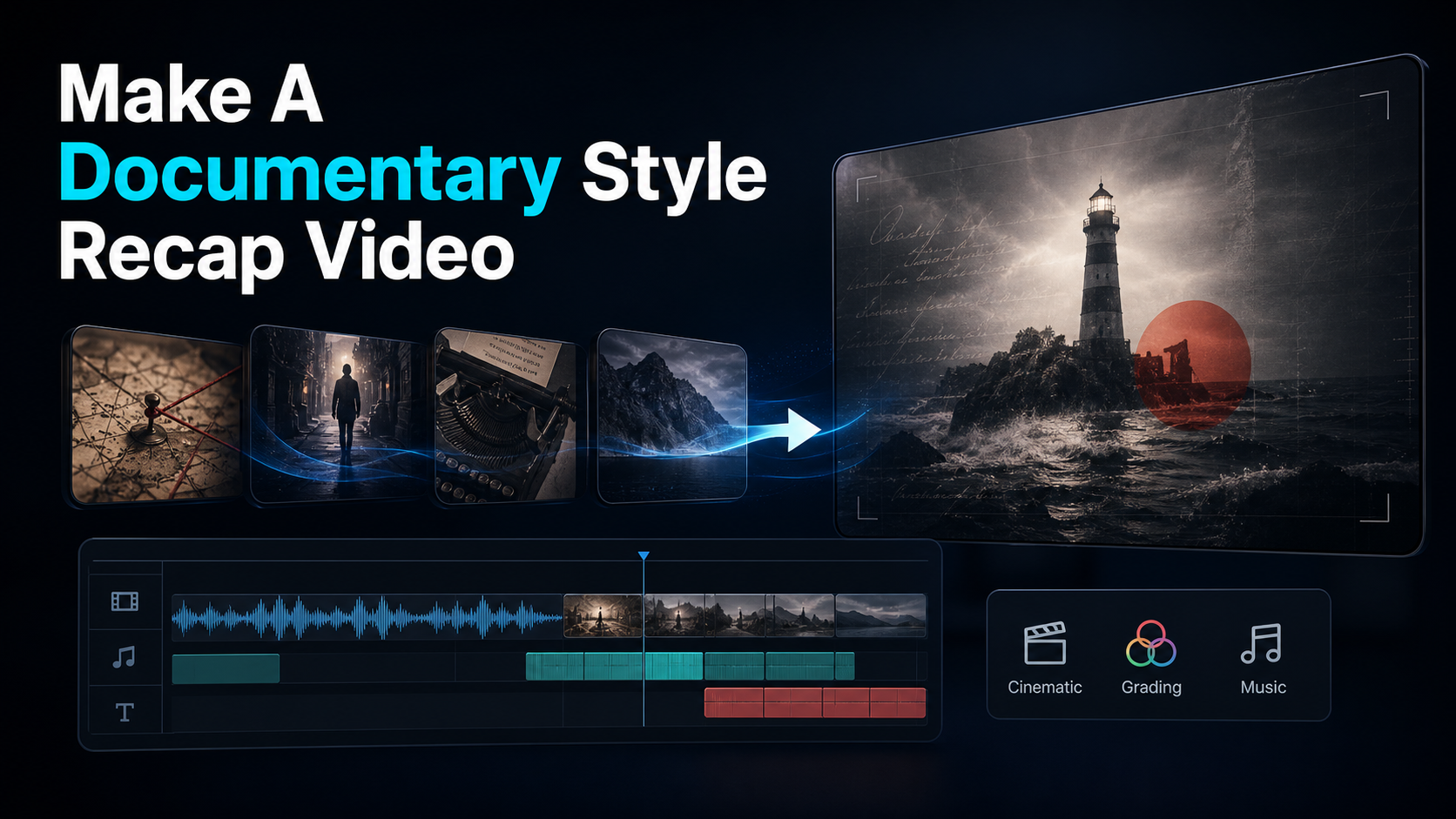
A documentary-style recap video trades the fast, hyped delivery of a standard recap for the calm, cinematic feel of a true-crime or dark-history documentary — measured narration laid over atmospheric footage, chaptered like an investigation. If you want to make a documentary-style recap video, four techniques do most of the work: establishing shots that set the scene, "wallpaper" B-roll that fills the screen while your voice carries the story, steady narration that never rushes, and parallel editing that cuts between two threads to build tension. This guide breaks down each technique, then hands you a browser-based workflow to script, narrate, and assemble the whole thing — while staying honest about where the format's craft limits and copyright lines actually sit.
The angle matters because "recap" and "documentary" are usually treated as separate supplies. Most recap tutorials teach the punchy, plot-summary format; most documentary how-tos assume you're shooting original footage on location. Documentary-style recaps sit in the gap: you're narrating and assembling rather than filming, but you want the gravity and deliberate pacing of a streaming true-crime episode. That's a specific craft — and it's what the rest of this guide is about.
Information note: This is general information, not legal advice. Copyright outcomes depend on the facts and jurisdiction; primary sources were checked on July 10, 2026.
Key Takeaways
What makes a recap "documentary-style"
The difference is entirely tonal. A standard recap grabs you in the first second, cuts fast, and races through plot beats with an energetic "and then…" delivery. A documentary-style recap does the opposite: it slows down, lowers its voice, and treats the story like a case being uncovered. The viewer feels like they're watching an investigation unfold rather than being told a summary.
That tone is exactly what suits the niches this format thrives in — true crime, cold cases, dark history, scandals, disasters, and unsolved mysteries. The audience for those topics expects weight. They want a narrator who sounds like they've read the files, footage that feels somber and grounded, and a structure that builds instead of blurts. Get the tone right and a topic that would feel cheap as a fast recap suddenly feels credible and binge-worthy.
Three markers separate the two formats:
The four documentary techniques at a glance
Everything that reads as "documentary" comes down to these four moves. You can pull all of them off in a browser, with no film shoot required.
| Establishing shot | Grounds place and time before the story starts | Open on a wide, slow, scene-setting shot — a skyline at night, an empty road, an old map | Wallpaper B-roll | Keeps the screen alive while narration carries the meaning | Loop slow, atmospheric, loosely related footage under the voice; add gentle pans on stills | Steady narration | Sets the calm, authoritative tone | Record at a measured ~130–150 words per minute, even and unhurried, no hype | Parallel editing | Builds tension by intercutting two threads | Cut between two timelines or locations on the beat, tightening as the story climaxes |
The sections below take each one in turn, because the craft is in how you execute them — not in owning them as a checklist.
Write documentary-style narration
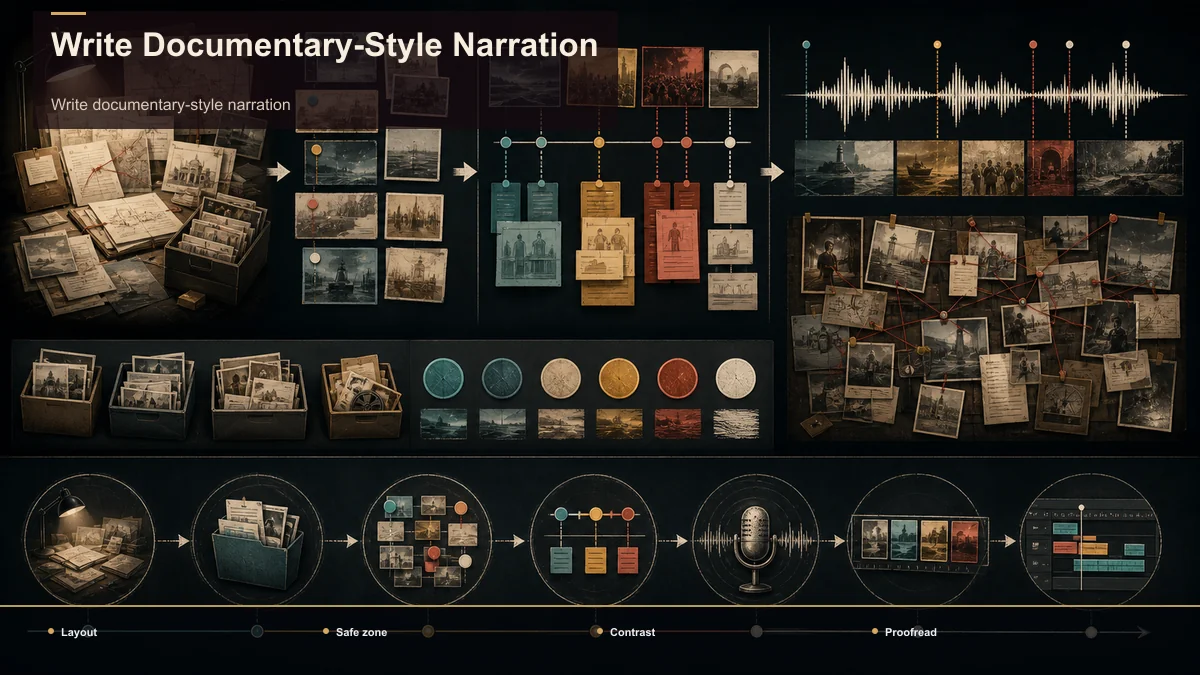
The script is the film. In a documentary recap the visuals support the words, not the other way around, so your writing does more work than in any other recap format. Three structural habits give it the documentary shape.
Open with a cold open, not a hook-shout. Instead of "You won't BELIEVE what happened next," a documentary recap opens on a single haunting detail — a date, an object, an unanswered question — narrated quietly, then cuts to the title. It slows the viewer down and signals the tone in the first ten seconds. For the mechanics of an opening line that still stops the scroll on Shorts, TikTok, and Reels, see how to write video hooks.
Chapter the story like an investigation. Documentaries move in acts: the setup (who and where), the escalation (what went wrong), the turn (the revelation), and the aftermath (what it meant). Writing to that skeleton keeps a documentary narration video from sagging in the middle, which is where recap retention usually leaks.
Practice restraint. Let the facts carry the weight; don't editorialize every line. A measured script reads as more credible, and credibility is the whole appeal of the format.
To build that skeleton fast, condense your source research first. Feed a long documentary, interview, or public-record video into a video summarizer to pull the key beats, and use a plot summary generator to draft a clean chronological outline you can rewrite in your own voice. You're using these to structure the story, then writing the actual narration yourself — that's what keeps the work transformative instead of a repackage.
Build the visual layer: establishing shots and wallpaper B-roll
Here's the technique that makes documentary recaps possible without a camera crew: you rarely need footage that literally matches every sentence. Documentaries fill most of their runtime with atmosphere.
Establishing shots open a scene and reset the viewer's sense of place and time. A slow, wide shot — a city skyline at dusk, a fog-covered road, a weathered building, an old newspaper on a table — tells the audience "we are here now" before the narration continues. Drop one at the start of every chapter.
Wallpaper B-roll is the documentary staple most creators underuse. It's slow, moody, loosely related footage that runs under the narration purely to keep the screen alive: rain on a window, headlights on a wet street, flickering lights, a clock, a slow push across a still photograph (the classic Ken Burns pan). It doesn't need to depict the exact event — it needs to hold the mood while your voice does the storytelling. This is why a documentary recap can cover a decades-old case with footage you can actually license.
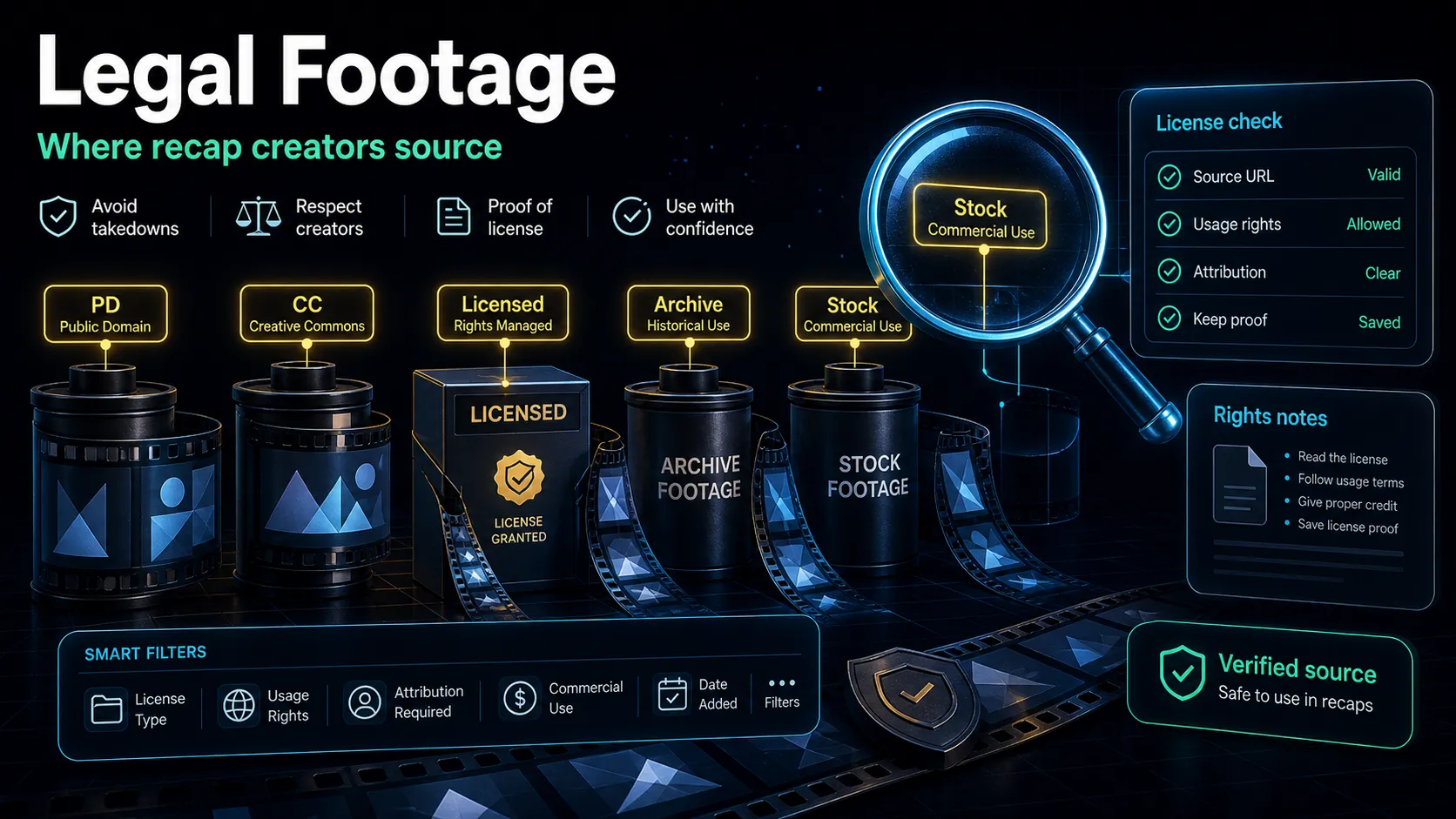
Sourcing that footage honestly is the whole game. Build your visual layer from licensed stock footage, genuine public-domain archival material, and your own original shots or recreations — not clips ripped from another creator's documentary or a copyrighted film. For where to find material you can actually use, see where to find licensed footage for recaps. When you cut a vertical version for Shorts, TikTok, or Reels, reframe those shots to fill the 9:16 frame instead of pillarboxing.
Give it a documentary voice
If the script is the film, the voice is the format. The single fastest way to make a recap read as "documentary" is a calm, low, deliberate narrator who sounds certain and unhurried. Speed, brightness, and hype all break the spell.
You have two honest routes. Record it yourself if you have a voice that suits the tone and a quiet room — one consistent read across every episode builds a recognizable channel. Or generate a documentary voiceover recap with a voiceover maker, which lets you audition several calm, measured voices against the same script and keep one consistent across a series without re-recording. Either way, aim for that even ~130–150 words-per-minute pace, and leave small pauses so the establishing shots and B-roll get room to breathe. For choosing and directing a narration voice that fits the somber tone, see AI narration for movie recaps.
Whatever you pick, keep it consistent. Documentary channels live or die on a recognizable narrator — the voice becomes the brand as much as the topic does.
Edit with pacing and parallel cutting
Assembly is where the four techniques come together. Lay the narration first as your spine, then build the visuals to it — establishing shot at each chapter, wallpaper B-roll underneath the body, and stills or maps where you need a specific reference.
Parallel editing is the technique that adds tension. When a story has two threads running at once — two people, two timelines, two locations heading toward the same moment — intercut between them, cutting back and forth on the narration beats and tightening the cuts as you approach the climax. It's a documentary and thriller staple because it makes the viewer feel the collision coming before it arrives.
A few pacing rules keep it from dragging:
- Cut on meaning, not on a metronome. Change the shot when the narration changes idea, not every two seconds.
- Let silence work. A held establishing shot with no narration, right before a revelation, hits harder than another line of voiceover.
- Tighten toward the climax. Longer, slower shots early; shorter cuts as tension rises.
- Score for tone, not energy. A low, sparse music bed under the whole piece sells "documentary" more than an upbeat track.
Copyright and Content ID for true-crime and history recaps
Documentary-style recaps often cover real cases and real footage, which makes copyright non-optional to understand. YouTube's Content ID system automatically scans every upload against a database of reference files that rights holders submit. When it finds a match — video or audio — the rights holder's chosen policy applies: the upload can be blocked, muted, or monetized on their behalf. This runs regardless of your genre, your intent, or how "educational" the piece is. Choosing a documentary tone does not exempt you.
The compliant path is the same one that makes the format good: build transformative work. Lean on your own narration, genuine commentary and analysis, and footage you're licensed to use — licensed stock, public-domain archival, and original shots or recreations — rather than replaying long stretches of someone else's documentary or film. Fair use (and its equivalents elsewhere) turns on factors like how transformative your work is, how much of the original you use, and its effect on the original's market — not on genre or runtime. This is general information, not legal advice — for a specific case or piece of footage, check the rights holder's terms or consult a qualified professional. For a fuller breakdown, see YouTube's official fair-use guidance.
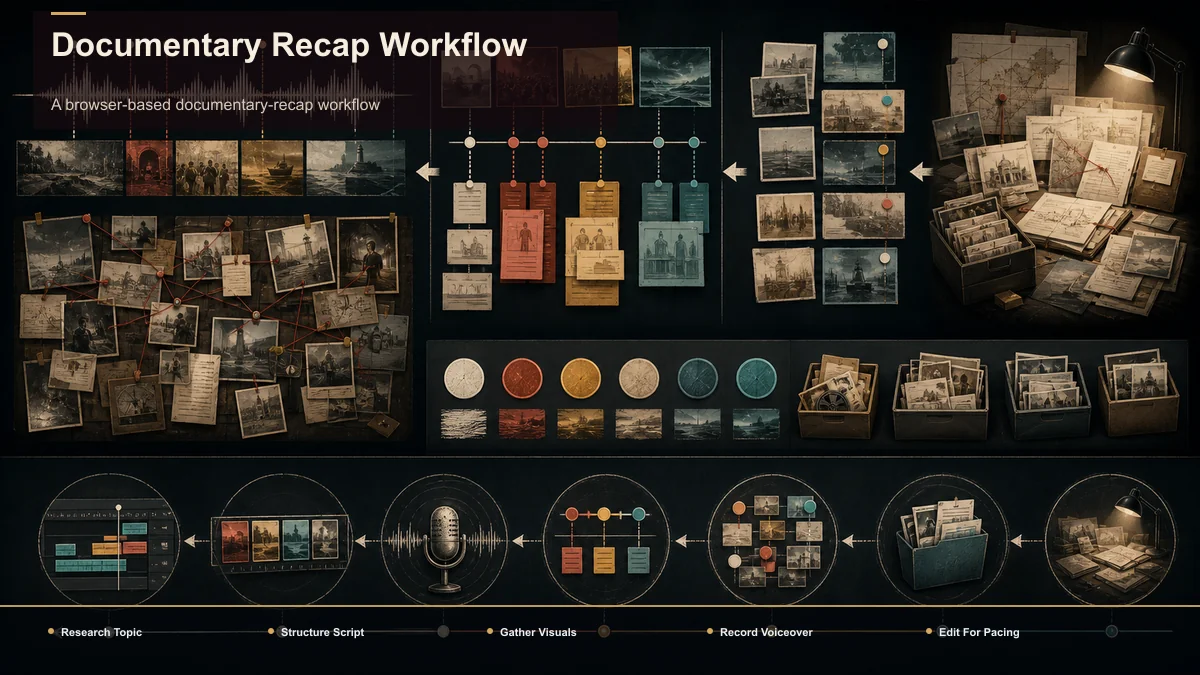
A browser-based documentary-recap workflow
You can produce all four techniques in one browser workspace without a desktop installation; processing and rendering happen in the cloud. A tool like Recapo runs the script-to-export loop and accepts standard formats (MP4, MOV, and similar) up to 6GB total per task. A repeatable pass for a true-crime or dark-history episode:
- Research and condense. Gather your source material, then run long videos through a video summarizer to pull the factual beats into a working outline.
- Structure and script. Draft a chronological arc with a plot summary generator, then rewrite it into your own measured, chaptered narration — cold open, escalation, turn, aftermath.
- Gather the visual layer. Collect establishing shots and wallpaper B-roll from licensed and public-domain sources; add slow pans on stills.
- Voice it. Record your own read or generate a calm narration with a voiceover maker, holding a steady ~130–150 wpm.
- Assemble with pacing. Lay narration as the spine, build visuals to it, intercut parallel threads, and score with a sparse music bed.
- Caption and export both cuts. Add captions for muted viewing, export the long documentary recap, then reframe a 30–60 second vertical teaser for Shorts, TikTok, and Reels.
Don't choose tools on a feature list — run one test. Take a single episode and check two things: could you produce the establishing-shot-plus-wallpaper look and a consistent narration voice in one place, and how many round-trips did the long cut plus the vertical teaser take? Let that result decide, not the marketing copy.
FAQ
What is a documentary-style recap video? It's a recap told with the tone and techniques of a documentary rather than a fast plot summary — calm, measured narration over atmospheric footage, structured in chapters like an investigation. It suits true-crime, dark-history, and unsolved-mystery niches, where the audience expects gravity. The look comes from four techniques (establishing shots, wallpaper B-roll, steady narration, parallel editing), not from expensive gear.
How do I get the documentary look without filming anything? Fill most of the runtime with establishing shots and "wallpaper" B-roll — slow, atmospheric, loosely related footage that keeps the screen alive while your narration carries the story. Add gentle pans across stills and maps. Source it all from licensed stock, public-domain archival, or your own shots, and let the voice and pacing do the heavy lifting rather than exact-match footage.
What voice works best for a documentary recap? A calm, low, deliberate narrator delivering a steady ~130–150 words per minute, with small pauses that let the visuals breathe. Consistency across episodes matters most — the voice becomes the channel's signature. Record it yourself if it fits the tone, or generate one narration voice and keep it consistent across a whole series.
Do true-crime or documentary recaps get copyright strikes? They can. YouTube's Content ID scans every upload regardless of genre, and a documentary tone doesn't create an exemption. Protect yourself by building transformative work — your own narration and commentary plus licensed or public-domain footage — instead of replaying someone else's material. This is general information, not legal advice; check the rights holder's terms for a specific case.
How is this different from a normal movie recap? A normal recap prioritizes speed and a punchy hook; a documentary-style recap prioritizes tone, restraint, and a slow-building investigative structure. The scripting is chaptered rather than a straight plot crawl, the footage is atmospheric rather than clip-for-clip, and the narration is measured rather than energetic. Same assembly skills, a very different feel.
Build your documentary-style recap in one pass
A documentary-style recap video comes down to four techniques and a tone: establishing shots to set the scene, wallpaper B-roll to hold the mood, steady narration to carry the story, and parallel editing to build tension — all in service of the calm, credible feel true-crime and dark-history audiences come for. Create a free Recapo account, summarize your source research into beats, draft a chaptered outline, write and generate your measured narration, then assemble the atmospheric cut and reframe a vertical teaser for Shorts, TikTok, and Reels — all in one browser pass, built from footage you're actually cleared to use.
References and official sources