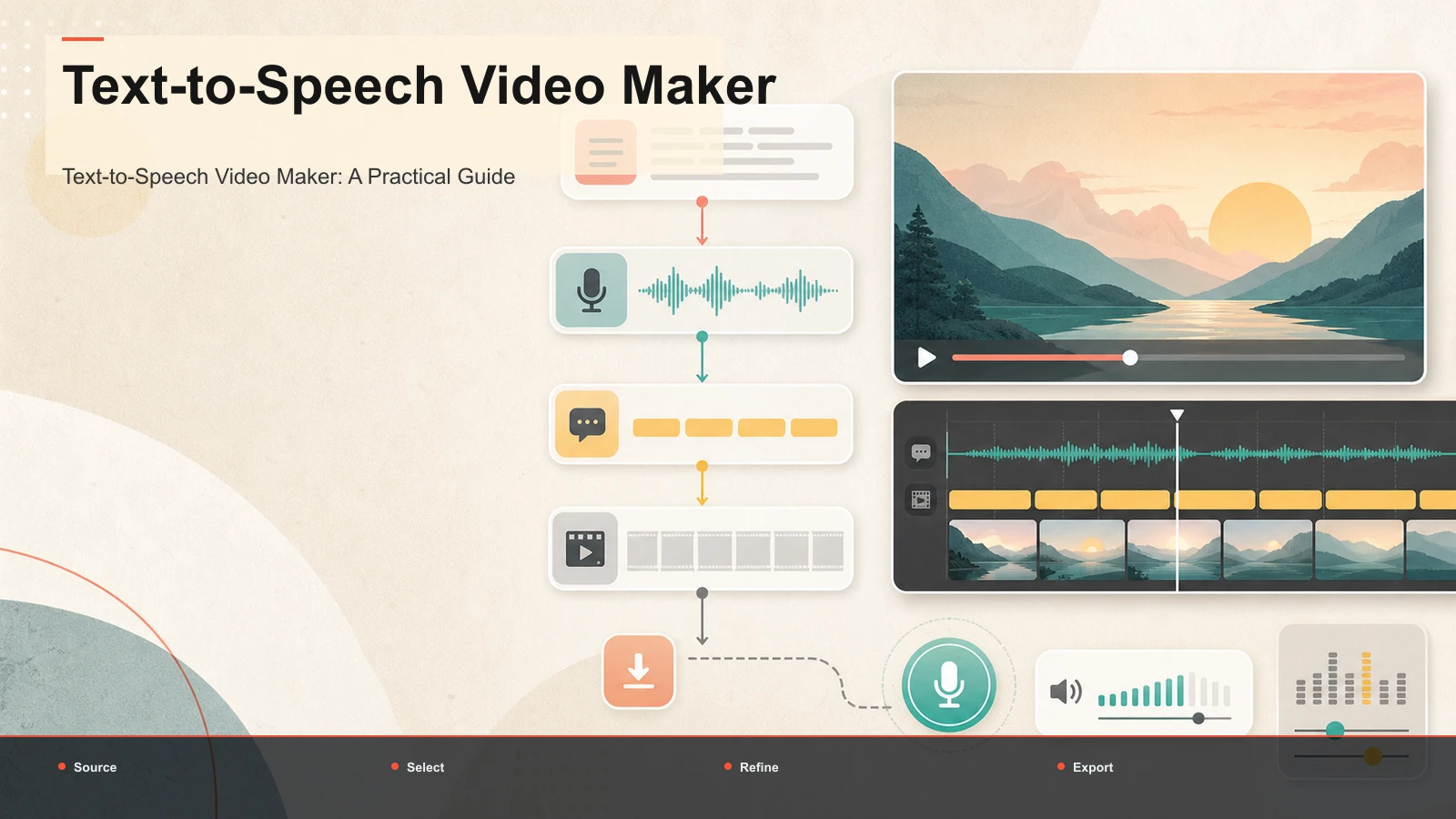
Best Text-to-Speech Tools for Videos
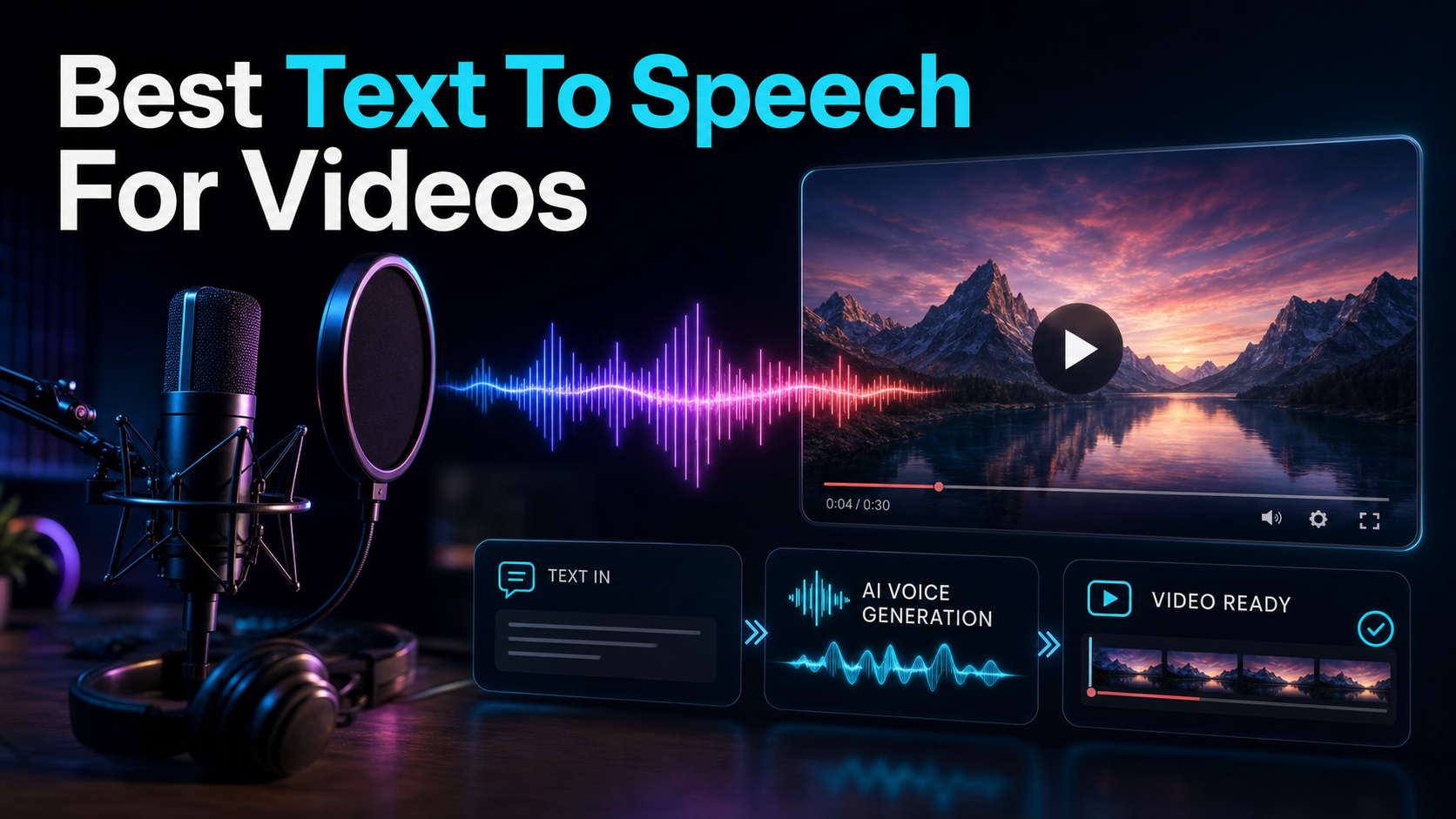
Looking for the best text to speech for videos? Compare specialist AI voice engines vs integrated video tools, use a self-test framework.
By the Recapo.ai Editorial Team · Fact-checked July 10, 2026
The best text-to-speech tool for a video depends on the output you need. One workflow ends with a reusable audio file; another continues through captions, framing, visuals, and video export. This guide compares those tool shapes from official product information and provides a same-script test for pronunciation, pacing, editability, license terms, and total production time. It does not assign an unverified realism winner.
Disclosure and method: Recapo.ai publishes this guide and may appear among the tools discussed. We checked official product pages on July 10, 2026. This edition is a desk-research comparison, not a standardized hands-on benchmark. We compare stated workflow fit rather than unverified performance scores and recommend testing the same source file in each finalist. Features, limits, and pricing can change.
What "best text to speech for videos" means
For an audio-first workflow, compare voice controls, pronunciation tools, languages, file formats, API or batch needs, and the commercial terms that apply to your use. For a video-first workflow, add caption generation, timing, visuals, reframing, and export to the evaluation.
Neither category is automatically better. Read the current license and product pages, then render the same script in every finalist. Review names, numbers, acronyms, pacing, correction time, and how the audio behaves inside the finished video.
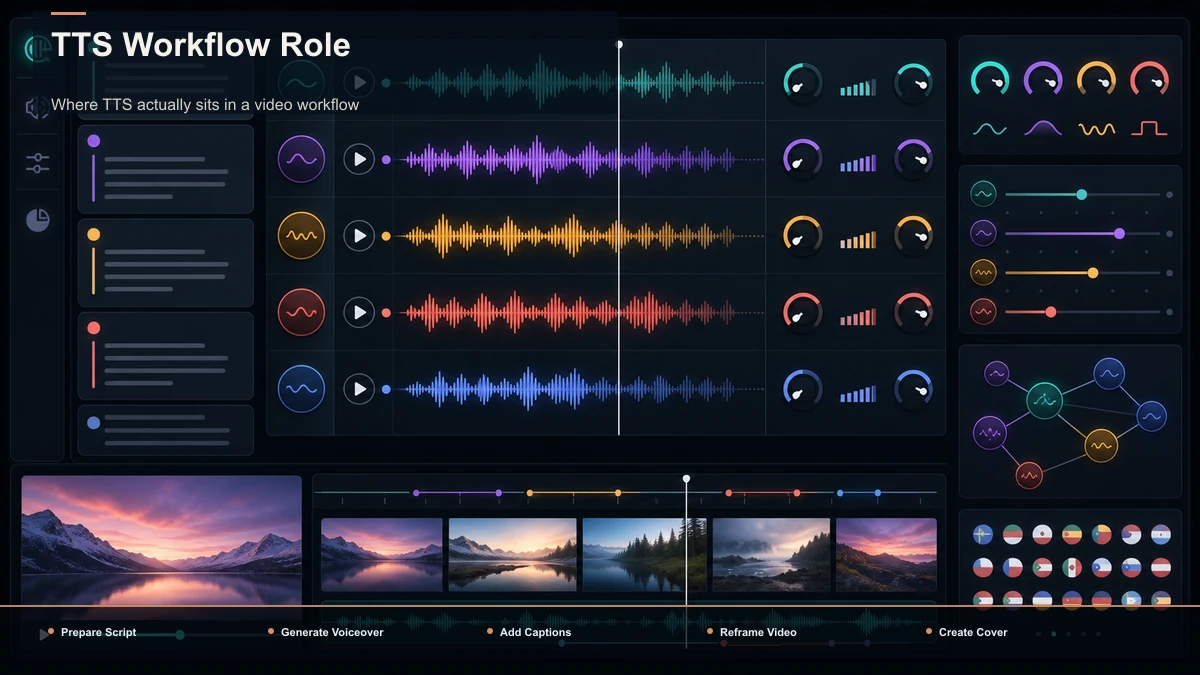
Where TTS actually sits in a video workflow
TTS is not the product. The finished video is the product. A synthetic voice only earns its keep when it slots into the steps around it without friction. Here's the pipeline a typical faceless or narrated short runs through:
- Script. Write or summarize the narration — often the hardest 20 minutes of the whole job.
- Voiceover. Turn that script into a spoken track with TTS: pick a voice, set pacing, generate.
- Captions. Add subtitles synced to the voice, because some Shorts, Reels, and TikToks are first encountered without audio.
- Reframe. Resize a horizontal source to 9:16 vertical, or crop for the platform you're posting to.
- Cover. Make a thumbnail or cover frame that earns the click.
- Export. Render and download in a format the platform accepts.
Notice how many of those steps have nothing to do with the voice itself. If your TTS lives in one app and steps 3–6 live in another, you pay an export-import-re-sync tax on every single video. That tax is invisible on your first clip and brutal by your fiftieth. This is the core reason "which voice is most realistic" is the wrong first question for high-volume creators — the right first question is "how many tools does one finished video touch?"
Two families of TTS tools — and the honest trade-off
Almost everything you'll find in the search results falls into one of two families, and they optimize for opposite things.
| Primary job | Generate the best possible voice file | Ship a finished, upload-ready video | Where they shine | Raw realism, voice variety, cloning, fine emotional control | Fewer round-trips — voiceover next to captions, resize, export | What you still need | A separate editor for timing, captions, and export | Usually nothing else for a standard short | Best fit | Voice cloning, audiobook-grade reads, VO delivered as audio | Faceless/recap channels producing on a schedule | The catch | The video assembly is on you | The raw voice may not match a top voice lab head-to-head |
Being straight about it: if your bar is the most lifelike voice money can buy, a dedicated voice engine is likely to beat a video suite on that one axis today. That's their entire focus. But "best voice in isolation" and "best result per hour of my time" are different questions. A slightly less flashy voice that's already sitting inside your captioning and export flow can produce a better channel than a stunning voice you have to shuttle between three apps.
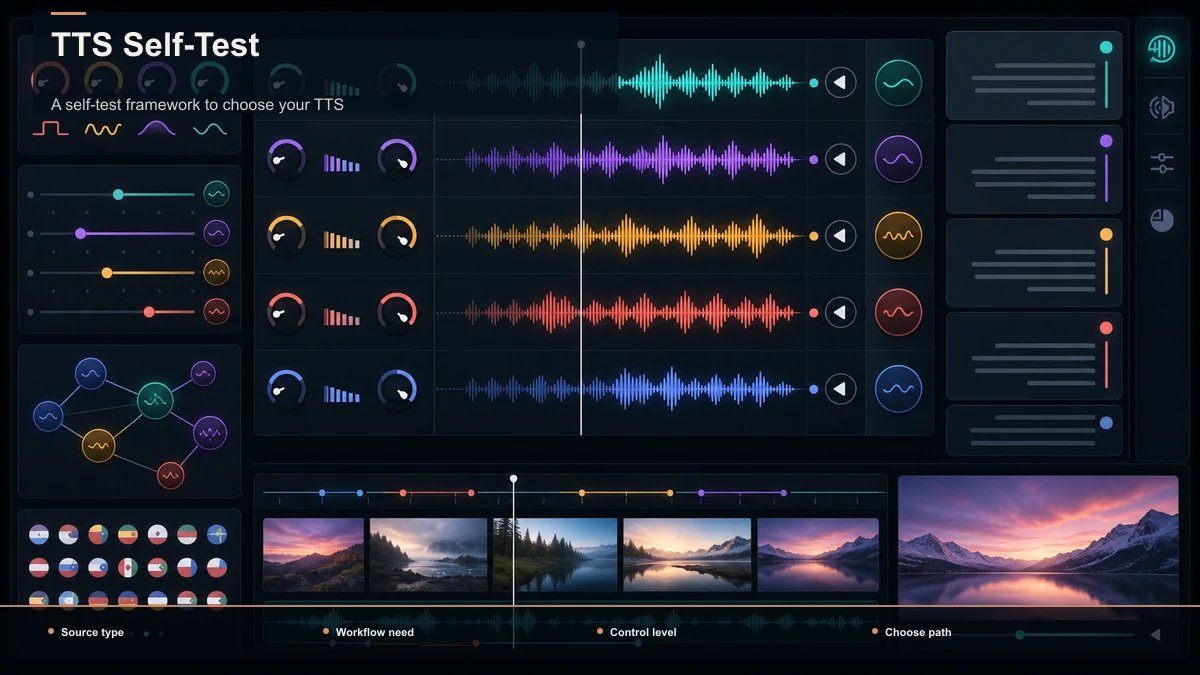
A self-test framework to choose your TTS
Instead of trusting a ranking, score your own needs. For each row, decide which side you lean, then count where your checkmarks land. This is far more reliable than any listicle, and it dodges the trap of buying features you'll never use.
| Do you need the voice as a standalone audio file, or narration inside a video? | Standalone audio | Narration inside a video | How many videos do you make per week? | A few, high-craft | Many, on a schedule | Do captions and on-screen timing matter to the final cut? | Handled elsewhere | Yes, want it in one place | Do you need voice cloning or fine emotional direction? | Yes | Not really | Do you also need clipping, reframing, and export? | No, I have an editor | Yes, all of it | Is minimizing app-switching a priority? | No | Yes |
Count your answers. Mostly left, you're a voice shopper — start with a specialist engine and pair it with the editor you already trust. Mostly right, you're a video shipper — an integrated tool will save you more hours than a marginally better voice ever could.
Two practical rules for either path:
The tool landscape at a glance
Here's the honest, positioning-level map — what each type of tool is for, not a spec sheet. Prices, quotas, and feature lists move constantly, so confirm the details on each product's own page before you decide.
Read that list as a map of intent, not a leaderboard. The "right" pick depends entirely on which camp the self-test put you in.
Where Recapo's voiceover fits — and where it doesn't
Being honest earns your trust, so here's the straight version. Recapo is not a specialist voice lab, and if your one and only goal is the most expressive cloned voice on the market, a dedicated engine is the more natural home. Recapo's voiceover maker and text-to-speech video tool are built for a different job: turning a script into narration inside the same browser tab where you'll clip a long video into shorts, burn captions, reframe to vertical, and export — no downloading a WAV, re-importing it, and re-syncing by hand.
That makes it a strong fit for one specific creator: the faceless or recap narrator who ships on a cadence and needs voiceover again and again. For that person, the voice being 95% as flashy but 100% already inside the workflow is the better trade, because the bottleneck was never the voice — it was the six tools each video used to touch. If you're producing one hero video a quarter and want a voice that turns heads on its own, that same integration matters less, and a specialist engine may serve you better. Pick the tool that matches your volume, not the one with the loudest voice demo.
If you want the full end-to-end version of this, our guide on how to record and review a YouTube voiceover walks through the whole flow, and best AI voice for YouTube digs into choosing a voice for that platform specifically.
A repeatable script-to-video TTS workflow
Whichever tool you land on, the workflow that scales looks the same. Here's the loop a faceless channel can run without thinking:
- Write for the ear. Short sentences, contractions, one idea per breath. TTS reads punctuation literally, so use commas and periods to control pacing and line breaks to force pauses. Anything you'd stumble over reading aloud, the AI will stumble over too.
- Generate the voiceover. Paste the script, pick a voice that matches the content (calm and clear for explainers, brighter and faster for entertainment), and generate. Fix pronunciation of names and acronyms before you move on — spelling a tricky word phonetically usually solves it.
- Caption to match. Add subtitles synced to the voice. Muted autoplay is the default on Shorts, Reels, and TikTok, so captions improve accessibility and comprehension — they're how most of the video gets consumed.
- Reframe for the platform. Resize to 9:16 vertical for short-form, keeping the subject and captions inside the safe zone away from the platform's UI overlays.
- Cover and export. Set a cover frame that earns the click, then export in the platform's preferred format and upload.
The whole point of the self-test above is that steps 2 through 5 either live in one place or they don't. If they do, this loop is fifteen minutes. If they don't, it's an afternoon of exporting and re-importing. For anyone repurposing a long video into multiple clips, that difference compounds fast — see content repurposing strategy for how the numbers stack up across a week.
How to make an AI voiceover sound natural
The complaint "AI voices sound robotic" is usually a script and settings problem, not a voice problem. A few habits close most of the gap between "obviously synthetic" and "good enough that nobody asks."
Use those five checks to improve clarity and consistency, then compare the result with your audience and disclosure requirements; do not assume every viewer will perceive the voice the same way.
FAQ
What is the best text to speech for videos? There's no single winner, because it depends on your intent. If you want the most realistic standalone voice, a specialist voice engine leads. If you want narration inside a finished, captioned, exported video with the fewest tools, an integrated video workspace serves you better. Run the self-test above to decide which camp you're in before you compare products.
Is AI text to speech good enough for YouTube? Yes, for many formats. Faceless explainers, recaps, and list videos routinely use TTS successfully. Quality comes from a script written for the ear, a voice matched to the content, and clean captions — not from any single tool. Note that YouTube asks creators to disclose realistic synthetic or altered content in certain cases, so check the platform's current policy on its official Help pages.
Do I need a separate tool for captions and editing if I use TTS? Only if your TTS tool doesn't include them. Specialist voice engines give you an audio file and stop there, so you'll pair them with an editor. Integrated workspaces like Recapo keep voiceover, captions, reframing, and export in one place, which is the whole reason high-volume creators lean that way.
How do I make an AI voice sound less robotic? Punctuate for breath, keep sentences short, match the voice to your content, fix pronunciation of names and acronyms, and vary pacing on purpose. Auditioning the voice on a phone speaker — not headphones — tells you how it will actually land with viewers.
Can I use TTS voiceover for commercial videos and monetization? Usually yes, but licensing terms vary by tool, so confirm the commercial-use and monetization terms on your provider's own page. Also follow each platform's disclosure rules for synthetic voices. The safe move is to read the current terms rather than assume — they change, and a review is not a license.
Ready to put a voiceover inside your workflow?
If you're a faceless or recap creator who needs narration again and again, the fastest path isn't hunting for a marginally flashier voice — it's keeping voiceover in the same place you clip, caption, reframe, and export. Try Recapo's voiceover maker and text-to-speech video tool in your browser, run one real script through the full script → voiceover → captions → export loop, and see how many tools your next video actually has to touch. Create a free account and turn your next script into an upload-ready video today.
References and official sources