Recapo.ai
Subtitles & Captions
Guides and articles from Recapo.ai for video editing, recap workflows, creators, and AI production.
Keep translated subtitles synchronized with semantic timing, readable cues, shot-aware splits, drift diagnosis, voiceover coordination, and final export checks.

Localize video titles, lower thirds, UI, charts, signs, and calls to action with a text inventory, replacement strategy, layout rules, and QA workflow.
Compare literal subtitle translation with localization across meaning, tone, timing, line breaks, humor, culture, terminology, and quality review.
Review multilingual video localization across source fidelity, terminology, subtitles, dubbing, graphics, accessibility, rights, and final delivery.
Create Arabic subtitles from a verified source transcript, localize meaning for the target market, then validate Unicode direction, numbers, punctuation, lin
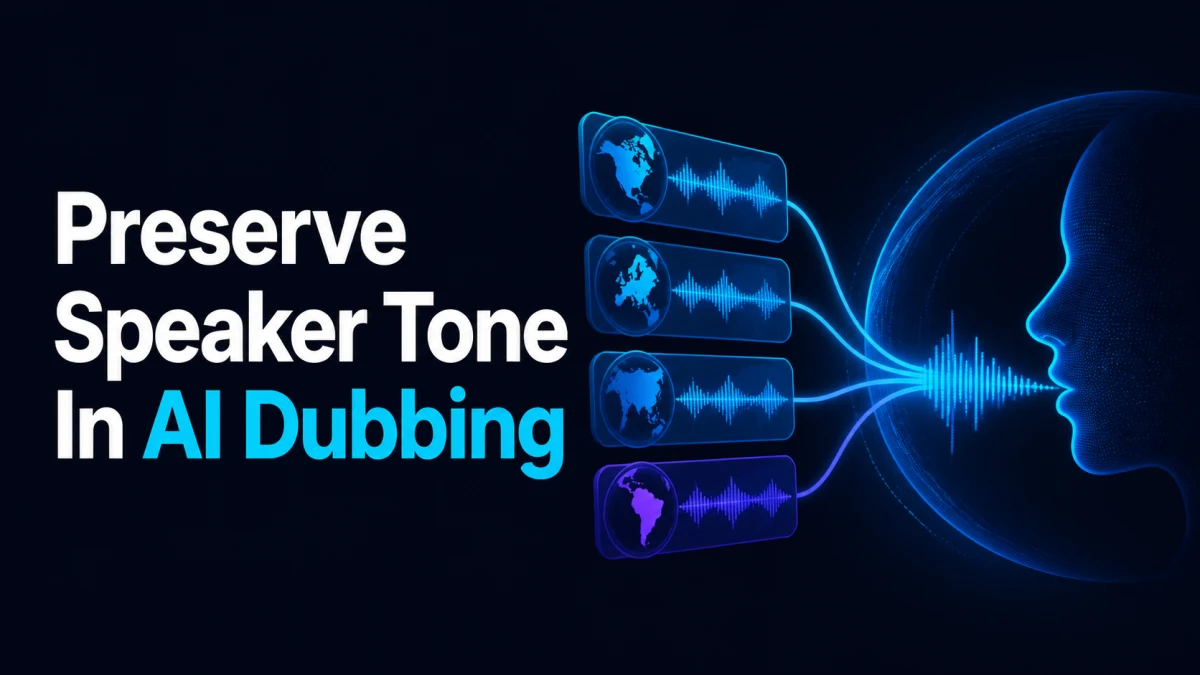
Preserve tone by defining the speaker’s communicative intent, energy, authority, warmth, rhythm, and emotional turns before choosing voices. Approve a short
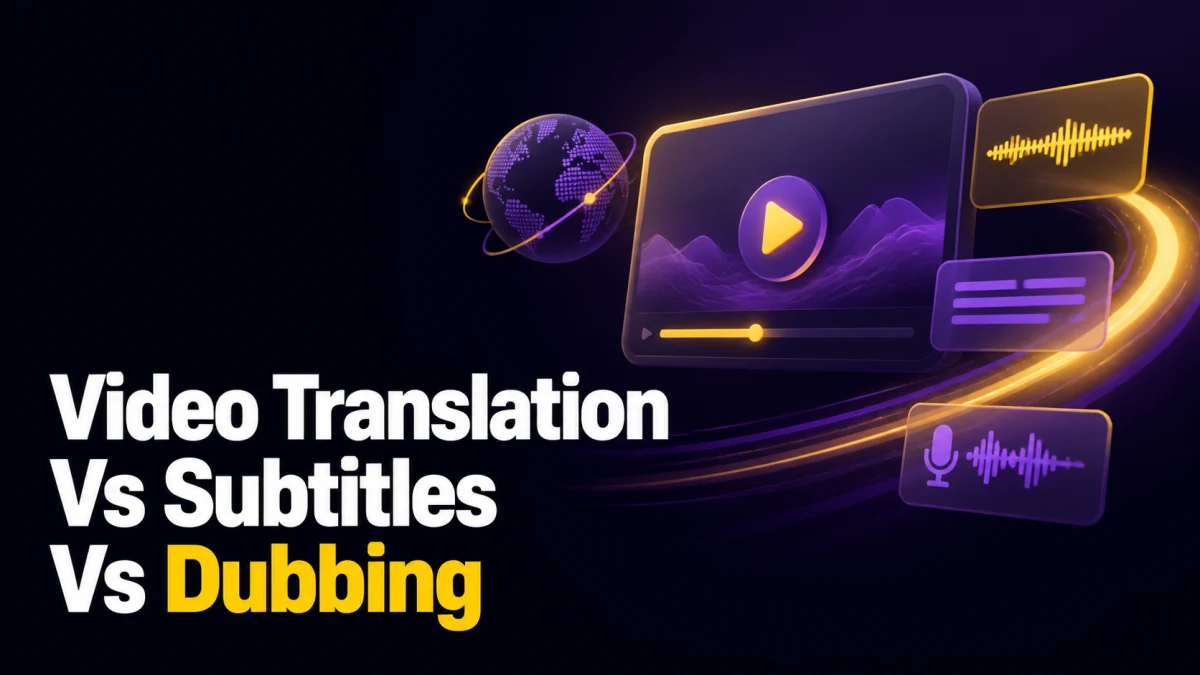
Compare translated subtitles, voiceover, dubbing, and hybrid video localization by viewer need, cost drivers, timing, accessibility, risk, and QA.
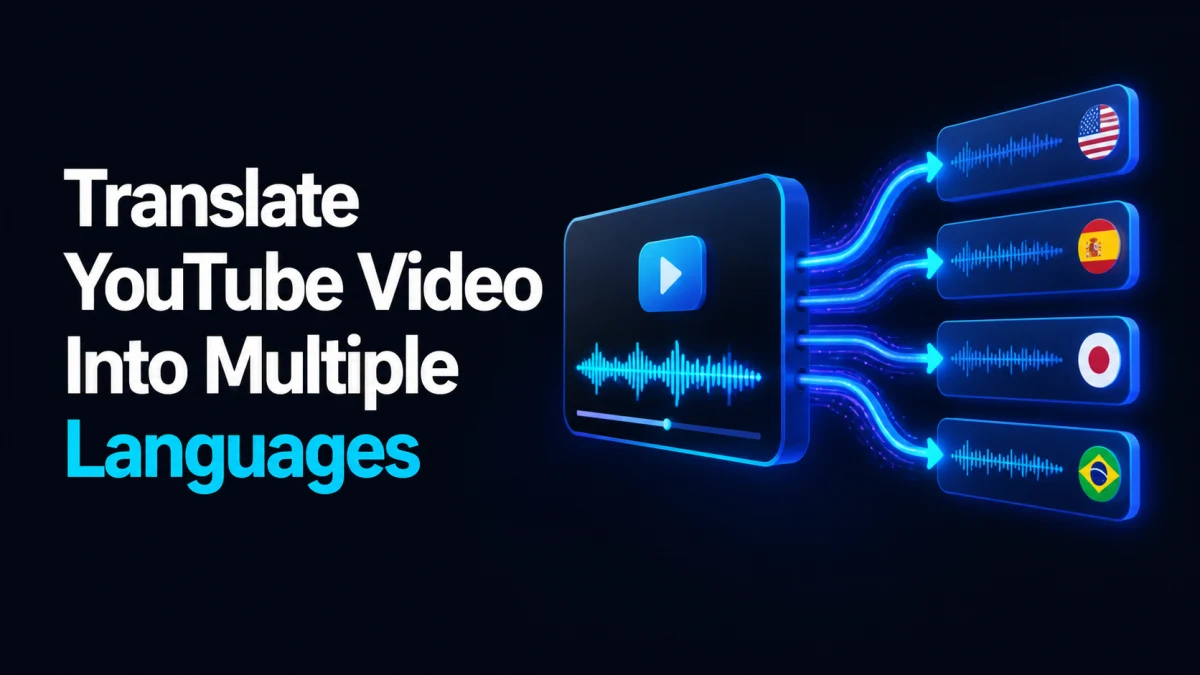
Translate a YouTube video into multiple languages with a source transcript, glossary, subtitles or audio, on-screen text, metadata, QA, and release workflow.

Start with one verified source package, select self-contained moments before translation, create one source-language 9:16 master, then localize captions, voi

Add captions to TikTok with native tools or burned-in subtitles, then correct names, timing, readability, and safe-zone placement before publishing.

Add captions to Instagram Reels with native captions or burned-in subtitles, then review accuracy, readability, timing, and interface-safe placement.
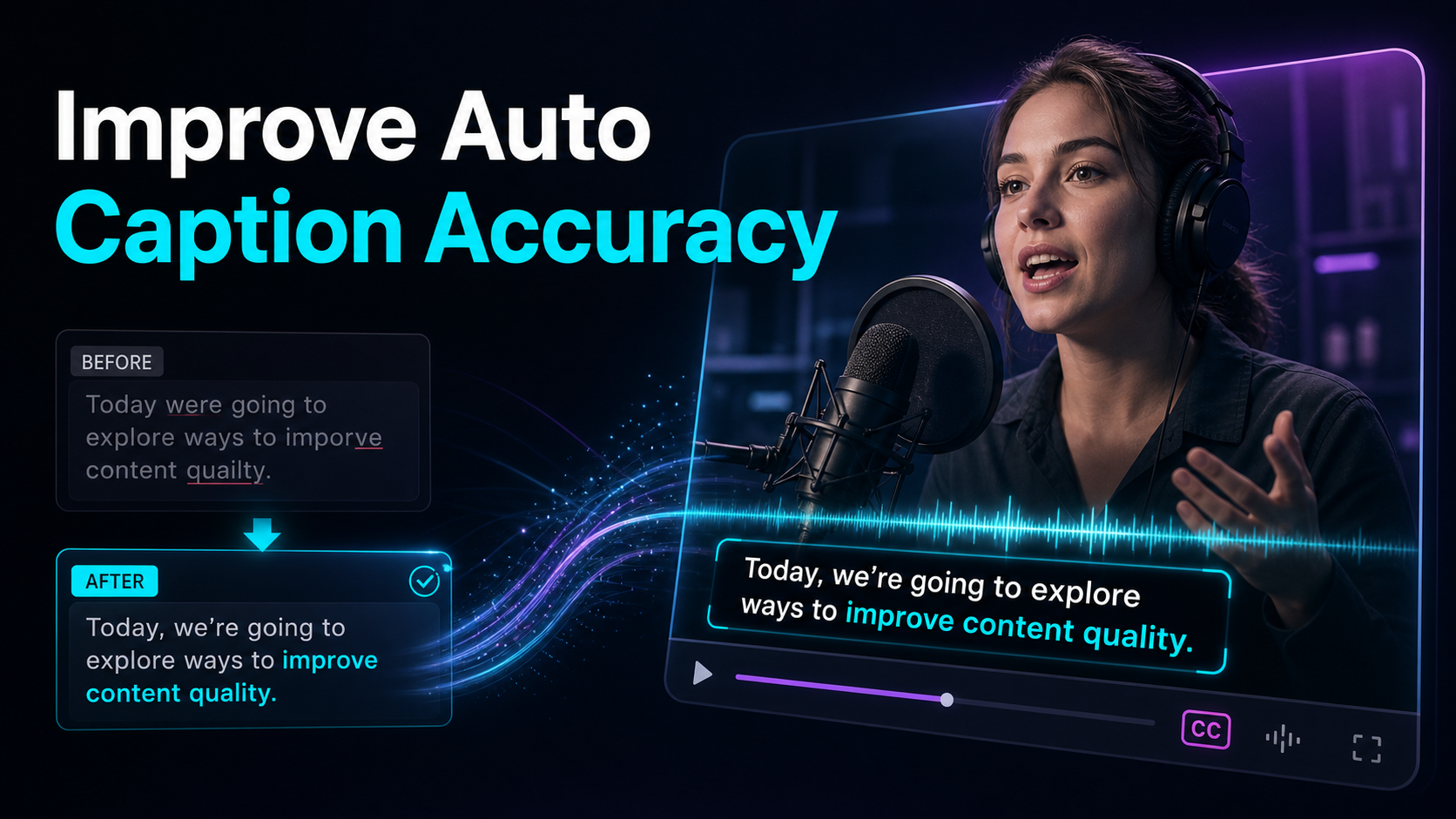
How to improve auto-caption accuracy: clean the input audio, record so transcribers can follow, feed a custom word list for names.
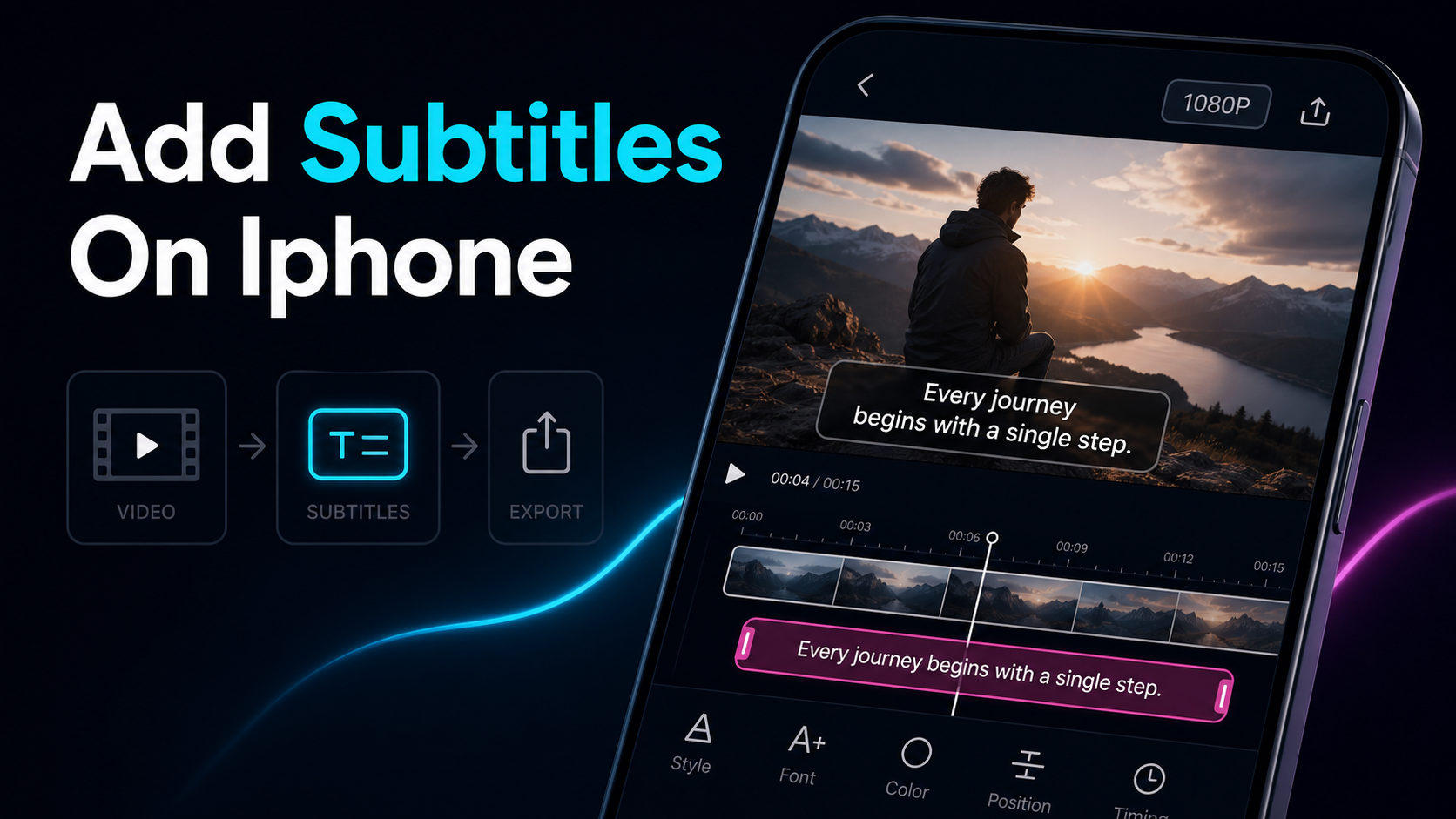
Add subtitles on iPhone with iMovie or a browser workflow, then review timing, accuracy, readability, safe-zone placement, and burned-in export.
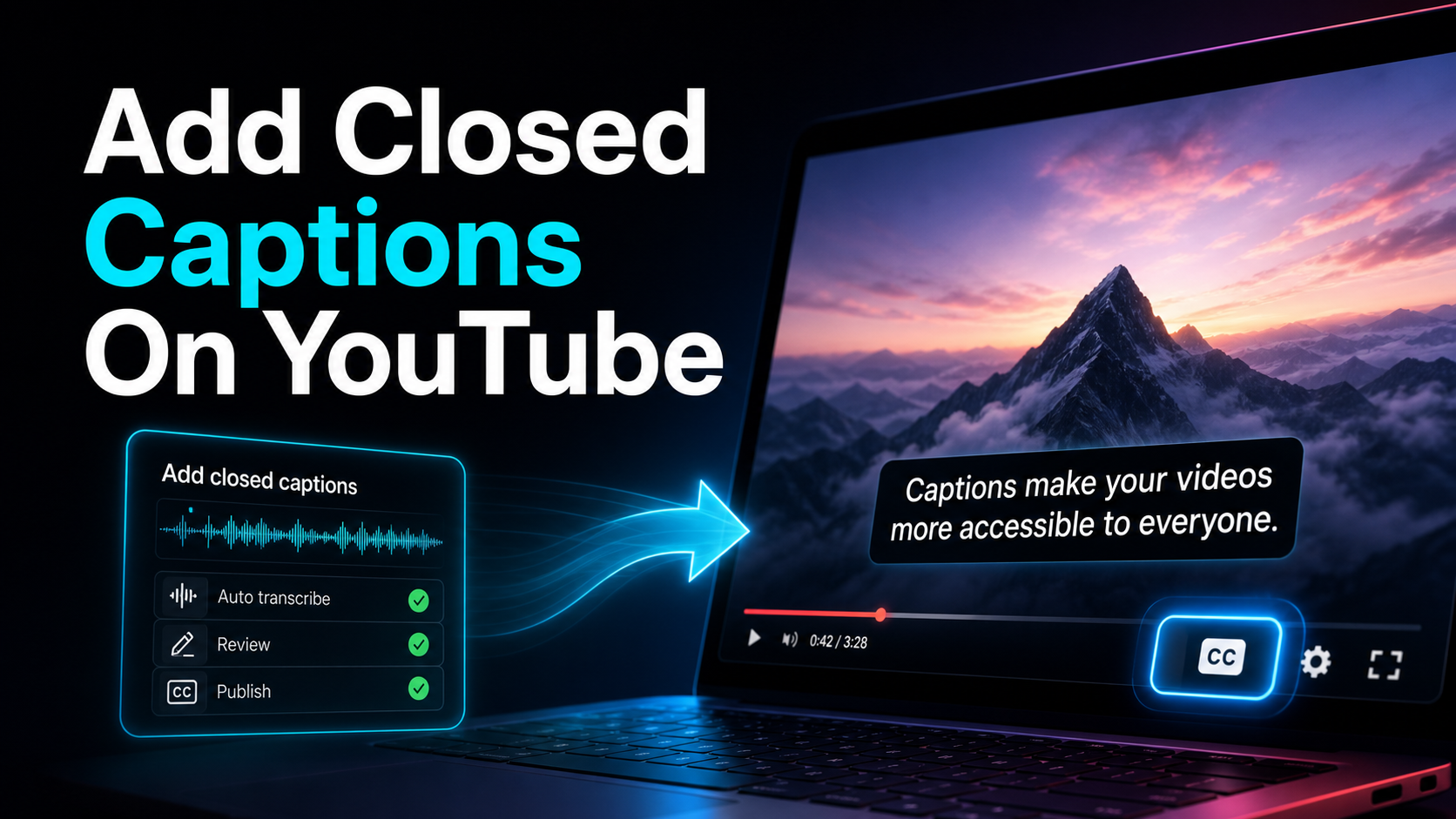
How to add closed captions on YouTube — upload an SRT, auto-sync a transcript, or type them in YouTube Studio.
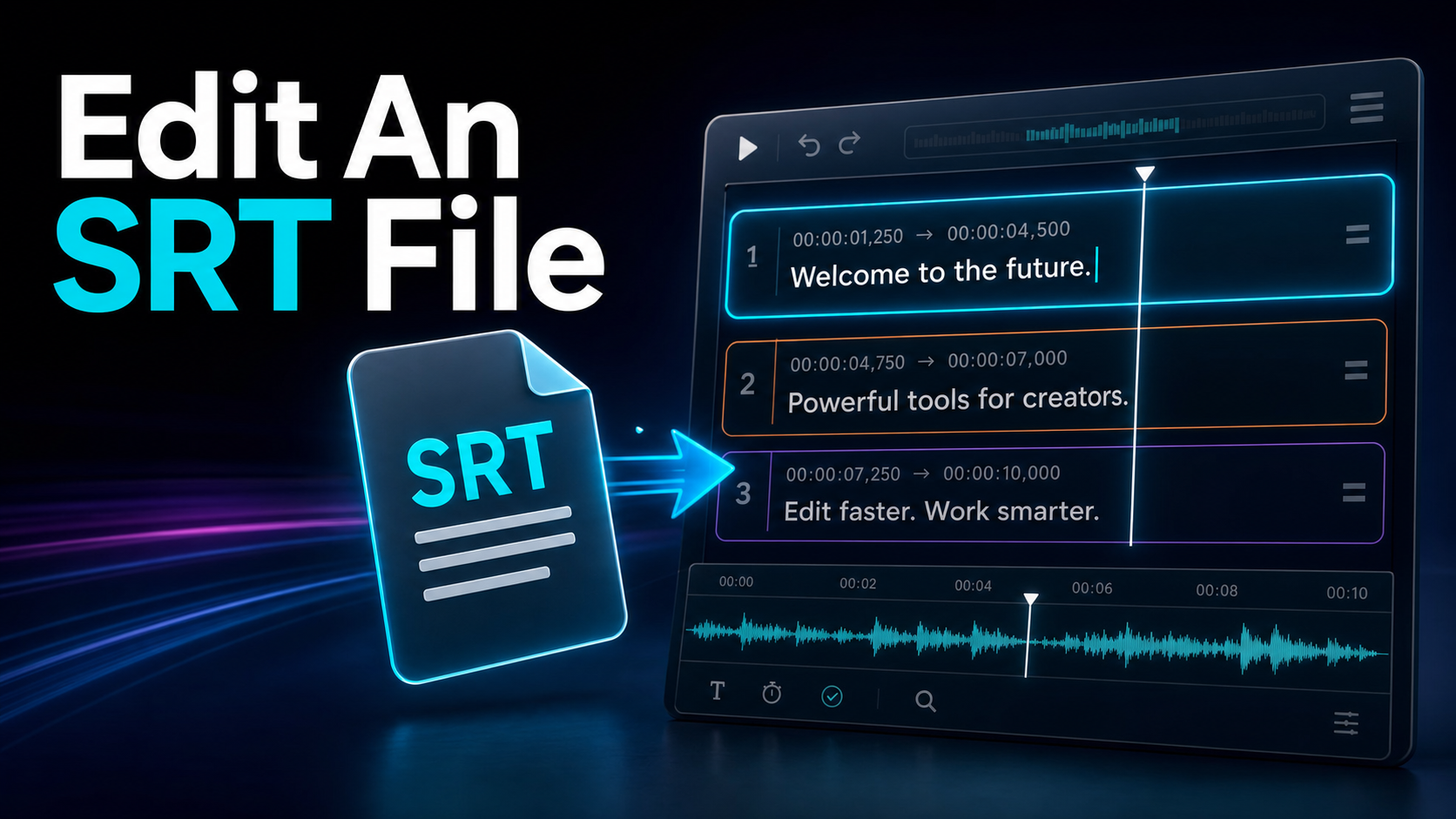
How to edit an SRT file safely: the format rules that quietly break subtitles, how to fix timing, and when to move from Notepad to an online SRT editor.
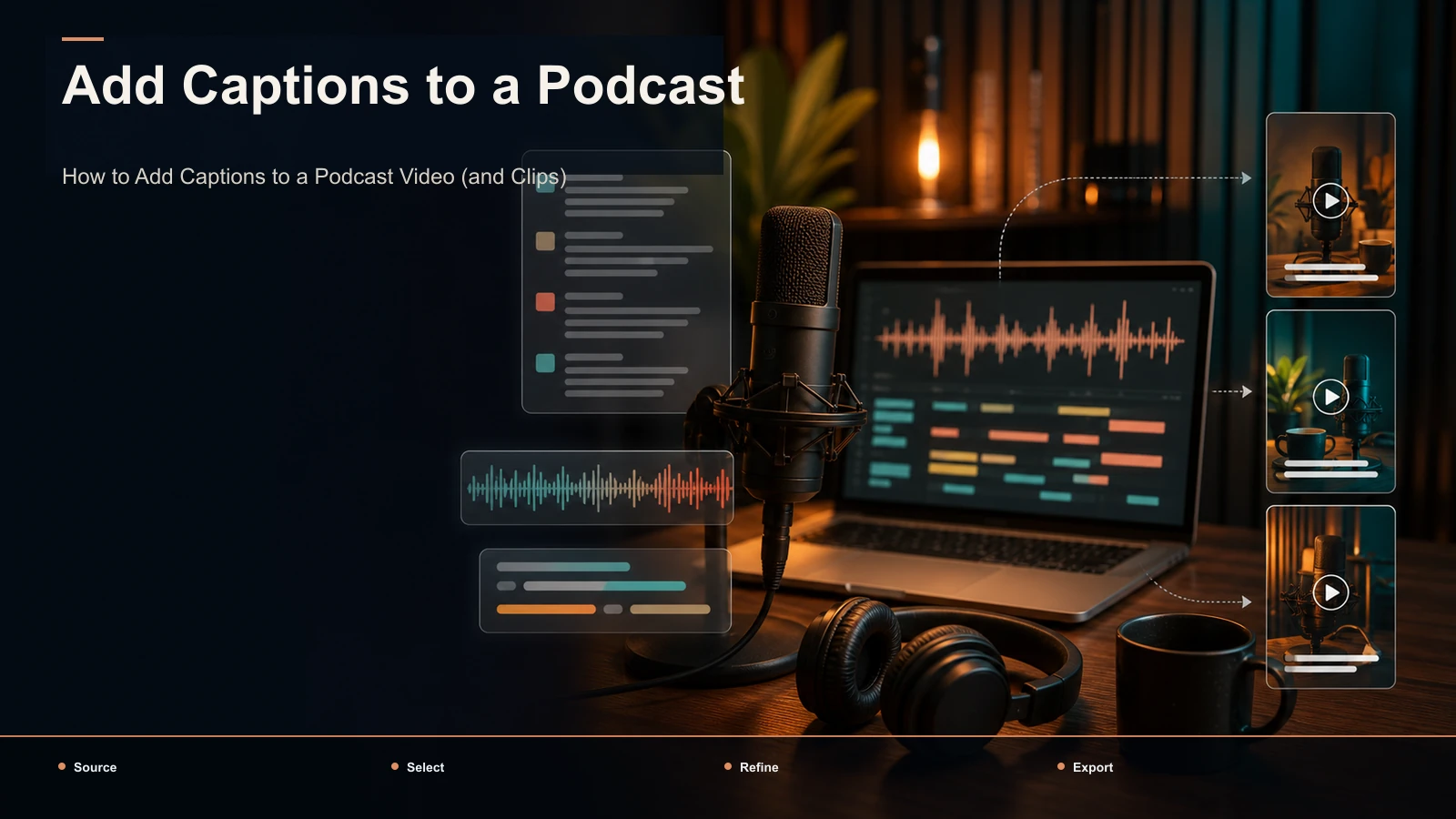
How to caption a podcast video: transcribe the episode once, proofread and style podcast subtitles, then reuse the transcript to caption vertical clips.
How to add word-by-word captions the karaoke way: highlight vs. pop-in modes, the word-level timeline both need, and typography that stays readable at speed.
How to translate a video to English two ways — translate the subtitles or add an English AI voiceover. Step-by-step workflows plus idiom-proofing tips.
Learn how to add animated captions the right way: why word-level timing rules out native TikTok and YouTube, a 6-step burn-in workflow.
The best caption styles for shorts, decided fast: side-by-side font, weight, color, outline and word-highlight examples, copy-paste safe-zone specs.
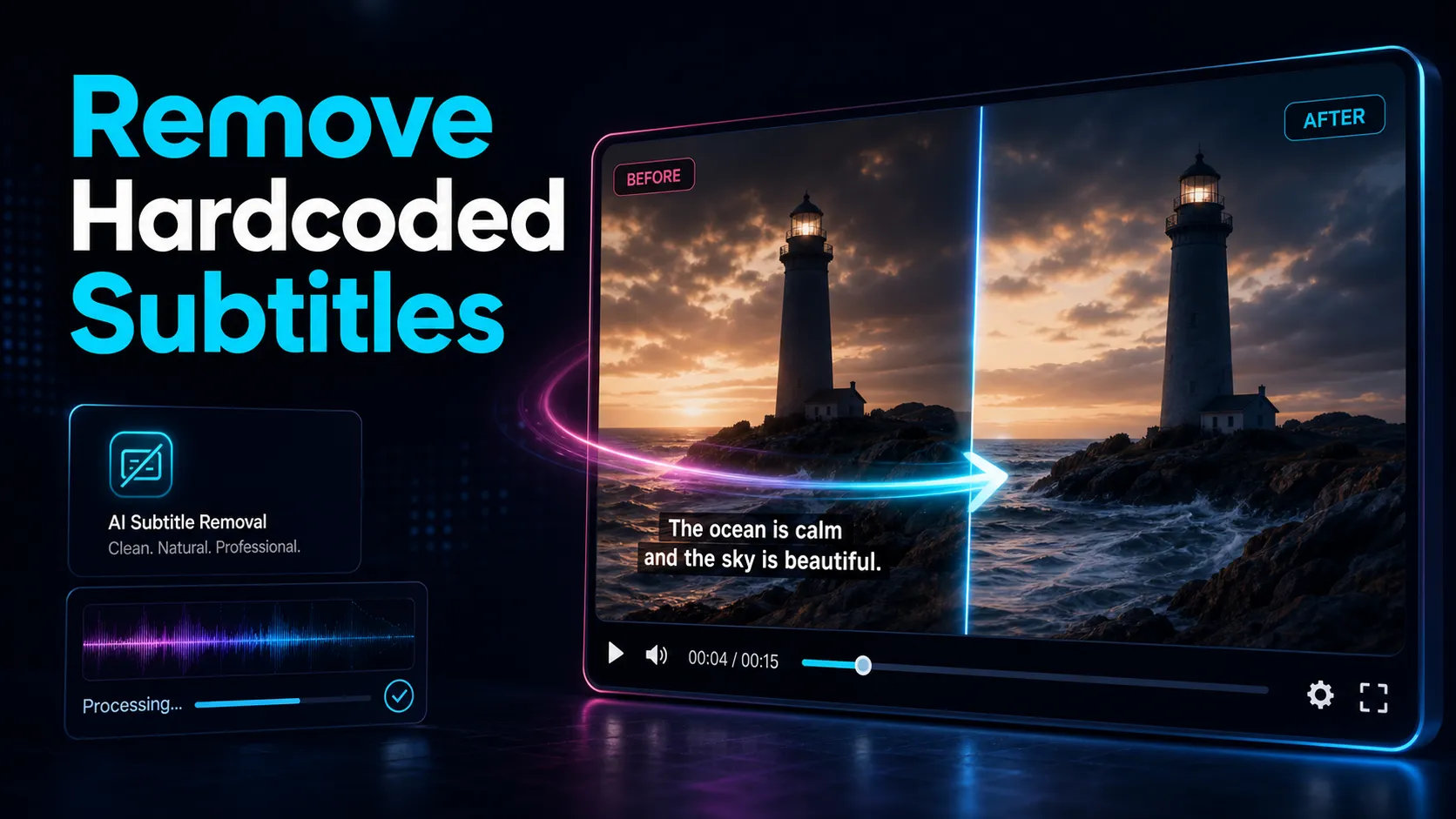
How to remove hardcoded subtitles from a video — the honest truth about burned-in captions, plus crop, FFmpeg, and AI methods, and how to re-caption cleanly.
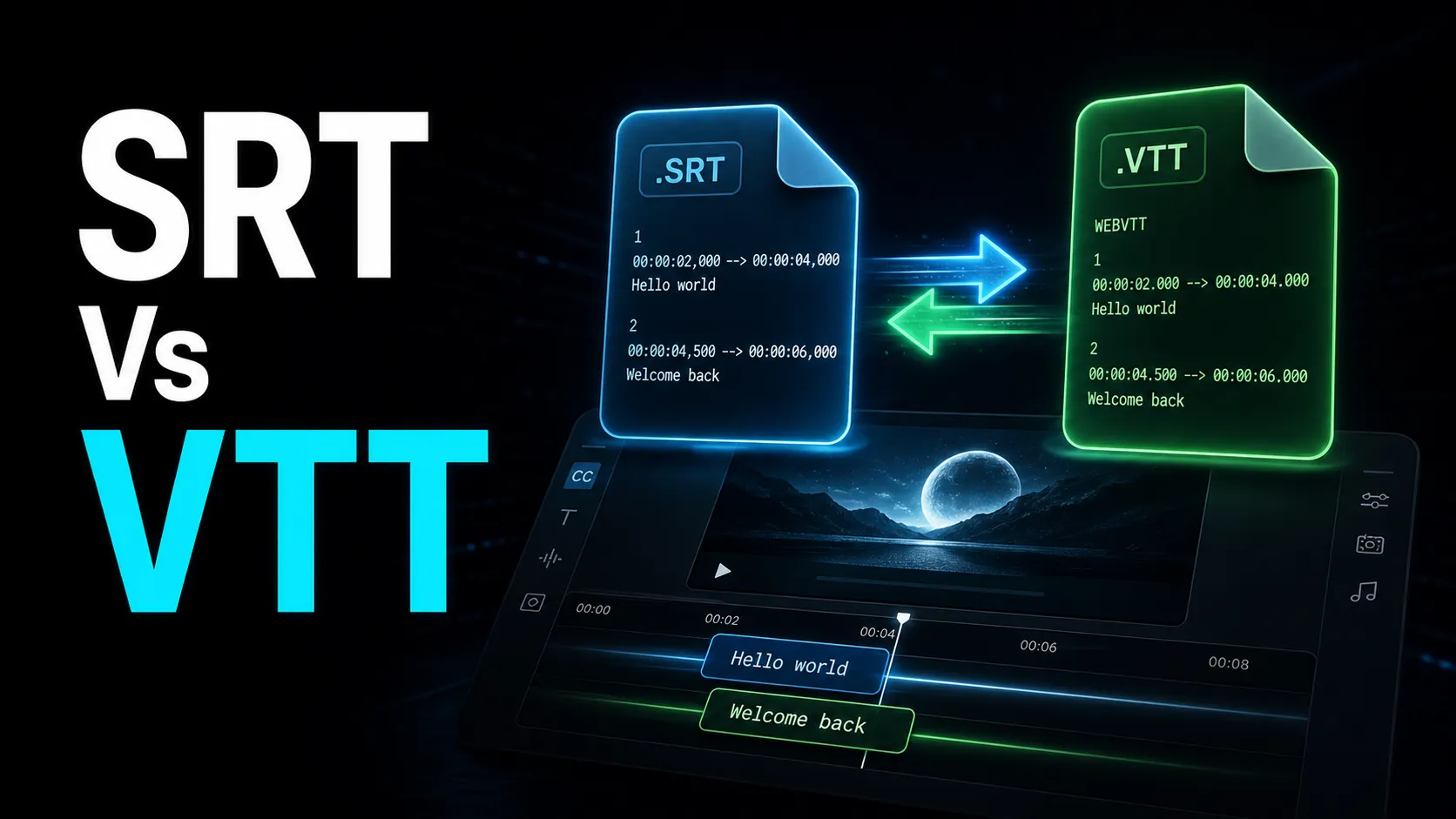
SRT vs VTT explained for creators: the real differences (comma vs period, the WEBVTT header, styling), which platform wants which, and how to convert both ways.
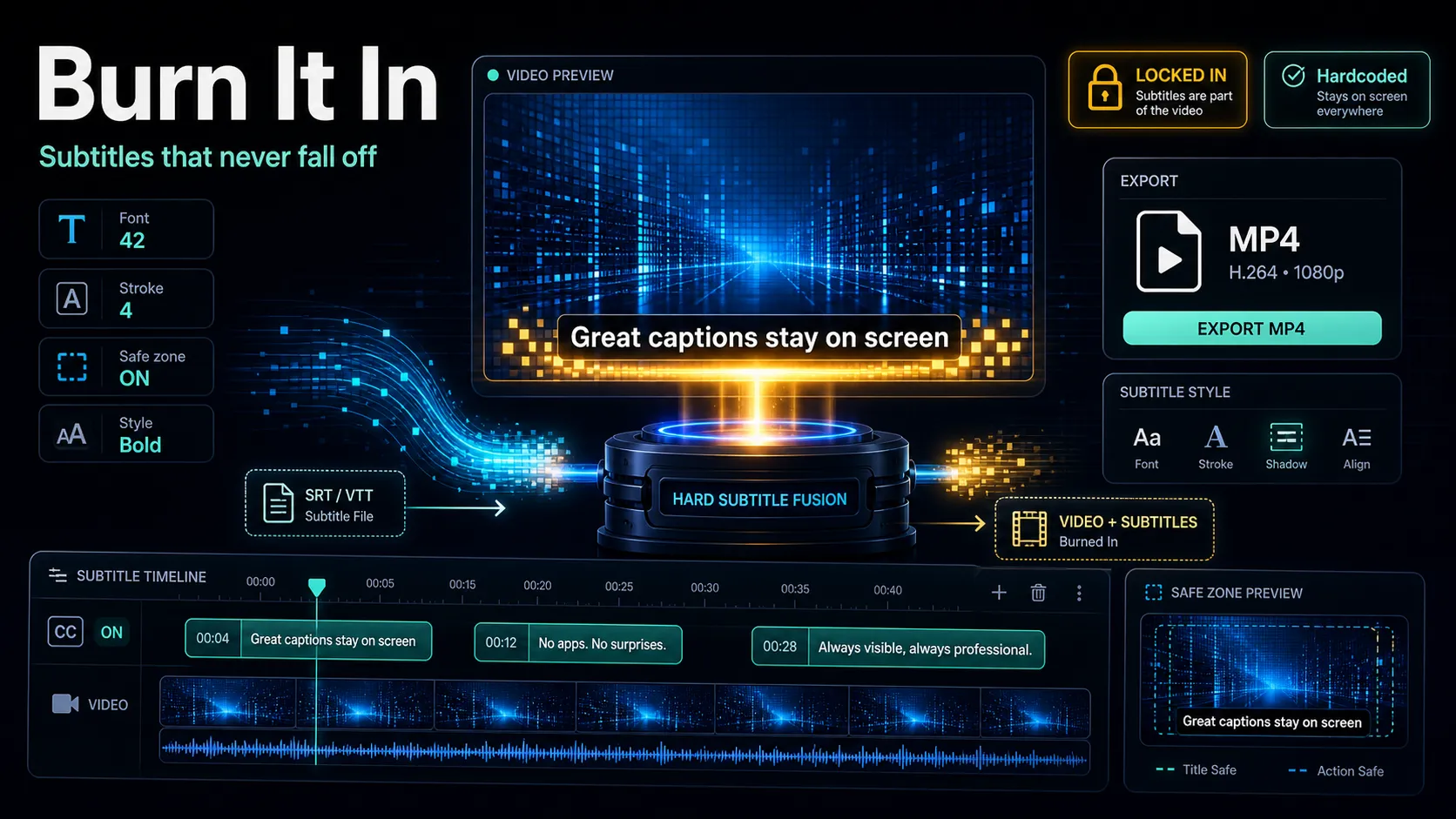
Burn subtitles into video with free tools or a browser workflow, plus caption styling, platform limits, and SRT master-file tips.
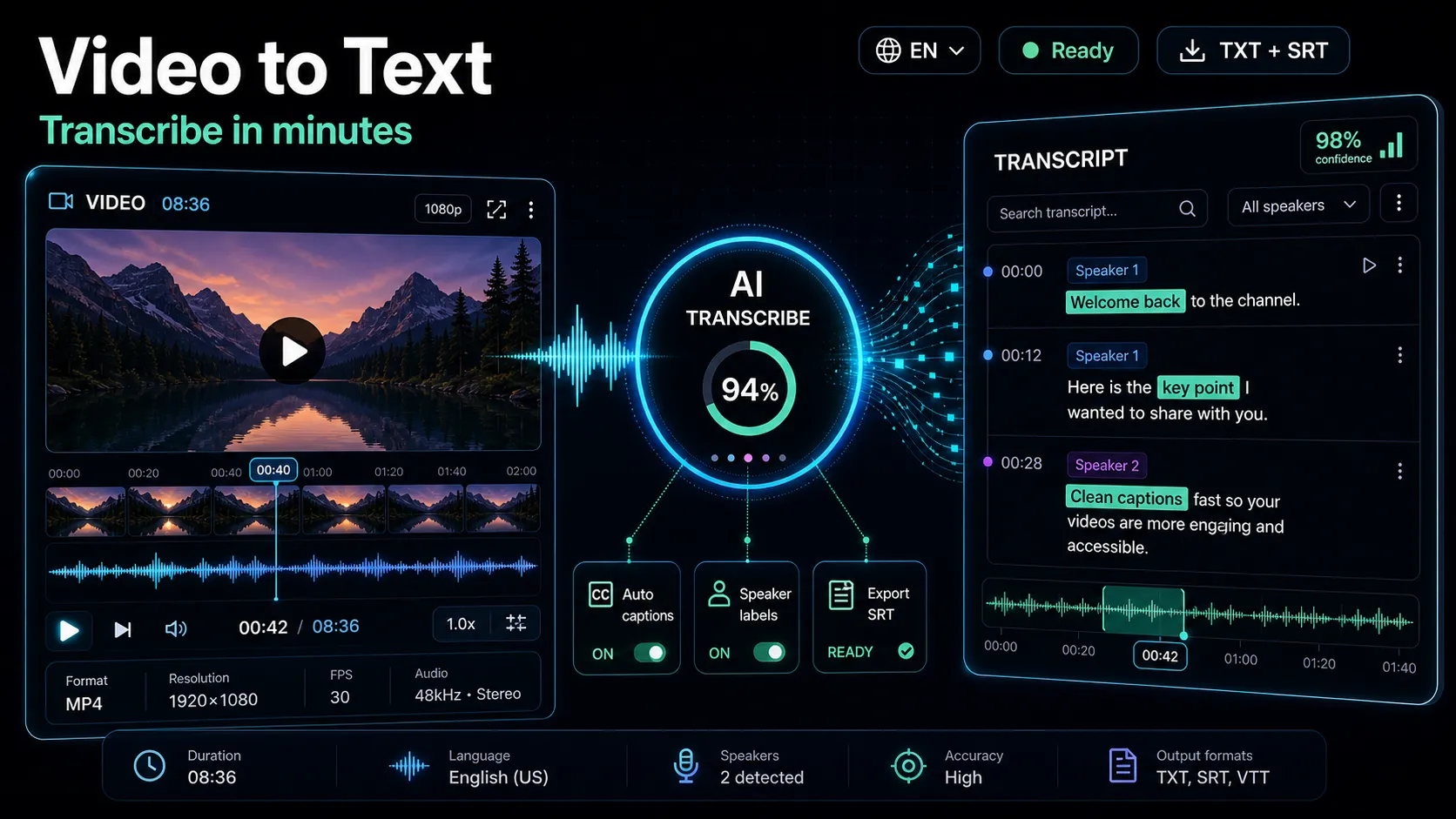
Learn how to transcribe video to text fast and accurately. Compare free, AI, and human methods by time and cost, then export clean SRT or VTT captions.
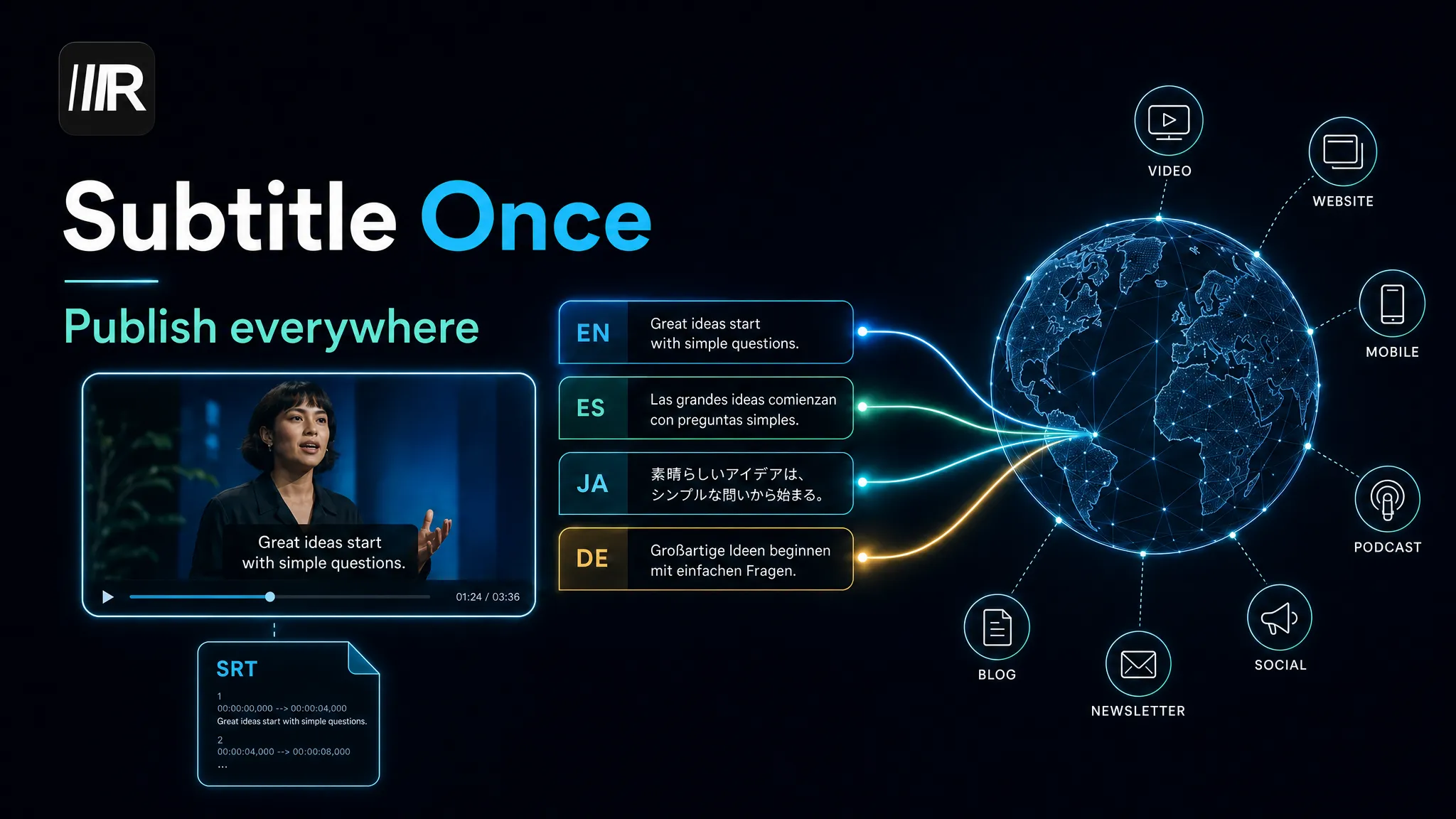
Translate subtitles into multiple languages the right way: proofread once, batch-translate SRT files, keep line limits, and publish everywhere.
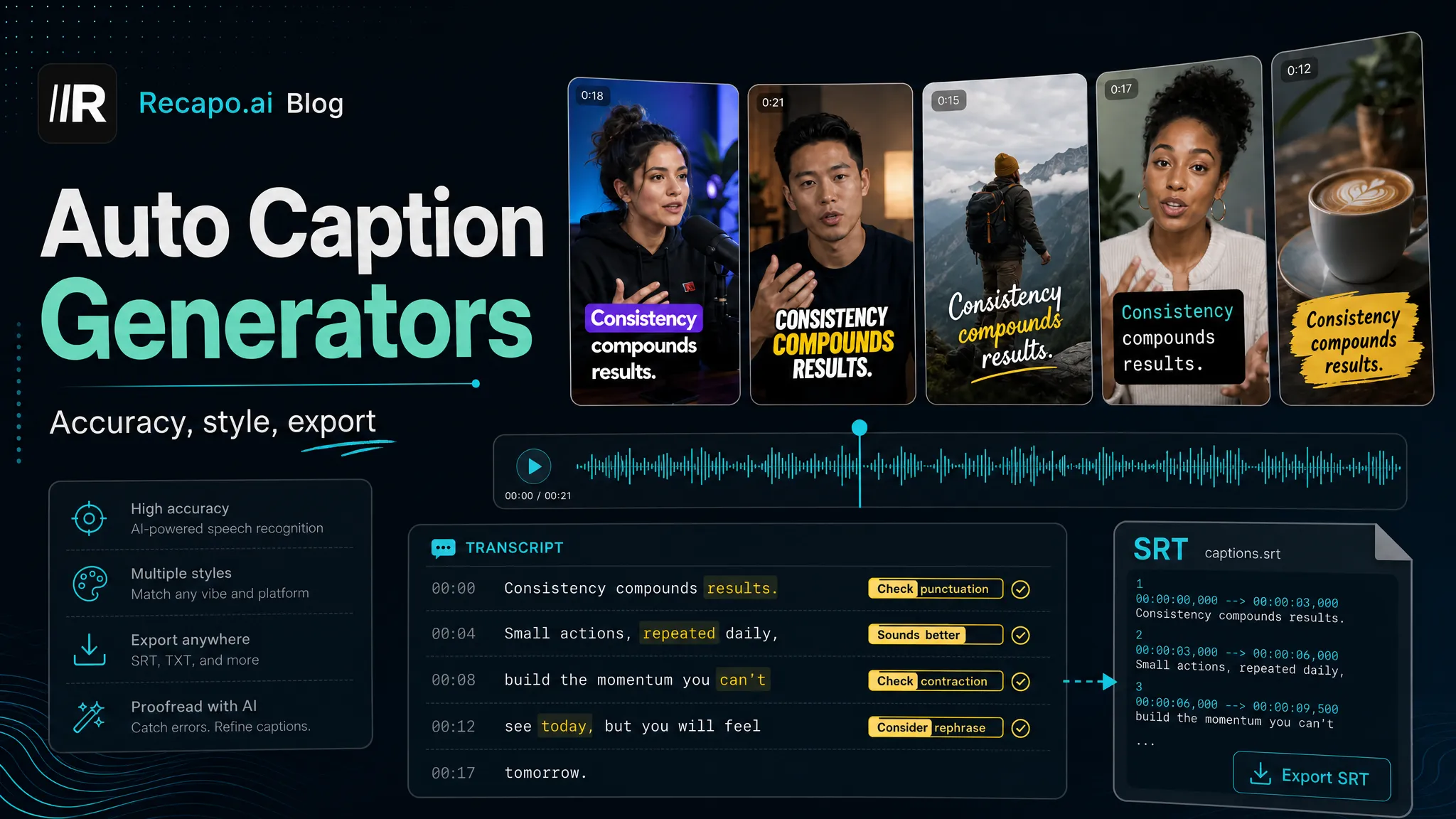
Auto caption generators compared for short-form video: accuracy criteria, styles, multilingual support and export options — pick the right one.
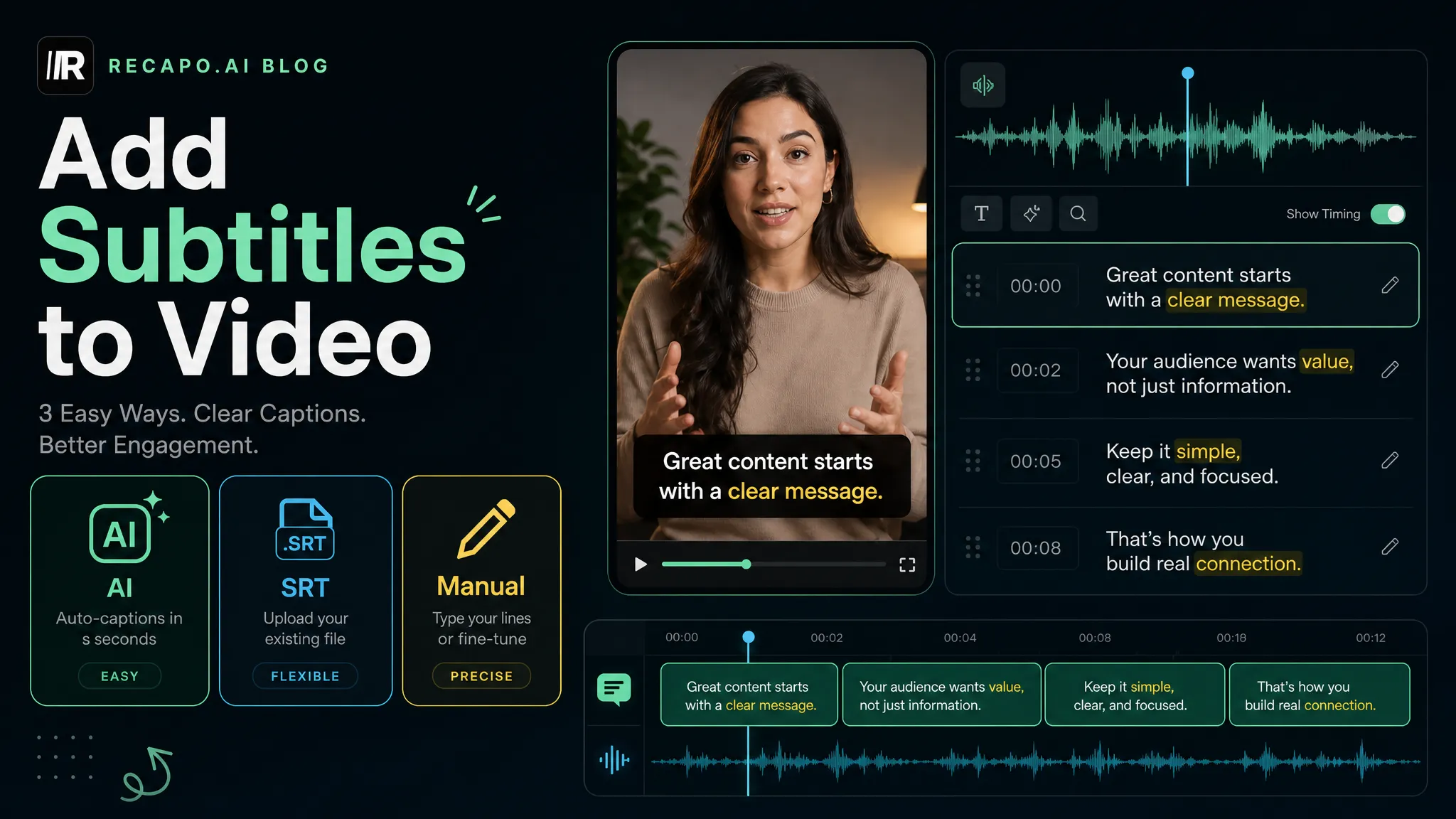
Three free ways to add subtitles to any video: AI auto-generation, SRT upload, or manual editing — with a 4-step accuracy check and export tips.